


Rawr (Official)
- By

Allows import and export of character data to Rawr, the character optimising program
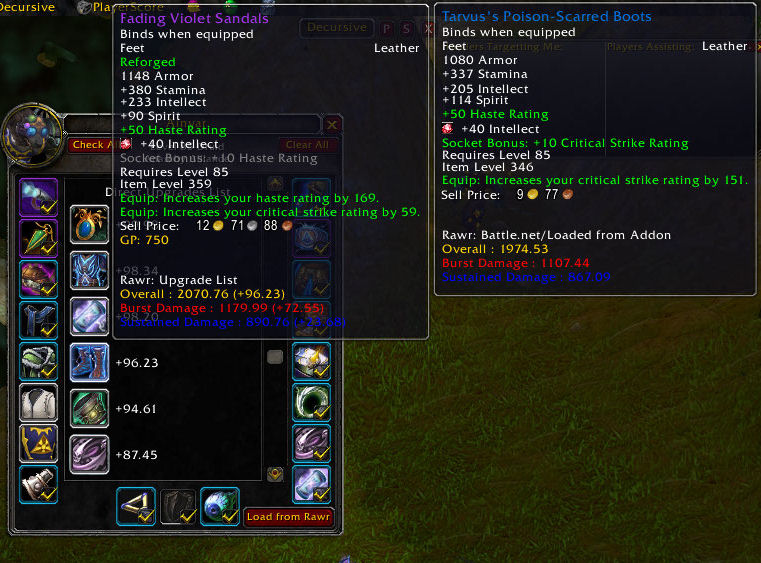
After you import the optimised data from Rawr back into the addon you can view the suggested changes for each slot. You can also see the "direct upgrades list" which is a list of all items that are an upgrade for you according to the filters you set ...
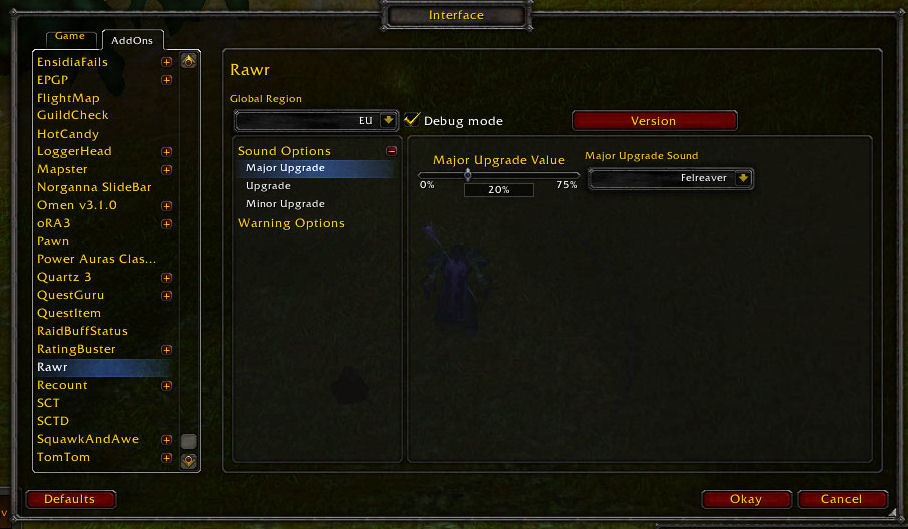
In the Rawr addon config panel you can select which sounds to play for each type of upgrade. So that you never miss knowing when an upgrade drops.
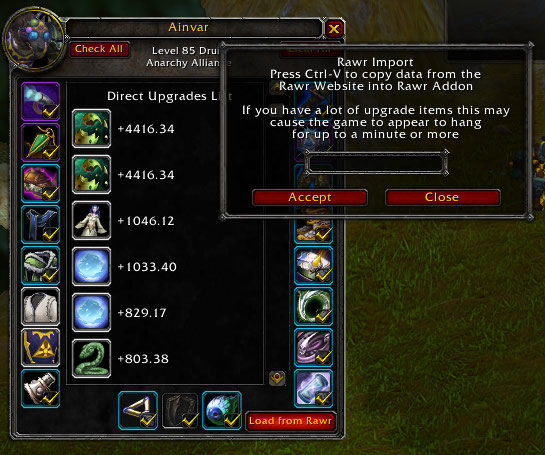
Import optimised data from Rawr
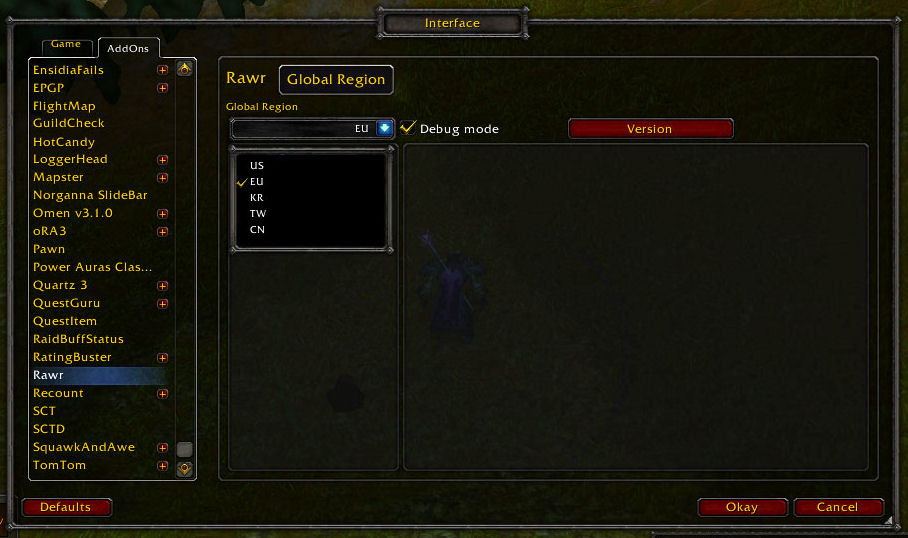
When you first install the addon if you play in EU, TW etc please remember to select your region.
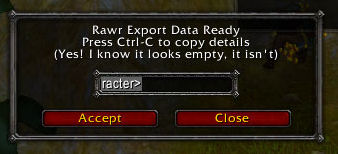
Export character data to Rawr (includes bank & bags data).
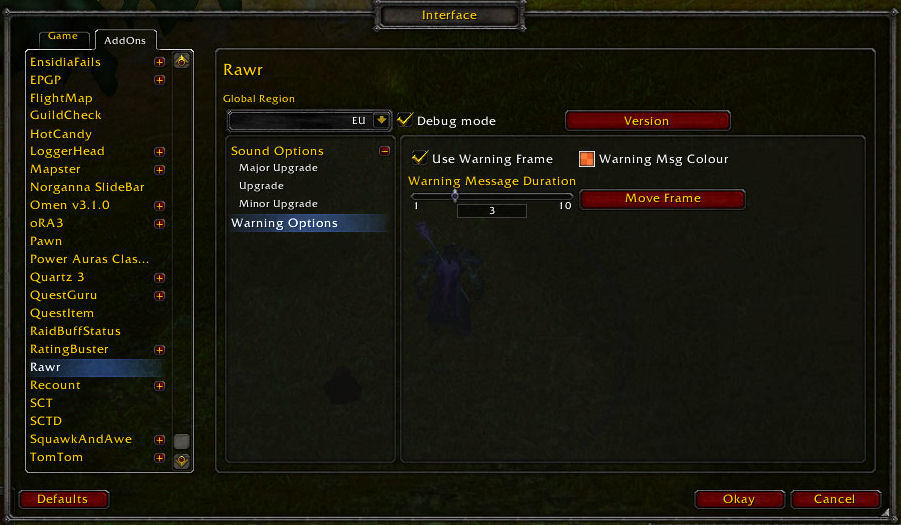
Select options for how warnings display
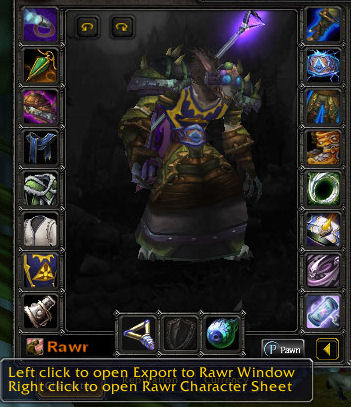
Access to addon features is via the Rawr button.
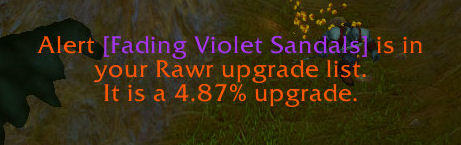
When an upgrade is available it shows