


RatRadio
- By
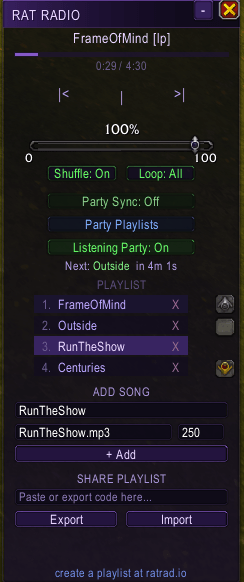
In-game Addon Pane
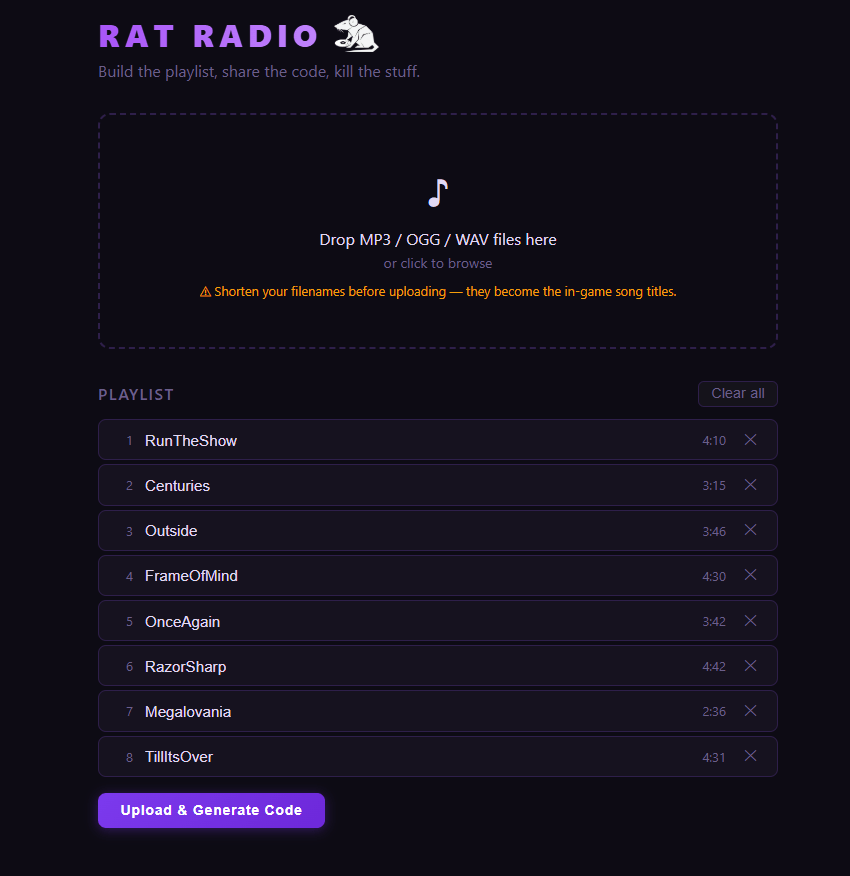
Ratrad.io
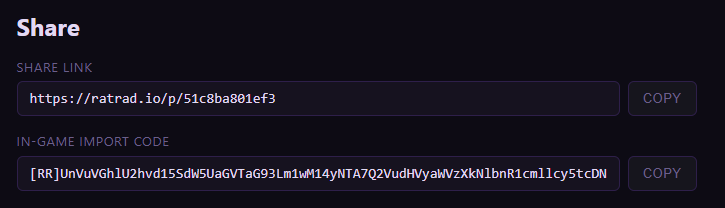
37781ca4861a1e7f749f5f77669ad72c.png
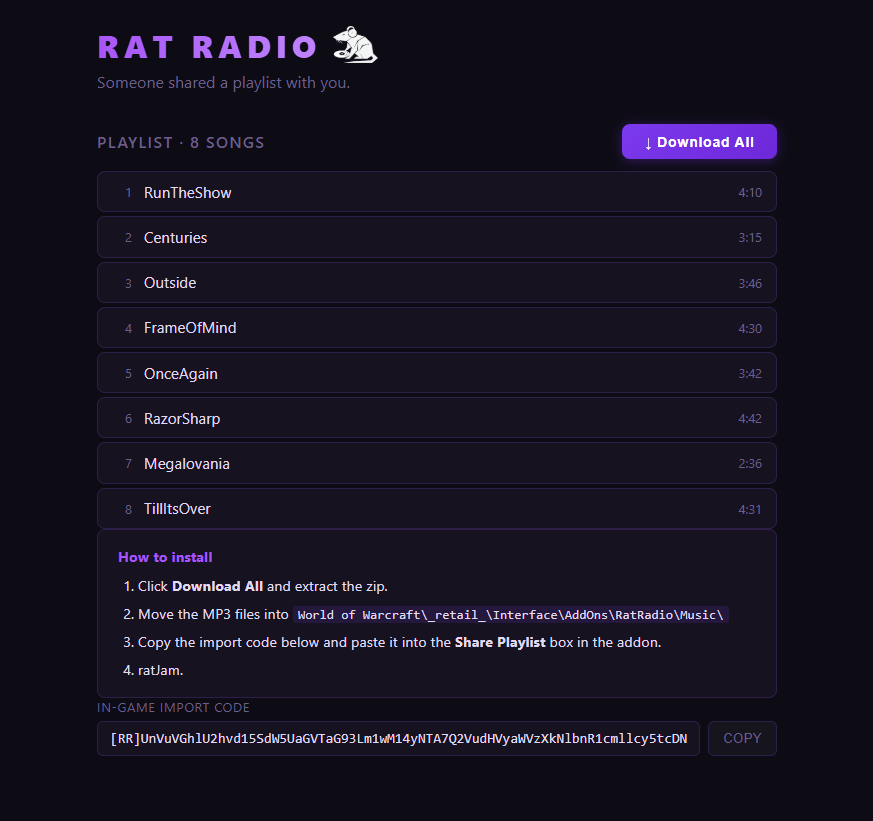
af2b55e4e89461fdfcf9080de0ca3a53.png
f4b82582e7b38c95b62d98747128df32.png
Description
WHAT IS IT? 
RatRadio is an all-in-one real-time music playlist sharing and playback addon & web companion! Players can visit the web companion to build and upload their first playlists that they can then share to other players.
HOW DO I USE IT? 🤔
-
Visit radrad.io to get started, no account creation required!
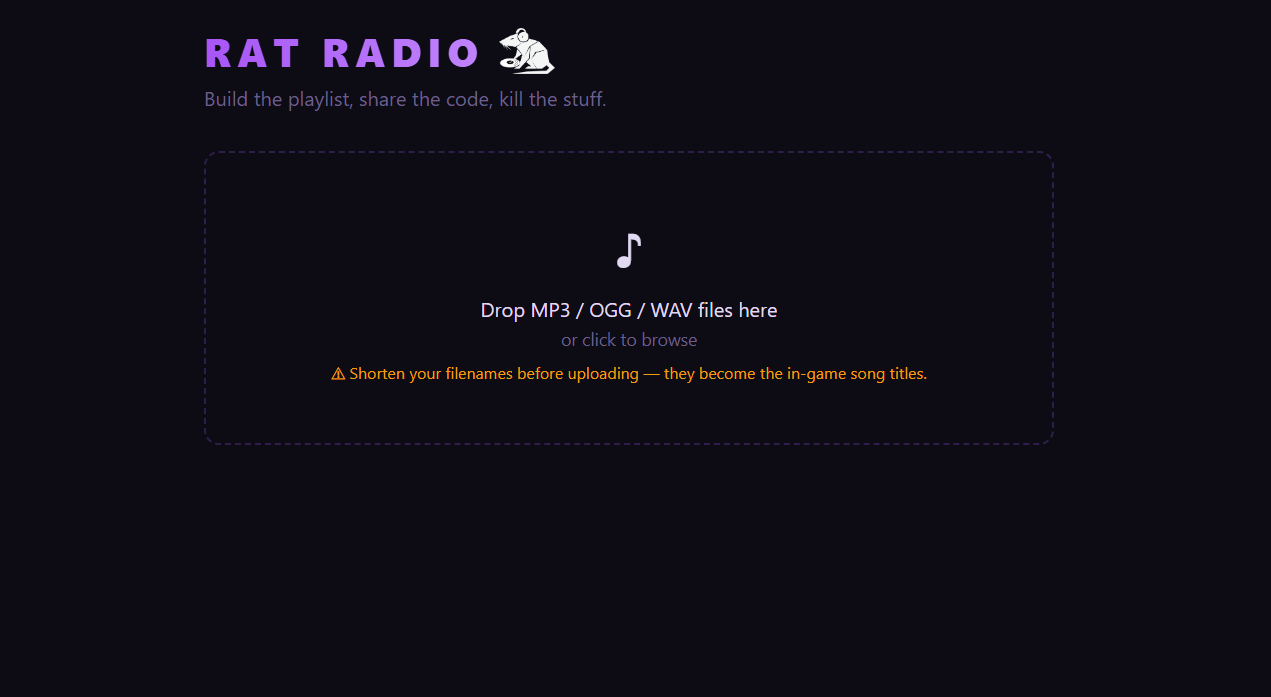
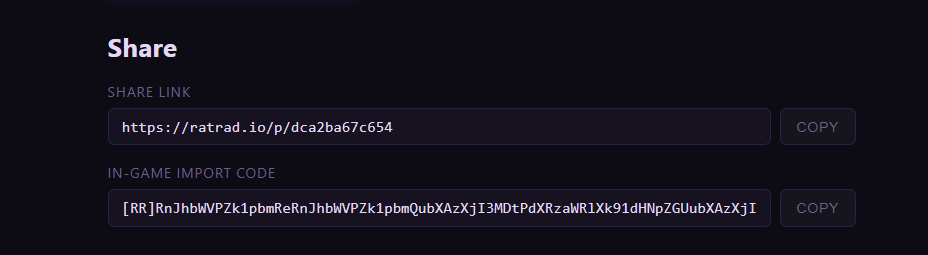
2. Just drag & drop your favorite songs and we will generate you a link for other players to download your songs & give you a nifty import code for your in-game addon!
3. Move your songs into the Music folder in the addon directory. The full path is C:\World of Warcraft\_retail_\Interface\AddOns\RatRadio\Music\.
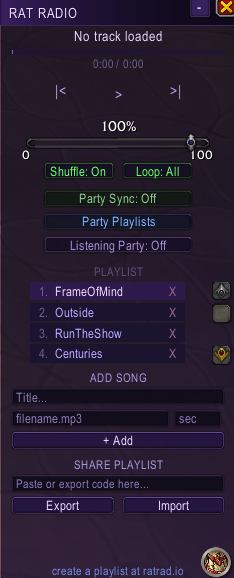
4. Take that import code from earlier and plop it in the Share Playlists box at the bottom of the in-game addon window and hit Import! (P.S. You can also export your existing playlist codes straight from here as well!)
5. That's it! Your playlist is now set up and ready to use! You can listen to your playlist as a normal music player, but the magic lies in the real-time Party Sync, or Listening Party feature if you're in addon protected content (M+, PVP, Raid encounters)!
Party Sync 🔁
Party Sync allows the your group to listen to the same songs in absolute real-time! While in a group, the group leader can enable Party Sync to broadcast their song controls to all other players!
While in this mode, all listeners will move to the same songs that the group leader moves to whenever they change songs! Don't worry, if bro is not cooking then you can opt out of this at any point to go back to your own music.
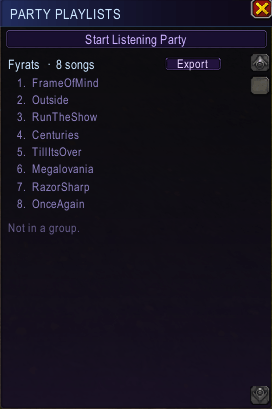
Please note that for this to work, listeners need to have the same songs as the group leader, you can check what songs everyone has through the Party Playlists tab, where you can see what songs you share with your other groupmates! From here, you can start a Listening Party (more on that later!) and export other playlists.
JUST TO CLARIFY: Your playlist does not need to MATCH the group leader's exactly, you just need to have the same songs that they do with the same information (Title, file path, length in seconds) if you want to listen to what they're listening to.
Listening Party 🎧
Unfortunately, Midnight took away the ability for addons to communicate peer-to-peer during certain types of content. Fear not, you can still  with your group in real-time(ish) with the Listening Party feature!
The Group Leader can start a Listening Party at any point, which broadcasts their songs as a static playlist that any player can opt into at any point. Although you won't be able to join in on an on-going song, you can see what song is up next and how long you have to join before it starts again, and of course you can leave at any point and go back to your own music!
This will work in content like M+, where you will still be able to listen to the same songs as your group in real-time, albeit without real-time functionality!
MANUALLY ADD SONGS 🎶
Sometimes you just wanna add a couple songs to your playlist without needing to use the web companion, you can do that with the Add Song feature in the addon window!
All you have to do is move your mp3 file into the Music folder and feed the addon a little bit of information about your song, then hit +Add! This will add just that song to your existing playlist (which you can reorganize by just dragging the songs around, by the way!).
The RatRadio Team
