Rapport
- By
Rate Pugs and every player you group with on Performance & Behaviour and get warned before you run with the bad ones — built for TBC Anniversary. This can also be considered an advanced / custom Friends list.
Screenshot_1.png
Screenshot_2.png
Screenshot_4.png
Screenshot_3.png
Screenshot_5.png
Screenshot_6.png
Screenshot_7.png
Description
Rapport
Rate every player you group with on Performance and Behaviour, get warned before you run with the bad ones, and share your ratings with friends. Built for TBC Anniversary — lightweight, no dependencies.
Rating
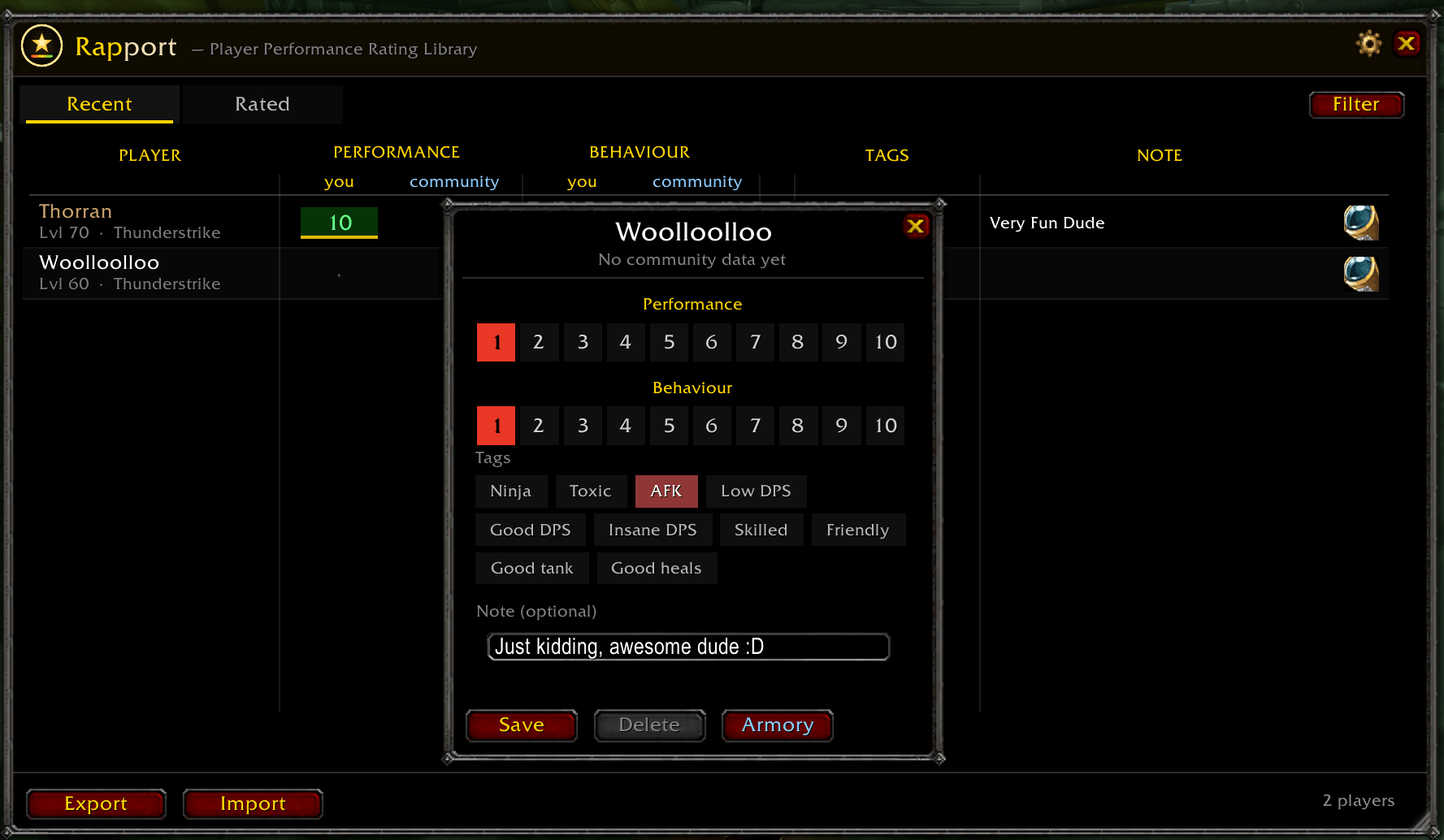
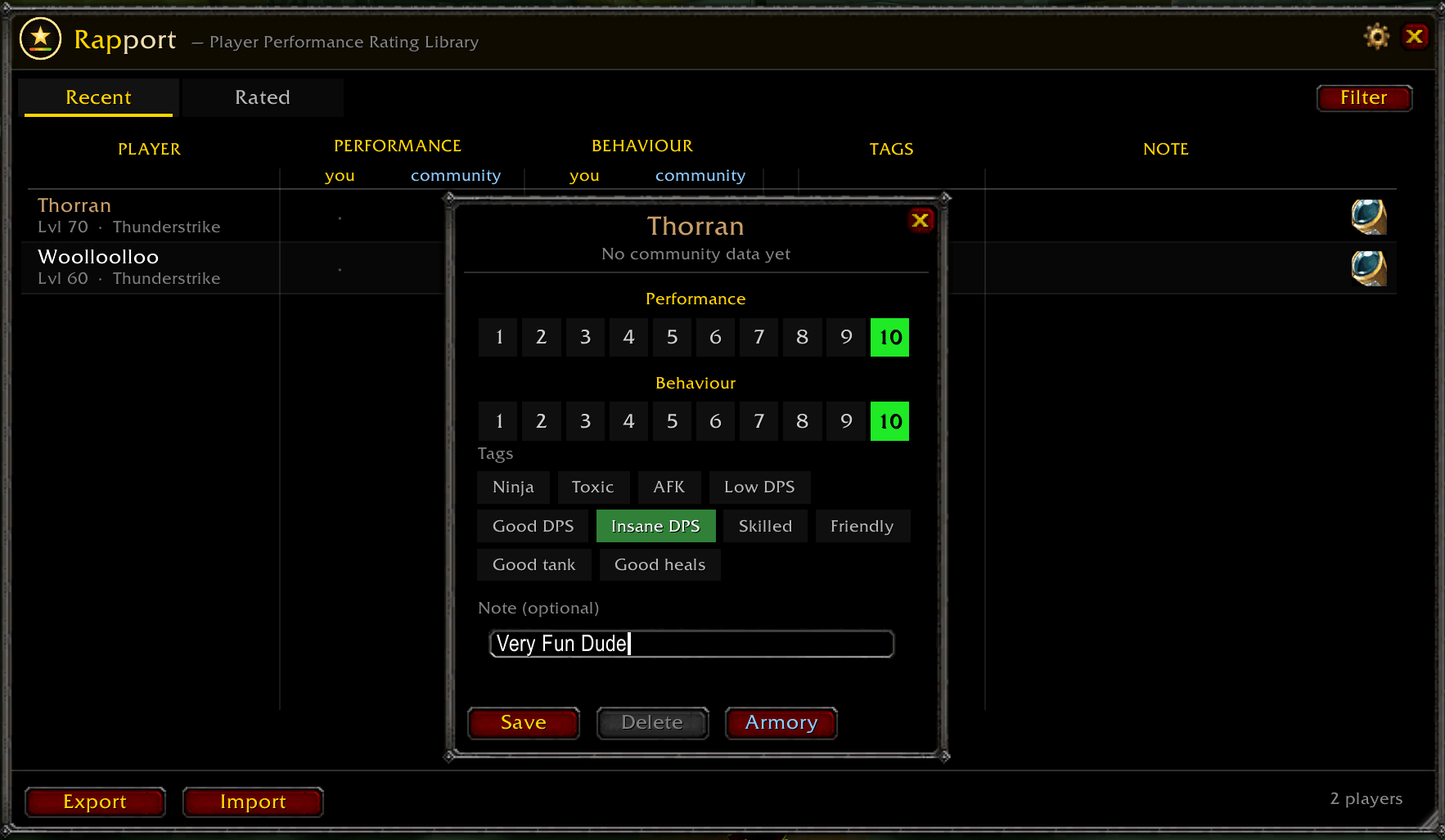
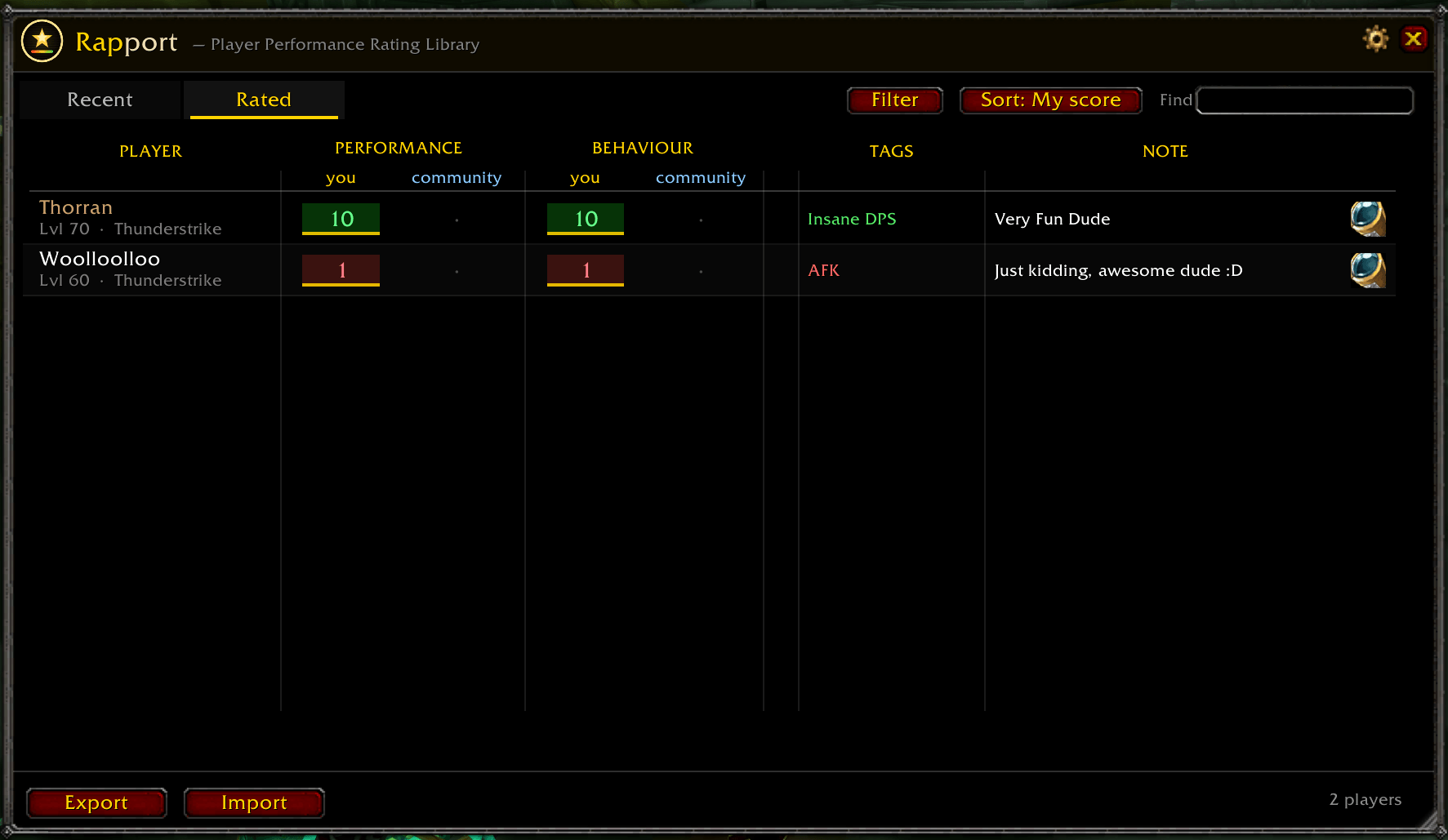
- Rate anyone in your party or raid on two independent 1–10 scores: Performance and Behaviour.
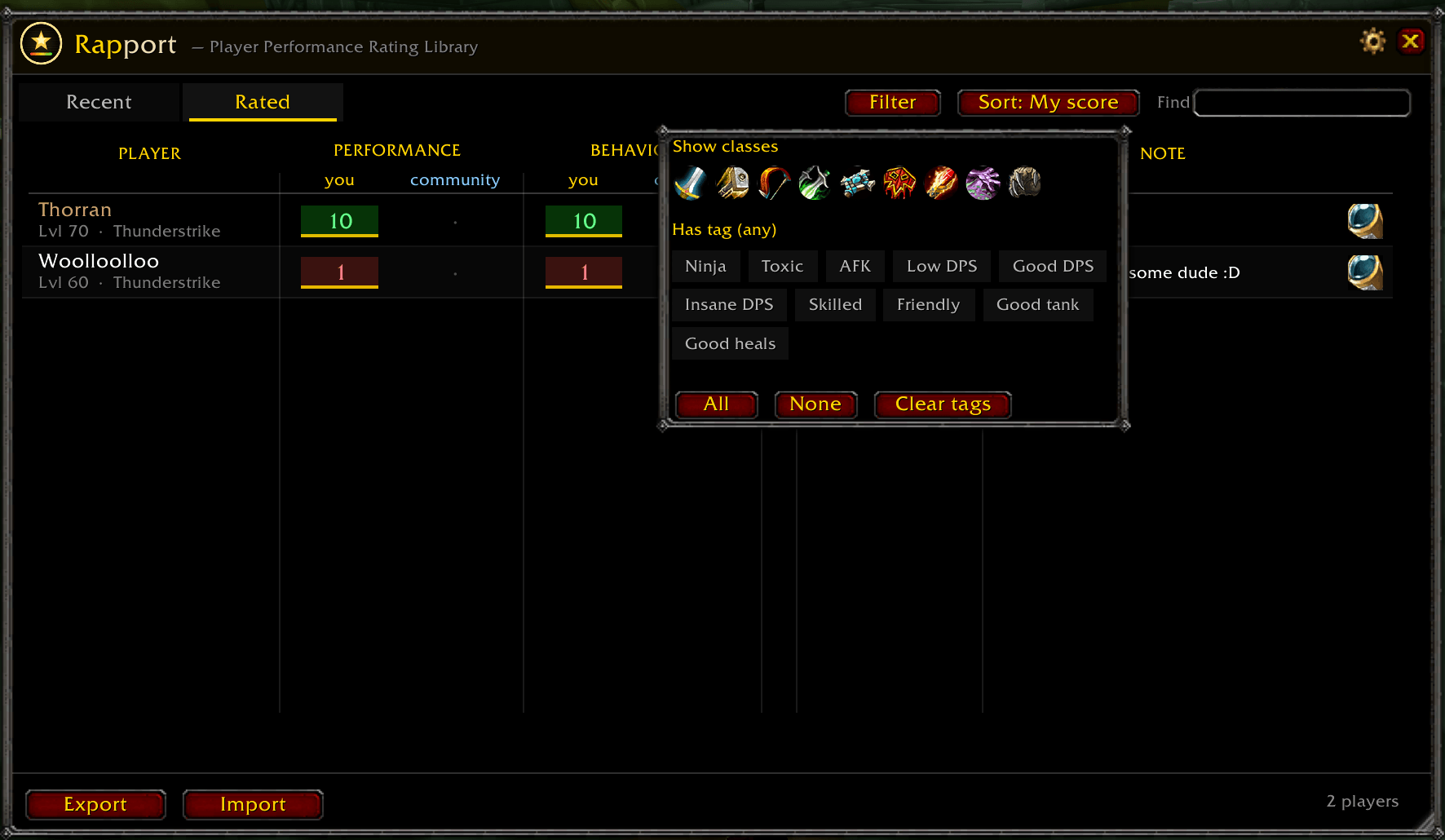
- Add a free-text note and one-click tags per player (Ninja, Toxic, AFK, Low DPS, Skilled, Friendly, Good tank, Good heals, Good DPS, Insane DPS).
- Account-wide — your ratings follow you across all your characters.
Stay informed
- Regroup warning — joining a group with someone you (or the community) rated low pings you in chat, with a sound and your note, before the run. Threshold and on/off are configurable.
- Post-group prompt — leave a group and Rapport offers to rate the people you just played with.
- Tooltip integration — hover any player to see your scores, the community average, their tags and your note (toggleable).
Community ratings
- See averaged Community Performance & Behaviour next to your own, built from other players' data.
- Share two ways: copy/paste export & import strings, or auto-sync quietly when grouped with other Rapport users.
- Your notes and tags stay private — only numeric scores are shared.
The window
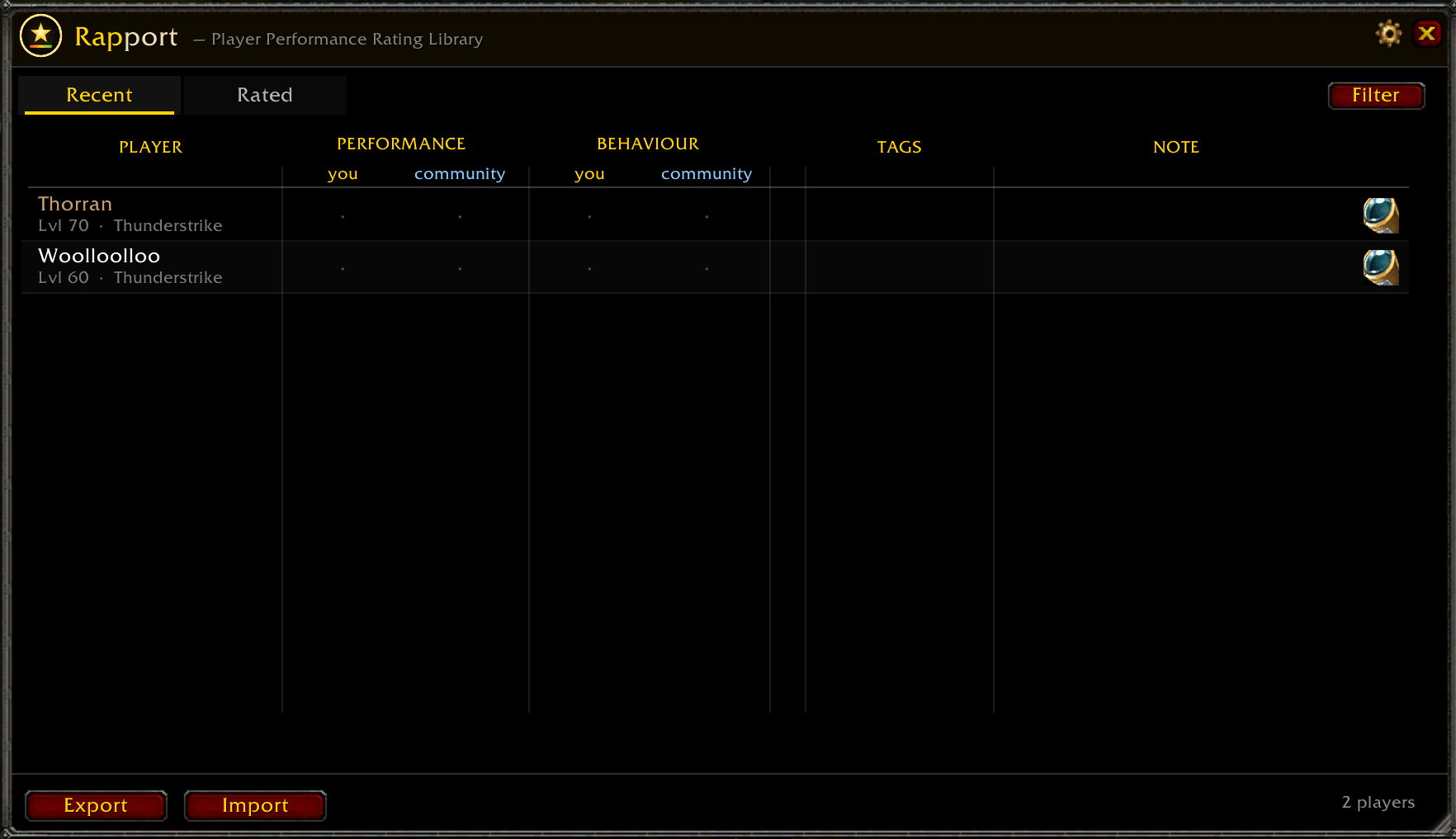
- Two tabs: Recent (everyone you grouped with this session) and Rated (your full record).
- Heat-cell scores — every rating is colour-graded red → green for an at-a-glance read.
- Search, sort (My score / Community / Name), and filter by class or tag.
- Resizable from the corner, with drag-to-resize columns (Player & Tags) like a spreadsheet.
- Adjustable opacity; ledger-style layout that matches the addon's identity.
Quality of life
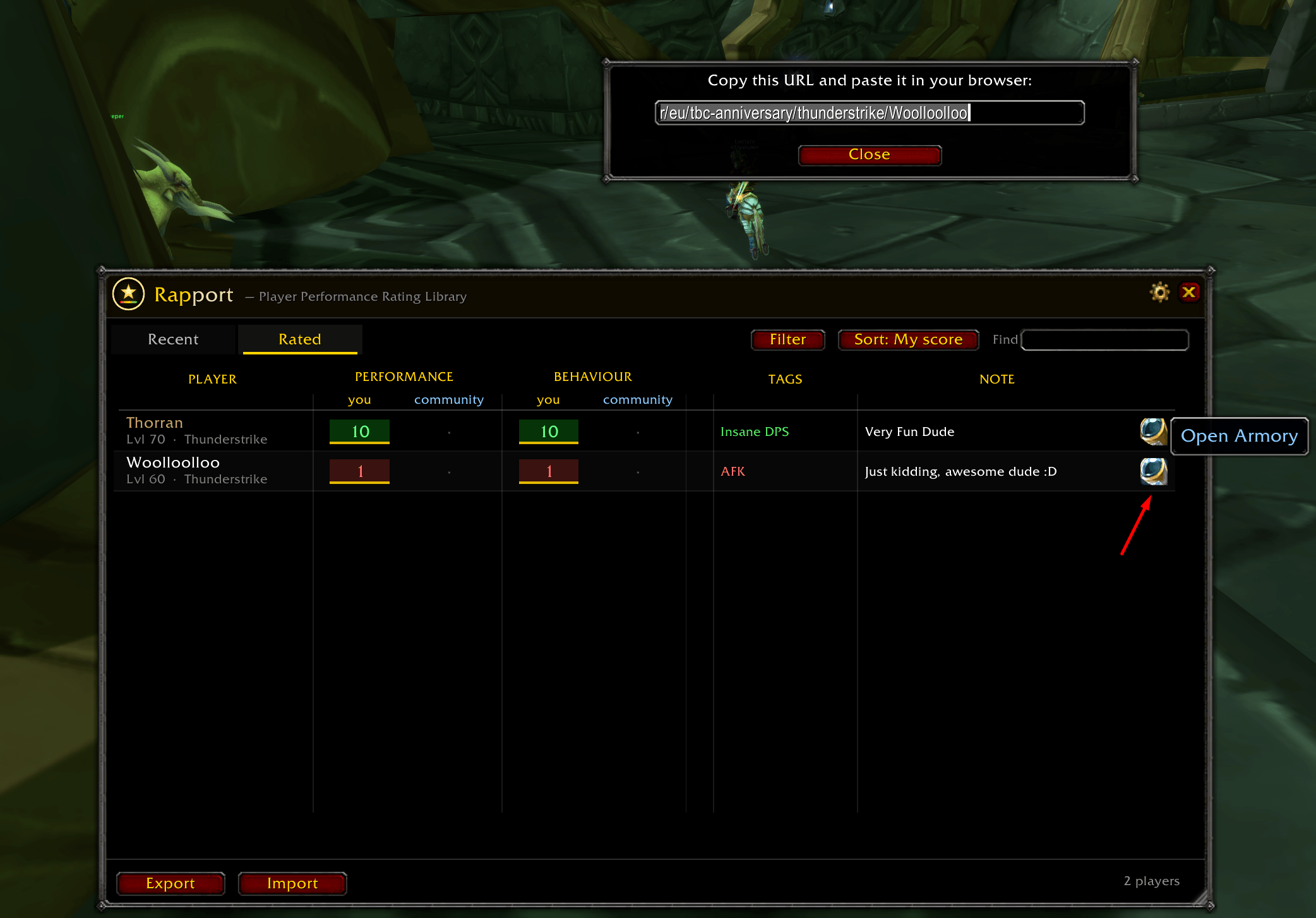
- Armory links — open any player's character page (per-row button, right-click, or the rate dialog).
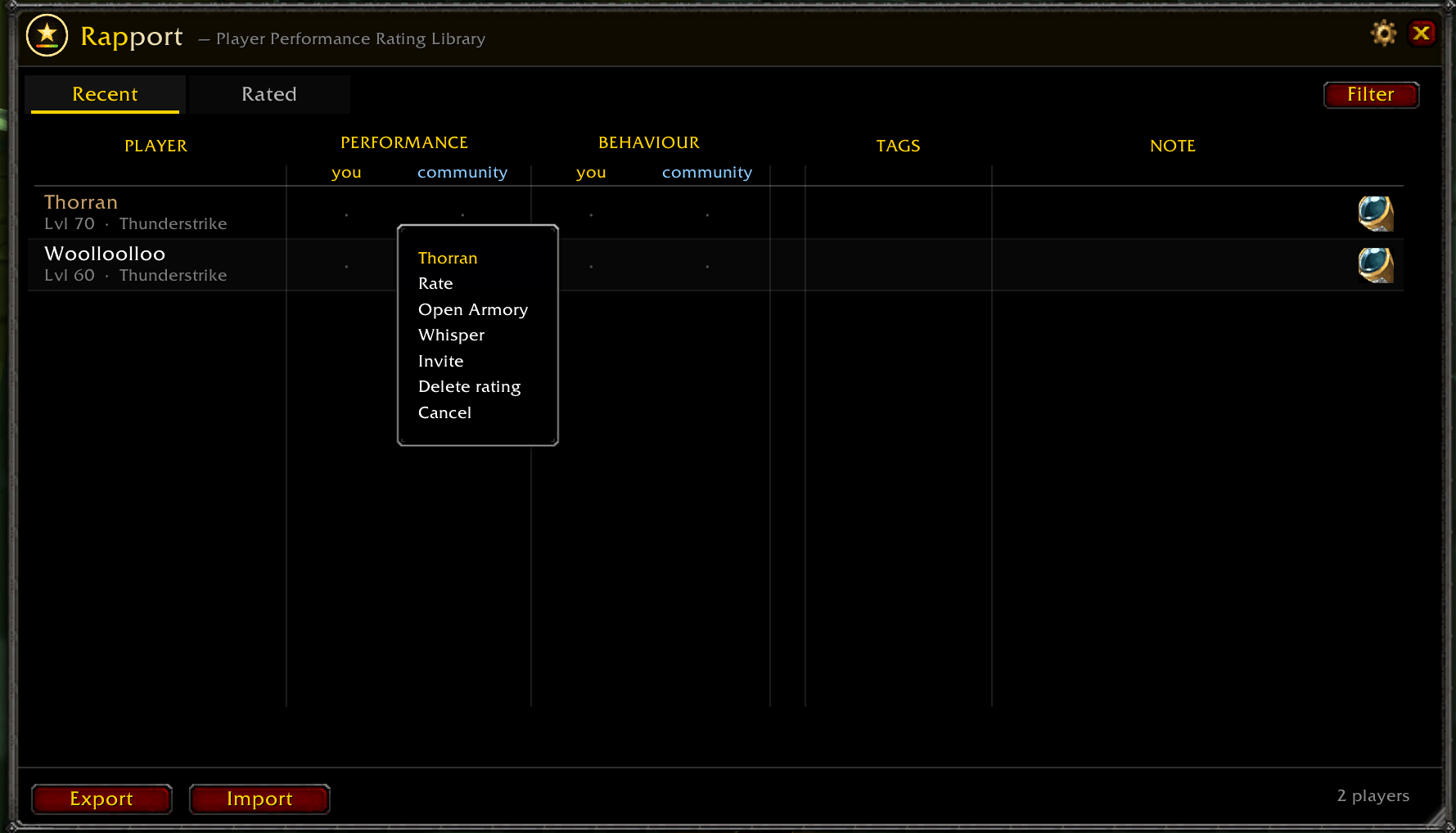
- Right-click menu on any row: Rate / Open Armory / Whisper / Invite / Delete (with confirmation).
- Minimap button (draggable, or hide it) and slash commands: /rapport, /rapp.
- Settings panel (gear icon): opacity, warnings + threshold, tooltips, minimap button, reset window position.
Rapport Team