


RaidPrep
- By
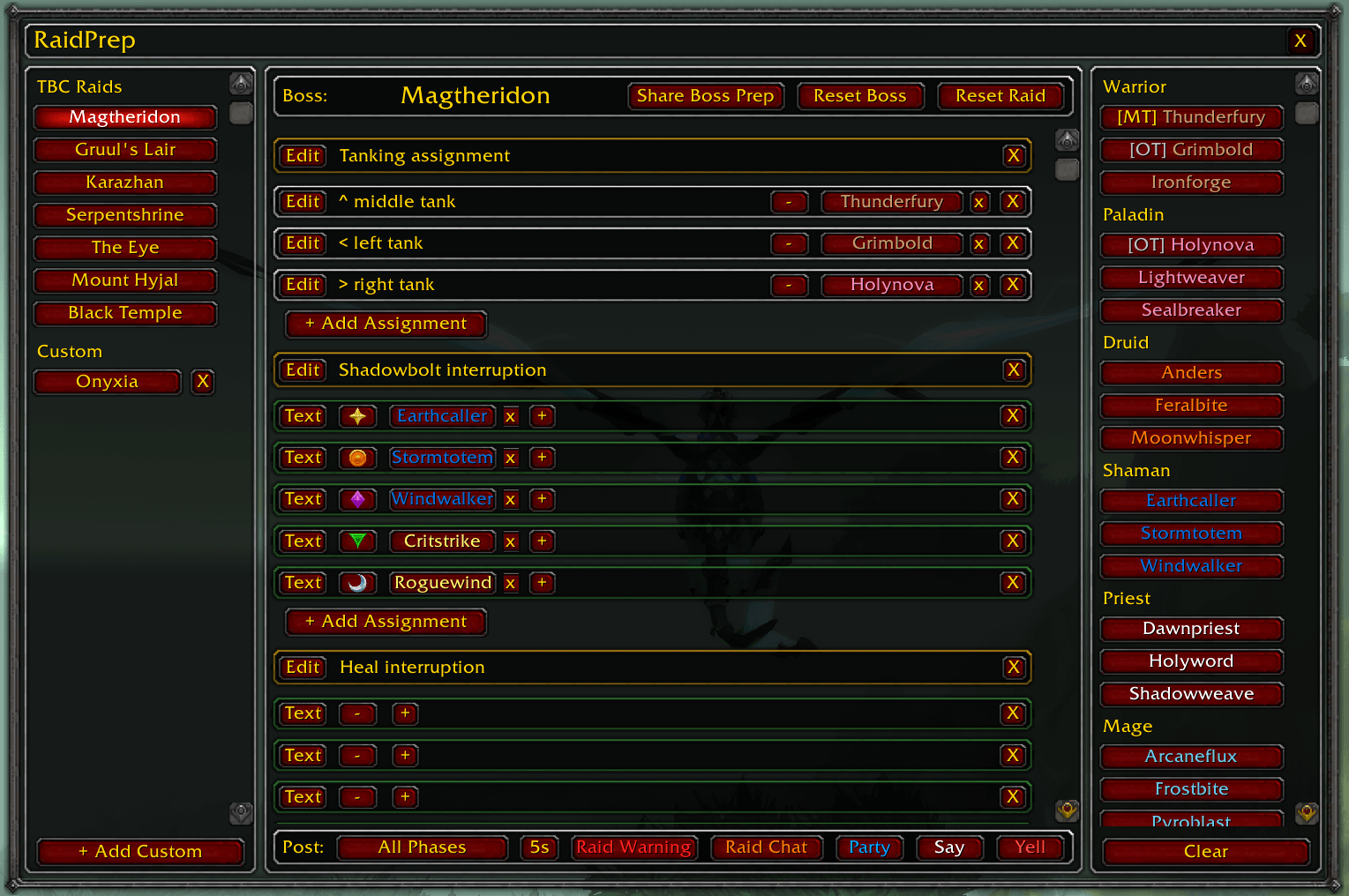
RaidPrep is a raid preparation addon for World of Warcraft TBC Classic Anniversary. It lets you build, save, and post assignment sheets for every boss inTBC, with the possibility of creating assignments for custom raids and bosses.
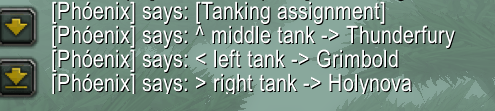
Skærmbillede 2026-04-26 150022.png
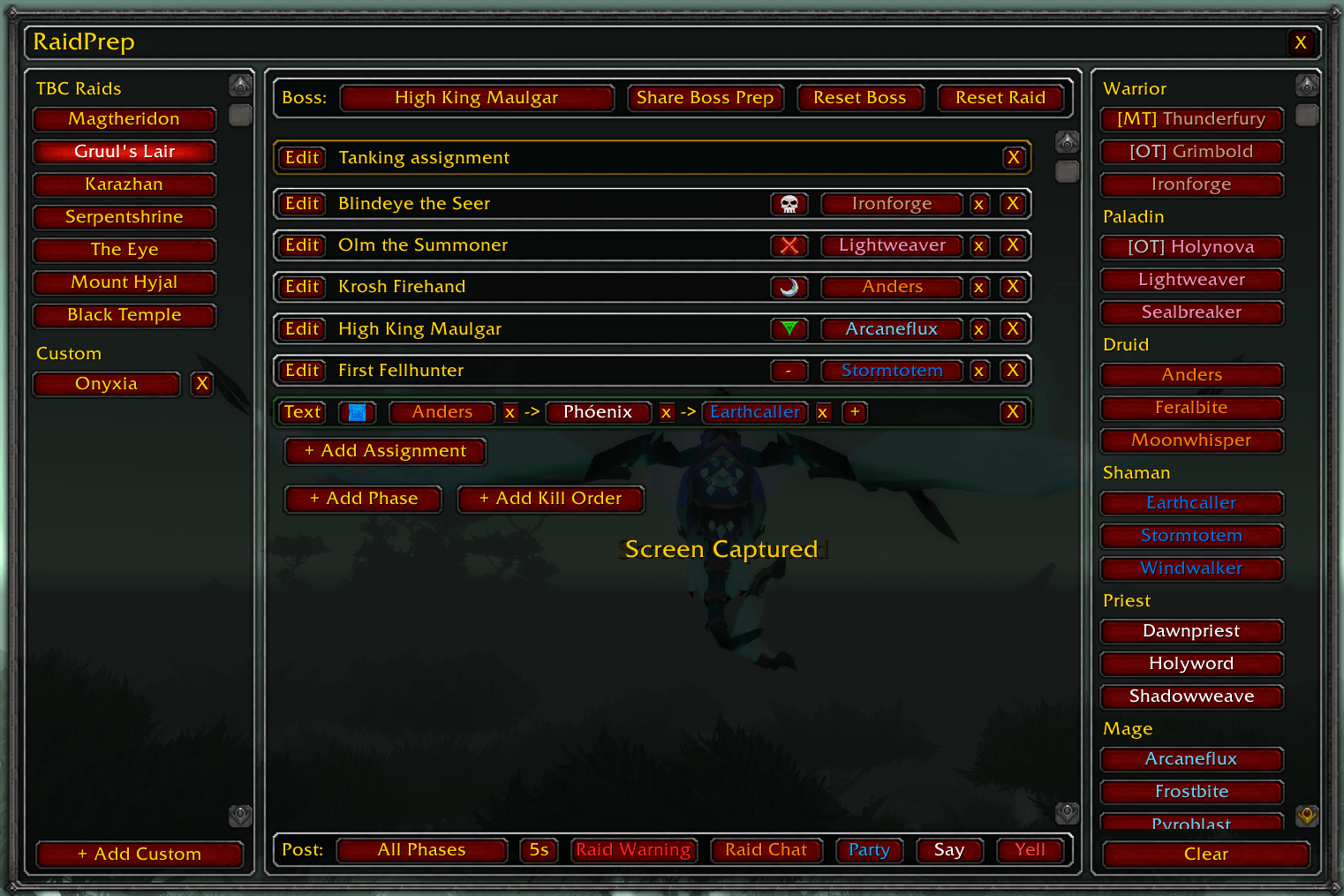
Skærmbillede 2026-04-26 145719.png
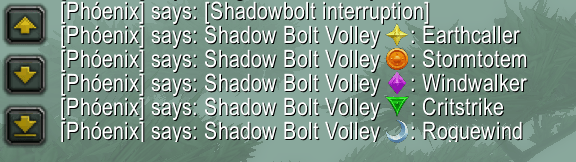
Skærmbillede 2026-04-26 150037.png
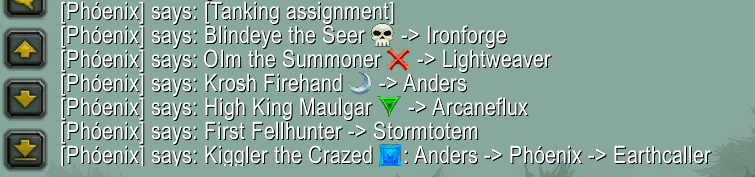
Skærmbillede 2026-04-26 145852.png
Skærmbillede 2026-04-26 145952.png
Description
Why RaidPrep?
If you have ever led a raid in TBC Classic, you know the drill: before each pull you type out a wall of assignments in chat, or copy-paste from a macro, or try to remember who was supposed to interrupt what. Macros break when rosters change, typing takes time you don't have, and nothing is saved between sessions.
RaidPrep solves all of this. You build your assignment sheet once, save it, and post it to raid chat with a single button click — every time, instantly, without retyping anything. Change a player, add a phase, adjust the kill order — it all persists automatically. Your prep is always ready when you are.
Who is it for?
RaidPrep is designed for the person responsible for communicating assignments to the raid. All other raiders benefit passively — they receive the posted assignments in chat just like any other message.
What it does
- Organised by boss and phase. Every boss in every TBC raid is pre-loaded. You can add as many phases as you need (Phase 1, Phase 2, Air Phase, etc.) and rename them freely.
- Three assignment types. Normal assignments (tank here, healer there), interrupt rotations (a sequence of players who rotate through interrupting an ability), and kill orders (a sequence of raid marker symbols showing which targets to kill first).
- Live raid roster. The right panel shows your current raid group, grouped by class and sorted with Main Tanks and Off Tanks at the top. Click a player's name to assign them to a slot.
- Post to any channel. One-click posting to Raid Chat, Party, Say, Yell, or Raid Warning. Raid Warning supports a timed sequence for long assignment lists, sending two lines at a time with a configurable delay.
- Share with others. Send a complete boss prep — all phases, assignments, and kill orders — to any player in your raid, if they have the addon. They receive a popup to accept or decline.
- Custom raids. Create your own raid templates for world bosses, alt runs, or anything else. Add and remove bosses freely.
- Everything is saved. All assignments, phases, and kill orders persist between sessions automatically. Nothing needs to be re-entered after a reload or relog.
Posting assignments
The Post bar at the bottom of the centre panel controls what gets sent to chat.
The dropdown on the left lets you choose what to post:
- All Phases — posts every phase that has at least one assigned slot, followed by kill orders
- Phase 1 / Phase 2 / etc. — posts only that specific phase
- Kill Order — posts only the kill order rows
Then click one of the four channel buttons:
Button Channel Notes Raid Chat RAID Requires being in a raid Party PARTY Requires being in a party (not a raid) Say SAY Visible to nearby players Yell YELL Visible to a wider area Raid Warning RAID_WARNING Requires Raid Leader or Assistant rank
Raid Warning supports long assignment lists automatically. If there are more than two lines to post, the button changes to Cancel and lines are sent two at a time with a configurable delay (5–10 seconds, set by the dropdown to its left). Click Cancel to stop the sequence early.Note: Only slots with a player assigned will be posted. Any phase with incomplete assignments is blocked from posting and a warning is printed to your chat frame.
Tips
- Assignments are saved automatically between sessions — you never need to re-enter them.
- You can assign the same player to multiple slots.
- The Reset Boss and Reset Raid buttons always ask for confirmation before wiping data.
I hope this will make raiding more fun for you!
The RaidPrep Team


