RaidPointsBySilverHand
- By
A comprehensive Loot Management suite combining Soft Reserves, Raid Points tracking, and a unique Roll Boost system allowing players to spend points to increase their rolls.
Captura de pantalla 2026-01-28 164115.png
Captura de pantalla 2026-01-28 164028.png
Captura de pantalla 2026-01-28 163835.png
Captura de pantalla 2026-01-28 163637.png
Captura de pantalla 2026-01-28 163822.png
Description
Raid Points System By SilverHand (RPS)
Raid Points System (RPS) is a lightweight yet powerful addon designed for World of Warcraft Classic (Era/TBC) to manage guild points, track raid attendance, and streamline loot distribution. Originally built for the Silver Hand guild, it is now a fully featured tool for any guild looking to replace complex spreadsheets with an in-game solution.
Key Features
Point Management System
-
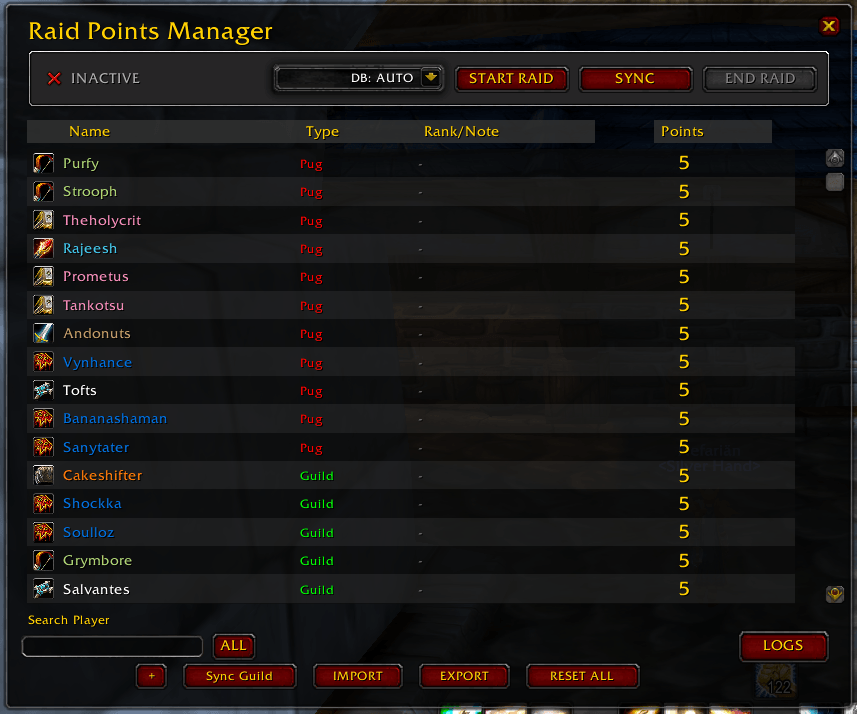
Track & Modify: Easily manage a roster of players with a custom "Raid Points" currency.
-
Smart Database: Features a "Lazy Load" system that prevents database clutter. It only saves data for guilds/raids you actively manage, keeping your SavedVariables clean.
-
Multi-Guild Support: Switch between different guild databases instantly using the native Dropdown menu.
-
Import/Export: Full CSV support to backup your data or import it from external spreadsheets.
Advanced Loot Manager
-
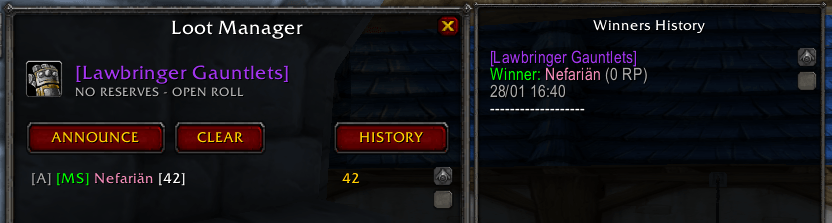
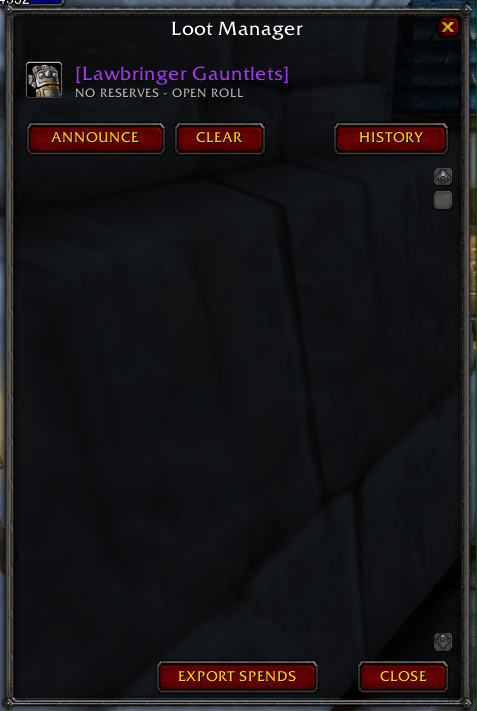
Master Looter UI: A secure, custom interface that replaces the default loot frames.
-
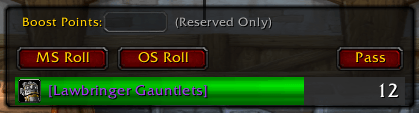
Rolling System: Supports MS (Main Spec) and OS (Off Spec) rolls with a single click.
-
Boost Mechanics: Allows players to "spend" points to boost their rolls (e.g., Roll + Points Spent).
-
Auto-Trade & History: Automatically queues items for trade to the winner and keeps a detailed log of every item awarded and points spent.
-
Secure Access: Strict permissions ensure only the Master Looter or verified Admins can open the management window (blocks accidental
Alt+Clickaccess).
Live Synchronization
-
Instant Sync: Data is broadcasted in real-time to other addon users in the raid. If an officer updates points, everyone sees the change immediately.
-
Admin Tools: Includes Mass-Invite, Raid Start/End tracking, and Guild Roster synchronization to auto-fill player metadata (Class, Rank, etc.).
How to Use
-
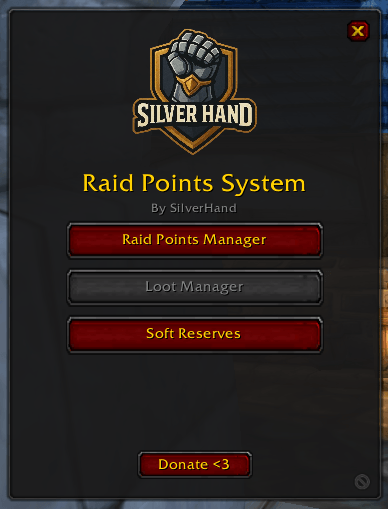
Open the Menu: Type /sh or click the Minimap button to open the main dashboard.
-
Manage Points: Use the (+) button to add players manually or Import a CSV list. Use the context menu (Right-Click) to award/penalize specific players.
-
Distribute Loot: When you are Master Looter,
Alt + Right Clickany item in the loot window (or your bags) to open the Loot Manager. -
Admins: Only players with specific guild ranks or the raid leader can modify data. Regular users have "Read-Only" access to view their standings.
Slash Commands
-
/sh- Opens the Main Menu. -
/rpsloot- Opens the Loot Manager (requires permissions). -
/rtt- Open trade timer
## Installation
No dependencies required. Just install and you are ready to lead!
RaidPointsBySilverHand Team