RaidCore
- By
Description
RaidCore
RaidCore brings Soft Reserves, Loot Council, item notes and loot distribution together in one addon.
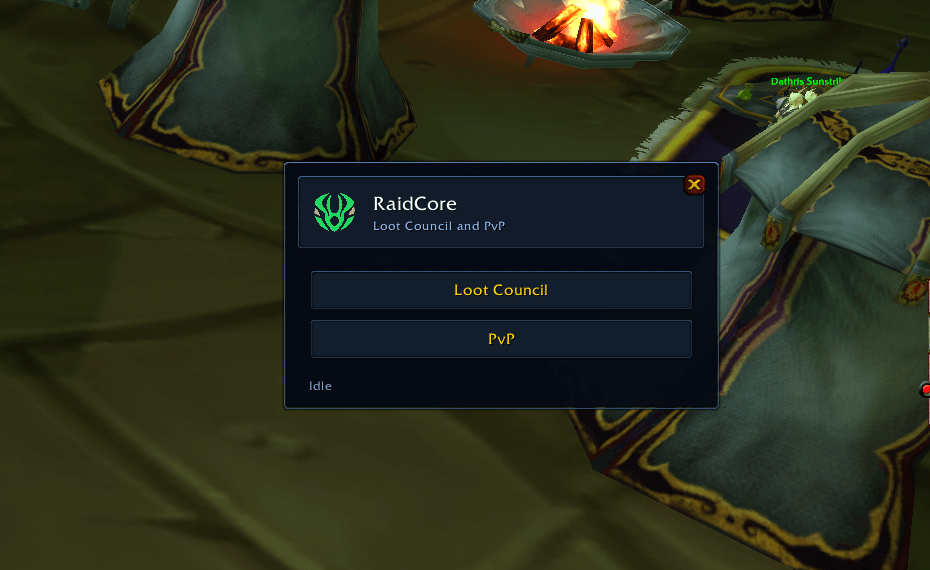
Open RaidCore from the minimap or type /rc, then choose Soft Reserve or Loot Council.
Features
Soft Reserves
- Import and share Soft Reserve lists from RaidCore.
- Track soft-reserved, hard-reserved and note-only items.
- Check which raid members are missing reserves and which reservers are absent.
- Run rolls with SR > MS > OS > Flask priority.
- Show response popups with item icons, tooltips and imported notes.
- Award multiple copies of an item separately.
- Mark winning reservers with a green [Won] in the reserve list and tooltips.
- Keep award history with roll results, response categories and notes.
- Export Soft Reserve loot history for the RaidCore web app.
- Support normal rolls from players without RaidCore.
In-game Loot Council
Run your council directly inside WoW:
- Start as raid leader or Master Looter.
- Choose voters before sending items to players.
- Keep the existing Master Looter when the raid leader runs the council.
- Let players respond through item popups with customizable response buttons and optional or required notes.
- Review responses, equipped items, votes and notes in a compact voting window.
- Select a winner and confirm the award.
- Handle identical item copies as separate awards.
- Access additional details through More.
- Configure voting rules, announcements, response timers and other preferences.
- Manage award-later items, trade queues, loot history, profiles, synchronization and version checks.
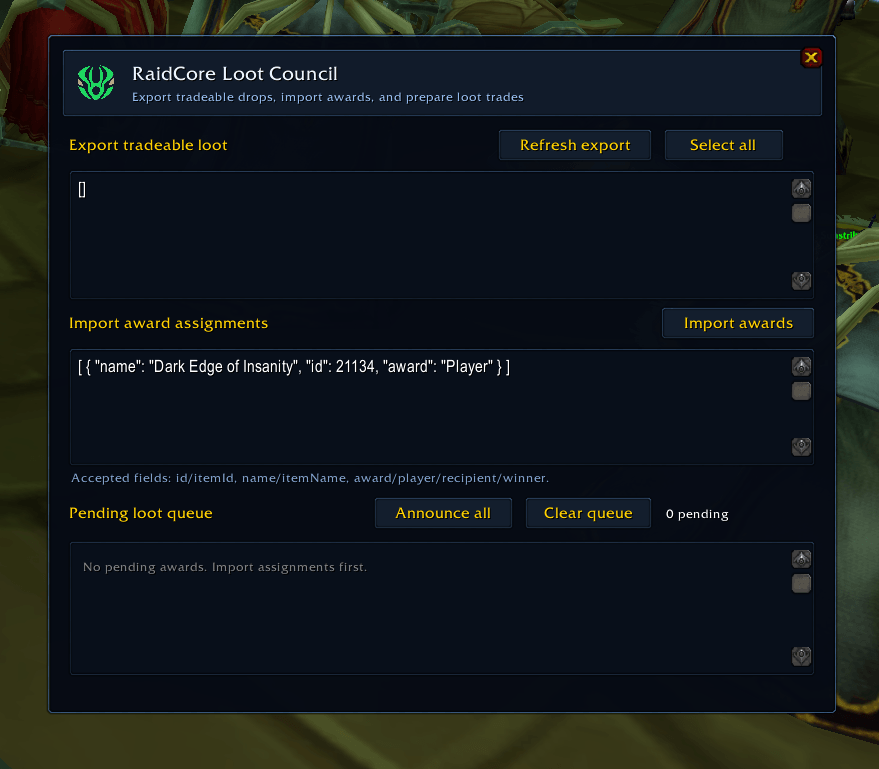
Loot Council on RaidCore
Use the On RaidCore option for the website workflow:
- Export items in your bags that have remaining loot-trade time.
- See item icons, tooltips and time remaining.
- Remove individual copies from the export.
- Filter the export to hard-reserved items.
- Copy the loot list as JSON for the RaidCore web app.
- Import website award assignments into RaidCore’s history and delivery queue.
Loot and trades
- Keep pending awards across reloads and logins.
- Attempt to open a trade with nearby Soft Reserve winners.
- Notify winners who cannot be traded with immediately and keep their items queued.
- Automatically place queued items into the trade window, including multiple awards for the same winner.
- Track completed deliveries.
- Configure automatic loot recipients and quality rules for eligible unreserved items.
- Confirm every trade yourself, RaidCore never accepts it for you.
Tooltips and announcements
- View soft reserves, hard reserves, imported notes and reserve winner markers on item tooltips.
- Announce reserved drops with the reserving players’ names.
- Announce hard-reserved items with any available reservation details.
- Display imported notes when relevant items are picked up.
- Use clickable item links in loot announcements.
- Give a five-second roll warning, with an optional detailed raid-warning countdown.
Interface
- Open the addon from its minimap icon.
- Move windows and keep their positions after reloading.
- Use compact menus for the main loot actions.
- Optionally disable Gargul for the current character through RaidCore settings.
Commands
Both /rc and /raidcore support these commands:
| Command | Action |
|---|---|
/rc |
Open RaidCore. |
/rc sr |
Open Soft Reserves. |
/rc import |
Import a reserve list. |
/rc srcheck |
Check raid members against the reserve list. |
/rc roll [item link or ID] |
Start a Soft Reserve roll. |
/rc stop |
End the current roll. |
/rc popup |
Reopen the current roll popup. |
/rc council |
Open InGame Loot Council. |
/rc notes |
View imported item notes. |
/rc history |
Open Soft Reserve loot history. |
/rc deliveries |
Open pending Soft Reserve deliveries. |
/rc autoloot |
Configure automatic loot recipients. |
/rc announcements |
Configure Soft Reserve announcements. |
/rc settings |
Open settings. |
/rc minimap |
Show the minimap icon. |
Compatibility
- WoW Classic Era 1.15.9
- WoW Classic Anniversary / Burning Crusade Classic 2.5.6
- WoW Forever Beta (Interface 16001)
Players need RaidCore to receive its addon popups and participate in its in-game council interface. Standalone RCLootCouncil clients do not receive RaidCore council requests.
Settings, reserve data, history, pending deliveries and window positions are saved locally between logins.
Credits
In-game Loot Council incorporates adapted code from RCLootCouncil Classic and RCLootCouncil core. Credits and license information are included with the addon.
Website
RaidCore Team