Raid-Calender
- By
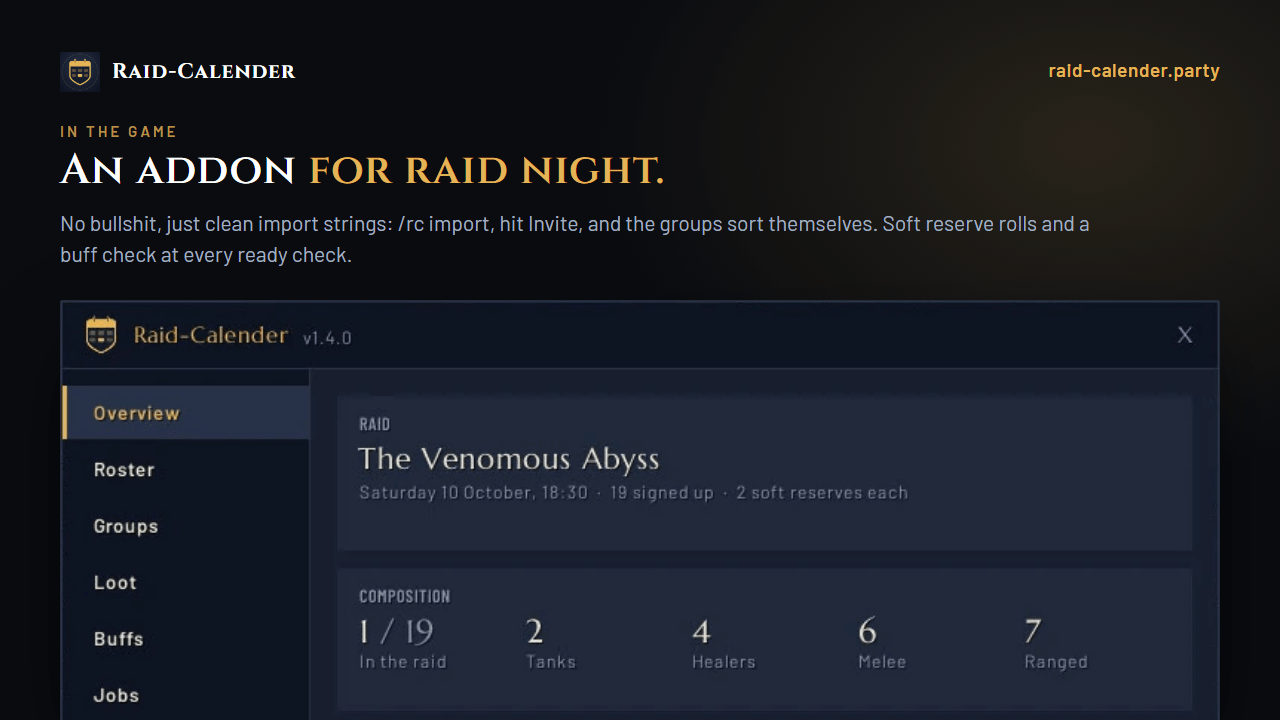
Raid-Calender: invite your roster, sort groups per boss, check buffs and track soft reserves.
Description
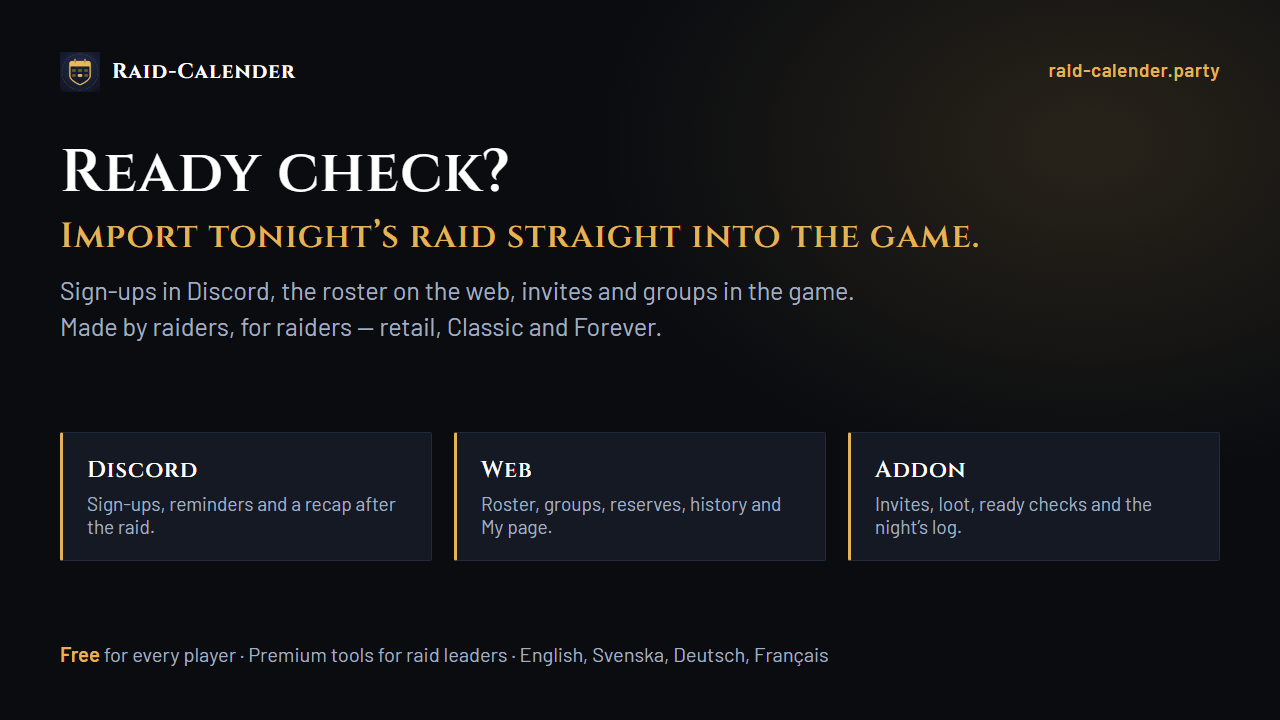
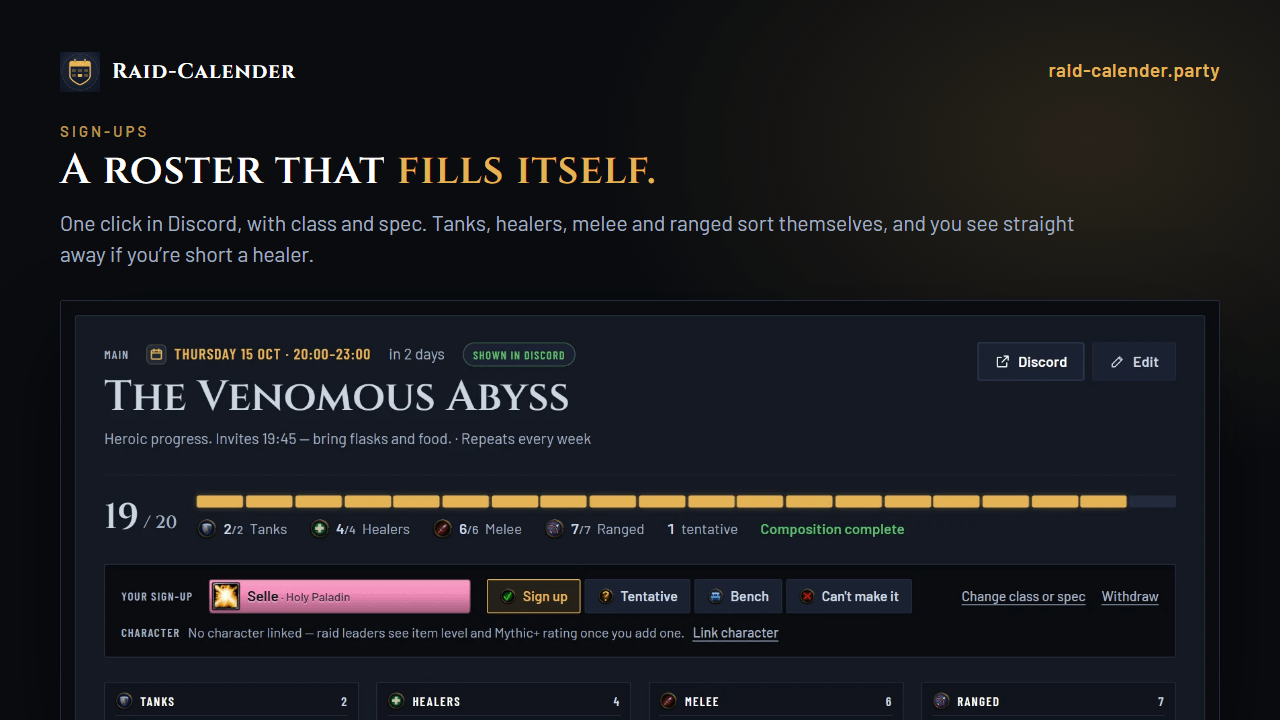
The in-game half of Raid-Calender — raid sign-ups for World of Warcraft guilds in Discord and on the web. Bring the raid from the website into the game, run the night, and take attendance and loot back.
Retail and Classic Era. Only the raid leader needs it.
Before the pull
- Invites everyone signed up, and keeps inviting those not in yet around the start.
- Call the missing whispers signed-up guild members who are online but not in the raid.
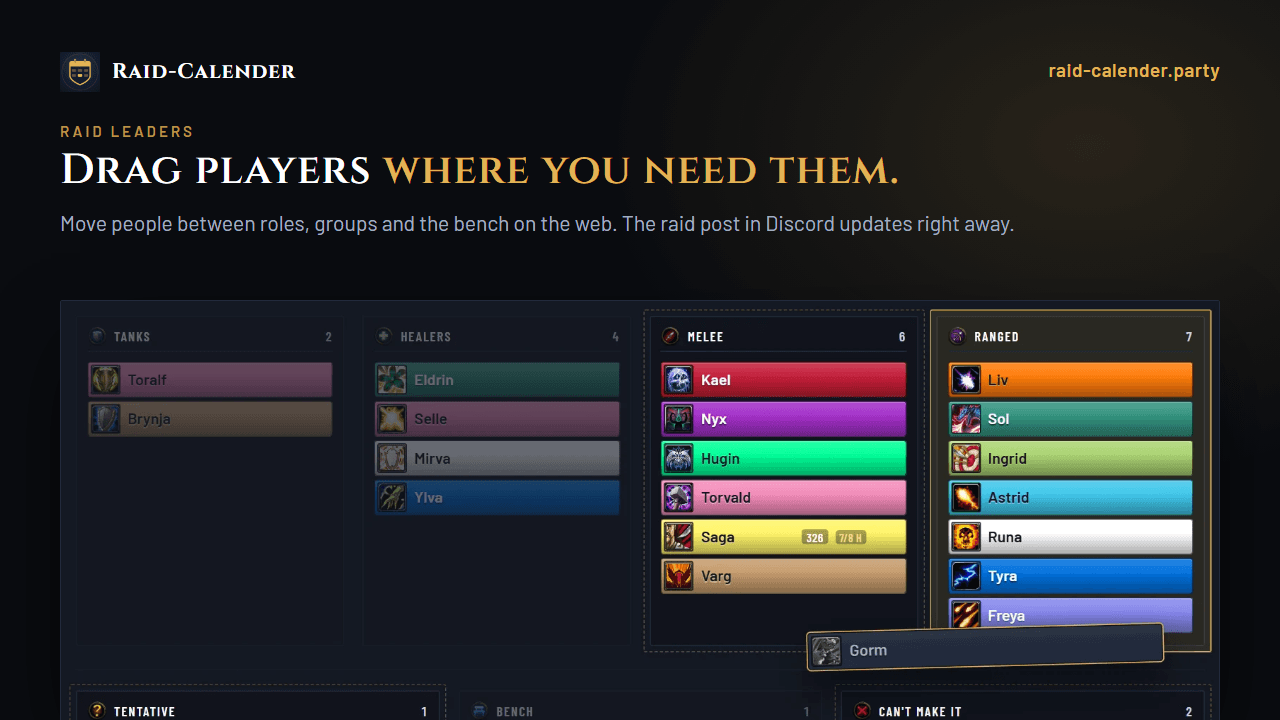
- Sorts groups as planned on the website — boss by boss when a fight needs another layout, turning to the next boss's groups after a kill. Latecomers are seated once, and anyone you move yourself stays put.
- Assist for the website's raid leaders as they join; in Classic Era, a raid mark on each tank.
- Boss jobs whispered to each player before the pull, or posted to raid chat.
- Ready checks with food, flasks, augment runes (retail) and a column per class buff. Tell who lacks what in raid chat — or by whisper, with class buffs going to whoever can give them.
- A raid bar with marks, world markers, pull and break timers and a ready check.
During the night
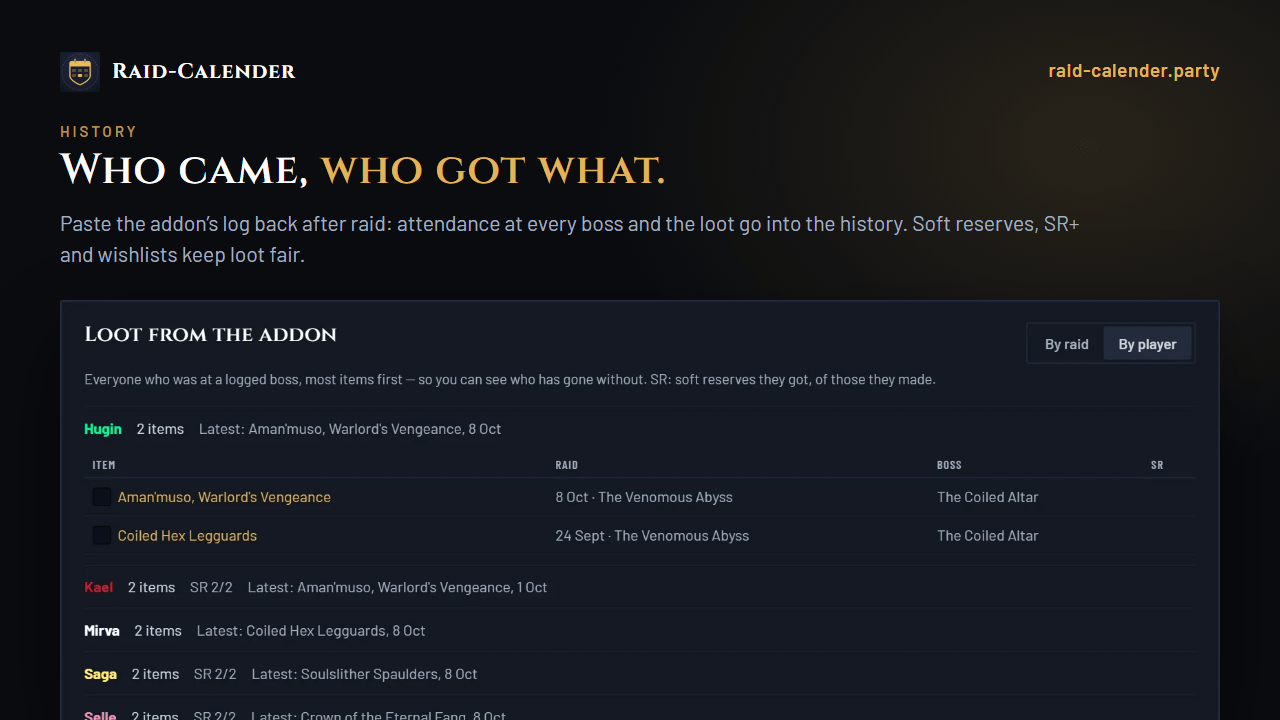
- Soft reserves and wishlists in item tooltips and when loot drops; rolls among those who reserved, with the SR+ bonus for players who keep missing out.
- RCLootCouncil: a column with each candidate's SR, SR+ and wishlist.
- Classic Era: a Give button for the master looter with each reserved item's winner, and raid cooldowns — battle res, Innervate, Shield Wall, Soulstone and more — in a window of their own.
After
- A log of the night — who was there for each boss, the loot, consumables and (Classic) gear — exported as text and pasted on the raid's page. The export opens by itself when you leave the raid. The bot posts a recap in Discord.
- On the website, the game's own combat log adds a damage meter for every pull and follows each character raid by raid.
How
- On the raid's page on raid-calender.party, click Copy raid for the addon.
- In the game:
/rc import, paste. - After the raid:
/rc export, copy, and paste it under Back from the game.
The game cannot reach the internet, so the raid and the log travel by copy and paste. Type /rc for the window, /rc help for every command.
Raid-Calender Team