


QuickZoom / FastZoom
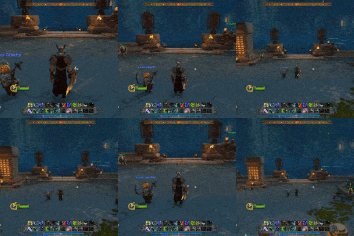
ezgif-resized.gif
Description
I couldn't find a similar addon for the version I play on, so I decided to make my own (made by Claude in 10 minutes). Made for 11.2.5, could work at versions lower or higher, try it yourself :D
Use the in-game config window or use the commands:
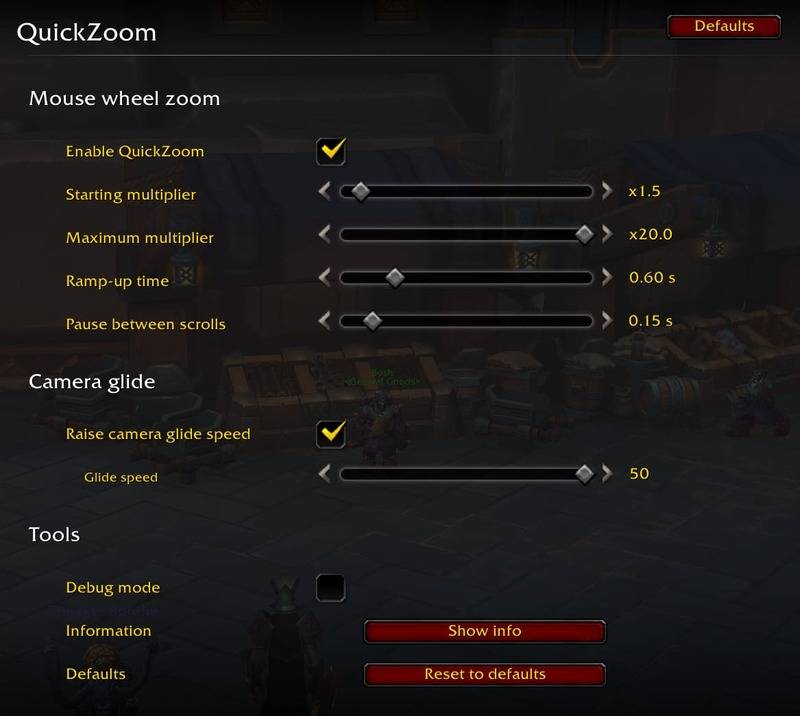
/qz - Open the settings window
/qz base (1-10) - Zoom multiplier at the start of scrolling (1 = default Blizzard step)
/qz max (1-20) - Multiplier reached while you keep scrolling in one direction
/qz ramp (0-3) - Seconds of continuous scrolling needed to reach the maximum multiplier (0 = instantly)
/qz gap (0.05-1) - Pause in seconds that ends a scroll streak and restarts the acceleration
/qz glide (1-50) - Set the camera glide speed (how fast the camera moves to the new distance)
/qz glide off - Leave the camera glide settings alone (restores the original values)
/qz on/off - Enable/Disable
/qz reset - Restore all settings to their defaults
/qz info - Show current settings and which camera CVars exist in your client
/qz debug - Toggle printing every zoom call to chat (to check that the addon is working)
/qz help - Show the list of commands in chat
QuickZoom / FastZoom Team
