QuickWheel
- By
thumb-1920-1360865.png
thumb-1920-1360865.png
thumb-1920-1360865.png
thumb-1920-1360865.png
thumb-1920-1360865.png
Description
QuickWheel
Your favorite actions, one quick turn away.
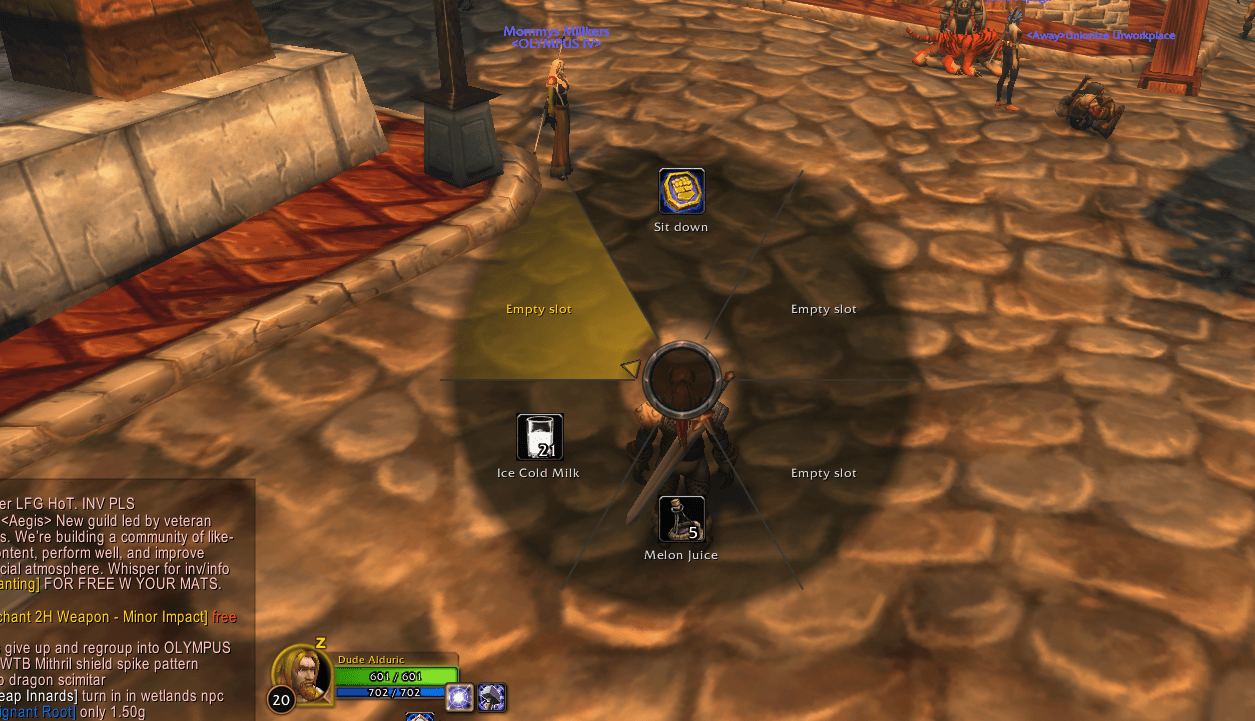
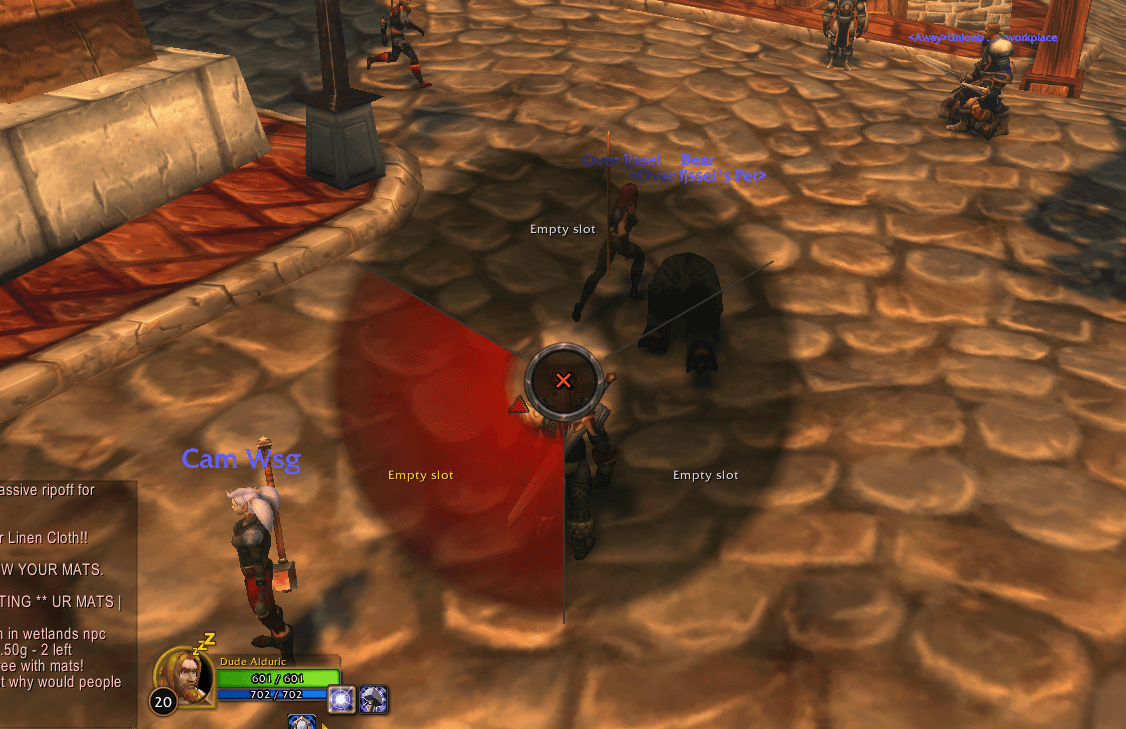
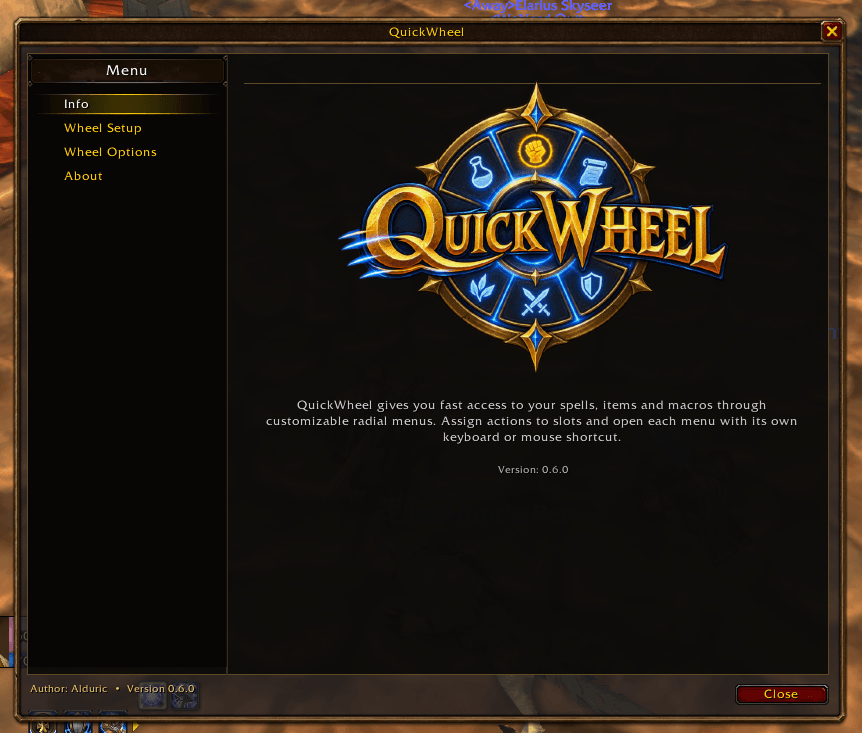
QuickWheel is a standalone radial action menu for World of Warcraft. Create up to eight personalized wheels to keep your most-used spells, items, macros, and utility actions within easy reach. Open a wheel with a keyboard shortcut or mouse button, point to an action, and activate it in the way that feels right for you.
Features
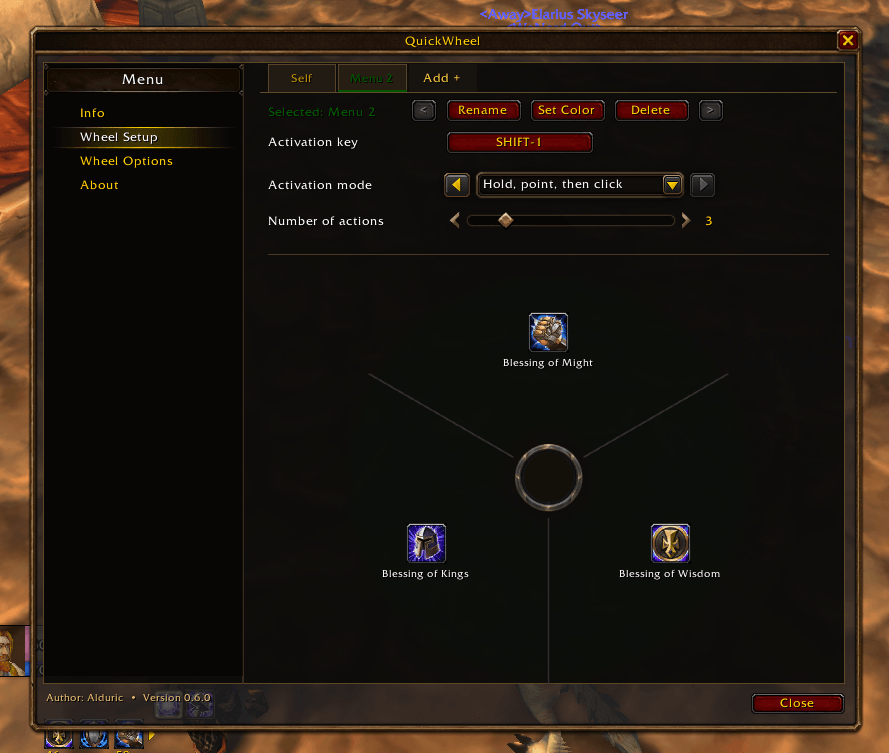
- Up to 8 menus per character. Give each menu its own name, shortcut, color, and setup.
- 2 to 8 actions per menu. Choose the number of slots that works best for each wheel.
- Quick drag-and-drop setup. Drag spells from your spellbook, items from your bags, and existing macros into wheel slots. Move actions between slots or drag them away to remove them.
- Three activation modes. Choose Press to open the wheel and click an action, Hold to point and click while holding the shortcut, or Release to activate the pointed action when you let go.
- Keyboard and mouse shortcuts. Assign a separate shortcut to each menu, including key combinations and mouse buttons.
- Quick Swap. Cycle through enabled menus with the mouse wheel, with an on-screen indicator you can position above or below the wheel.
- Built-in utility actions. Add actions to sit, open the map, place raid target markers, or open another QuickWheel menu.
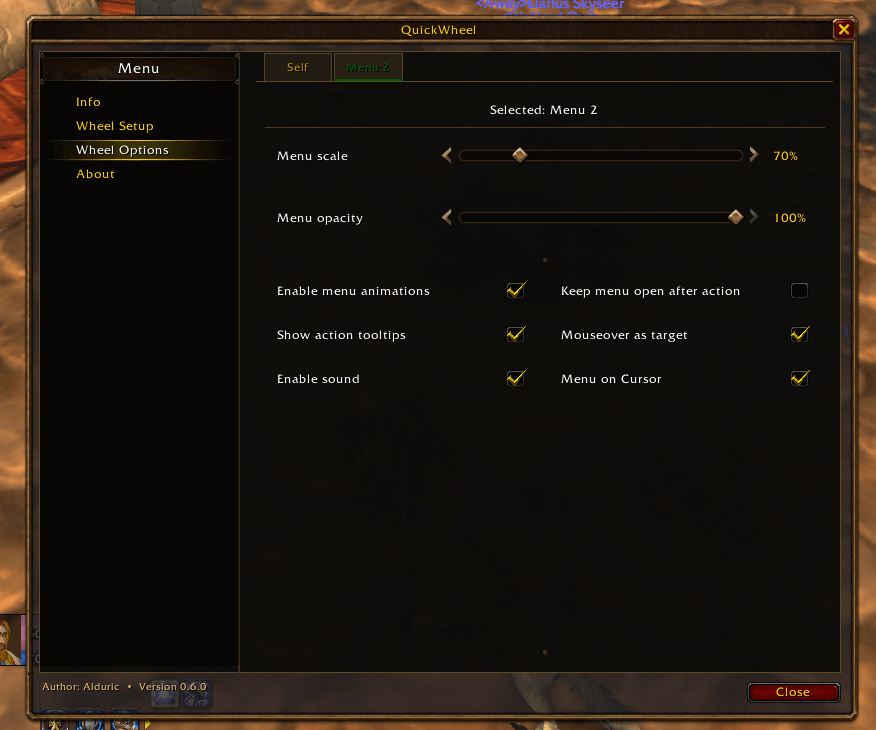
- Personalized appearance and behavior. Adjust each wheel’s color, size, opacity, and cursor placement. Choose whether it stays open after an action, and enable or disable animations, hover sounds, tooltips, and mouseover spell targeting.
- Useful action details. See spell cooldowns and item counts on the wheel, and hover over an action for its tooltip.
- Per-character settings. Each character keeps their own menus and preferences.
Getting Started
Open the configuration panel with /qw or click the QuickWheel minimap button. Add a menu, choose its shortcut and activation mode, then drag actions into its slots. You can rename menus, change their colors, and fine-tune their behavior in the configuration panel.
QuickWheel is built to be customizable and will continue to evolve. Feedback, suggestions, and bug reports are very welcome!
QuickWheel Team