



launch button.png
pannel.png
pvp.png
rotation.png
Description
QuickBuilds is a lightweight talent-build and rotation helper for World of Warcraft: Midnight. It brings curated build strings, stat priorities, and rotation notes into a cleaner in-game UI so you can spend less time copying strings and more time playing.
Key Features
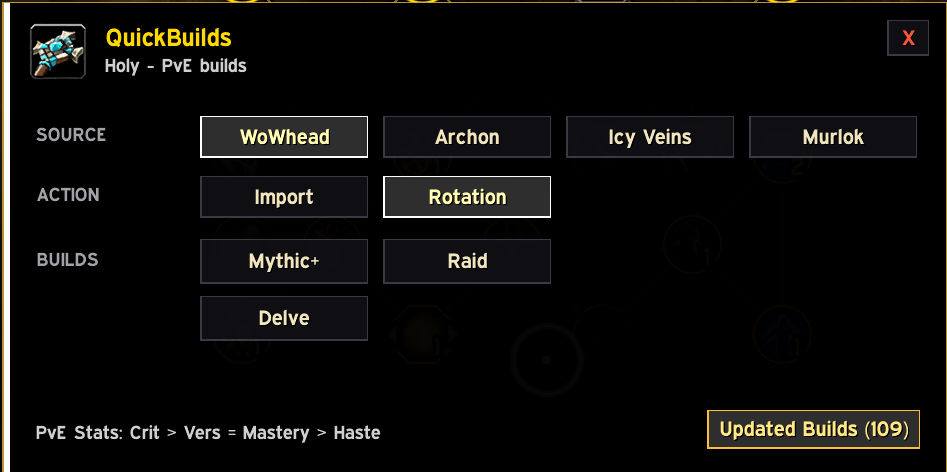
Build Sources in One Place
QuickBuilds lets you import talent builds directly from supported sources inside the addon UI.
Current sources:
- WoWhead
- Archon
- Icy Veins
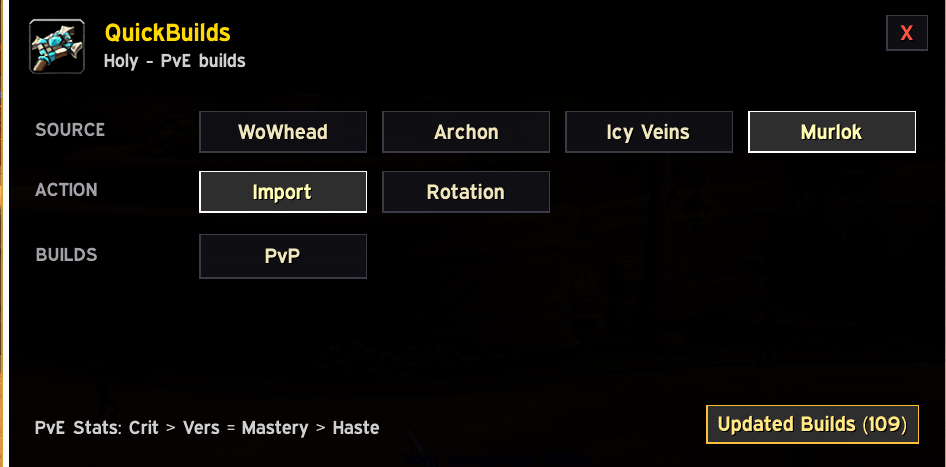
- Murlok, for PvP builds
PvE sources show Mythic+, Raid, Raid AoE where available, and Delve builds. Murlok is focused on PvP and only shows the PvP build option.
One-Click Talent Imports
The addon adds a styled QuickBuilds button beside the Blizzard talent apply area. Open your Talents window, choose a source and content type, then import the build without manually copying long strings.
Updated Builds Tracking
QuickBuilds can show which build strings changed during the latest refresh.
The Updated Builds window displays:
- last refresh time
- number of changed strings
- class/spec/source/build type for each updated build
This helps you quickly see what changed after refreshing data from the updater script.
Rotation Helper
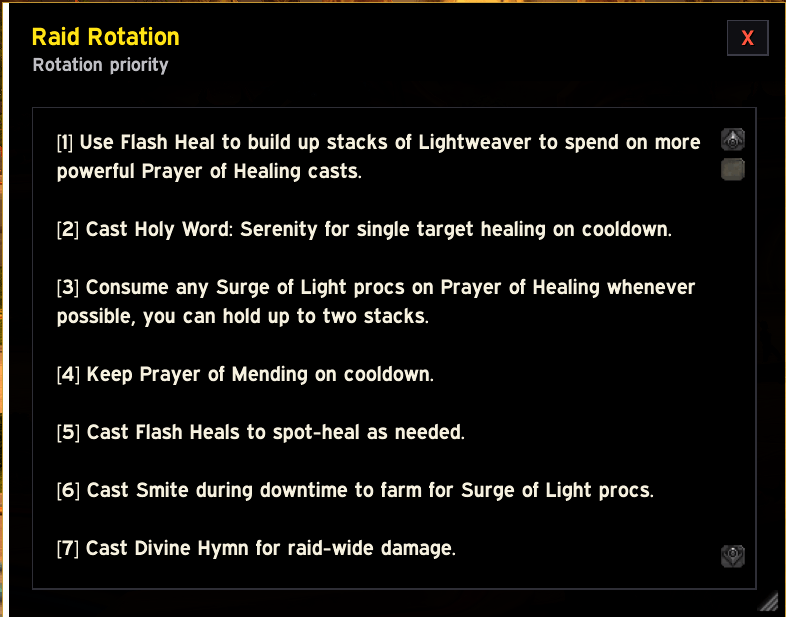
QuickBuilds includes spec and content-specific rotation notes for supported builds.
The rotation window is:
- movable
- resizable
- scrollable
- styled to match the new QuickBuilds UI
- readable during gameplay
Use it for quick priority guidance when learning a spec, swapping roles, or checking a content-specific rotation.
Stat Priorities
The dashboard shows your current spec’s PvE stat priority using only secondary stats:
- Crit
- Haste
- Mastery
- Versatility
Primary stats such as Strength, Agility, and Intellect are intentionally excluded.
Clean Modern UI
The new QuickBuilds interface uses a compact dark dashboard with:
- source buttons
- import/rotation actions
- content-specific build buttons
- class-color accent styling
- matching close buttons
- cleaner popup windows
How to Use
- Open the QuickBuilds dashboard.
- Select a source: WoWhead, Archon, Icy Veins, or Murlok.
- Choose Import or Rotation.
- Pick the content type, such as Mythic+, Raid, Delve, or PvP.
- For imports, open the Blizzard Talents window first so QuickBuilds can place the build string into the native import dialog.
Usage Tips
Click import once and let the addon work. Repeated imports can create duplicate loadouts in the Blizzard talent UI.
Build data is refreshed externally through the updater script. WoW addons cannot check websites live while in-game, so the in-game Updated Builds panel reflects the most recent refresh that was run outside the game.
The QuickBuilds Team
