Quick Buffs
- By
One key to buff nearby players missing your buff, and refresh ones about to expire. For WoW Forever, Classic Era and Season of Discovery.
QB1.png
QB2.png
QB4.png
Description
# QuickBuff
**One key to buff everyone around you.**
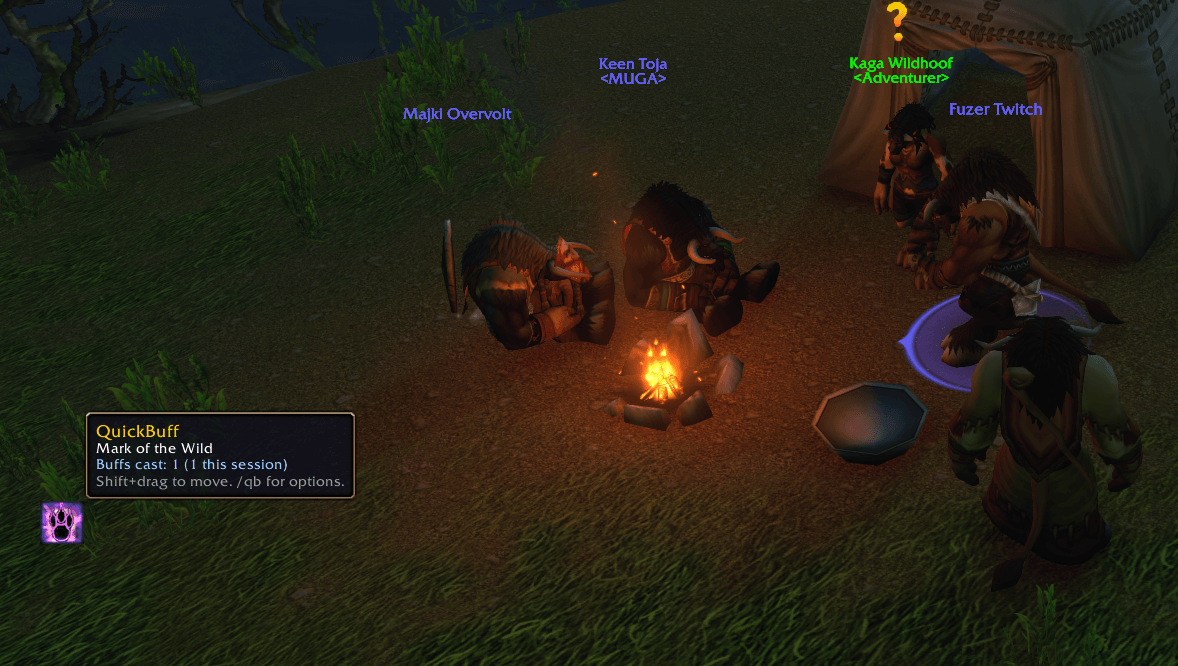
In WoW, players buff each other in passing: you get a Mark of the Wild, they get your Fortitude. QuickBuff makes that one key press. Bind a key, keep tapping it while you walk, and it buffs the nearest friendly player who is missing your buff. You don't need to click on anyone or change your target.
## How it works
Each press (out of combat) checks these, in order:
1. Your target
2. The player under your mouse
3. Players around you, closest first (needs friendly nameplates on: Ctrl+Shift+V)
4. Your party or raid
5. You
The first player missing your buff gets it, cast straight on them. When everyone has their buffs, the press refreshes any buff with less than 5 minutes left. If nobody needs anything, the press targets the next friendly player so the following press can check them.
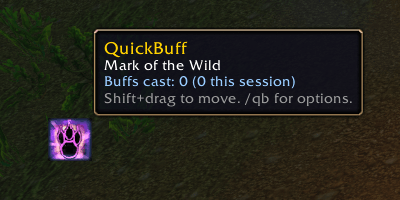
A number on the icon shows how many players near you need a buff right now, so you know when to press.
## Buffs
- **Priest:** Power Word: Fortitude, Divine Spirit, Shadow Protection*. Inner Fire on you.
- **Mage:** Arcane Intellect (mana users only). Your best armor on you.
- **Druid:** Mark of the Wild, Thorns*. Omen of Clarity on you.
- **Paladin:** Kings, Might (melee) or Wisdom (casters), Light*, Salvation*.
- **Warlock:** Demon Armor / Demon Skin on you.
- **Shaman:** Lightning Shield on you.
- **Hunter:** Trueshot Aura.
- **Warrior:** Battle Shout*.
\* Off by default. Turn any buff on or off in the options.
## Smart about who it buffs
- It skips players who already have your buff or its group version (Prayer of Fortitude, Gift of the Wild, Arcane Brilliance, Greater Blessings).
- It skips NPCs, dead or offline players, and anyone out of range.
- **It won't flag you for PvP.** Players flagged for PvP are skipped unless you're flagged too.
- Paladins give each player one blessing. A player who already has yours only gets that same one refreshed.
- If a cast fails (out of sight, or "a more powerful spell is already active"), that player is skipped for 20 seconds.
- Pressing during a cast or the global cooldown does nothing instead of wasting a player.
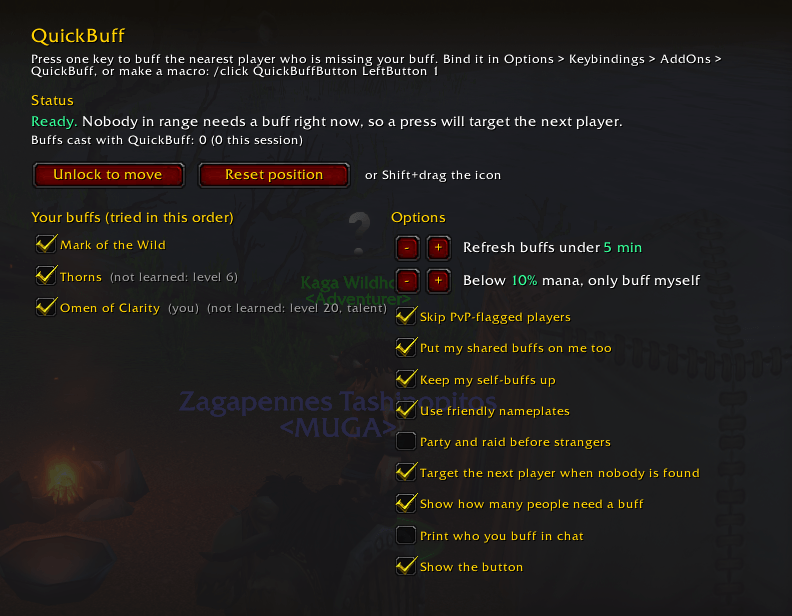
- Optional low-mana guard: below a mana % you choose, it only buffs you.
## Setup
- **Key binding:** Esc > Options > Keybindings > AddOns > QuickBuff > Buff nearest player
- **Or a macro:** /click QuickBuffButton LeftButton 1
- **Or** just click the icon.
Type **/qb** to open the options. From there you can see whether it's working (and if not, exactly why), move or hide the button, choose your buffs, and set the refresh time and the other options. You can also Shift+drag the icon to move it.
## In combat
The game locks add-on buttons in combat, so during a fight the key only buffs the player under your mouse or your target. Everything else comes back when combat ends.
## Commands
- /qb - options
- /qb status - is it working, and why not
- /qb lock, /qb unlock, /qb reset - move the button
- /qb refresh <minutes> - refresh buffs under this many minutes (0 = off)
- /qb mana <percent> - below this mana %, only buff yourself (0 = off)
## Compatibility
Made for **WoW Forever**. It also works on **Classic Era** and **Season of Discovery**. If the game says it's "out of date" after a patch, tick Load out of date AddOns on the character screen.
## Support
If QuickBuff saves you some clicks, you can buy me a coffee:
- [Ko-fi] (https://ko-fi.com/henriquembm)
- [Stripe] (https://buy.stripe.com/4gM8wP7GKcgb0HebYufAc00)
Bugs or ideas? Leave a comment. It helps to say your class, level and what the status line in /qb shows.
Quick Buffs Team