


QuestTogether
- By


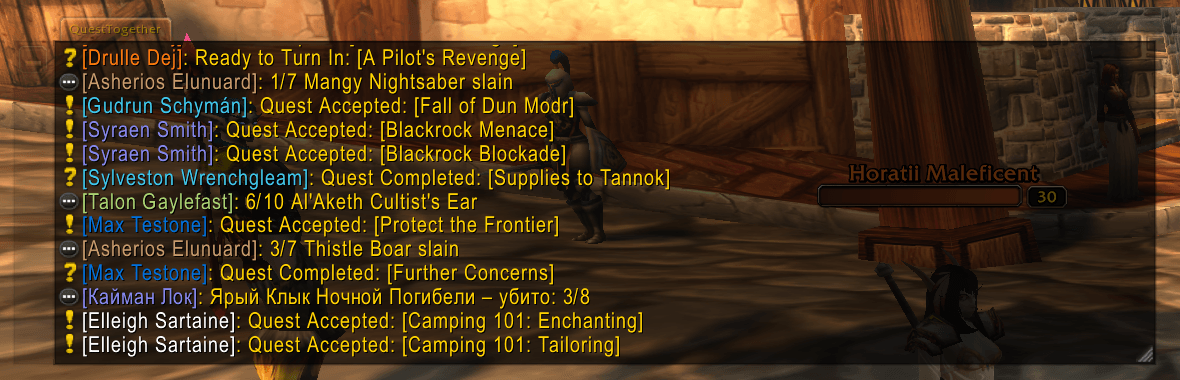
Read quest acceptance, objective progress, completion, and turn-in updates in the QuestTogether chat log.
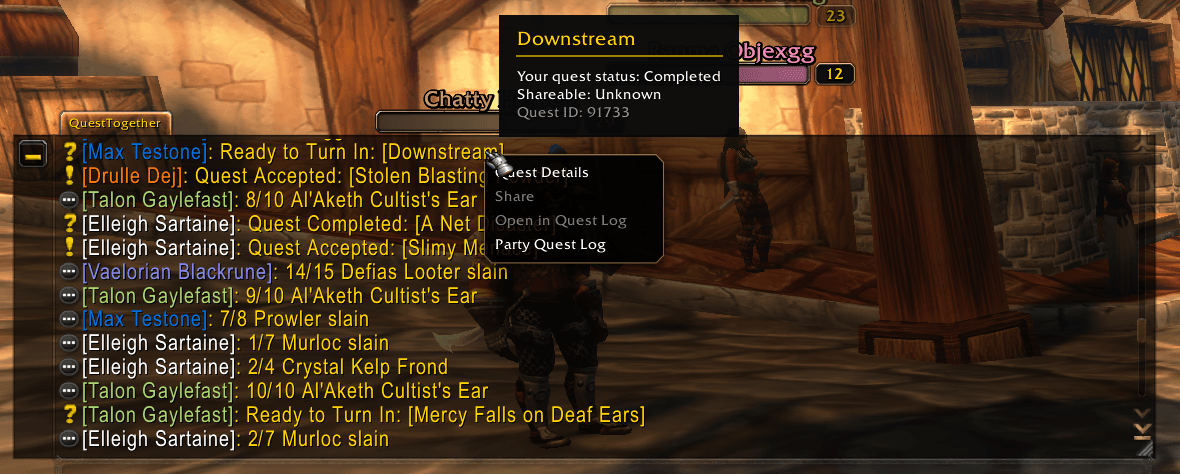
Click a quest link in a QuestTogether announcement to open its quest menu.
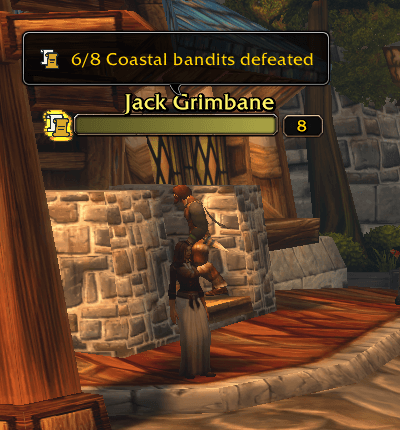
Quest progress appears above a nearby player’s nameplate.
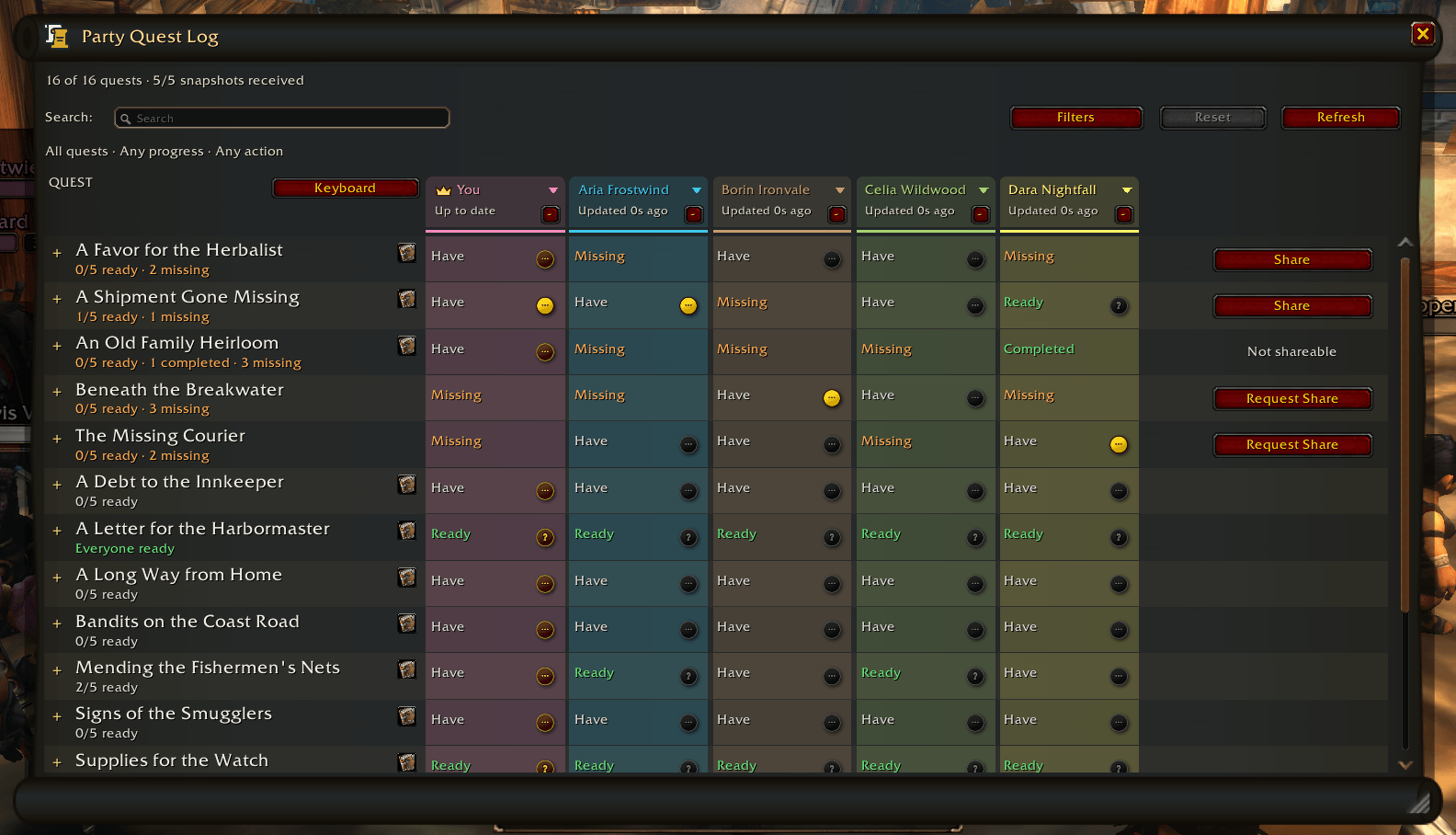
Compare each party member’s quests and progress in one window.
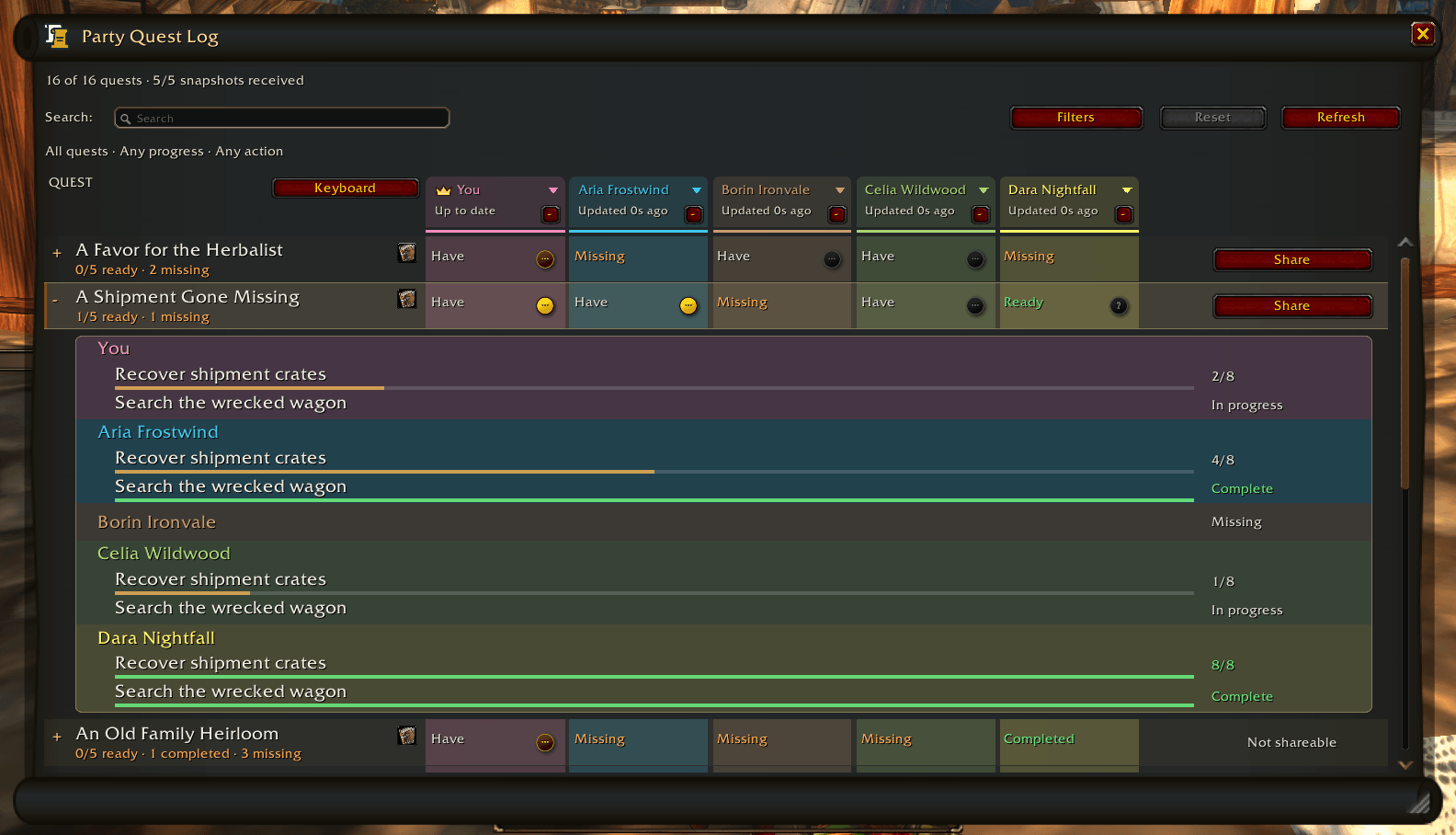
Expand a quest to compare each party member’s objective progress.
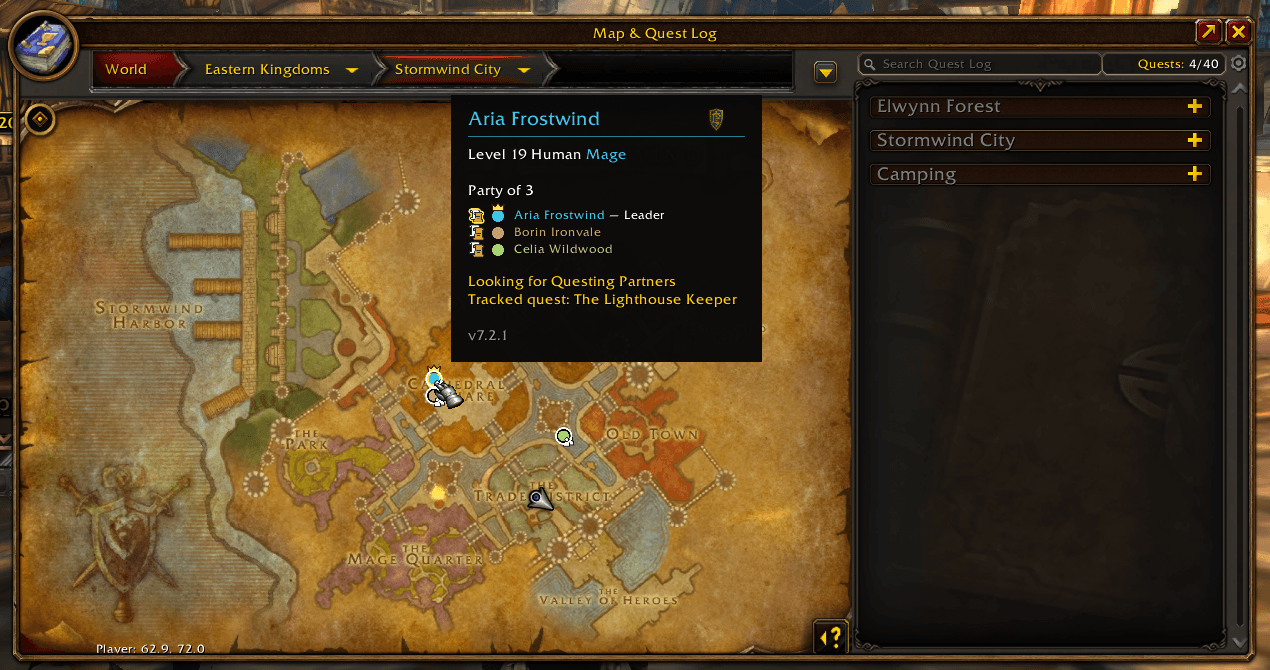
Hover a player dot to view player information and their party roster.
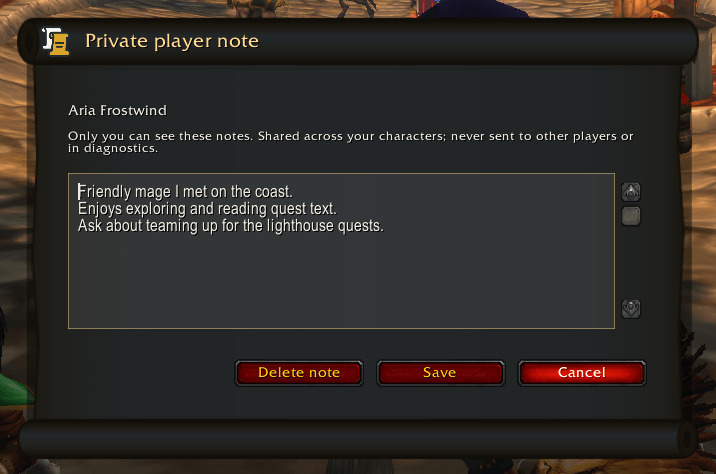
Write a note about a player. Notes stay on your own client.
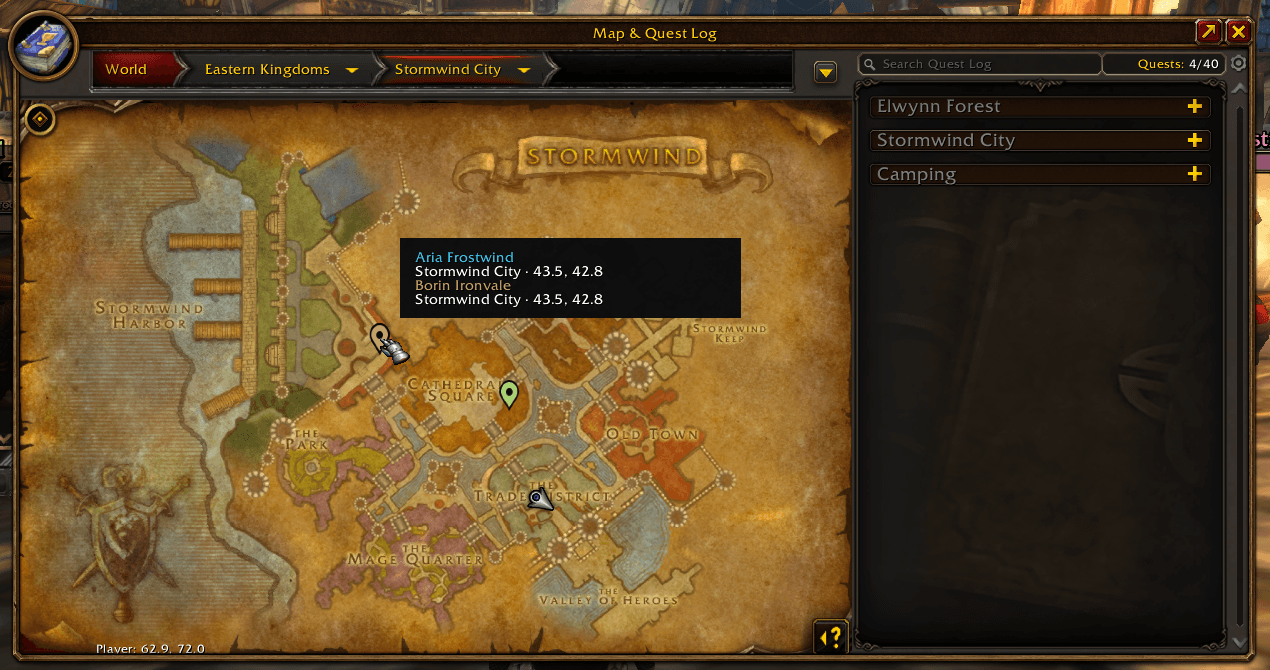
Hover a shared waypoint to see its location and the party members who placed it.
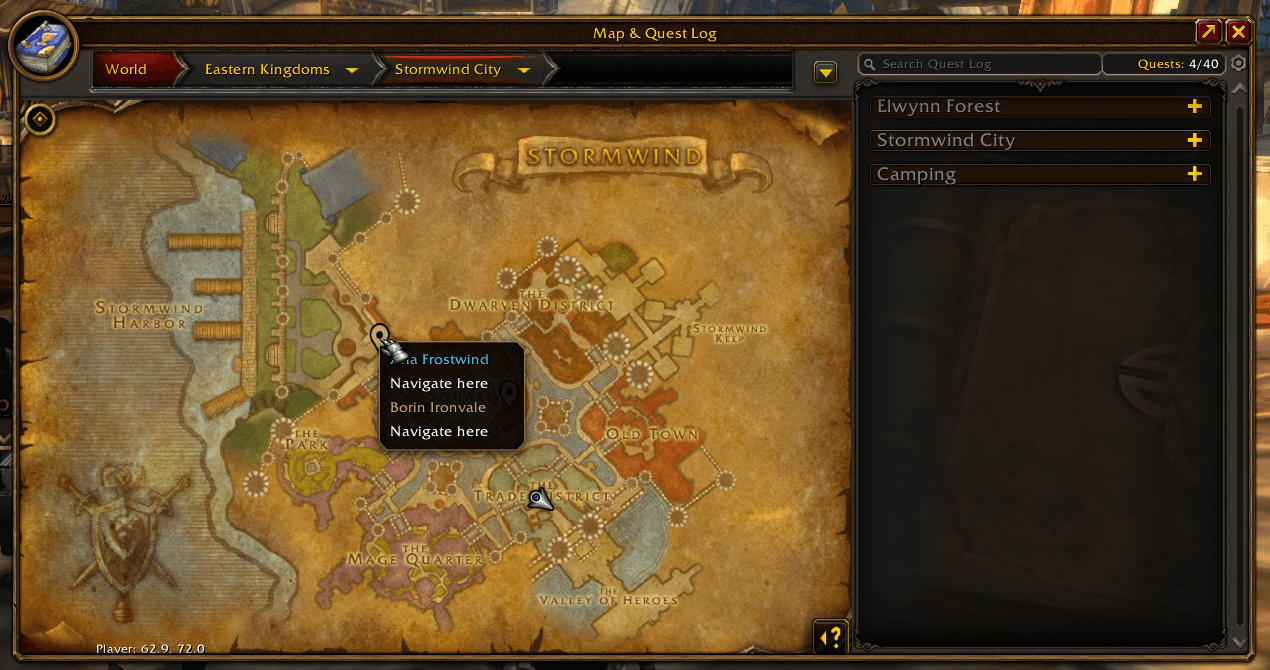
Open a shared waypoint’s menu and choose Navigate here.
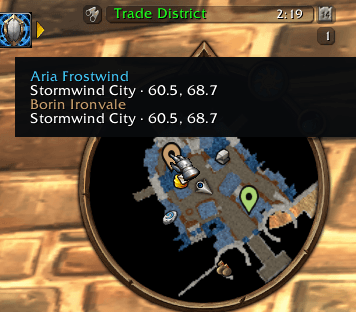
Hover a nearby shared waypoint on the minimap to see who placed it.
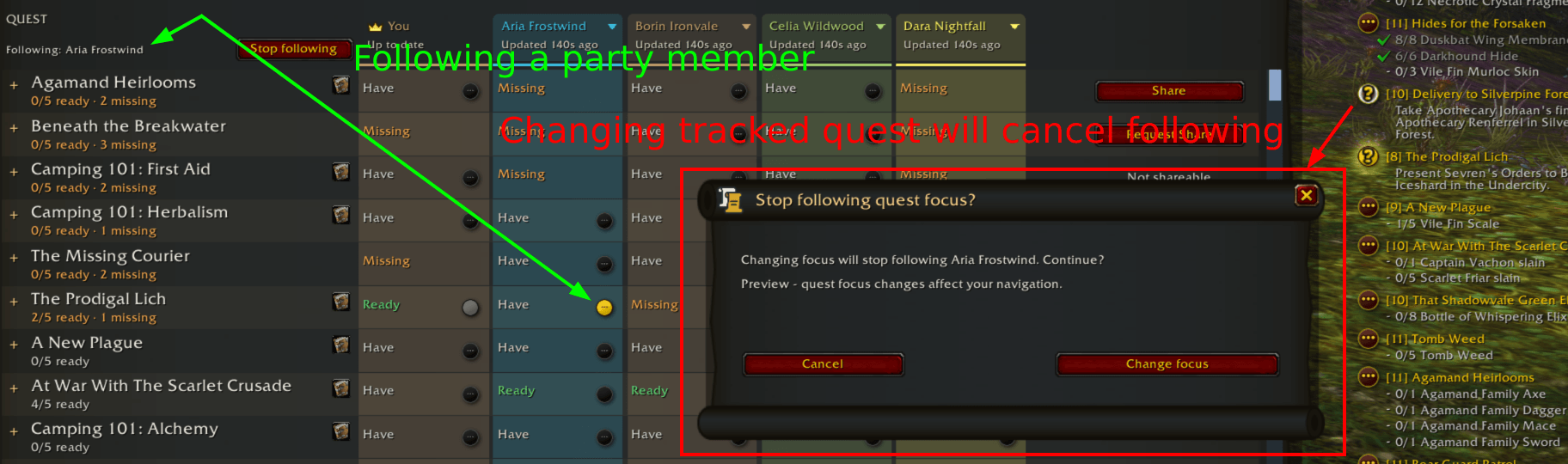
image-attachment_515157fb-9cbe-41c6-a3ec-e7457aeec591.png
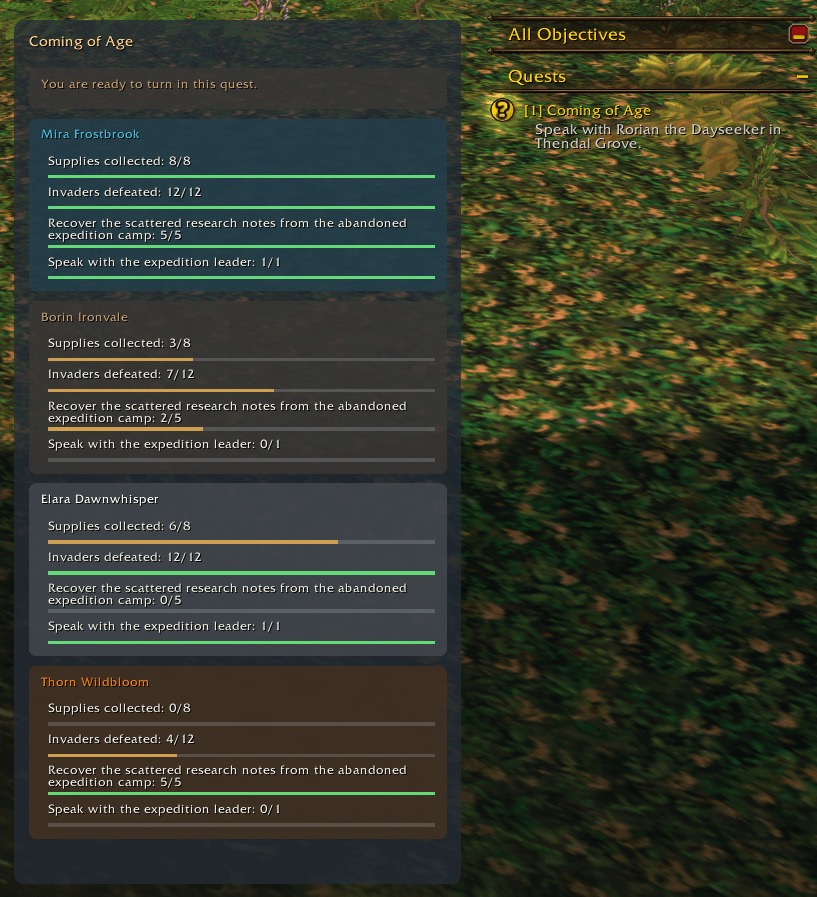
image-attachment_83ec282f-9021-433e-99b1-cf4d67e2f160.png
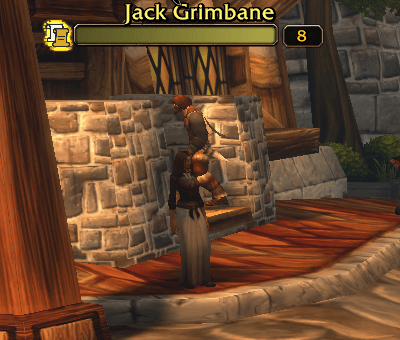
A QT logo marks a recognized player; its gold glow shows Looking for Questing Partners status.
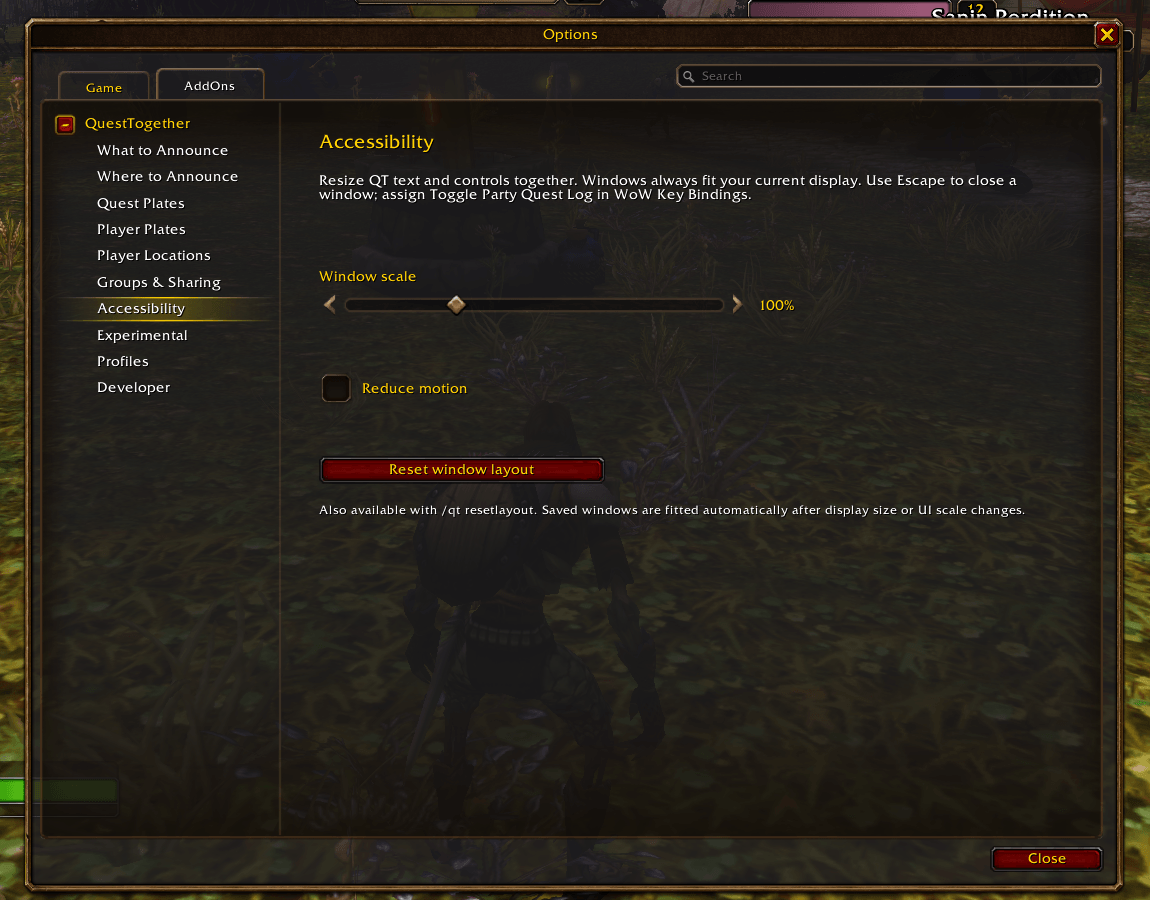
Adjust window scale, reduce motion, and reset saved window positions.
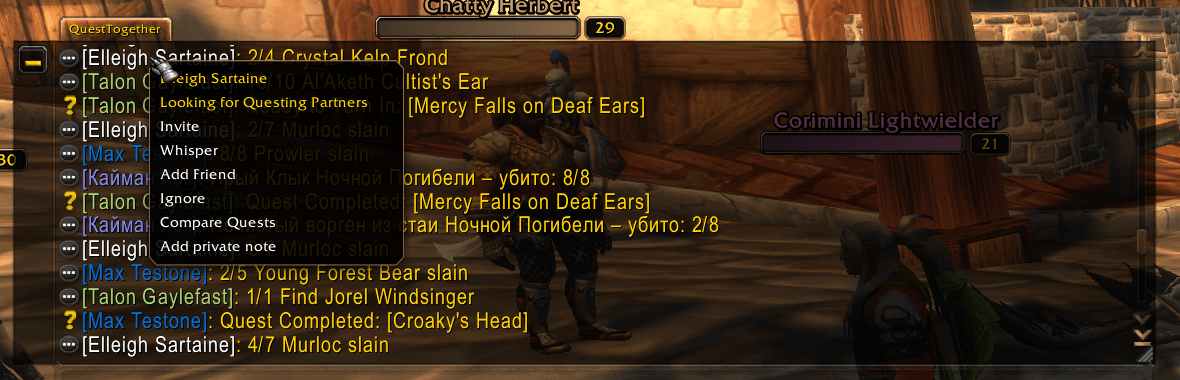
Click a linked player name in a QuestTogether announcement to open player actions.
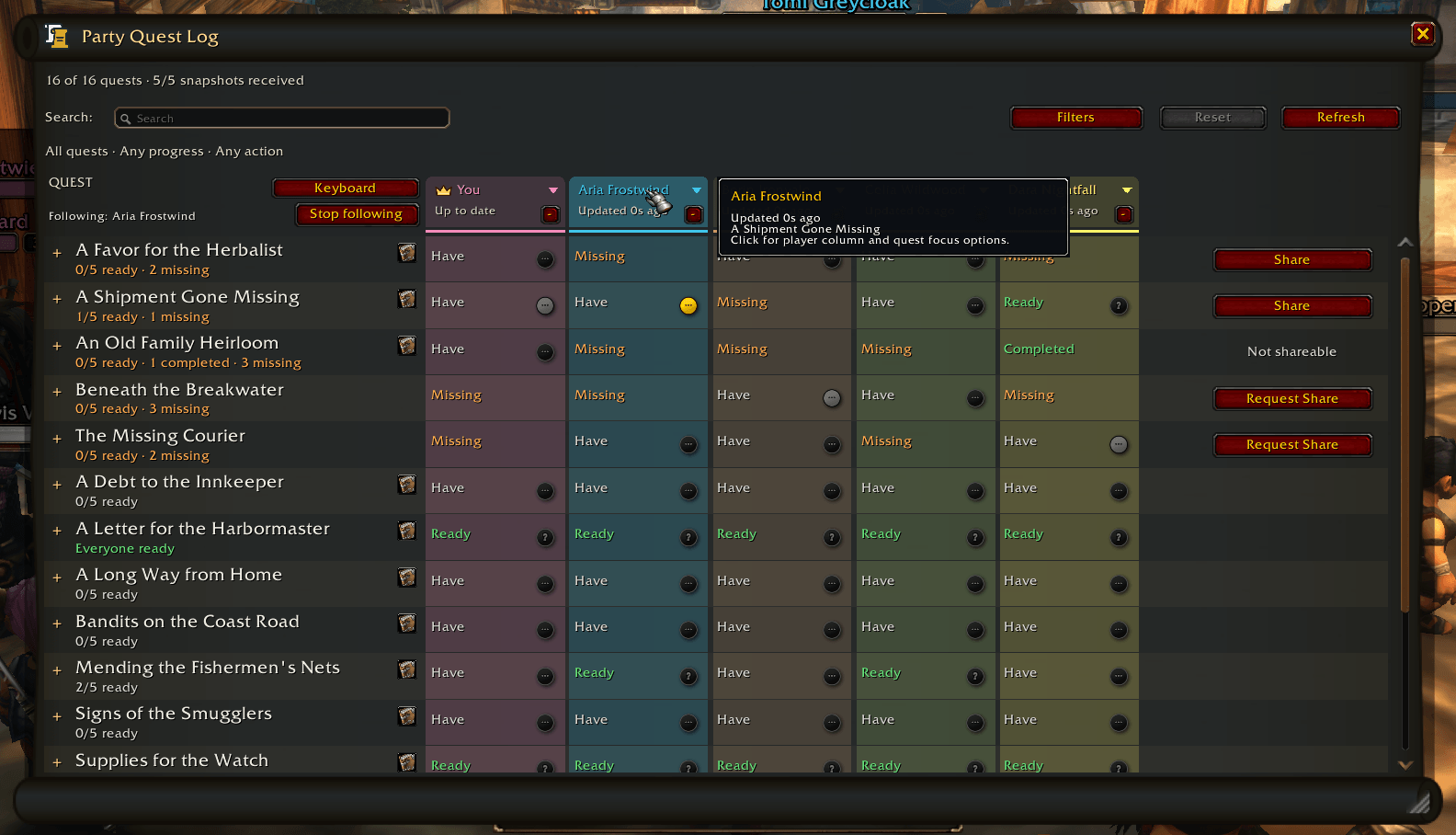
Follow a party member’s focused quest from the Party Quest Log.
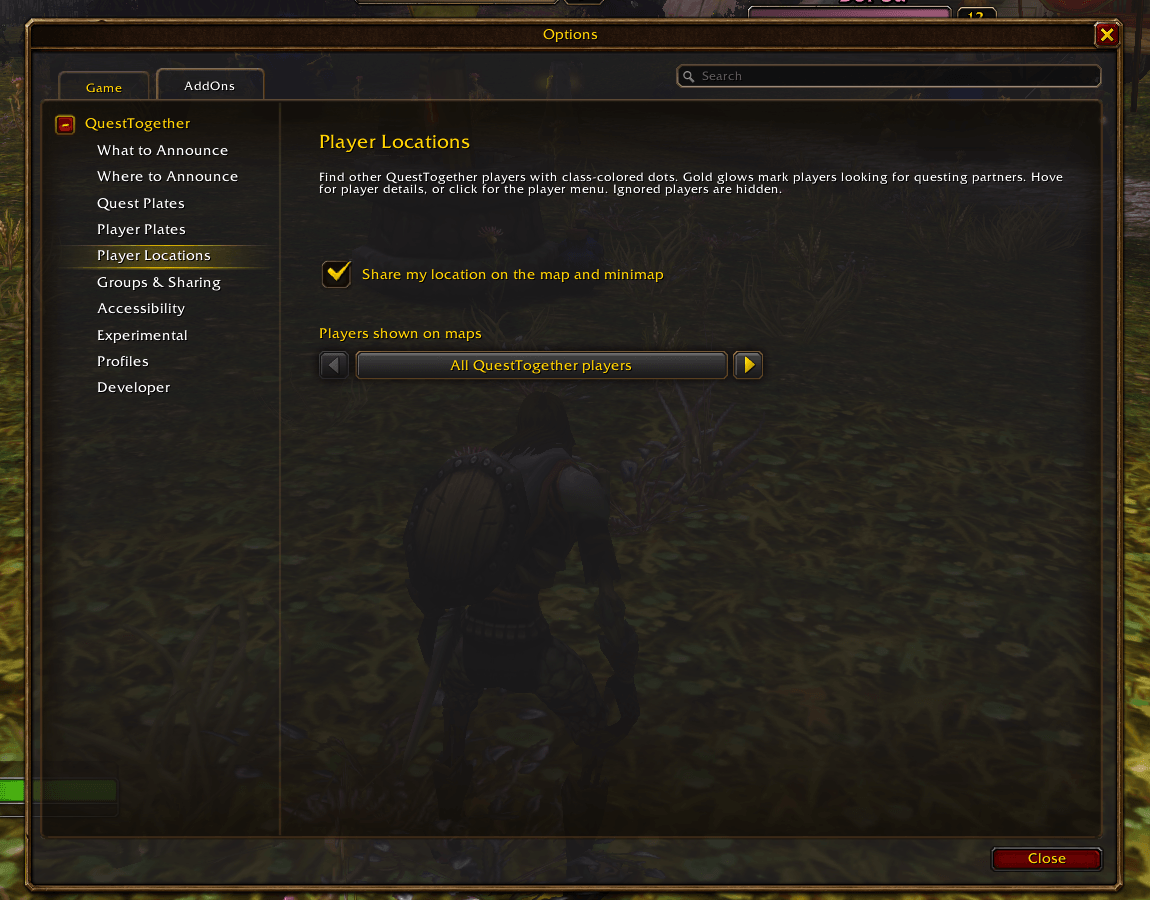
Set whether you share your location and which QuestTogether players appear on your maps.
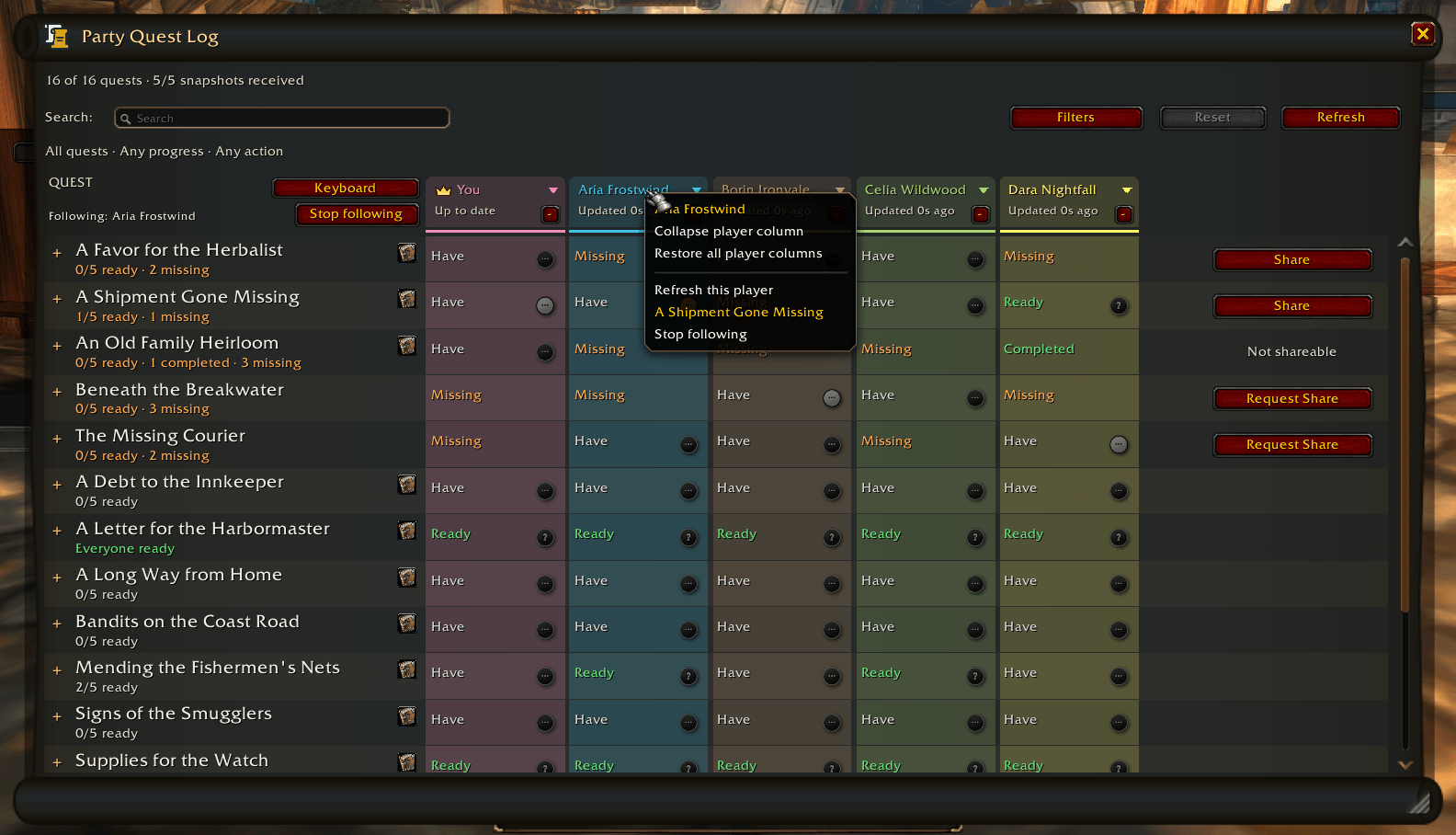
Open a Party Quest Log player menu to follow quest focus or collapse a column.
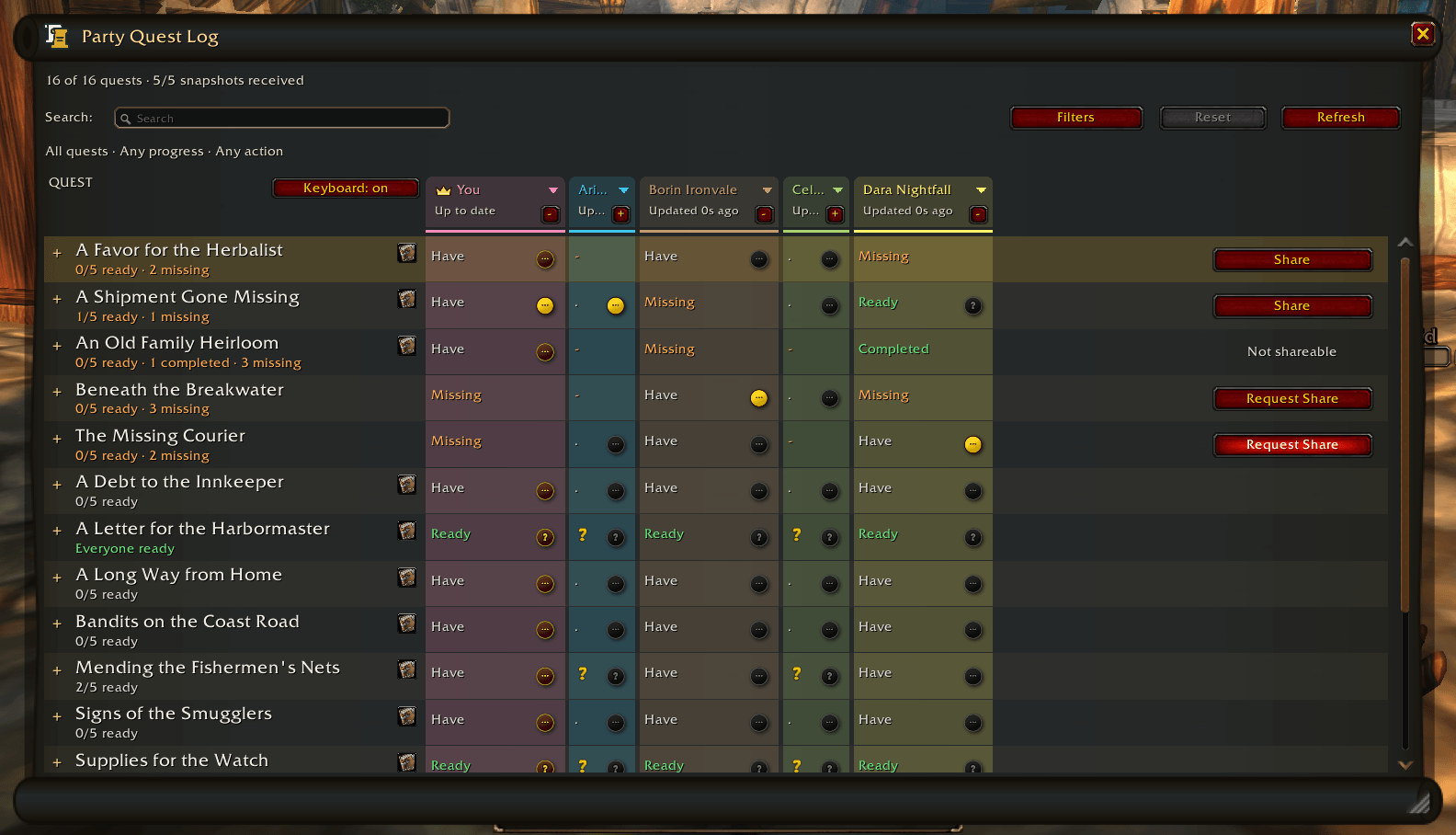
Collapse player columns and move through the Party Quest Log with the keyboard.
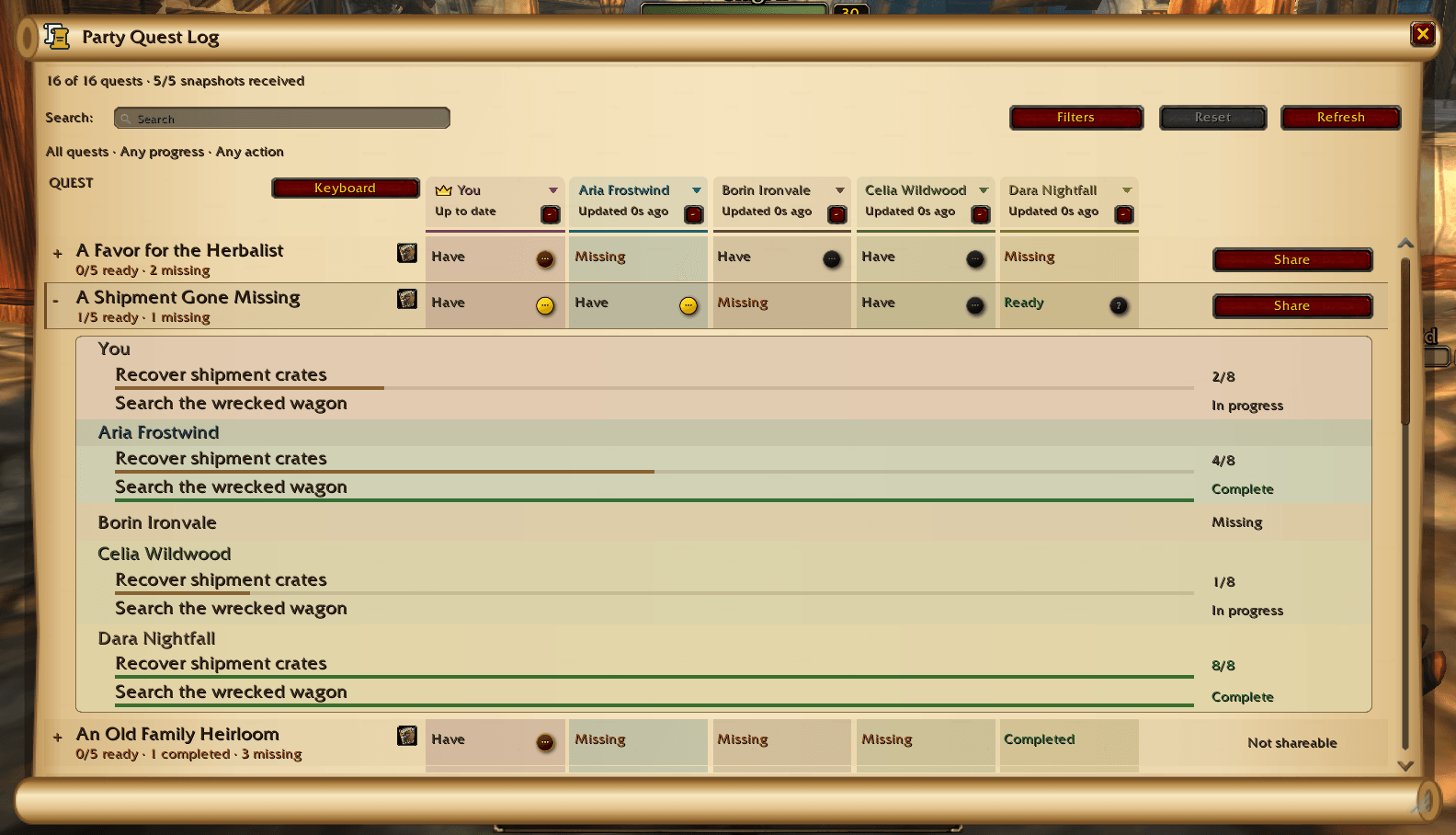
Choose Light under General → Theme to use light parchment in QuestTogether windows.
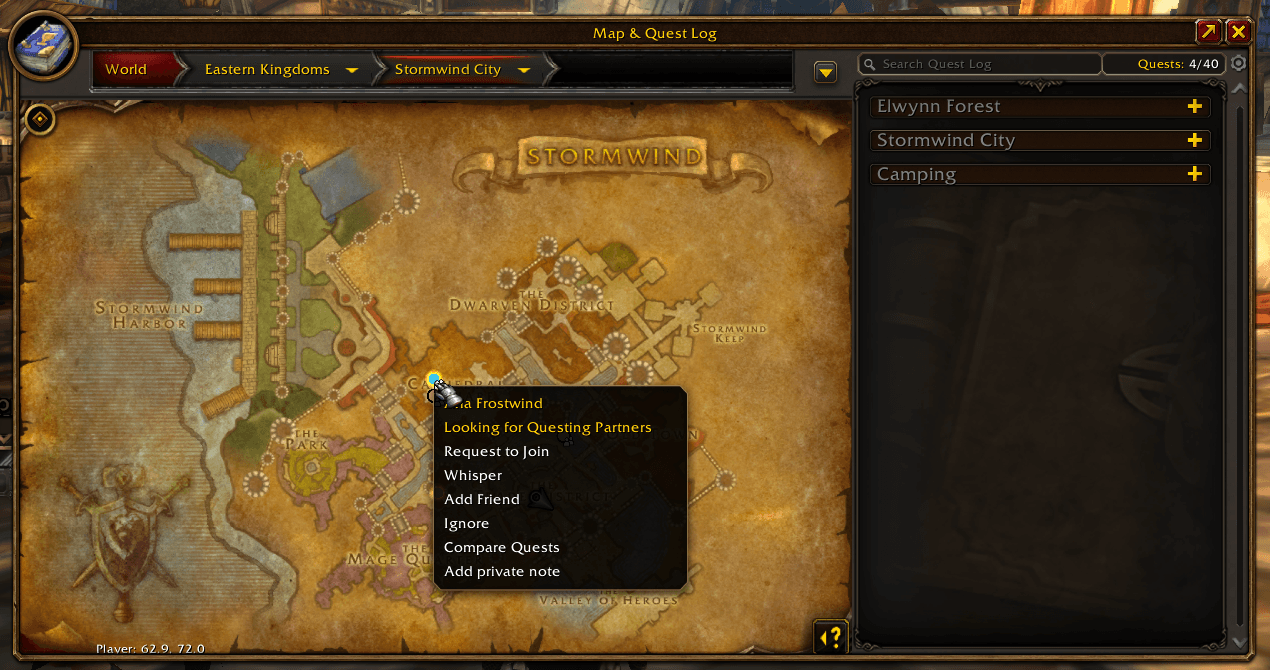
Open a player dot’s menu to request a party invitation, whisper, compare quests, or add a private note.
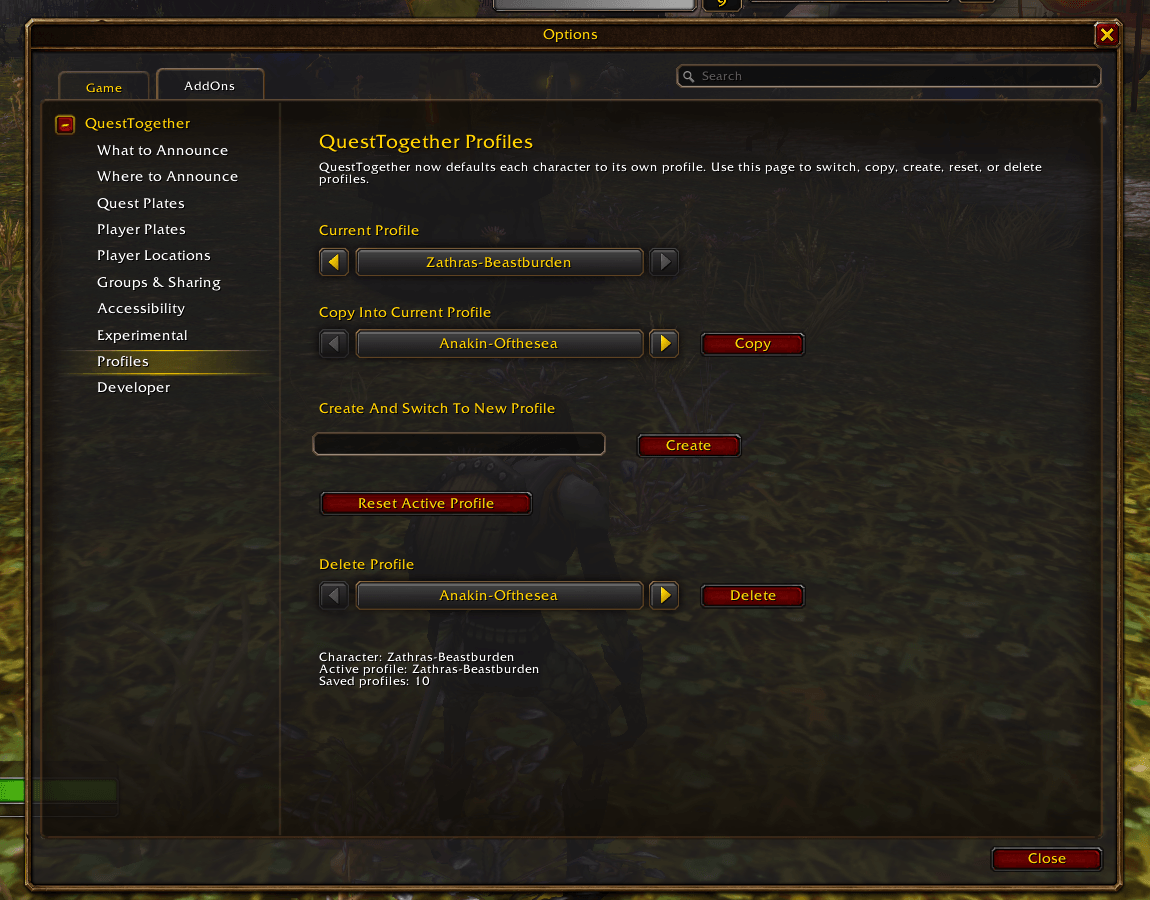
Select, copy, create, reset, or delete a settings profile.
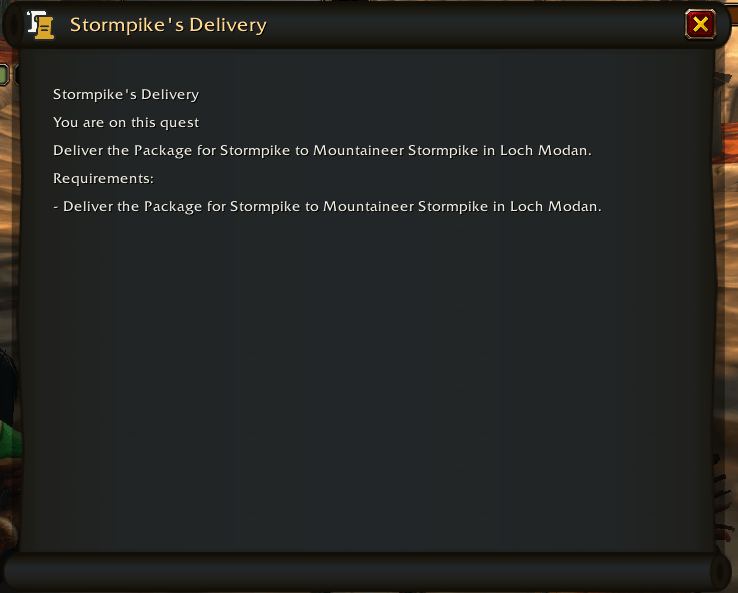
Read the quest information available from your client in the Quest Details window.
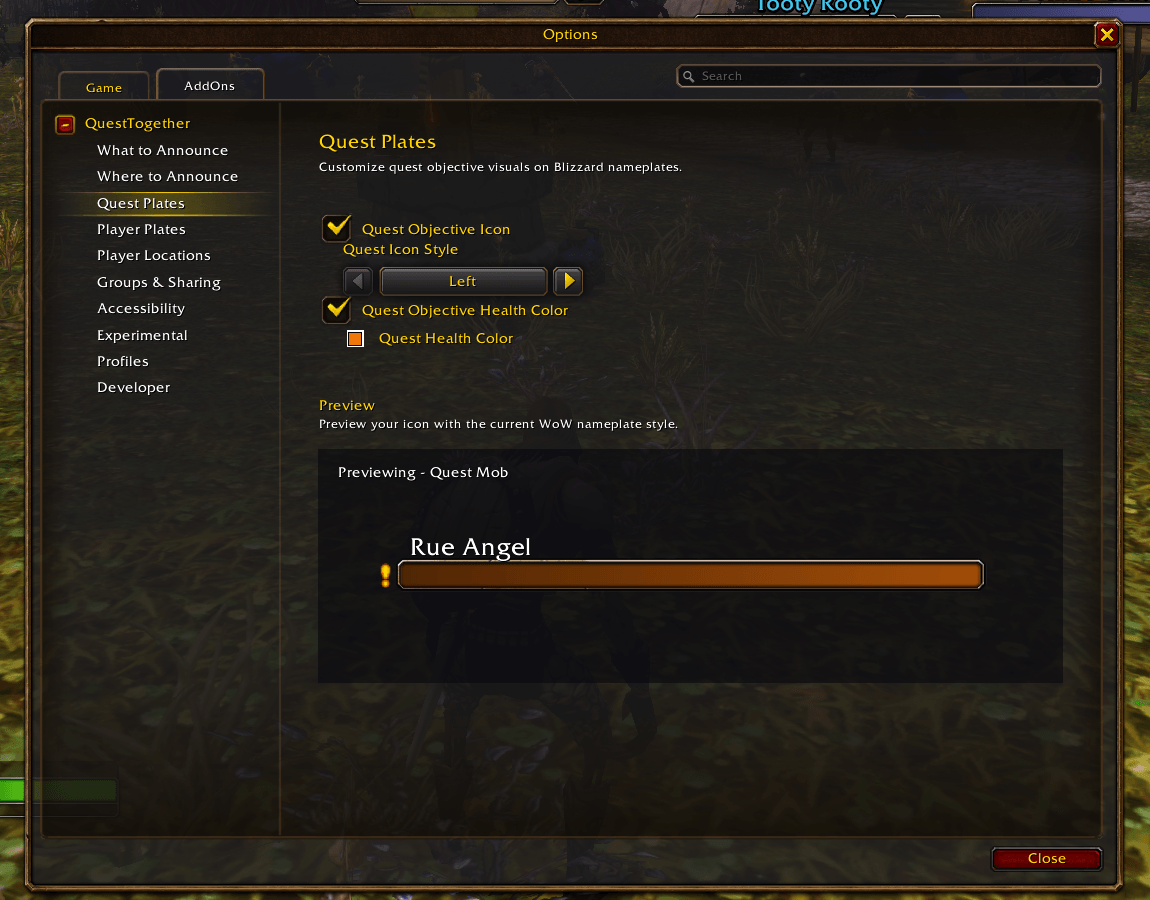
Choose quest-objective icons and health-bar colors, with a preview in settings.
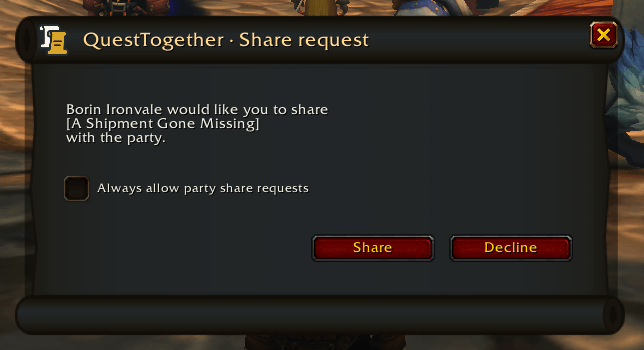
Review a request to share one of your quests with a party member.
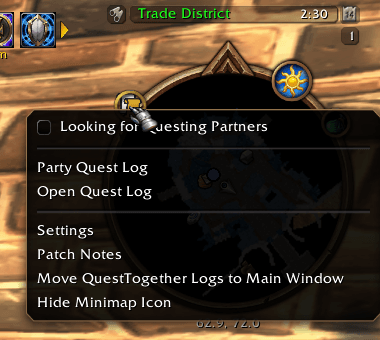
Right-click the QuestTogether minimap button to open common actions and settings.
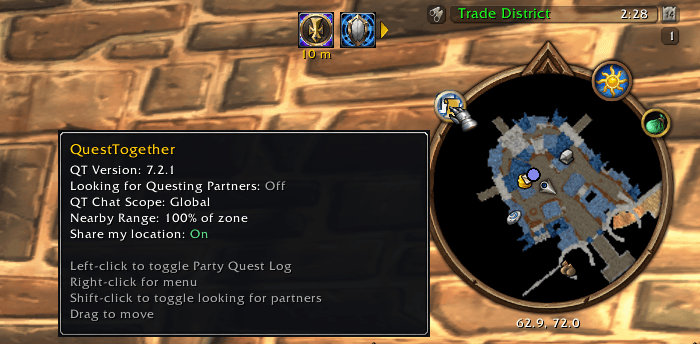
Hover the QuestTogether minimap button to check your status, chat scope, location sharing, and button controls.
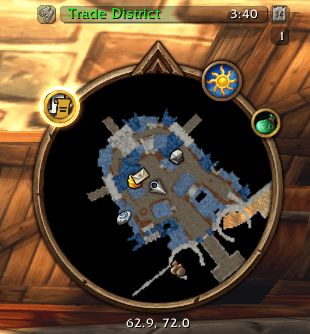
The QT minimap icon glows while Looking for Questing Partners is enabled. Shift-click the icon to toggle your status.
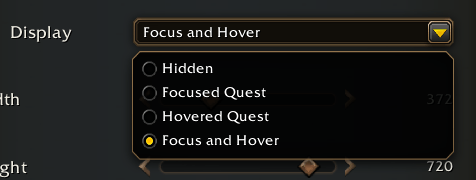
quest-tracker-display-option.png
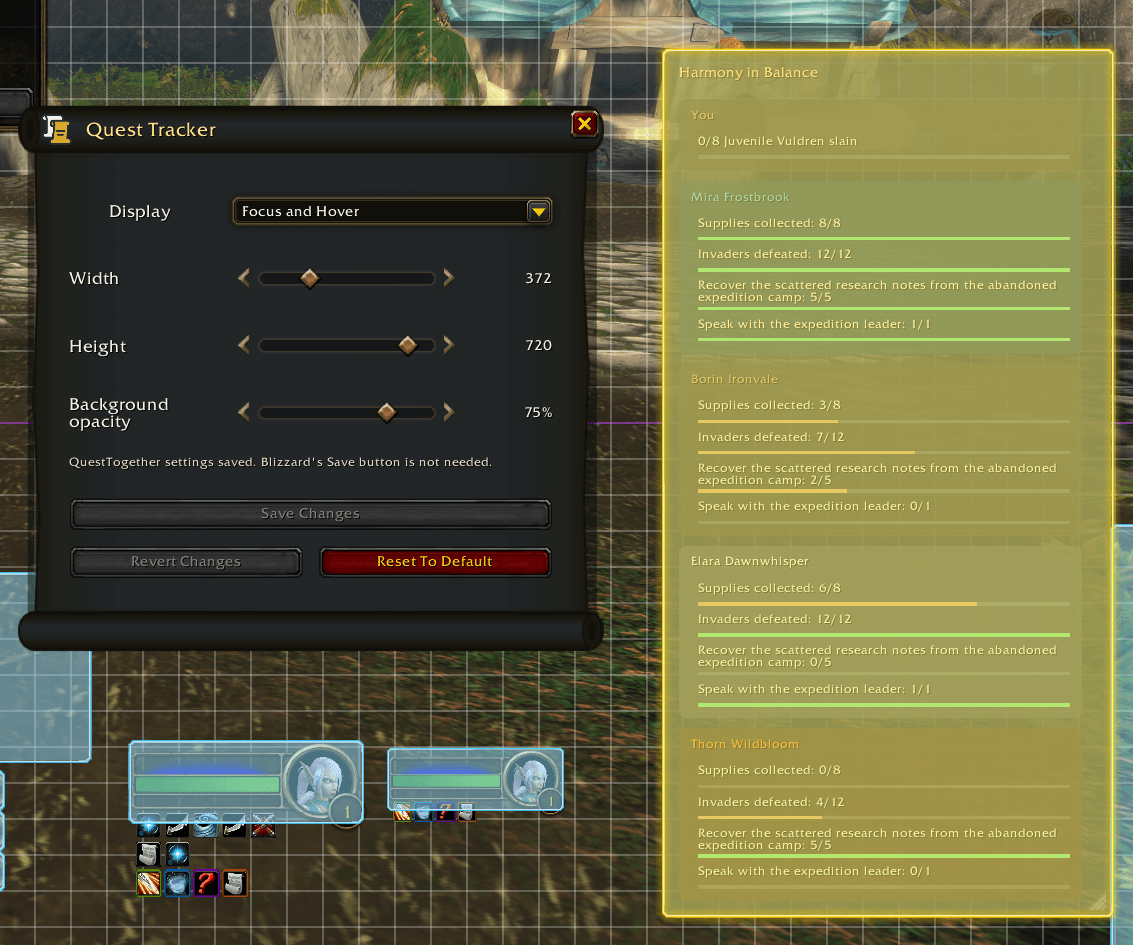
quest-tracker-edit-mode.png