


QuestPutz
- By
01-overview.png
02-selection.png
03-confirm.png
04-log.png
05-lists.png
Description
QuestPutz – tidy up your quest log
Levelling alts through old zones? Then you know the problem: your quest log fills up with quests from expansions you left behind long ago, and some of them come back after every login. QuestPutz knows which expansion every quest belongs to and abandons old ones in bulk, while important quests stay safe. Before anything is abandoned you see a preview and confirm it.
Features
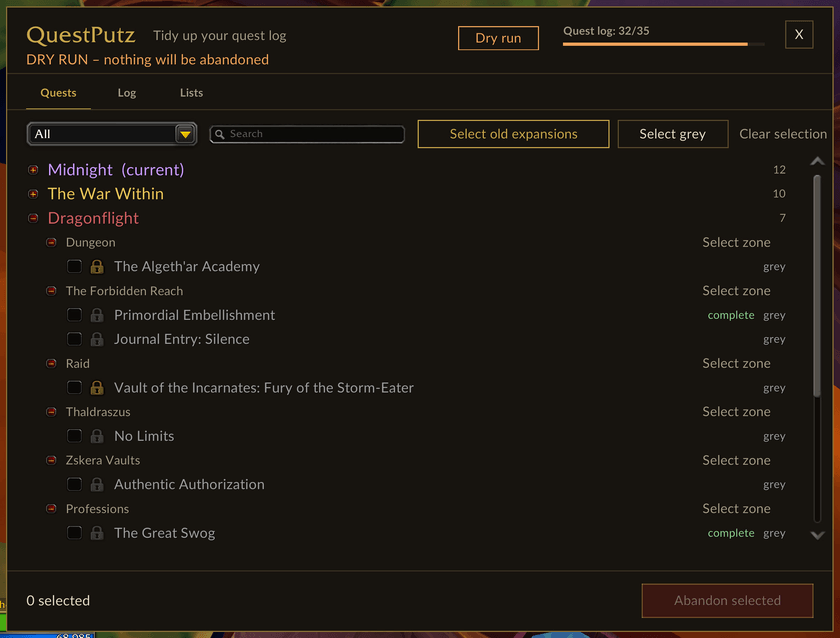
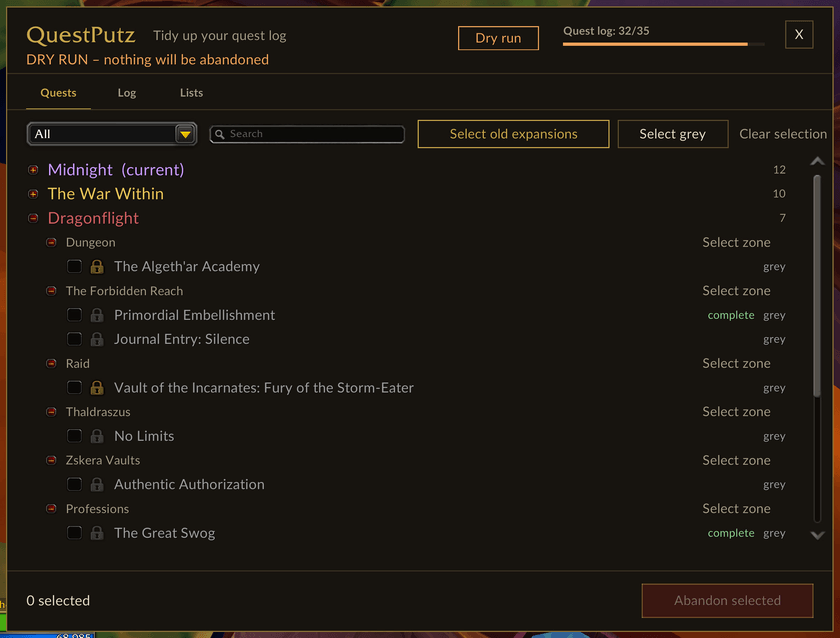
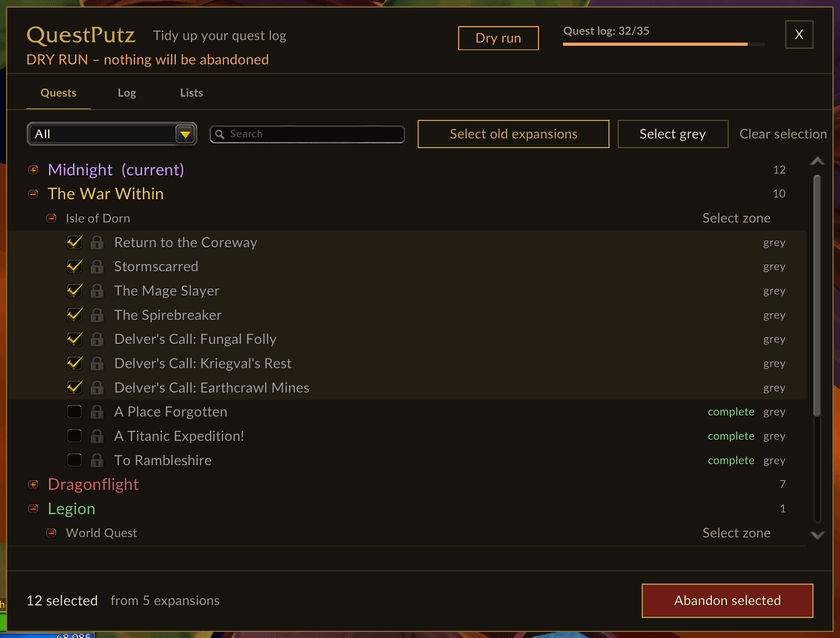
- Grouped overview – all quests by expansion (each with its own colour) and zone, current expansion on top. Filter (all, old, grey, complete, protected, unknown) and search.
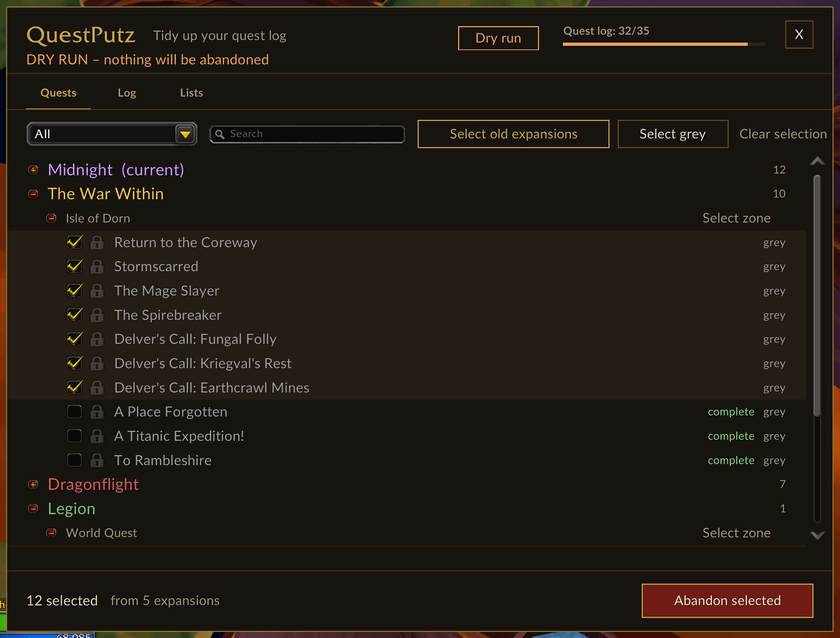
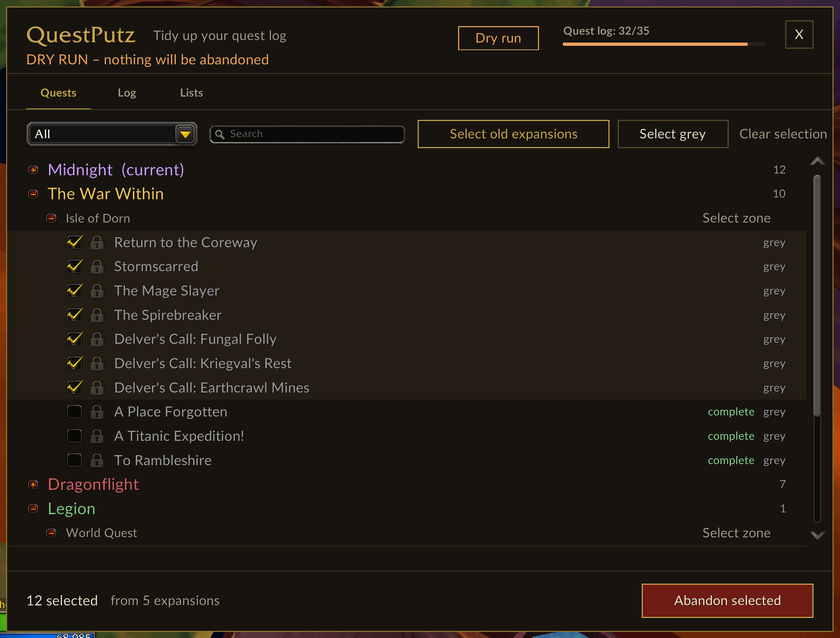
- One-click selection – Select old expansions, Select grey or Select zone, or tick quests by hand. The footer shows how many quests from how many expansions are selected.
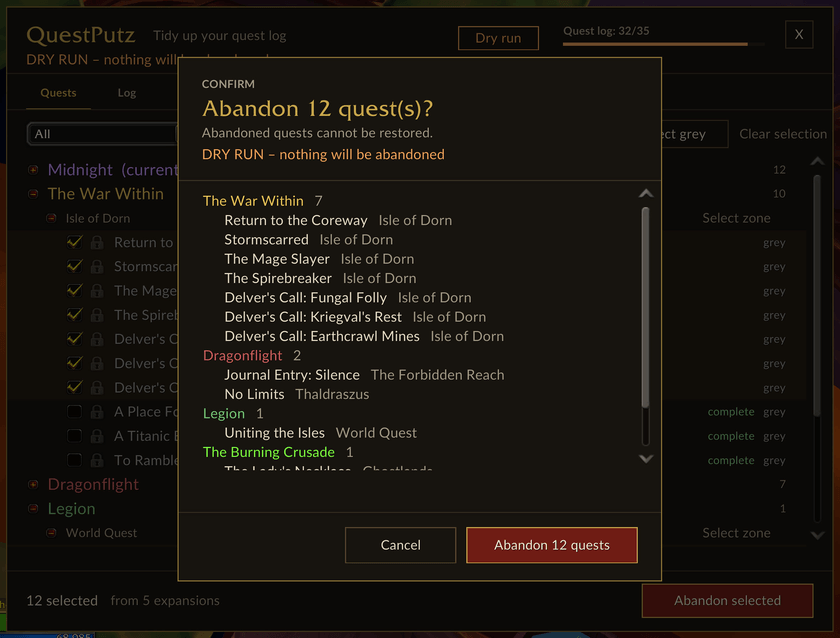
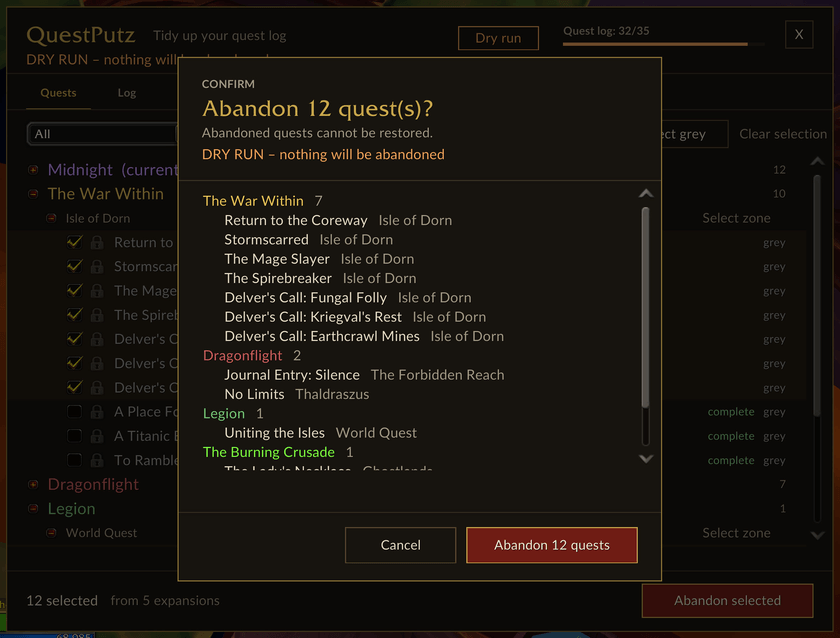
- Preview and confirm – a dialog lists every quest with zone and expansion before anything happens. Nothing is abandoned without your click.
- Safe by default – never selected automatically: the current expansion, unknown expansion, your protect list and quests WoW will not let you abandon. Campaign, legendary, important, meta, daily/weekly and completed quests are spared too (each switchable).
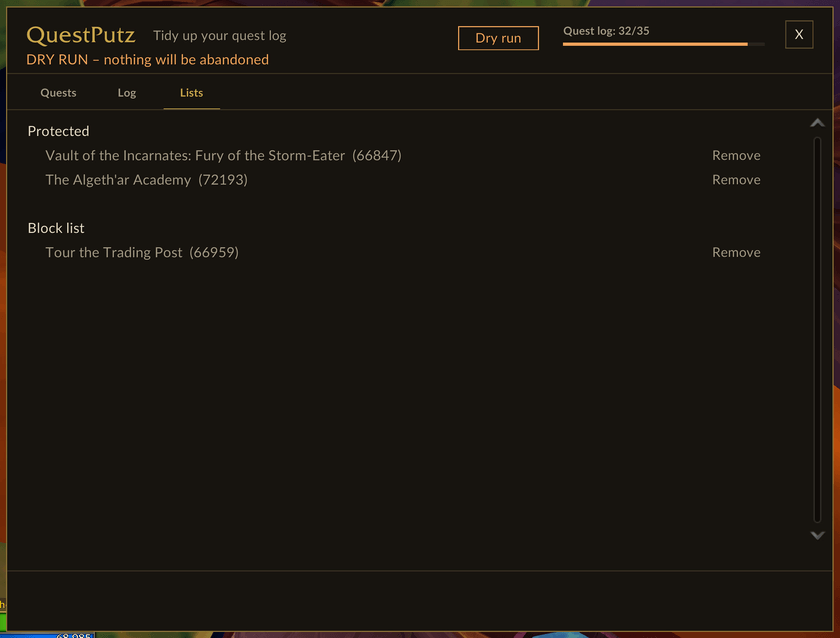
- Protect list – click the padlock to keep a quest forever, on all characters.
- Block list – for quests that keep pushing back into your log (e.g. intro quests after every login): once blocked, QuestPutz abandons them automatically whenever they show up.
- Dry run – everything works as usual, but no quest is really abandoned. Perfect for trying it out on a fresh alt.
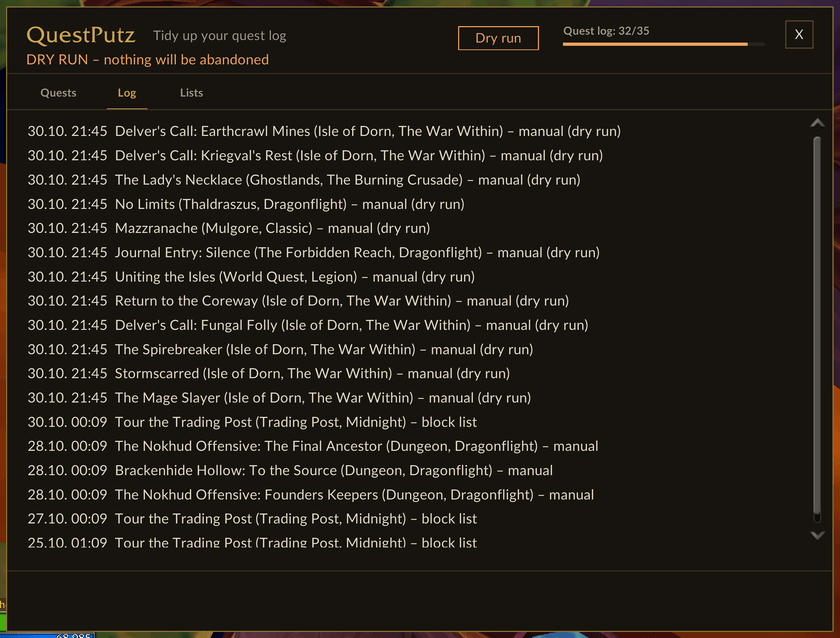
- Log – the last 200 abandoned quests per character, with date, zone, expansion and source, so you can find an accidentally dropped quest again.
- Fill level – quest log usage in the window, on the quest log button and in the minimap tooltip, with a one-time warning when it is nearly full.
- Right in the quest log – a book icon next to the gear opens the window, and right-clicking a zone header offers Abandon all quests in this zone ….
- Three designs – Calm (default), Classic and Light. English and German.
| Select | Confirm |
|---|---|
 |
 |
| Log | Lists |
|---|---|
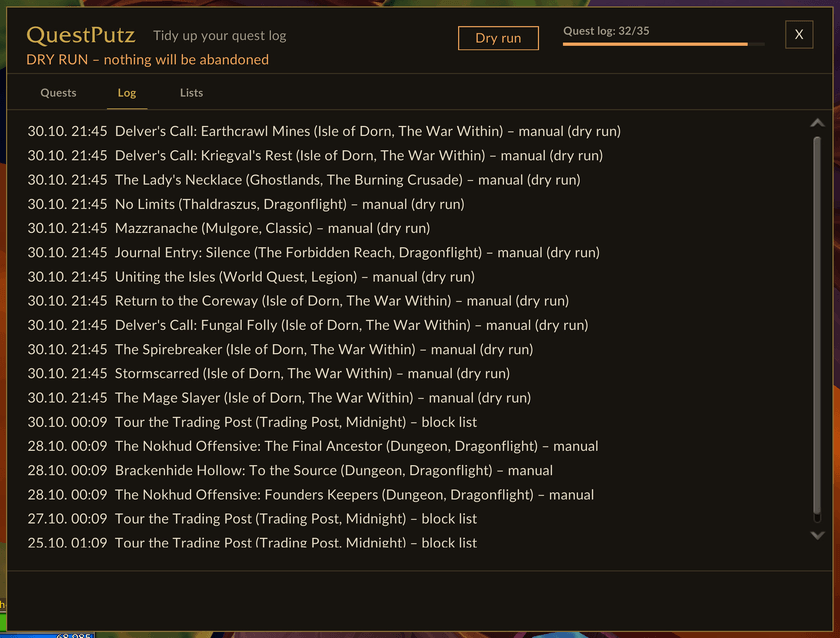 |
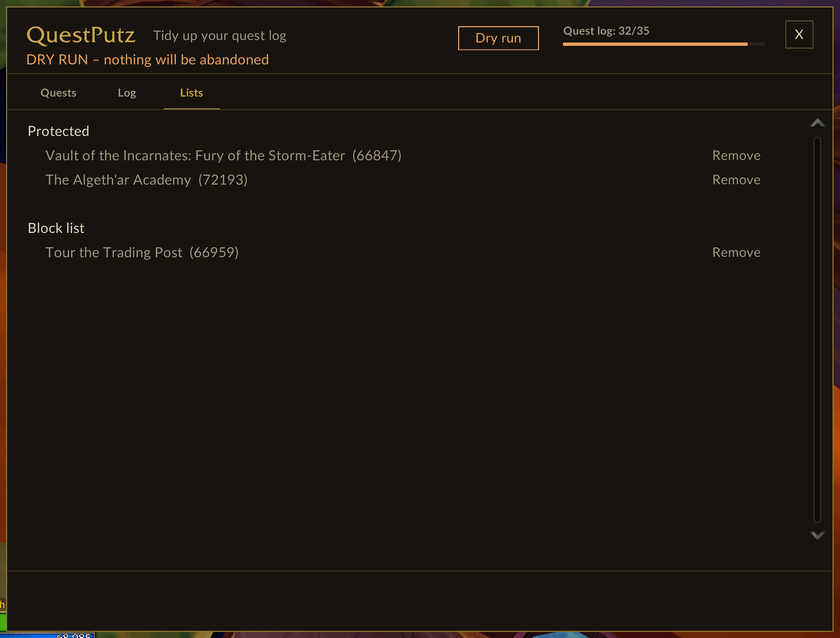 |
| Quest log | Minimap |
|---|---|
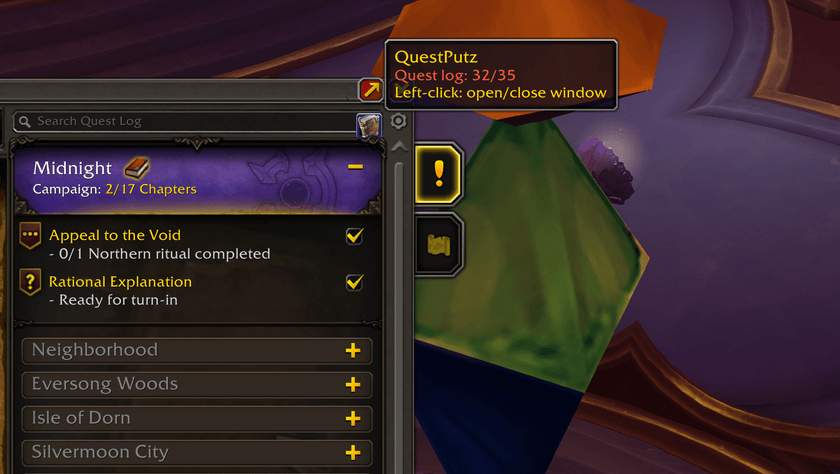 |
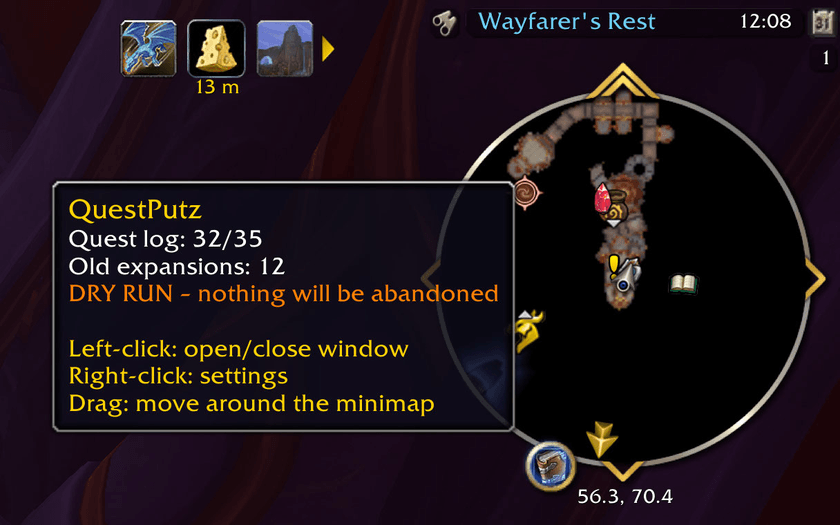 |
Getting started
- Type
/qp dryrunso nothing is really abandoned while you look around. - Type
/qp old– a dialog lists all quests from old expansions that may go. - Click Abandon. In a dry run the chat only tells you what would have happened.
- Happy with the selection?
/qp dryrunagain to switch it off, then/qp oldfor real.
Or skip the commands: click the book icon on the minimap or in the quest log and pick quests in the window.
Commands
| Command | Does |
|---|---|
/qp |
open/close the window |
/qp old |
abandon quests from old expansions (with preview) |
/qp grey |
abandon grey quests (with preview) |
/qp protect <questID> |
toggle protection |
/qp block <questID> |
toggle the block list |
/qp log |
last 20 abandoned quests in chat |
/qp dryrun |
dry run on/off |
/qp options |
settings |
/qp minimap |
show/hide the minimap button |
/qp design calm/classic/light |
switch design |
German aliases work as well (/qp alt, /qp grau, /qp schutz, /qp sperre, /qp probe).
Good to know
- Abandoned quests cannot be restored – that is why there are preview, dry run and log.
- No abandoning in combat; the block list waits until combat ends.
- In Chromie Time Blizzard partly blocks abandoning without telling. QuestPutz warns you and names every quest that is still in the log afterwards.
- No libraries, no other addons required.
Deutsch
Questlog aufräumen: QuestPutz erkennt, aus welcher Erweiterung jede Quest stammt, und
bricht alte Quests gesammelt ab – mit Vorschau, Schutzliste, Sperrliste für hartnäckige
Einleitungsquests, Probelauf und Protokoll. Kampagnen-, wichtige, tägliche und fertige
Quests bleiben standardmäßig verschont. Die Oberfläche ist auf deutschen Clients komplett
deutsch; alle Befehle gibt es auch auf Deutsch (/qp alt, /qp grau, /qp probe …).
QuestPutz Team
