


Questlog Manager
- By
screen1.png
screen3.png
screen2.png
Description
QuestLog Manager
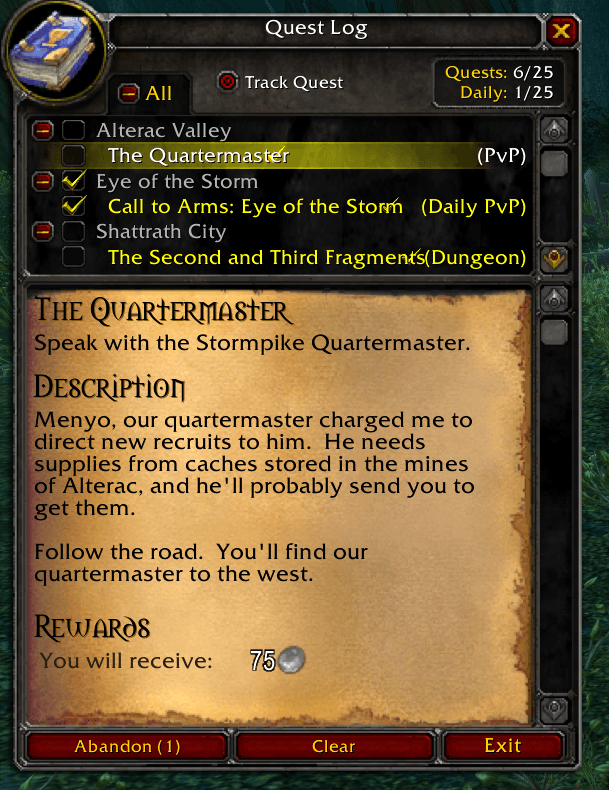
QuestLog Manager extends the default World of Warcraft quest log with checkboxes, allowing you to select and abandon multiple quests at once.
Select individual quests or use a category checkbox to select all eligible quests within that category. Protected quests cannot be selected and are never included when abandoning quests.
Features
- Select individual quests directly in the quest log
- Select or deselect all eligible quests within a category
- Abandon all selected quests with a single click
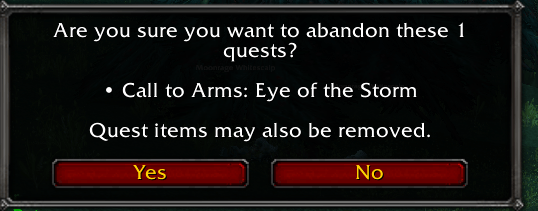
- Review a summary before confirming
- Customize the confirmation behavior
- Clear your current selection at any time
- Open the quest log and settings using a movable minimap button
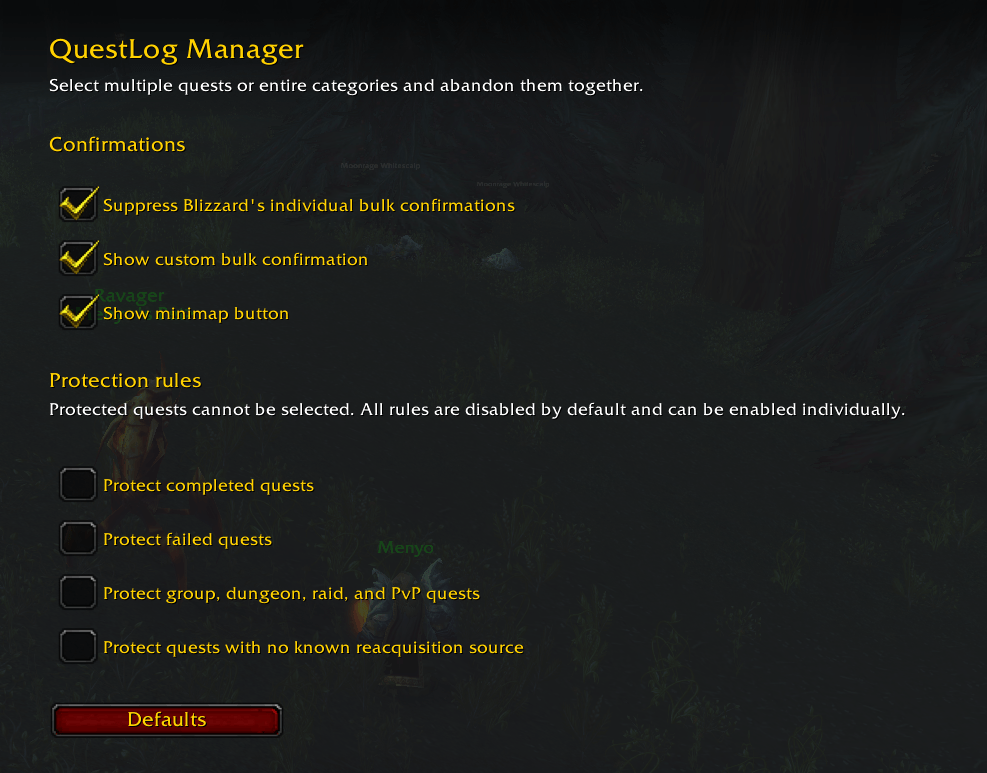
- Configure all protection rules through the standard addon settings
Quest Protection
QuestLog Manager can protect potentially important quests from being selected, including:
- Completed or failed quests
- Group and elite quests
- Dungeon, raid, heroic, and PvP quests
- Quests without a known source where they can be accepted again
Each protection rule can be enabled or disabled individually in the addon settings.
Protection for quests without a known source requires Questie. Questie is optional, and all other QuestLog Manager features work without it.
Slash Commands
/qlm: Open or close the quest log/qlm config: Open the addon settings/qm: Compatibility alias for/qlm/questmanager: Compatibility alias for/qlm
Important Notice
Abandoning a quest may also remove associated quest items from your inventory. Always review the selected quests before confirming.
Questlog Manager Team
