Eclipse timer and Eclipse Hidden Cooldown
Description
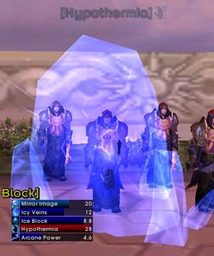
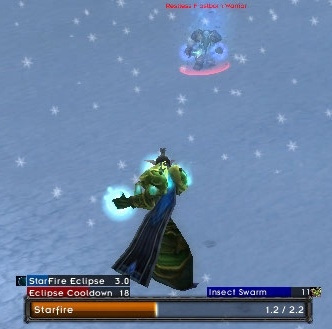
This adds an eclipse timer and eclipse hidden cooldown timer to the Mirror bars for Quartz.
You'll need Quartz installed (http://wow.curse.com/downloads/wow-addons/details/quartz.aspx) and have the Mirror module enabled (which it should be by default). Just put this addon into the WoW/Interface/Addons directory.
To access the configuration options, type /quartz to bring up the quartz options, and then click 'Eclipse'.
Also to customize the look of the bars for your debuffs, type /quartz to access the configuration and click on 'Buff', make sure it's checked to be enabled, then click the + sign next to 'Buff' and click 'Target' and make sure it's enabled, and make sure debuffs are enabled for that. That will show insect swarm, moonfire, faerie fire, or whatever else you happen to debuff the enemy with. You can also change bar style/size here too.
To change the style/size of the spell timers added by this addon, click 'Mirror' in the quartz options.
<font color="red">For an updated version and a more extensive timer list for procs, buffs, and abilities for all different classes, get this addon instead
Quartz: Procs Module</font>
If you want just a simple eclipse module, to keep track of the Eclipse proc, heroism/bloodlust, and the t8 proc, stick with this addon (but Quartz: Procs will also include those 3 as well)
Quartz: Eclipse Module Team

Owner