QCB - Quick Channel Bar
- By
lightweight Retail channel bar: click to switch channels instead of typing /p and /raid. Custom order, layout, and styles; right-click to block; stow buckets, emotes, and more. Formerly MtjChatBar.
6.png
1.png
2.png
3.png
4.png
Description
QCB — Quick Channel Bar
Lightweight chat channel bar.
(Retail / Forever · channel shortcuts · stow buckets · chat helpers)
Places a row of channel shortcut buttons near your screen or chat frame so you type /p, /raid, and similar less often, plus handy chat tools. Highlight: stow buckets (Common / Extended / Tools) keep infrequent buttons off the bar.
中文简介:QCB — Quick Channel Bar(快速频道条)是正式服轻量频道快捷条;条上「常 / 扩 / 功」收纳桶可收起不常用按钮。/qcb 或 /quickchannelbar、小地图按钮打开设置。
Rename notice: Formerly MtjChatBar. Install QCB, then log in once with both add-ons enabled so settings auto-migrate (chat copy / dice history not included). After that, disable or delete the MtjChatBar folder and /reload. Leaving both enabled shows two bars; deleting the old add-on first means settings will not migrate.
改名公告:原 MtjChatBar 已更名为 QCB(Quick Channel Bar)。装上后请先两边都开着进游戏一次完成设置迁移(不含聊天复制 / 掷骰历史),再禁用或删除 MtjChatBar 后重载。一直双开会出现两条频道条;先删旧包再进游戏则迁不过来。
Quick start
- Slash:
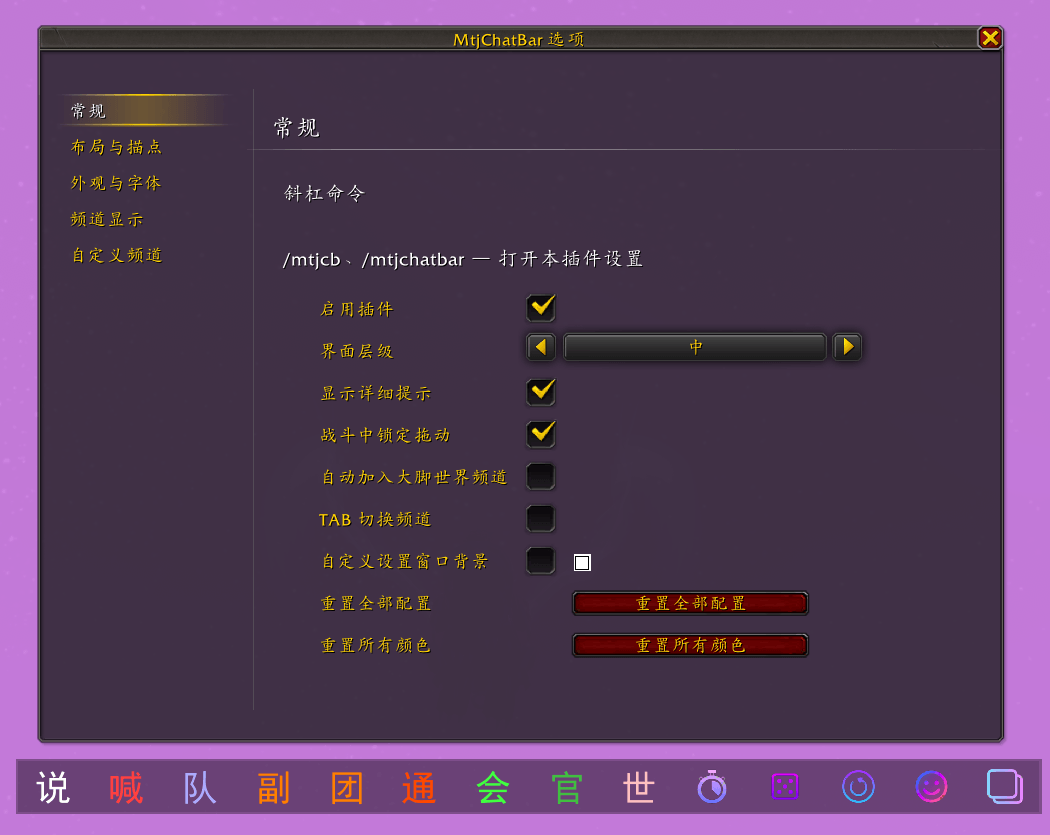
/qcb,/quickchannelbar(open settings) - Or use the minimap button (standalone options window; not listed under ESC → Options → AddOns)
Channel bar
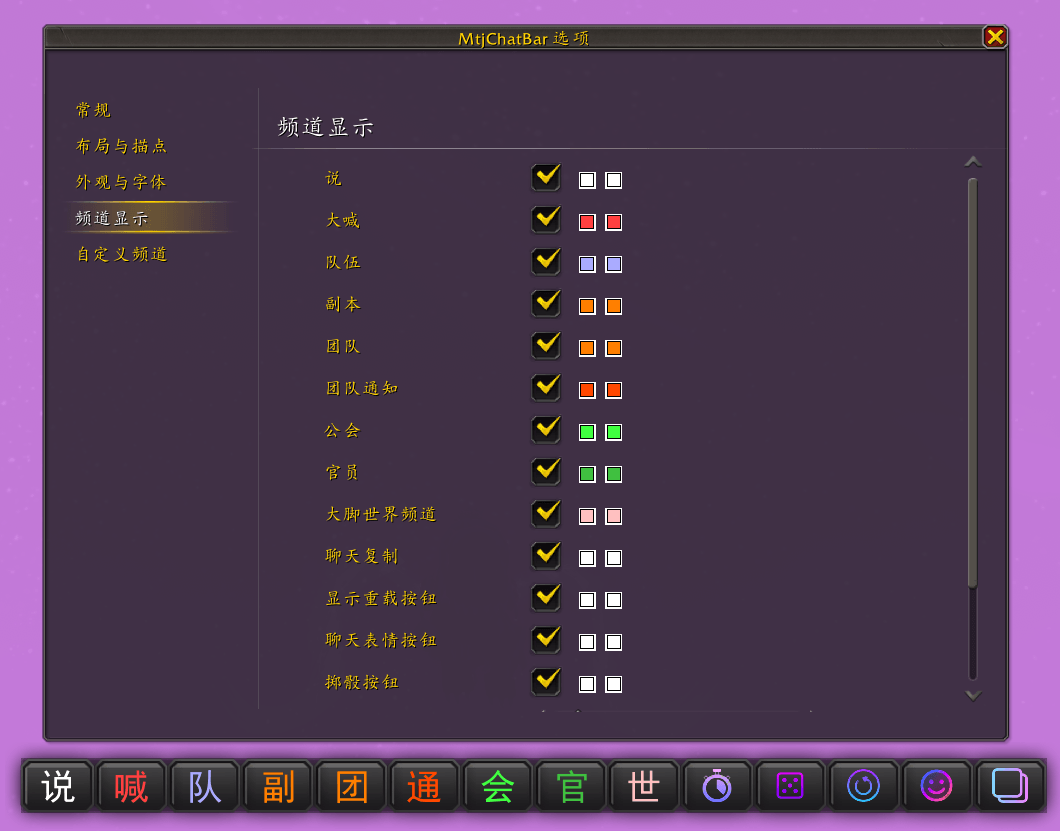
- One-click: Say, Yell, Party, Instance, Raid, Raid Warning, Guild, Officer, BigFoot world channel, and more; optional General / Trade / Local Defense / Looking for Group, etc.
- Stow buckets (Common / Extended / Tools): tuck infrequent channels or tools; left-click opens the list; right-click can bulk/single-block
- Right-click block on the bar (right-click again to unblock)
- Show/hide buttons; custom short labels and sort weight (1–999; other dynamic channels default 999)
- Optional TAB cycle among bar channels while the edit box is focused (no switch if the line starts with
/) - Optional auto-join BigFoot world channel
- Optional chat channel name shortening (paused in Mythic+ / battlegrounds / chat lock as designed; does not rewrite other add-ons' auto-whispers)
- Optional show player level (off by default):
[70][Name]before the name link, color by relative level; remembered locally for players you've seen (party, guild, friends, Battle.net, mouseover, nameplates, Shift+left-click name query, etc.)
Layout & appearance
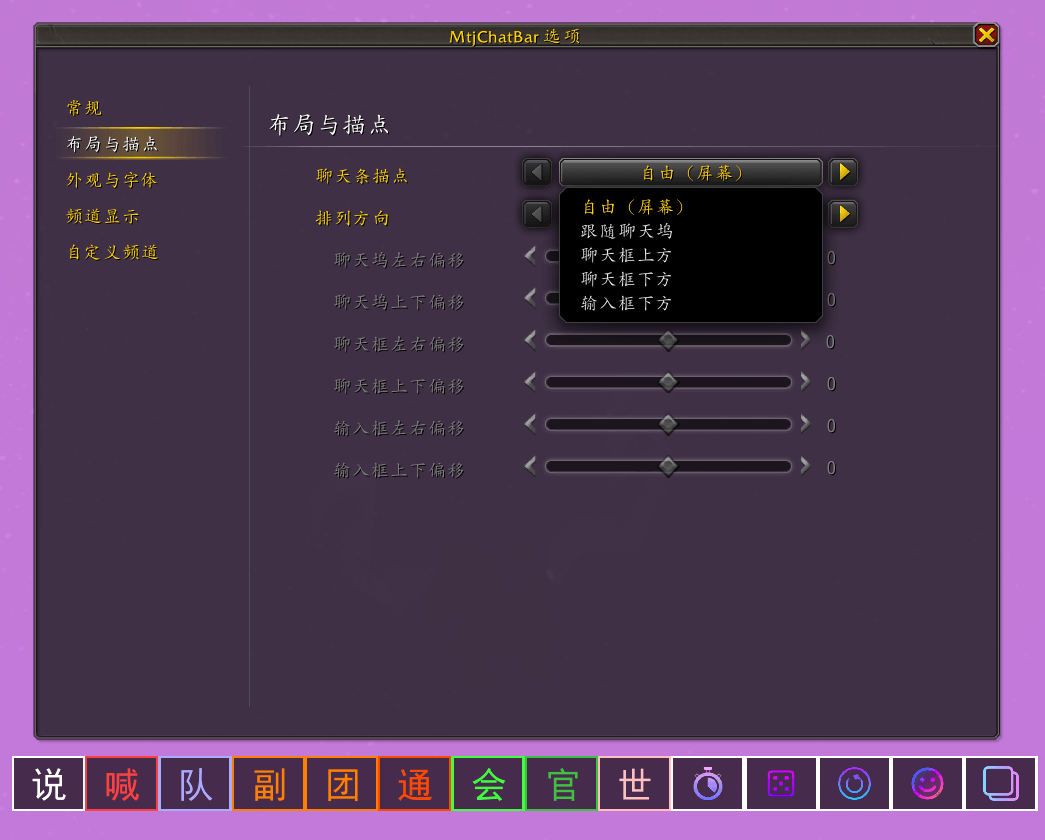
- Anchors: free (screen), follow chat dock, above/below chat, below edit box; spacing, size, scale, offsets, orientation
- Free mode: Shift + left-drag; optional lock drag in combat
- Optional idle fade (delay, alpha, animate)
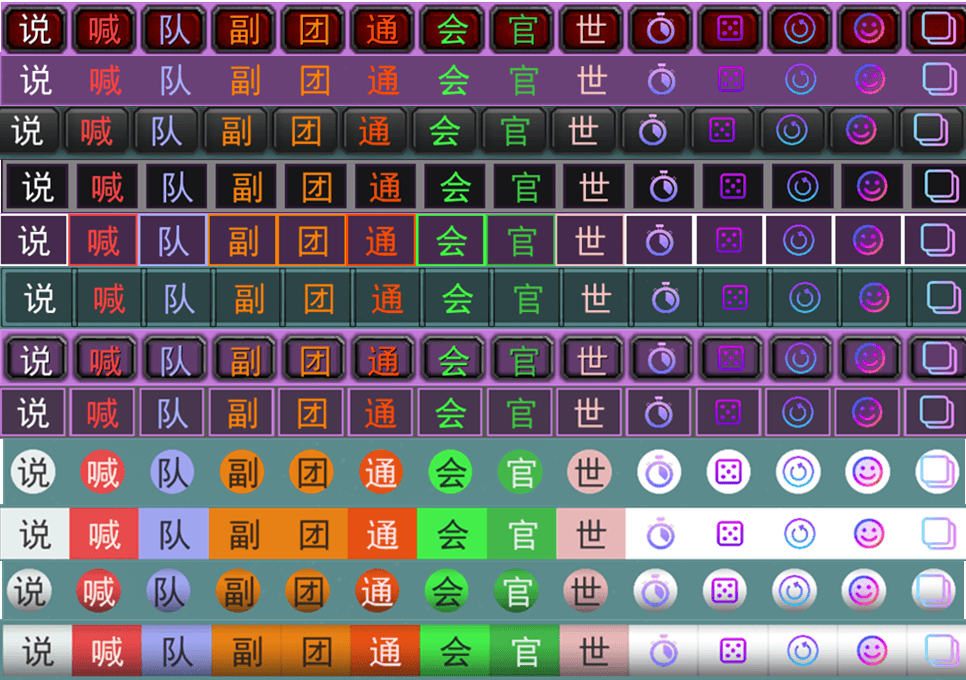
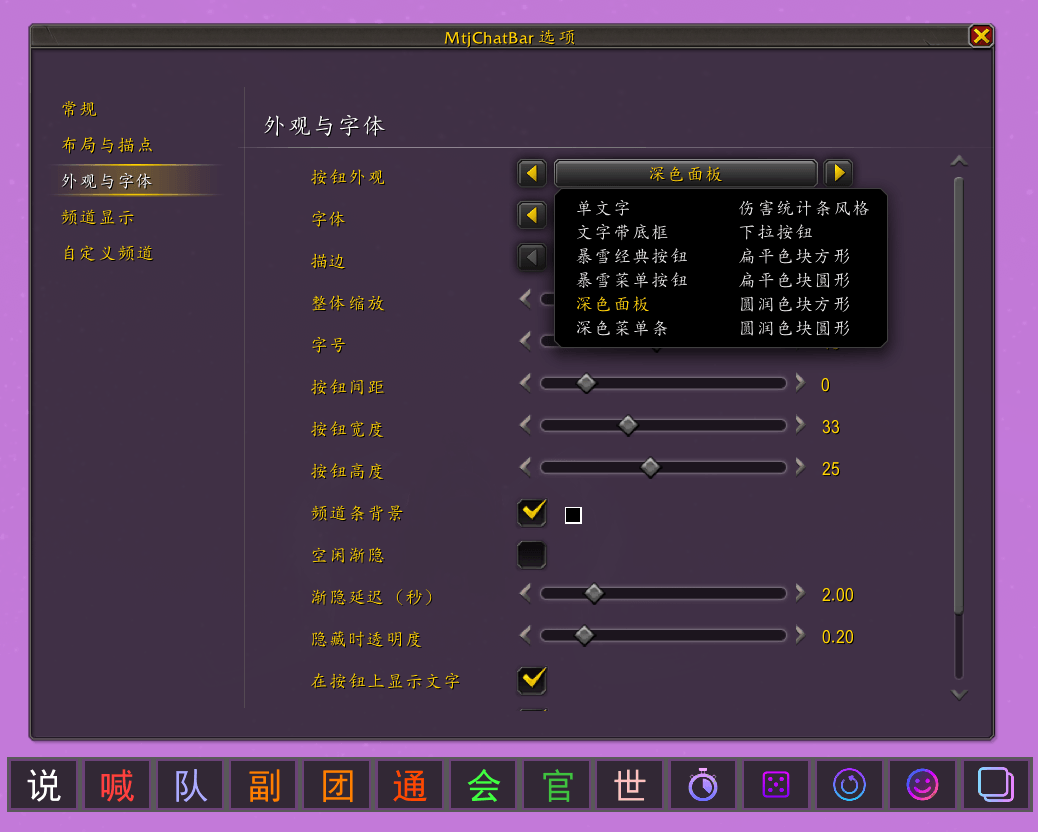
- Many button styles (text, Blizzard/dark styles, flat/rounded color blocks, etc.); fonts (incl. LibSharedMedia); per-channel colors; bar background; frame strata; unavailable channel mode (none / dim / hide)
Extra tools
Toggle in settings:
- Countdown: left-click start, right-click cancel
- Dice: left-click
/roll; right-click Blizzard loot roll history; Shift+right-click this add-on's roll log - Ready check / stat report / copy chat / emotes
- Instance & reload: left-click instance-related reset; right-click
/reload(no confirm)
Notes
- Retail; also loads on World of Warcraft: Forever where listed in
## Interface - Languages: English · 简体中文 · 繁体中文
- Chat lock / Secret Values: channel switch, copy, emotes, shortening, level display, etc. degrade safely with a notice
- Does not process whispers (avoids Mythic+ / other-add-on auto-whisper issues)
QCB - Quick Channel Bar Team