Pyresin QoL
- By
Modular improvements for WoW Forever’s native UI, with customizable unit frames and action bars, threat displays, and classic dungeon maps.
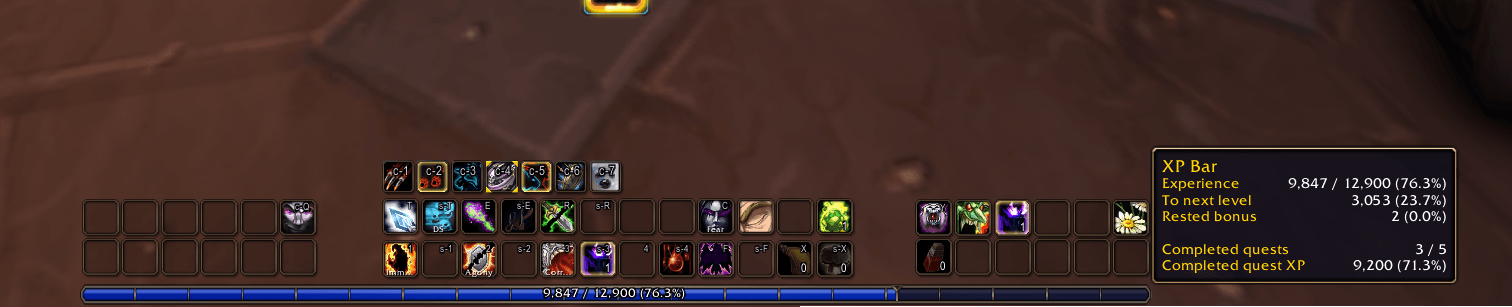
image1.png
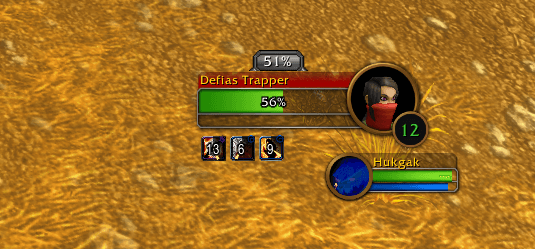
image5.png
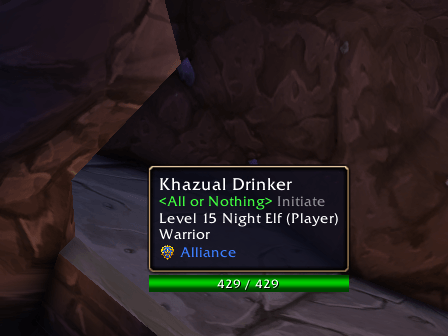
image6.png
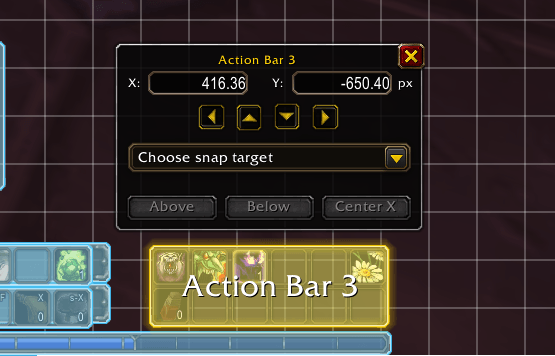
image4.png
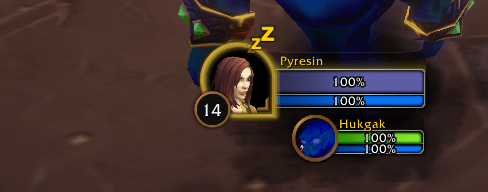
image2.png
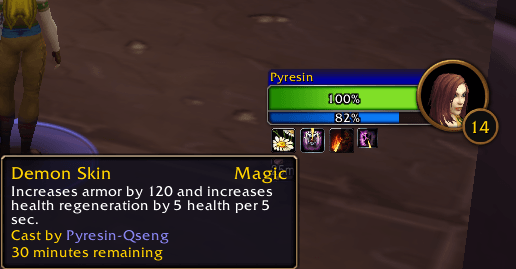
image3.png
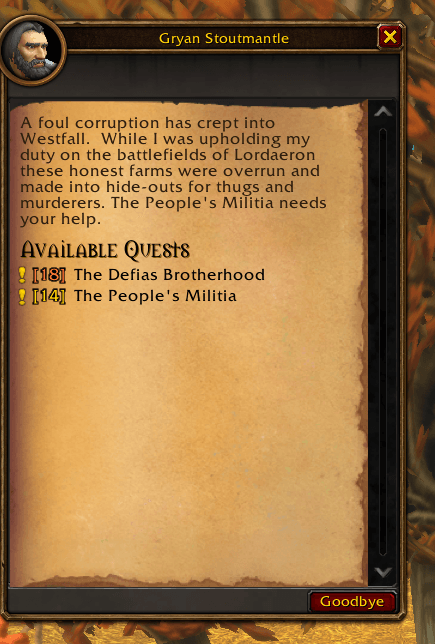
image7.png
image8.png
Description
PyresinQoL

Your familiar WoW Forever interface, tuned to how you play.
Organize your buffs, customize your cast bar, check threat at a glance, and open classic dungeon maps with M. PyresinQoL adds practical improvements to Blizzard’s native UI. Enable only the modules you want.
Features
- Dungeon maps: Explore 50 map views across 18 original Vanilla dungeon complexes inside Blizzard’s world map, with zoom, pan and floor selection.
- Unit frames & threat: Customize class colors and health/resource text. See druid mana while shapeshifted, combo points on enemy nameplates, and threat percentages on targets, focus and nameplates. Add a Threat view to Blizzard’s damage meter.
- Buffs & debuffs: Group and sort your auras, adjust rows, spacing and timers, and give your own buffs and debuffs larger icons on your target.
- Player cast bar: Choose textures, borders, colors and icon placement. Adjust the layout and latency display with a live preview in Edit Mode.
- Action bars: Customize icon and hotkey colors, font sizes and compact keybind labels. Set opacity, mouseover behavior and visibility rules for each bar.
- Tooltips: Choose placement and colors, and add details such as health values, guild ranks, unit targets and item or spell IDs.
- XP & quests: Customize experience text, preview XP from completed quests, and see quest levels in the quest interface.
- Edit Mode & profiles: Fine-tune frame positions with snapping and precise adjustments. Link addon profiles to your Edit Mode layouts so your settings follow automatically.
Plus an adjustable FPS and latency display and a cooldown-settings shortcut in the game menu.
Dungeon map coverage currently excludes Sunken Temple, Upper Blackrock Spire, raids and new Forever dungeons. The added maps do not show your live position.
Make it yours
Type /pqol to open the settings, or go to:
Settings → AddOns → PyresinQoL → Open PyresinQoL
Most options apply immediately. Enabling or disabling modules requires a UI reload; your settings and positions are preserved.
Available in English and German.
Feedback & bugs
Missing something? Found a bug? Leave a comment or open an issue on GitHub.
For bug reports, include your game and addon versions, any error message, and steps to reproduce the problem
Pyresin QoL Team