PvPResume
- By
PvPResume — PvP ratings and titles on tooltips, group finder, and a full in-game character window.
Screenshot 2026-09-27 200858.png
Screenshot 2026-09-27 200918.png
Screenshot 2026-09-27 200936.png
Screenshot 2026-09-27 200950.png
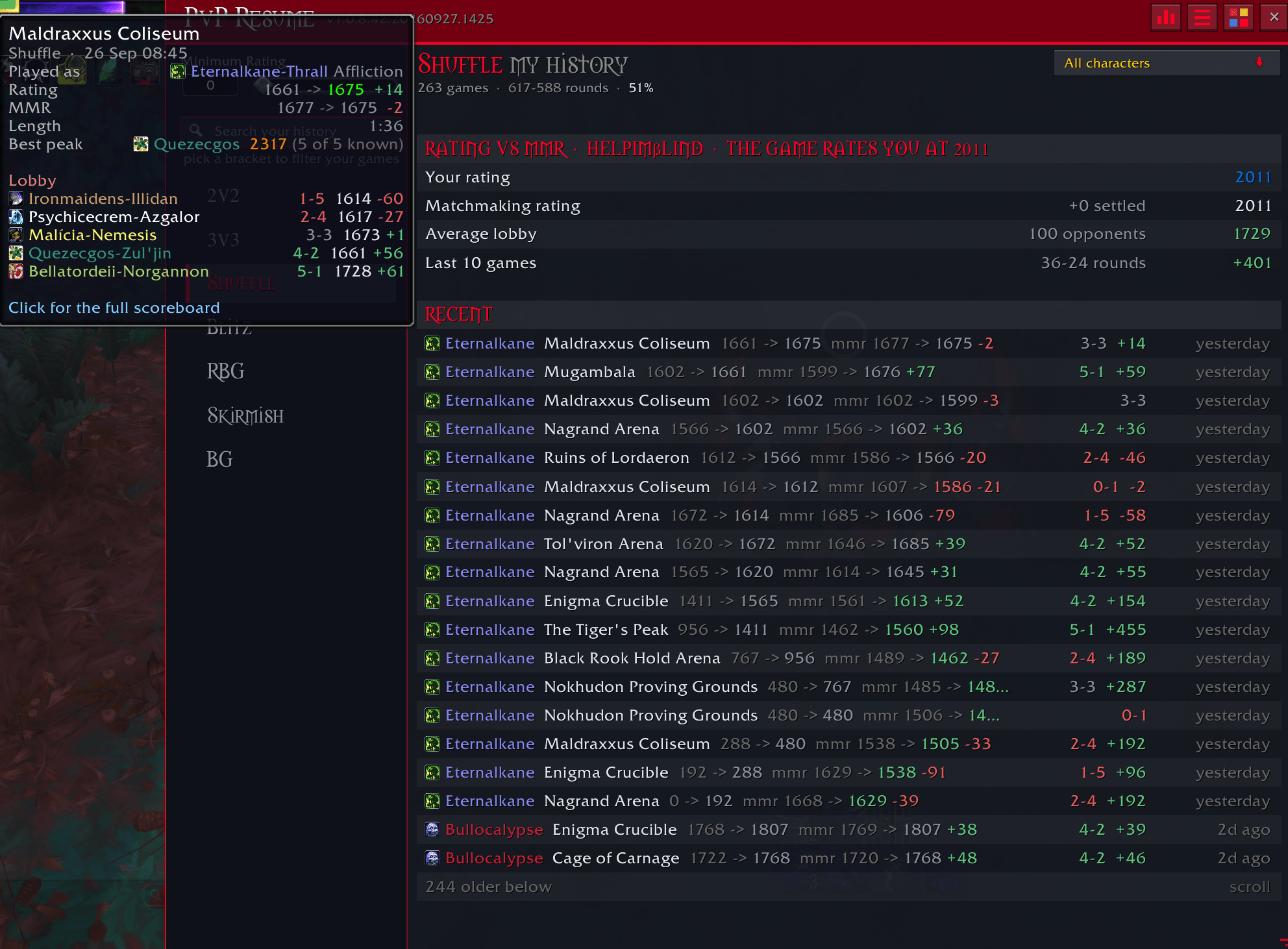
Screenshot 2026-09-27 201035.png
Description
PvPResume — PvP ratings and titles on tooltips, group finder, and a full in-game character window.
What it does
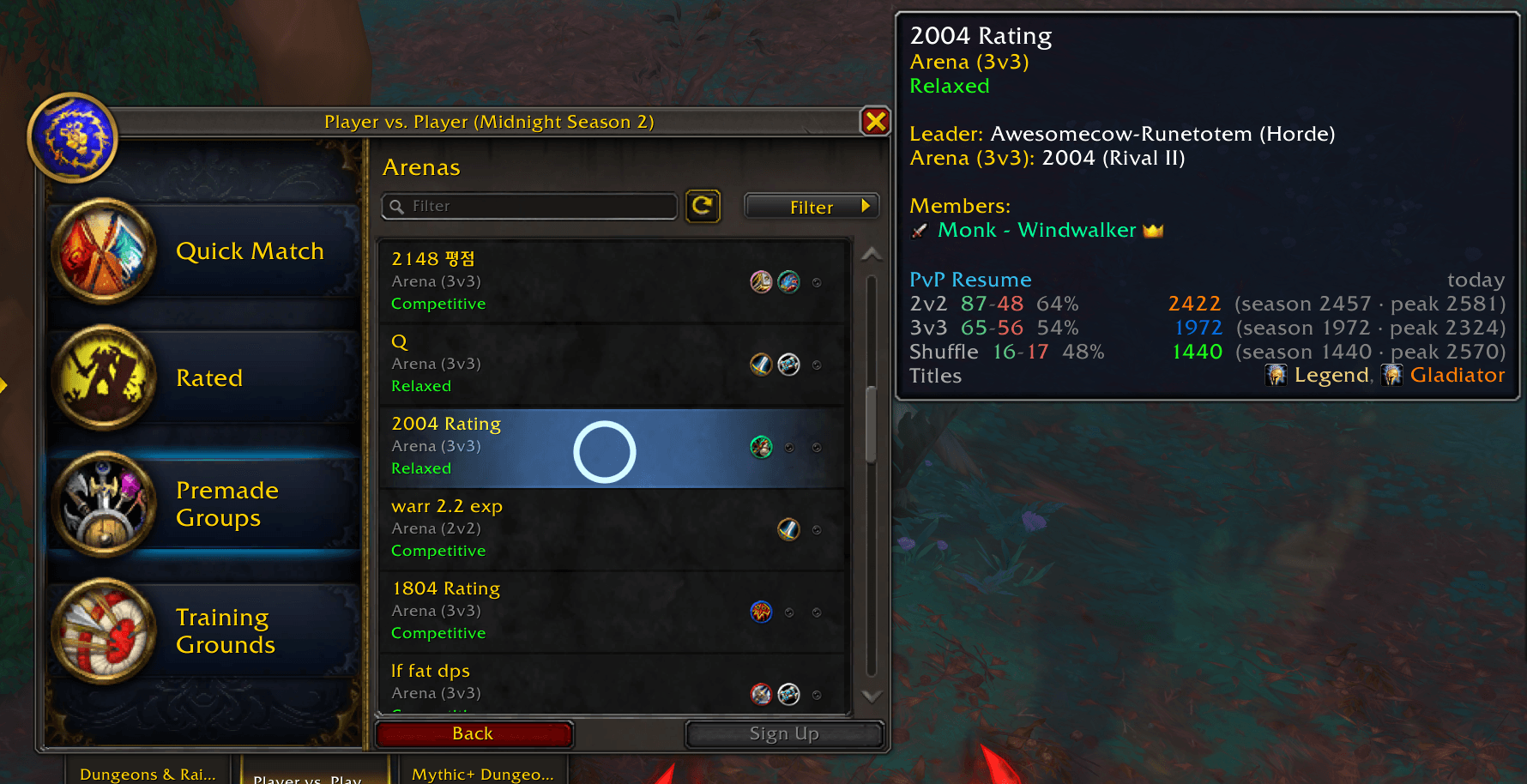
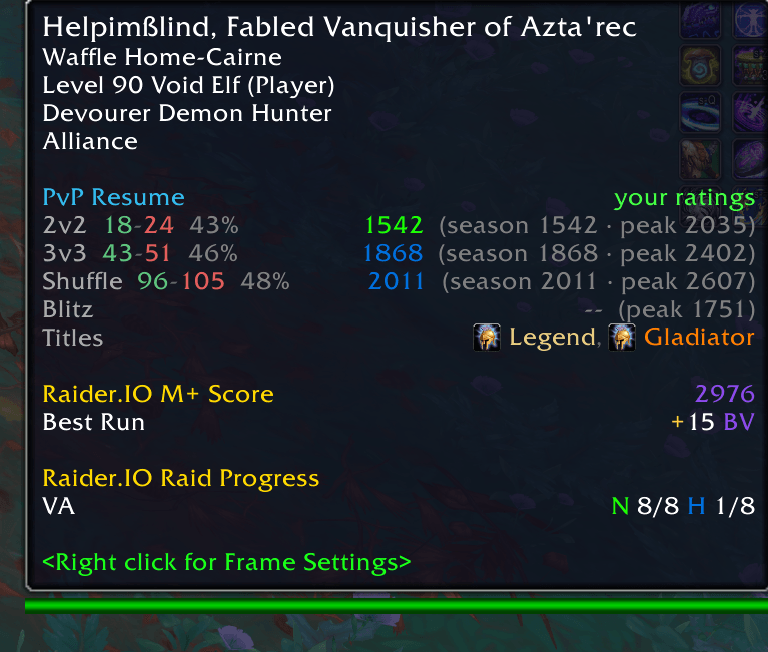
Hover a player (or browse the group finder) and see their current-season rating, lifetime peak, and account titles per bracket:
PvP Resume                          3d old
Shuffle    2277  (peak 2489)
3v3        2104  (peak 2412)
2v2        1842  (peak 2011)
Titles     Gladiator TWW S1, Legend
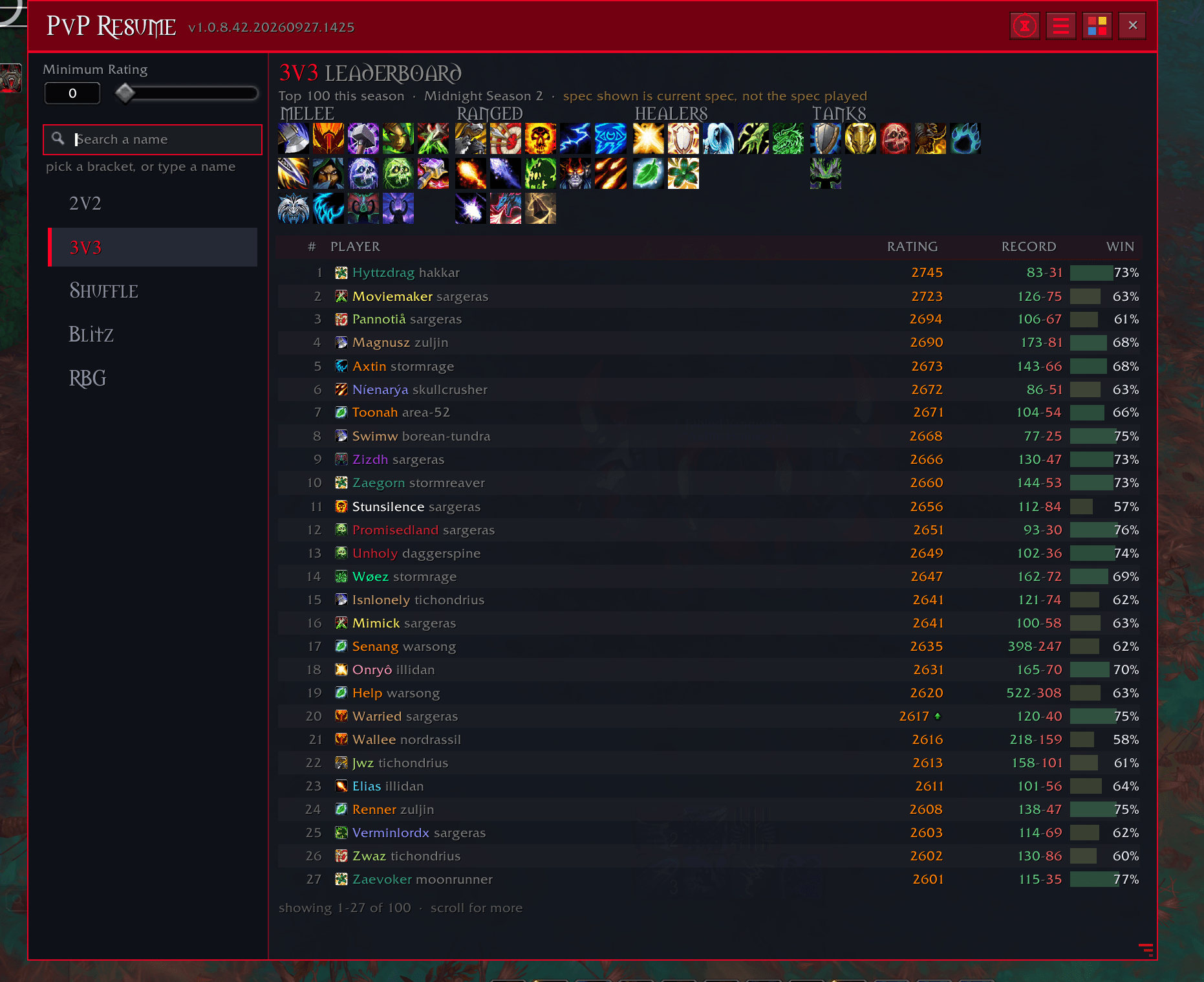
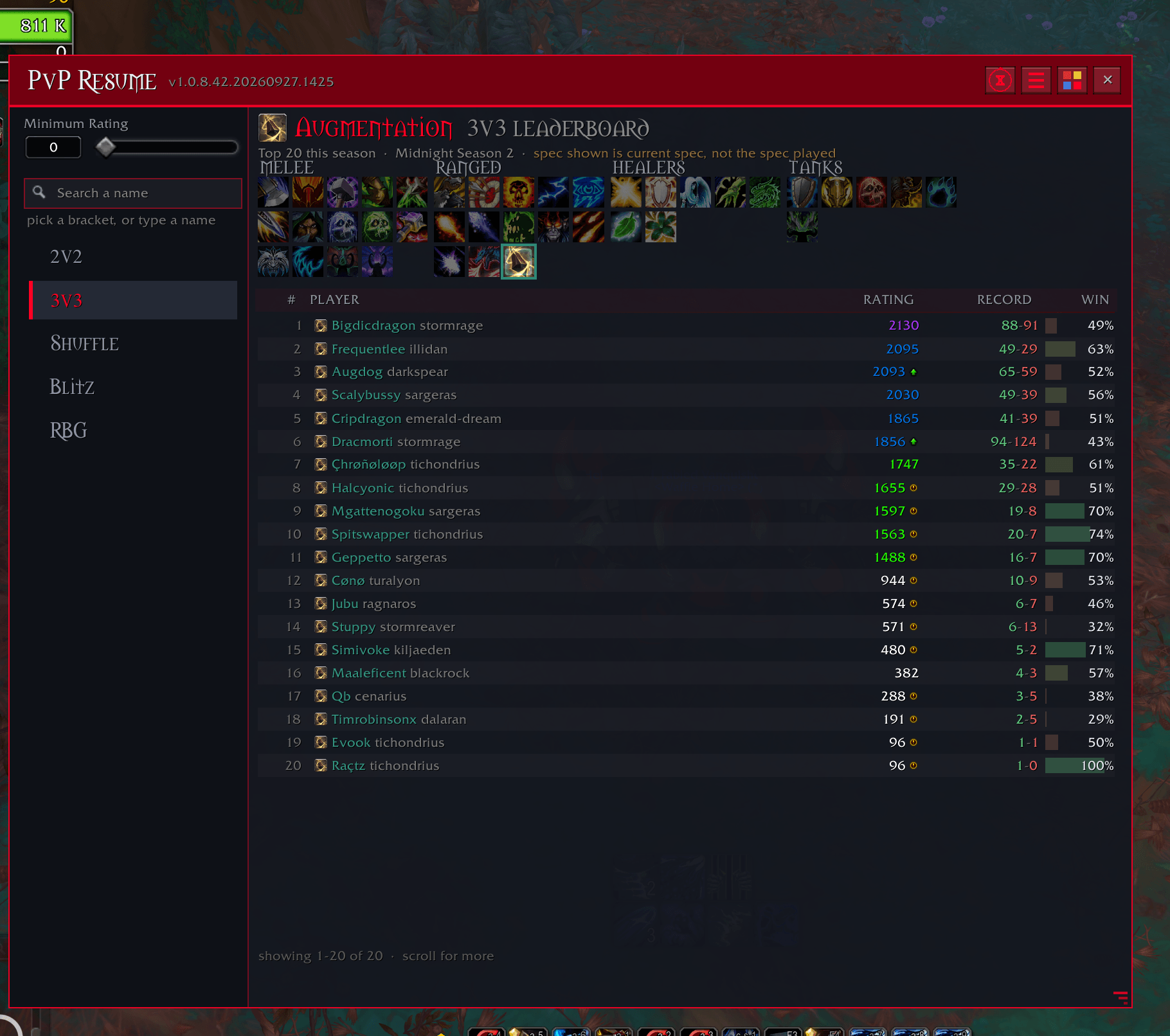
Open the window with /pvpr for the full picture: every bracket side-by-side, season history, rank, milestones with who earned them, and inferred alts.
Three data sources (merged automatically)
| Source | What it gives you | When it works |
|---|---|---|
| Shipped database | Everyone — current + peaks + titles | Always (your region only) |
| Live inspect | Lifetime 2v2 / 3v3 peaks | Units in inspect range |
| Rated scoreboard | Current ratings of people you queue with | After your rated matches |
Peaks always take the highest value across sources. Current rating prefers the freshest source. Your own ratings come straight from the client.
Surfaces
- Seamless tooltip display on targets, mouseovers, party/raid frames, and arena prep
- Full Group Finder integration (listing leaders + every applicant when you host)
- Rich browser window with search, complete season history, win rates, ranks, data source, and age
- Right-click “PvP Resume” on player menus
Commands
| Command | Effect |
|---|---|
| /pvpr | Open the character window (leaderboard landing page) |
| /pvpr Name-Realm | Look someone up |
| /pvpr target / mouseover / focus | Look up that unit |
| /pvpr top / top 3v3 | Bracket leaderboards |
| /pvpr status | Data addon, age, providers |
| /pvpr toggle | Enable / disable display |
| /pvpr config | Options |
Notes
- Database is region-specific and Load-On-Demand (only your region loads).
- Fully configurable: brackets, peaks vs current, compact mode, Shift-only, combat hide, min rating, providers, custom color choice.
Author: CorgiKane
PvPResume Team