
Schermafbeelding 2026-04-25 223220.png
Schermafbeelding 2026-04-25 223741.png
Description
PvP Rating
See who you're grouping with — before you invite them.
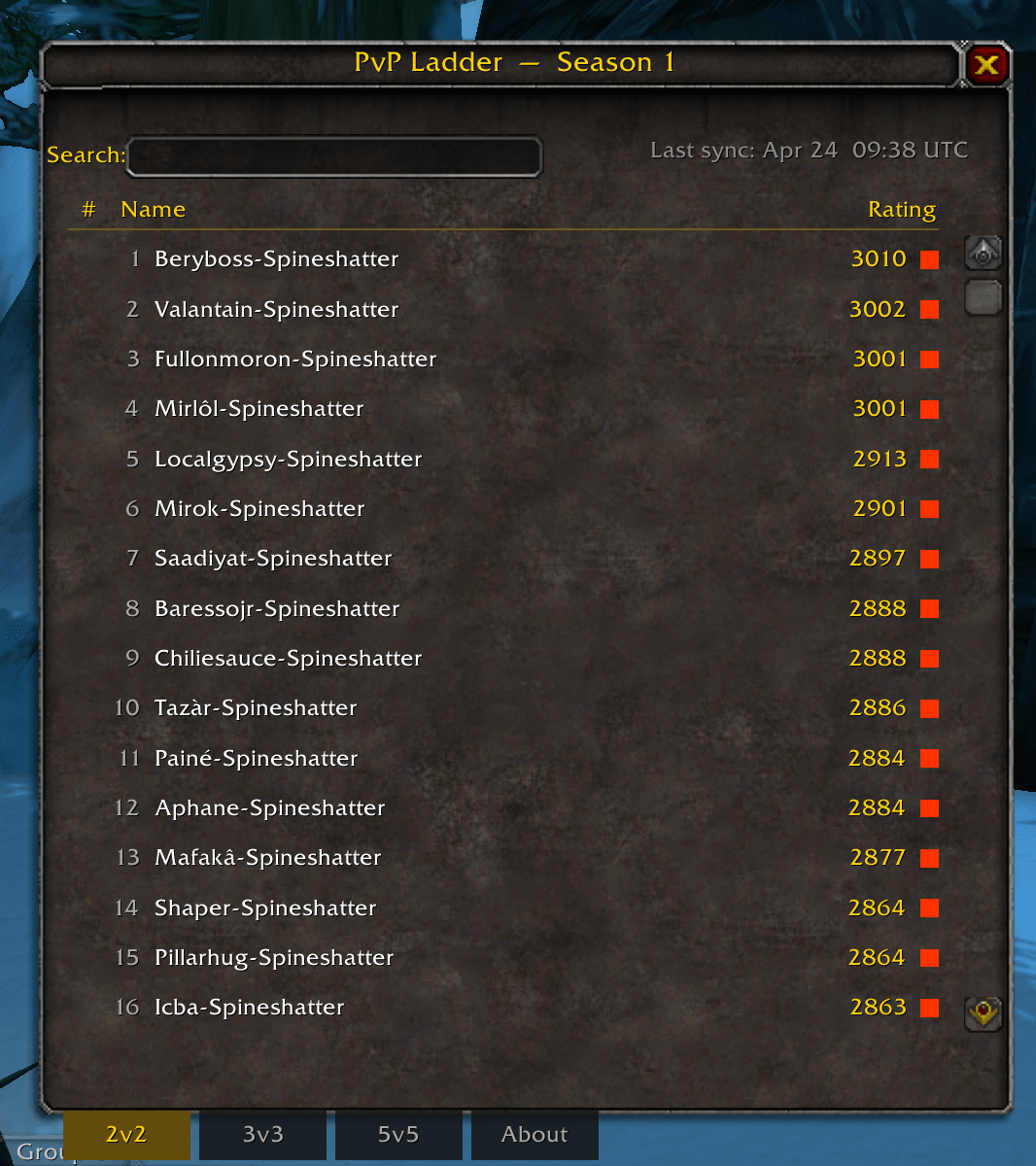
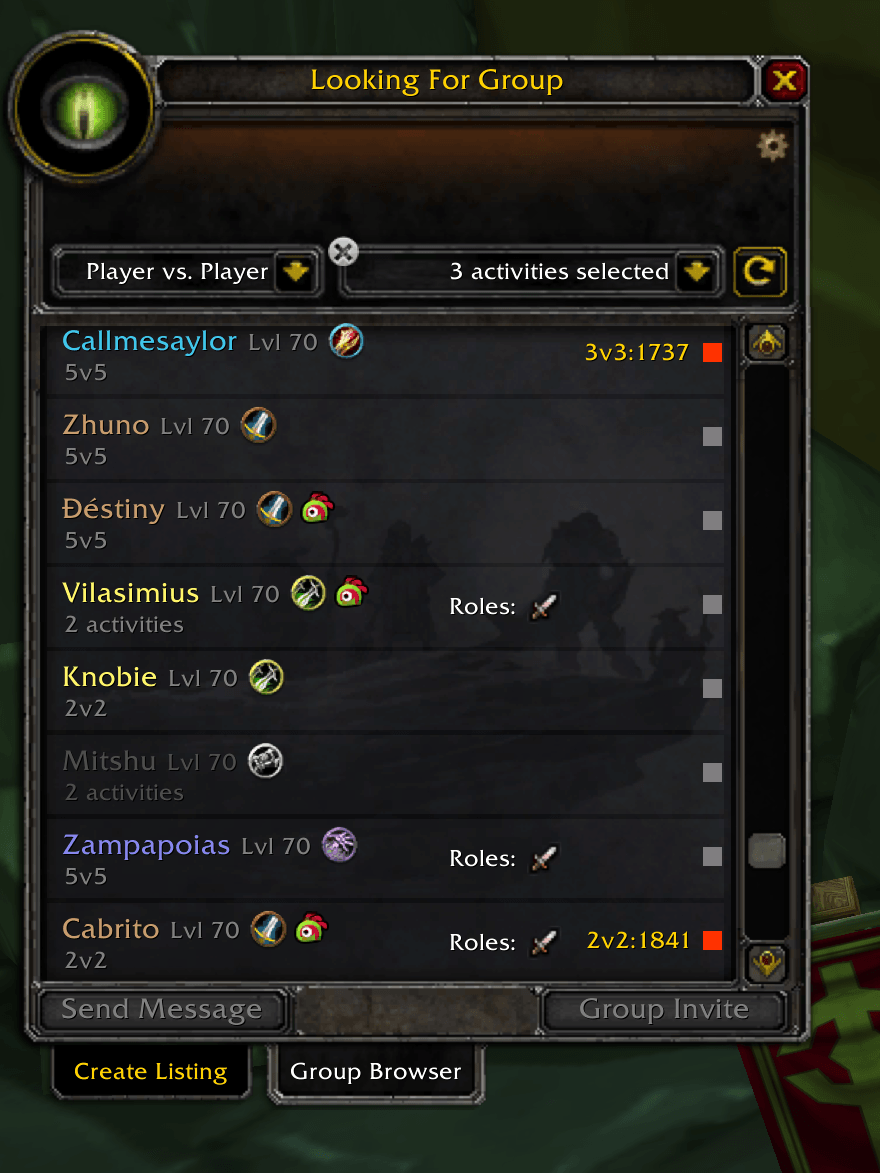
PvP Rating brings your PvP reputation into the game. It shows arena ratings and PvP experience right in the Looking for Group list, on player tooltips and in an in-game ladder, powered by wowpvprating.com.
One addon, two games: it detects whether you're playing TBC Anniversary or WoW Forever and adapts automatically.
⚔️ TBC Anniversary — Arena ratings
- Ratings in the LFG browser: every player's best bracket (2v2 / 3v3 / 5v5) next to their name, including last season's rating.
- Hover for details: all three brackets at a glance.
- Shift+Click an entry to paste someone's ratings into chat.
- Live data: players who run the addon share their current rating with your group, so you always see the freshest number.
- Freshness dot: 🟢 live or updated within 24h · 🔴 older · ⚪ no data.
- In-game ladder (
/pvpr): search and browse the top players per bracket. - Updated daily from the official Blizzard leaderboards.
🛡️ WoW Forever — PvP experience
There's no rated arena in WoW Forever, so PvP Rating tracks what matters there:
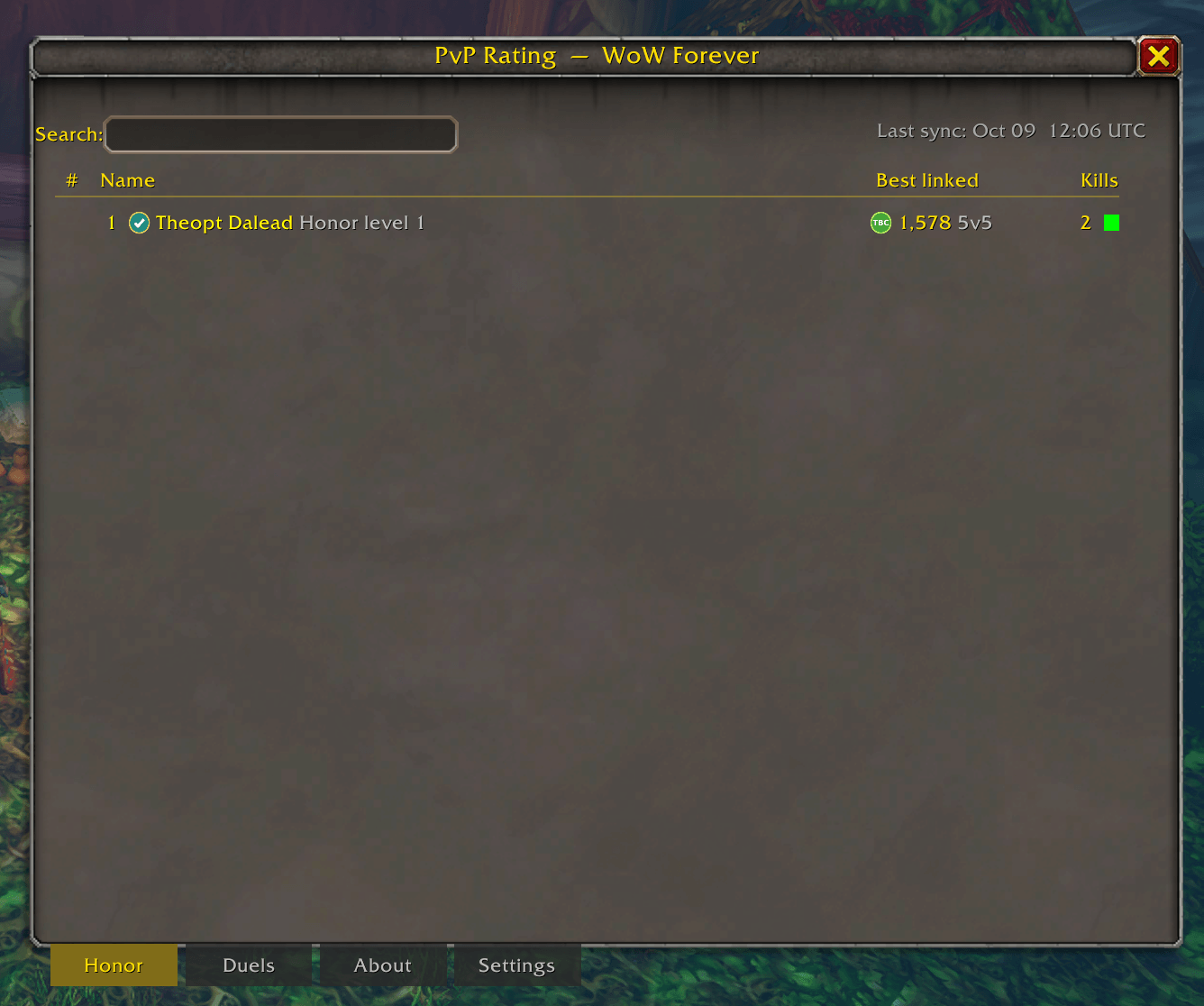
- Honorable kills and honor level
- Duels: every duel you fight, won or lost. Duels are cross-checked between both players' addons, and one your opponent's addon recorded counts for you too, even if your own addon was off.
- Your PvP pedigree: link your account on wowpvprating.com and other players see a ✔ Linked badge plus your best TBC and Retail arena rating and your highest PvP title (Gladiator, Duelist, …).
- All of it shows in the LFG list, on player tooltips and in the Honor / Duels ladder.
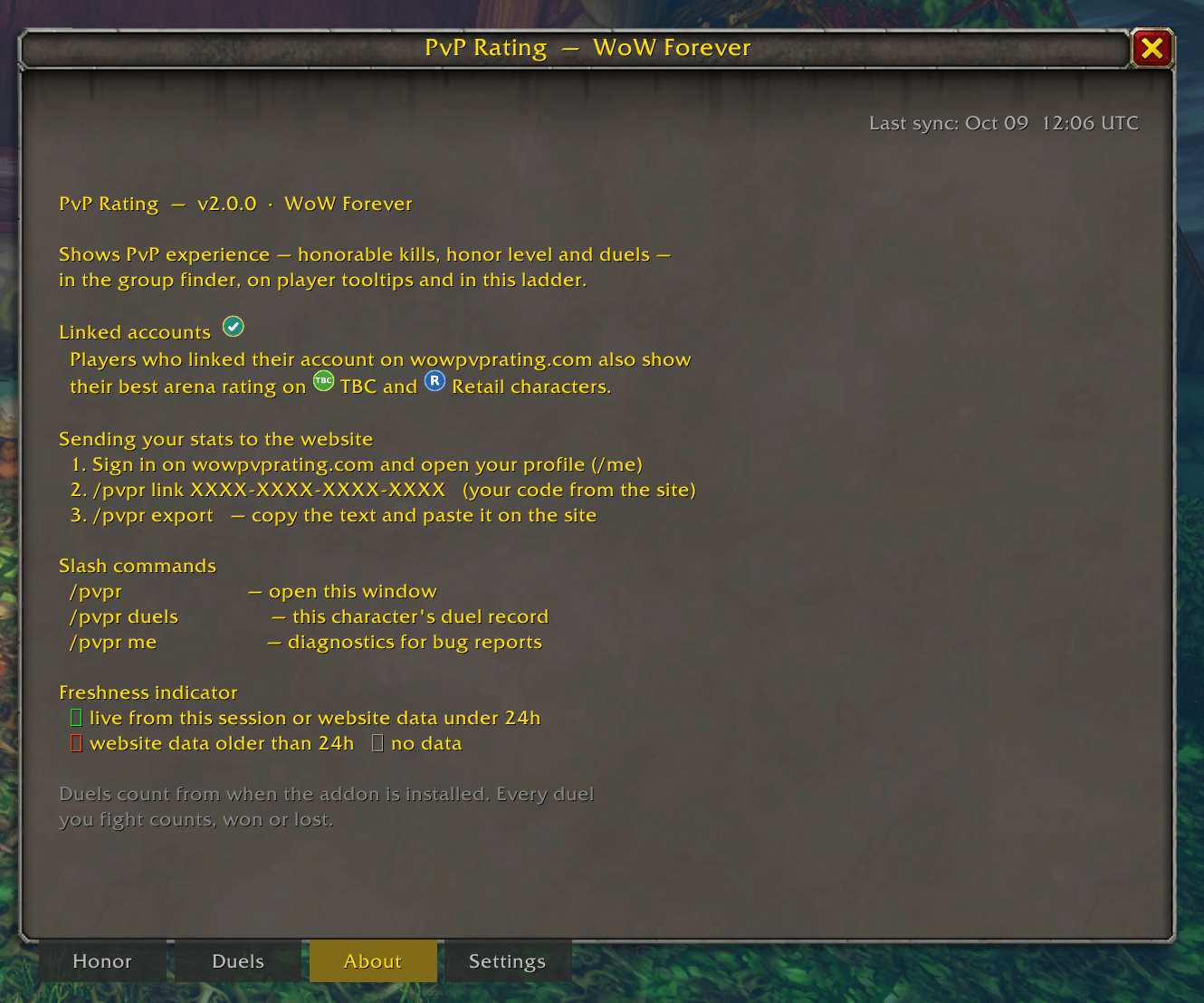
Get on the WoW Forever ladder
- Log in on wowpvprating.com with Battle.net and open My Characters.
- Create your link code, then in game type
/pvpr link <your code>. - Type
/pvpr export, copy the text and paste it on the site.
Exports are signed and checked, so the ladder stays fair. Only characters linked to an account on wowpvprating.com are shown to other players.
Commands
| Command | What it does |
|---|---|
/pvpr |
Open the ladder window |
/pvpr 2v2 · /pvpr honor · /pvpr duels |
Open a specific tab |
/pvpr link <code> |
Link to your wowpvprating.com account (WoW Forever) |
/pvpr export |
Copy your stats to paste on the site (WoW Forever) |
/pvpr duels |
Your duel record on this character |
/pvpr me |
Diagnostics for bug reports |
Settings (show or hide the LFG labels, tooltips and player-tooltip info) are under the Settings tab of the ladder window.
Updating from PvP Ladder (1.x)
The addon is now called PvP Rating and installs into the PvPRating folder. If an old PvPLadder folder is still around, the addon disables it and asks you to /reload. You can then delete it.
PvP Rating is a fan project and is not affiliated with or endorsed by Blizzard Entertainment. Ladder data comes from the official Battle.net API; WoW Forever stats are self-reported by the addon until Blizzard provides them.
PvP Rating Team
