PVP Lens
- By
Records World of Warcraft PvP matches for detailed post-match analysis on PVP Lens.
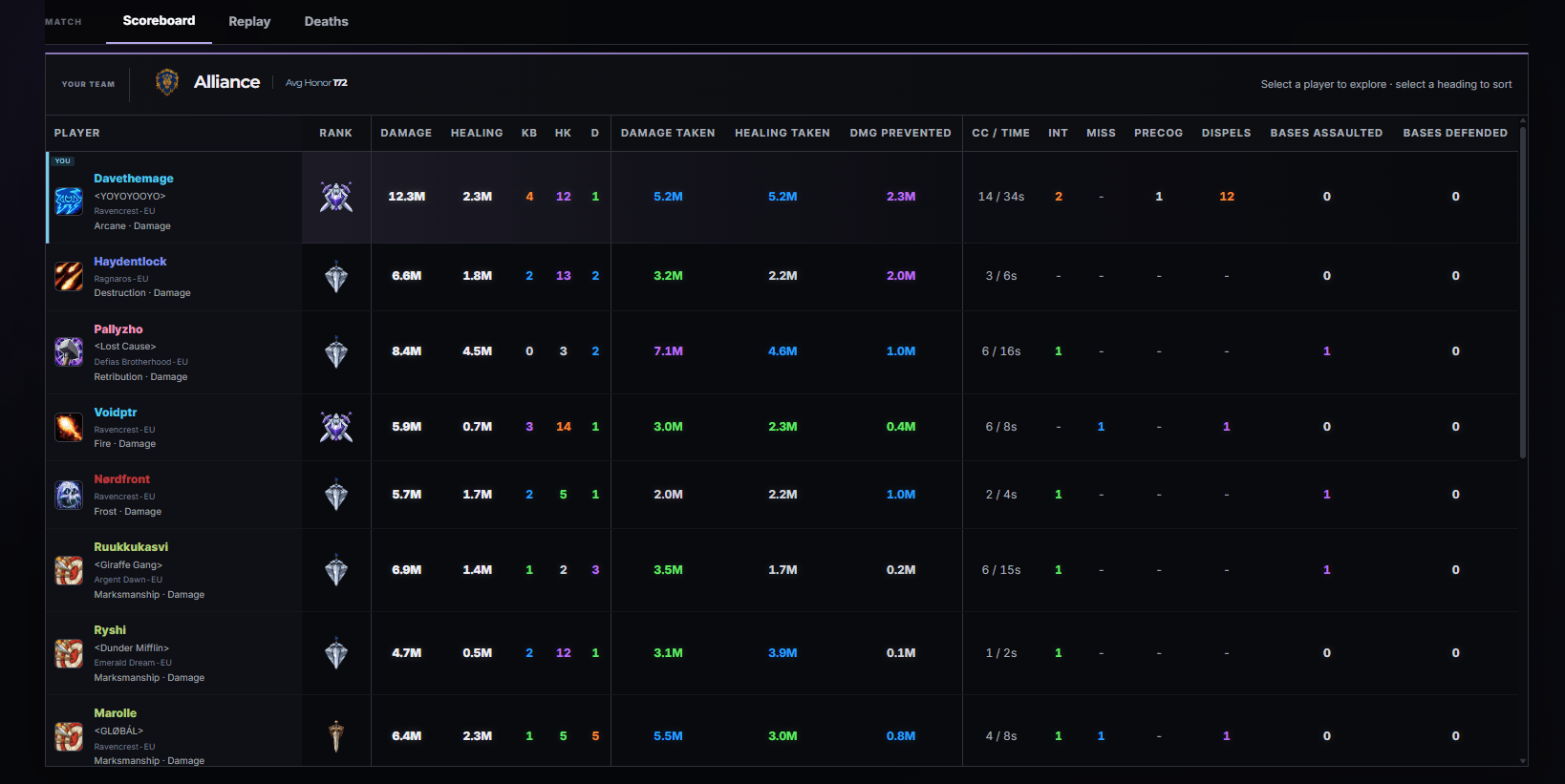
post-match-analysis.png
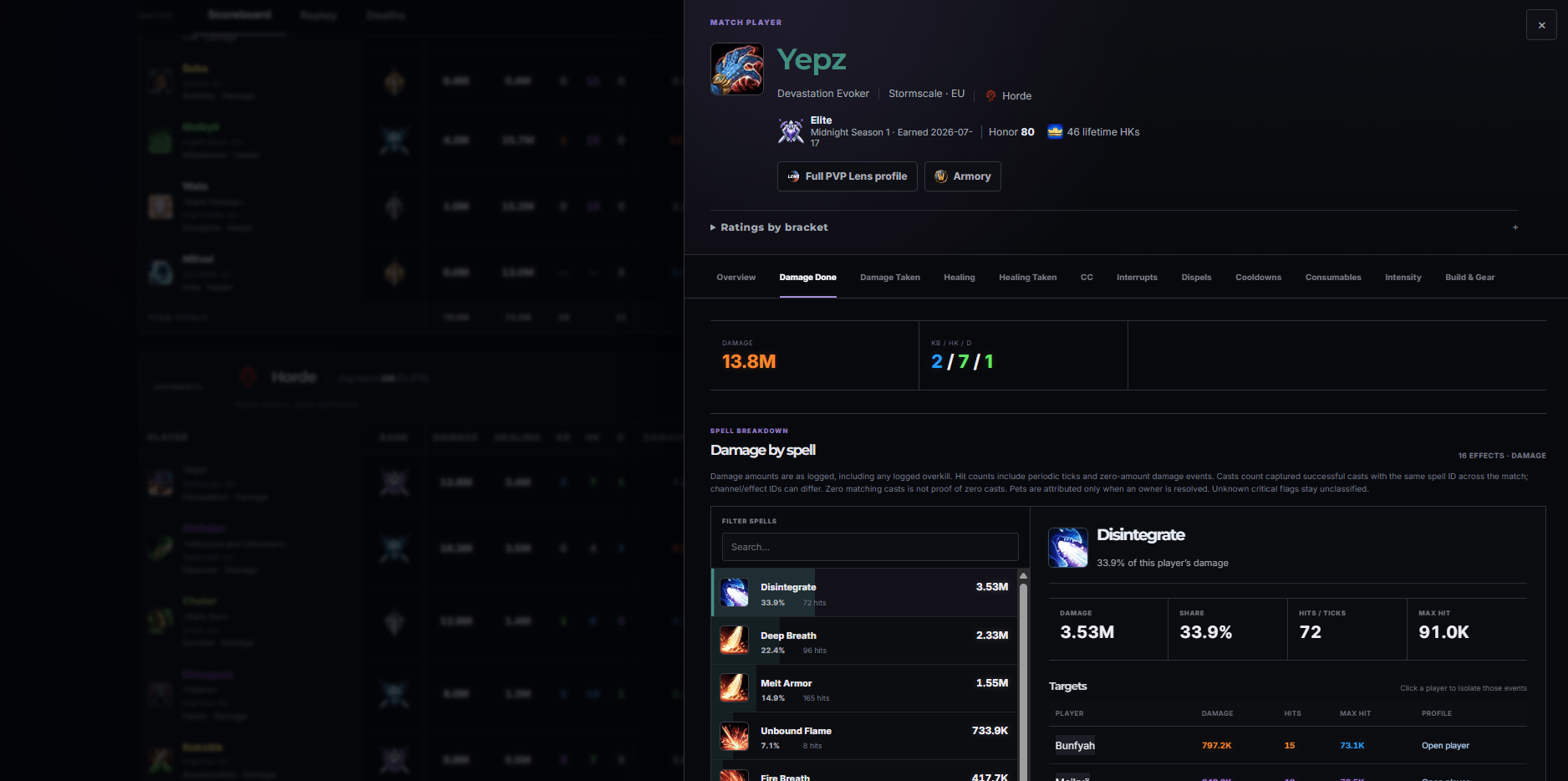
player-performance.png
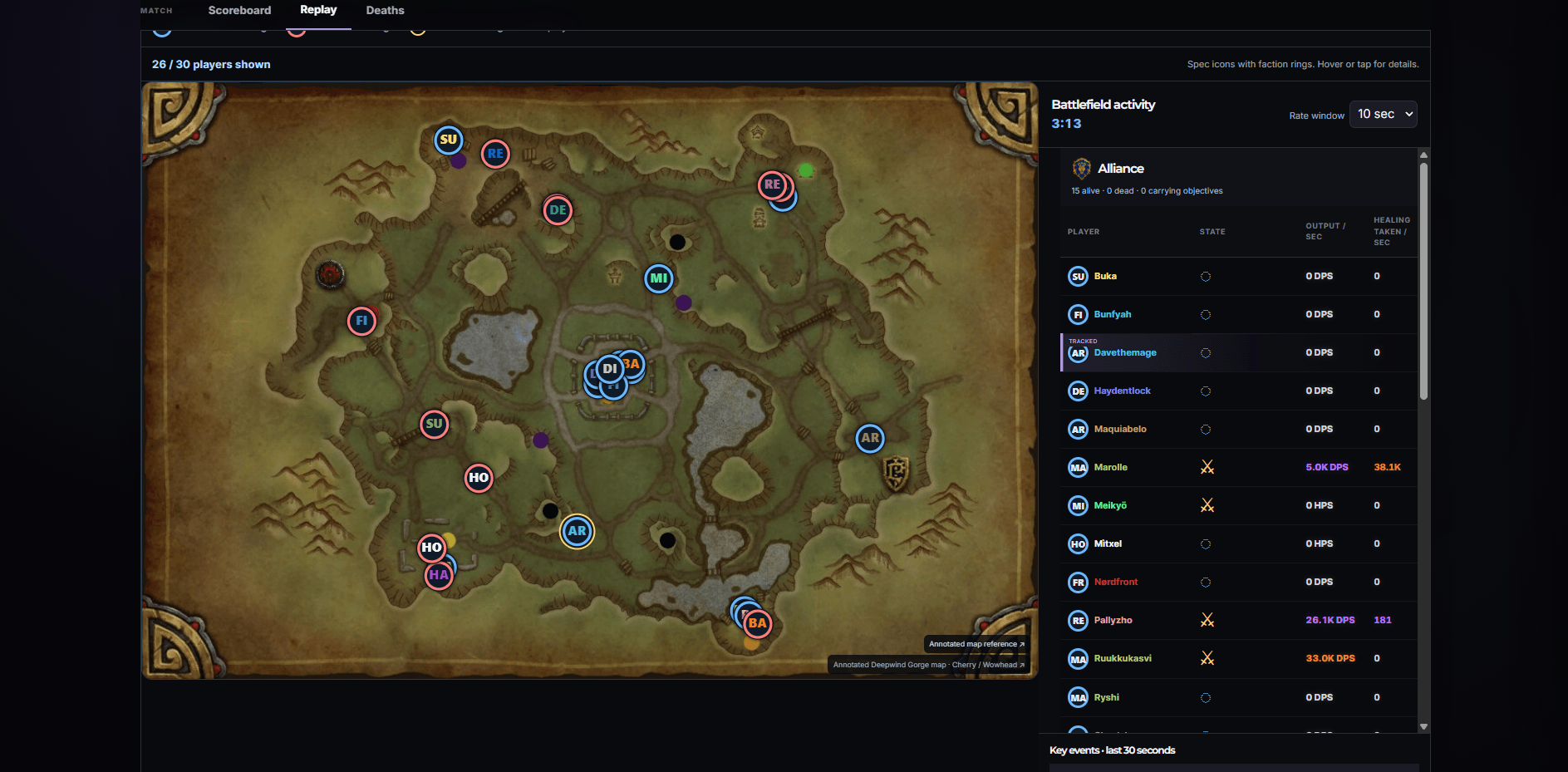
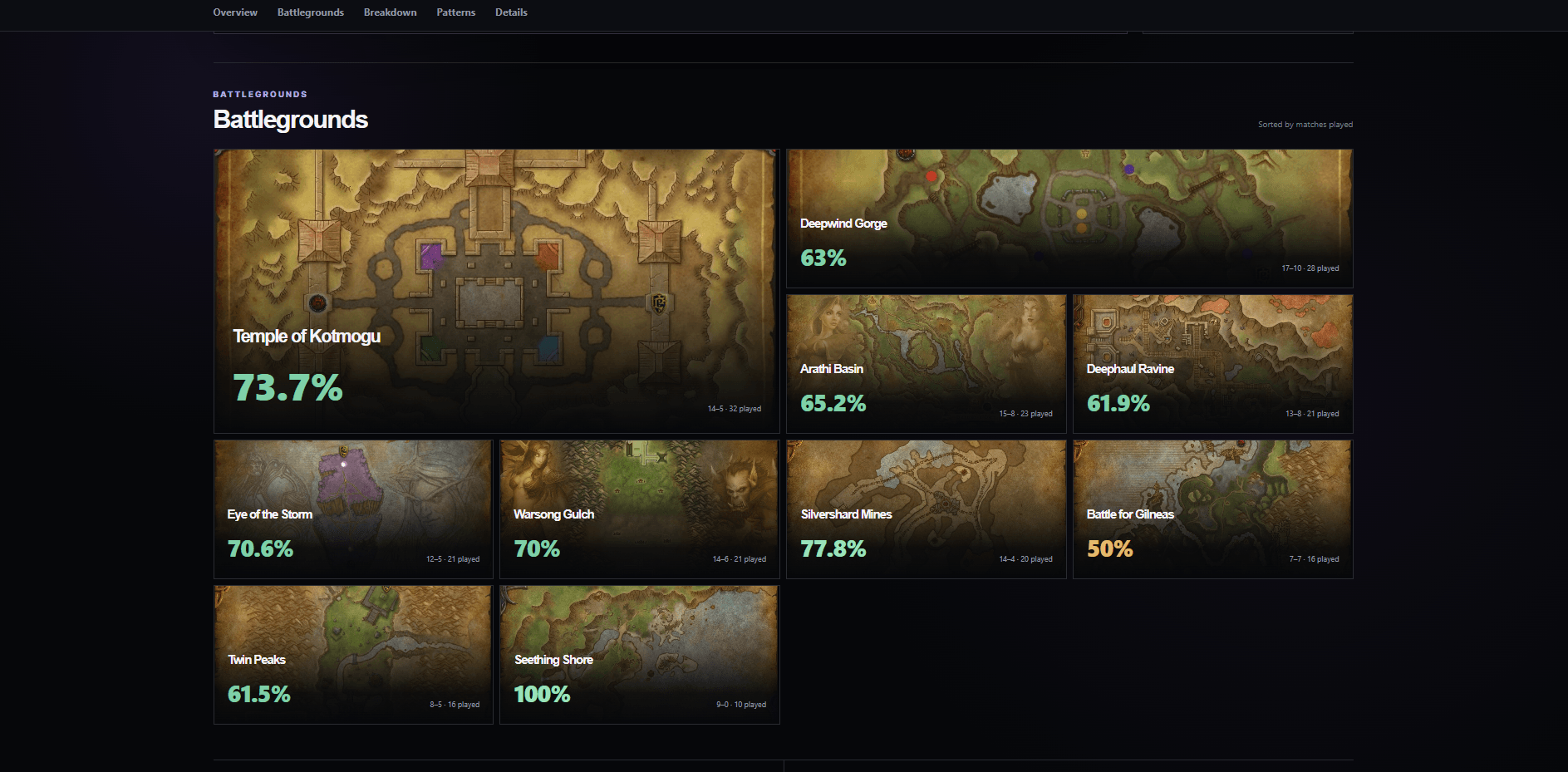
Description
PVP Lens records your World of Warcraft PvP matches and turns them into detailed post-match reports on pvplens.com.
PVP Lens keeps a history of your PvP games so you can go back and explore what happened, how players performed, and how your own performance changes over time.
Features
- Battleground and arena match history
- Full post-match scoreboards
- Damage and healing breakdowns
- Killing blows and deaths
- Objective performance
- Character, spec and talent information
- Match timelines and replay features where supported
- Personal PvP history across your characters
How it works
- Install the PVP Lens addon
- Install the free PVP Lens Desktop Assistant from pvplens.com
- Play World of Warcraft normally
- Completed matches are uploaded automatically
- Open PVP Lens to explore your games
The addon is lightweight and focused on recording match data inside World of Warcraft. The Desktop Assistant handles uploading, while the website provides the detailed reports and analysis.
Built for PvP players
PVP Lens is designed for players who want to understand their games, not just see a rating or leaderboard position.
Website: pvplens.com
Desktop Assistant: required for automatic match uploads
The PVP Lens Team