PugCheck
- By
Private, local player ratings for WoW groups, raids, PvP and Mythic+. Remember teammates with statuses, notes, alerts, LFG badges and safe backups.
PugCheck-Party-Scan.png
PugCheck-Rate-Party.png
PugCheck-Settings.png
Description
PugCheck
PugCheck is a small addon that helps you remember players you have grouped with before.
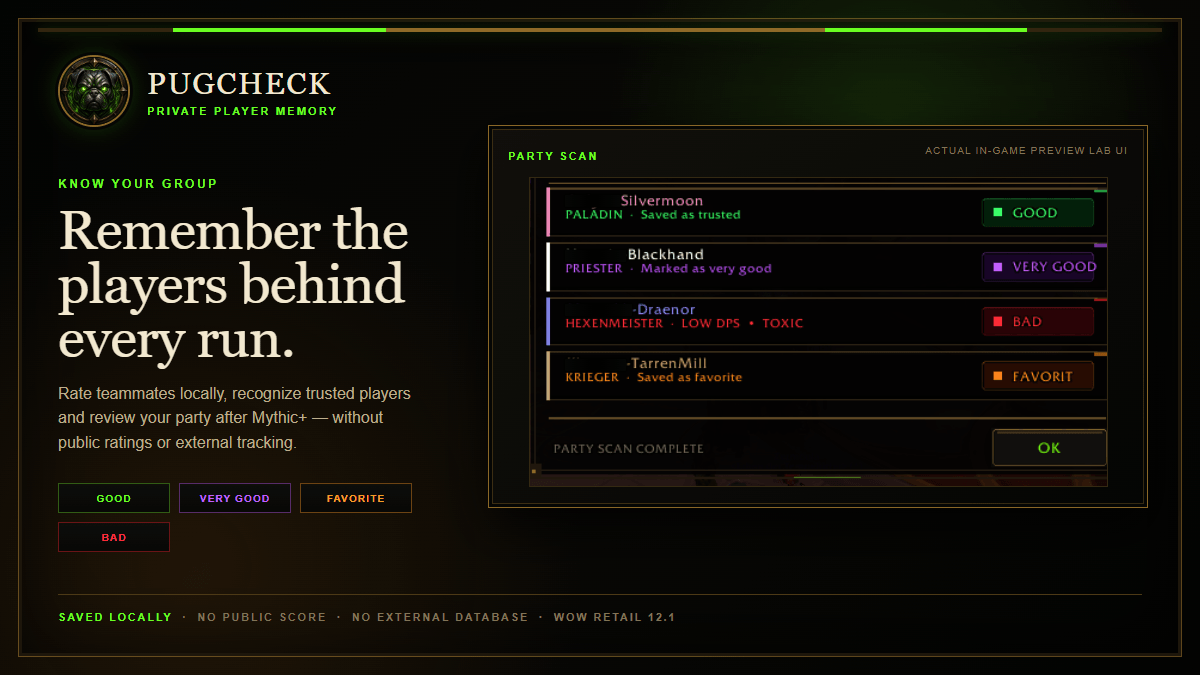
You can mark characters as Good, Very Good, Favorite or Bad, add your own notes and see those ratings again when you meet the same character in another group. Everything is saved locally on your computer. There are no public ratings and nothing is uploaded automatically.
Main features
- Rate players directly from your current party or raid
- Keep skipped or interrupted small-group reviews in the Unrated tab and rate those players later
- Search, edit and remove saved player records
- Add several reasons to a Bad rating
- Add a private note to any saved player
- See known players when they join your group
- Optional party overview for dungeons, raids, PvP and other groups
- Move the group overview, rating window and leave-group prompt; positions are saved per WoW client
- Status markers for Group Finder applicants
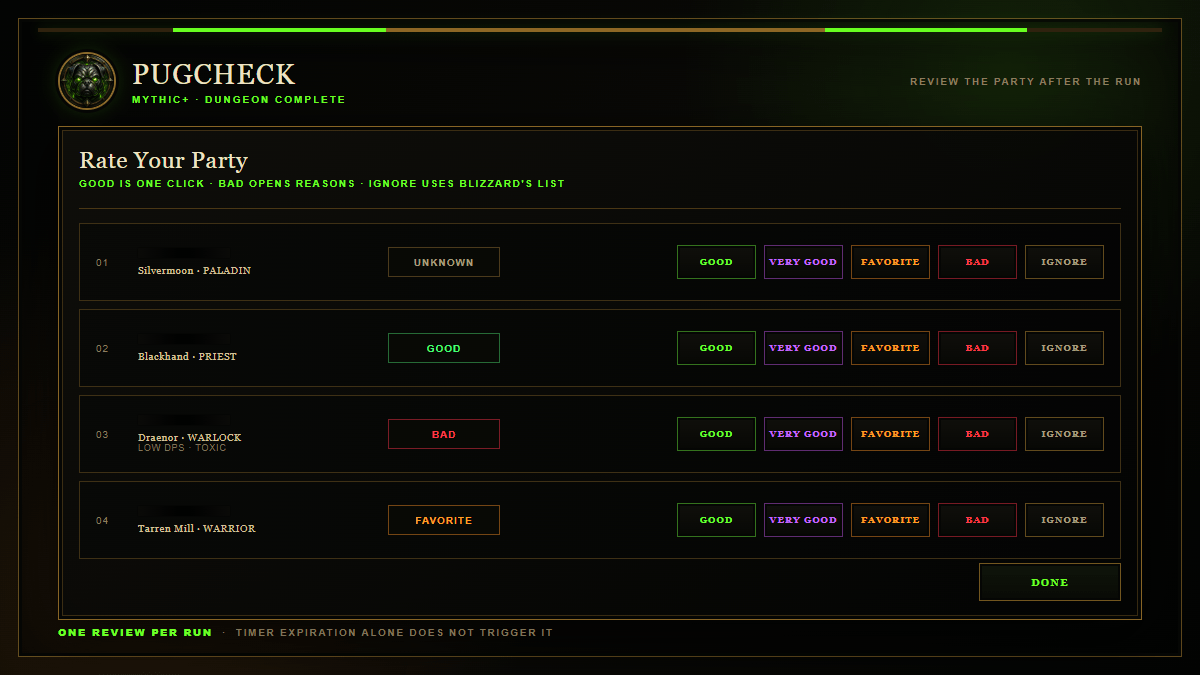
- Review your party after a Mythic+ run is completed or abandoned
- Blizzard Ignore and friend-list actions
- Personal backup and restore function
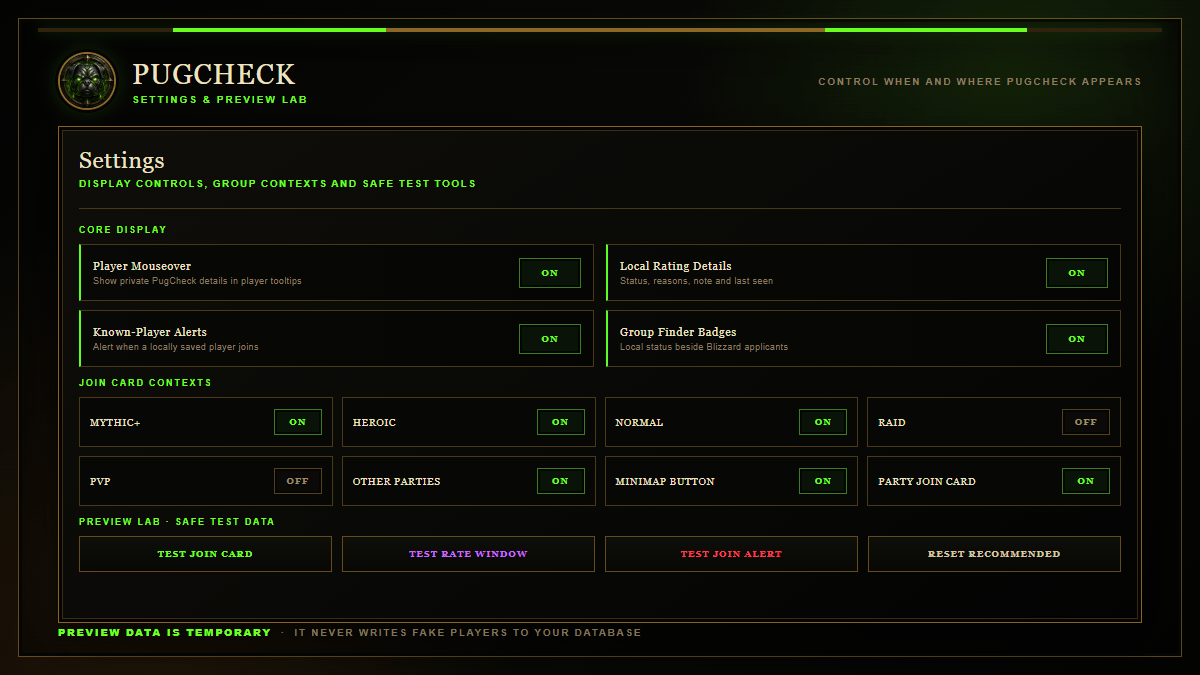
- Preview buttons for testing addon windows
- Minimap button and configurable display settings
Supported WoW clients
PugCheck automatically detects the running WoW client and keeps player records, open Unrated entries and window positions separated for each client.
- World of Warcraft Retail
- WoW: Forever
- Mists of Pandaria Classic
- Titan Reforged
- Cataclysm Classic
- Wrath of the Lich King Classic
- Burning Crusade Classic
- Classic Era
No other addon is required.
Mythic+
The review window appears when a Mythic+ dungeon is actually completed. It does not appear just because the timer runs out. If a running group is abandoned or dissolved, PugCheck can also open the review window for the players who were part of that run.
Privacy
All player records are stored in your local WoW SavedVariables. PugCheck does not use a public player database, does not share your ratings and does not make automatic invite or decline decisions.
The optional Mythic+ score shown in the database comes only from information available through WoW while a player is visible. PugCheck does not require Raider.IO.
Commands
/pcor/pugcheck- Open PugCheck/pc settings- Open the settings/pc backup- Open backup and restore/pc version- Show the installed version and detected WoW client/pc help- Show all commands
PugCheck Team