Psst · EN · Gallery 1.png
Psst · EN · Gallery 2.png
Psst · EN · Gallery 3.png
Psst · EN · Gallery 4.png
Psst · EN · Gallery 5.png
Description
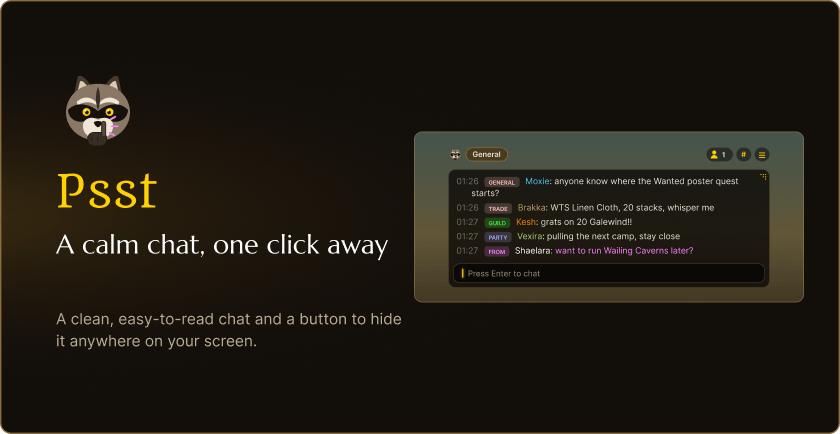
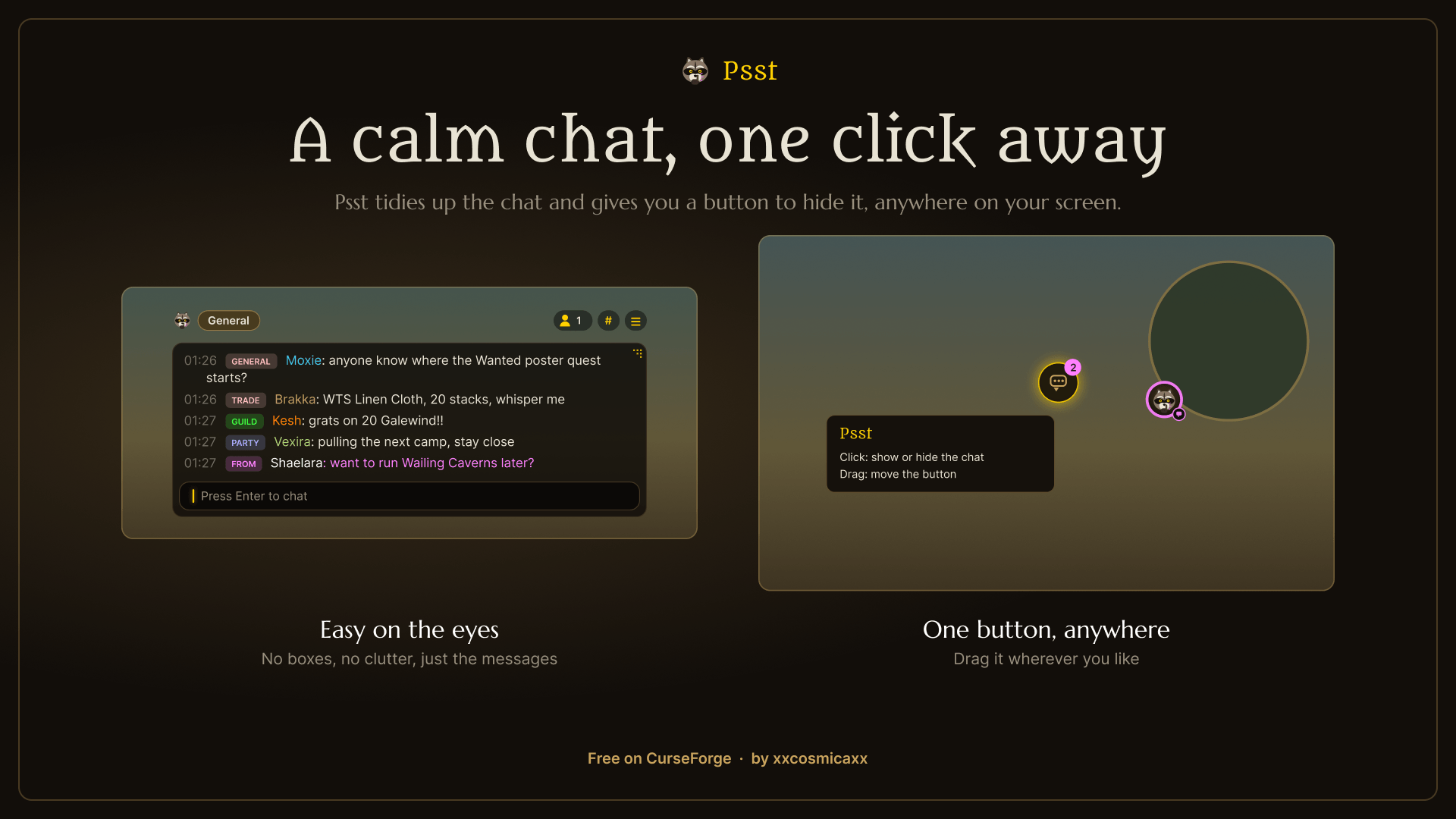
Psst turns the busy default chat into something calm and easy to read, and gives you one button to hide it whenever you want a clean screen. It works right away, with nothing to set up.
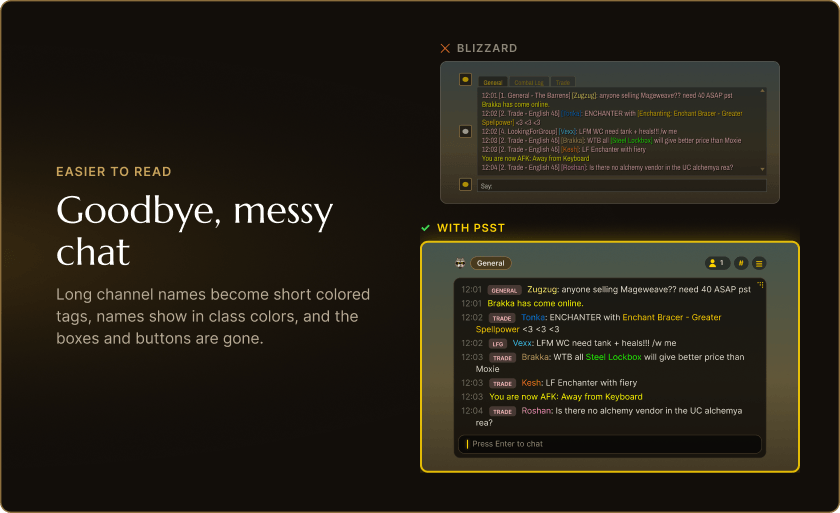
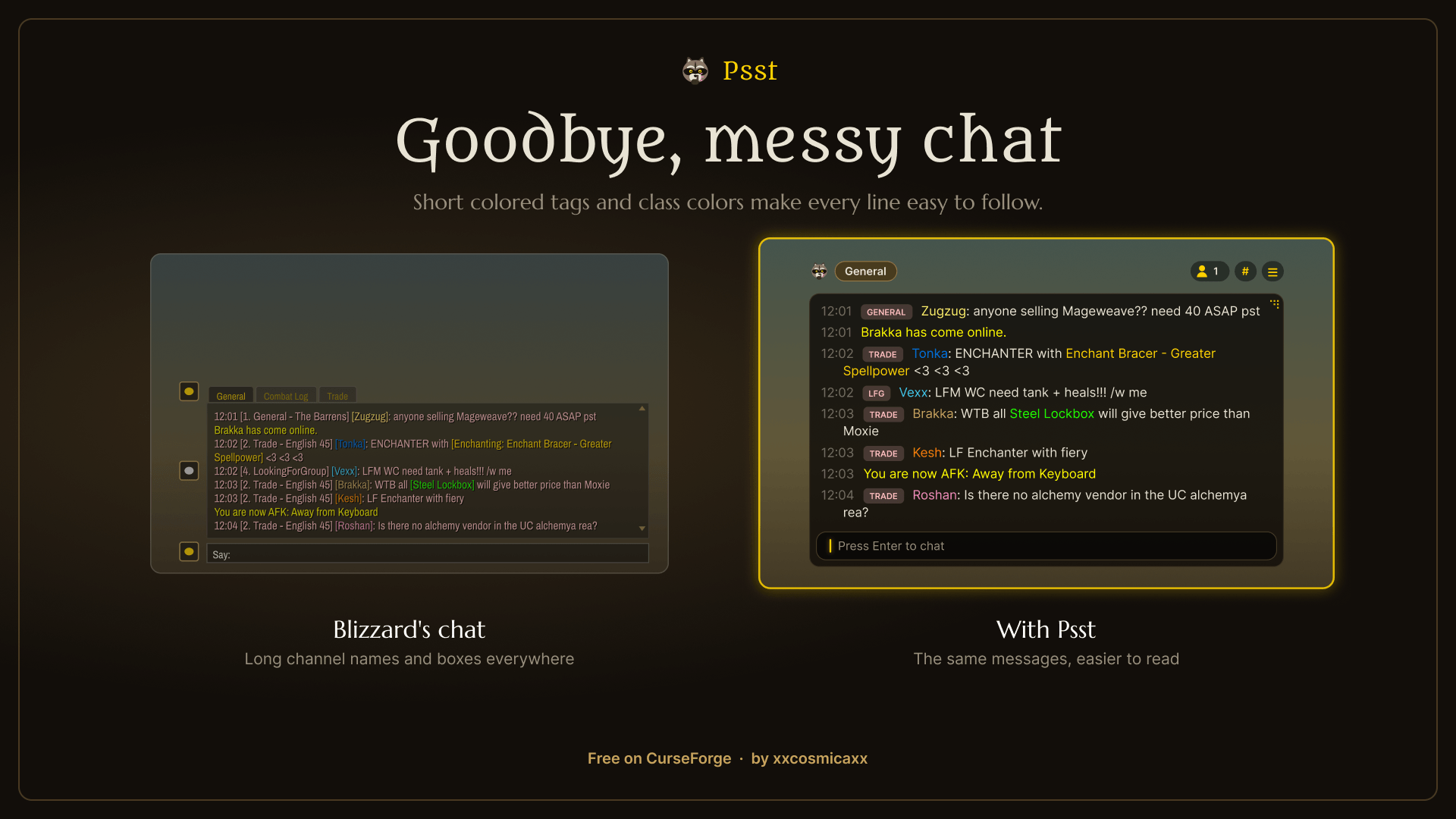
Long channel names like "[1. General - The Barrens]" become short colored tags, player names show in their class colors, and the boxes, borders and side buttons are gone. The messages sit on a soft shadow, so they're easy to read over any scenery.
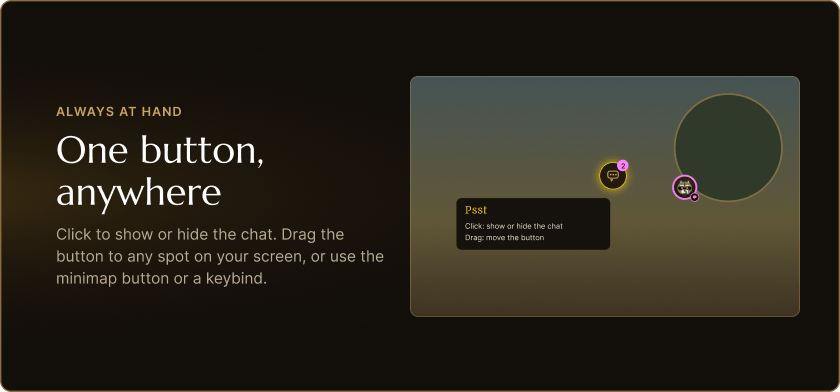
Click the button to show or hide the chat. It isn't stuck to the chat window, so you can drag it to any spot on your screen. You can also use the minimap button, a keybind or /psst.
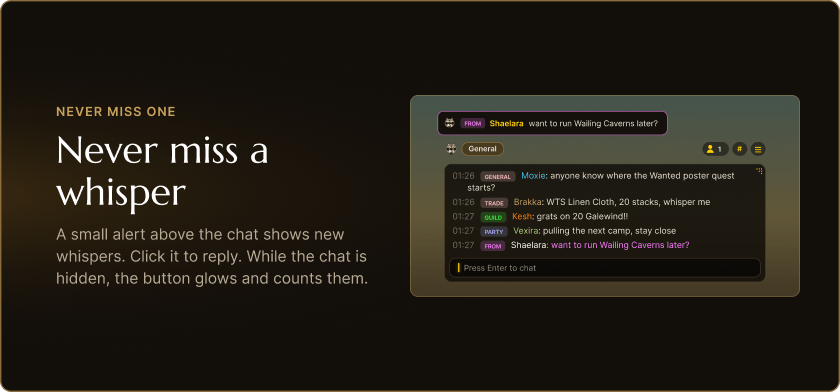
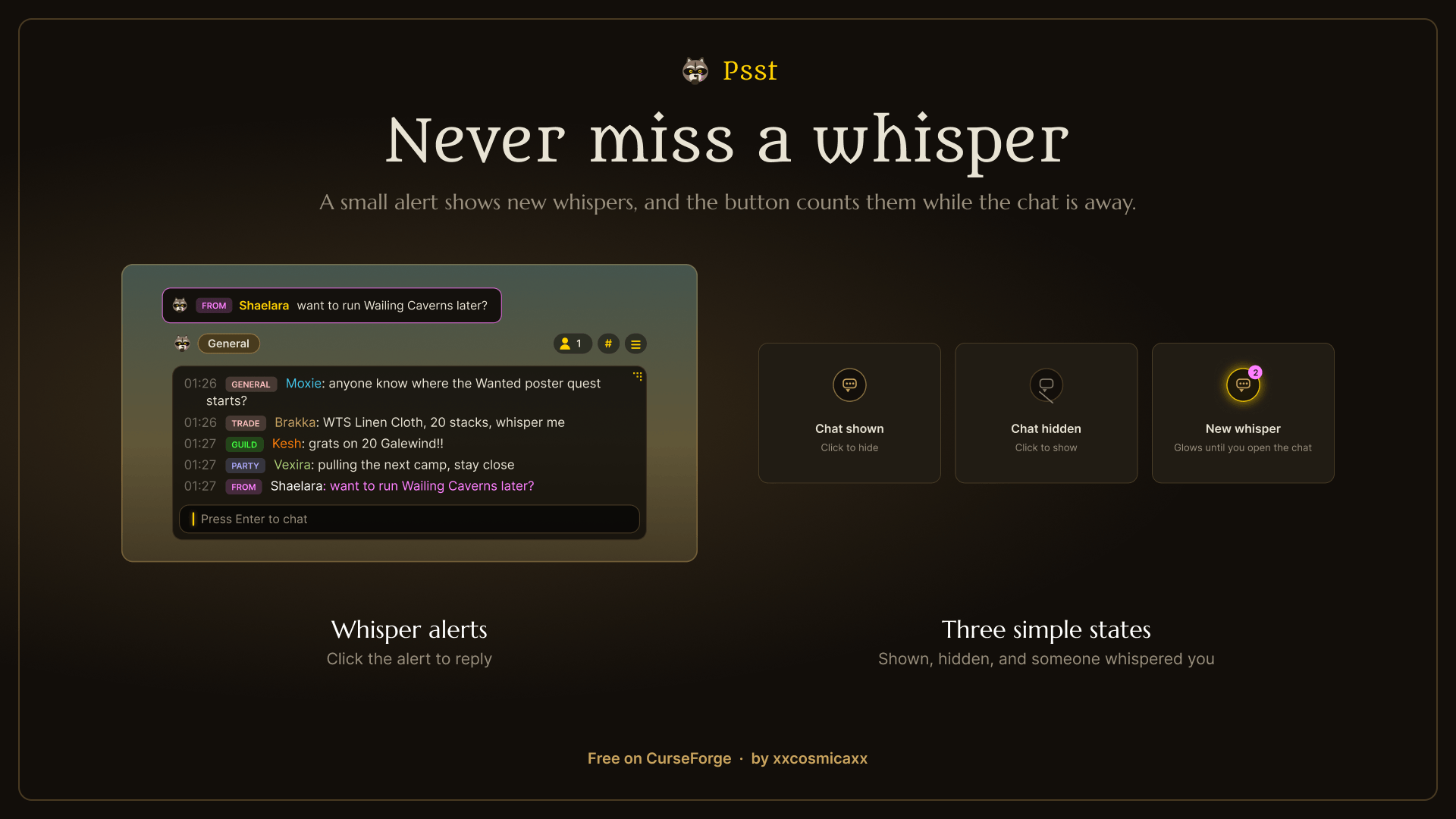
Busy Trade chat makes whispers easy to lose, so Psst shows a small alert just above the chat whenever someone whispers you. Click it to reply right away. While the chat is hidden, the button also glows and counts your new whispers.
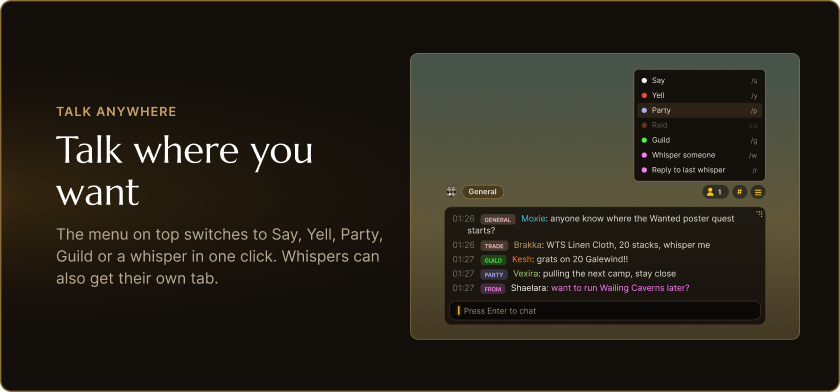
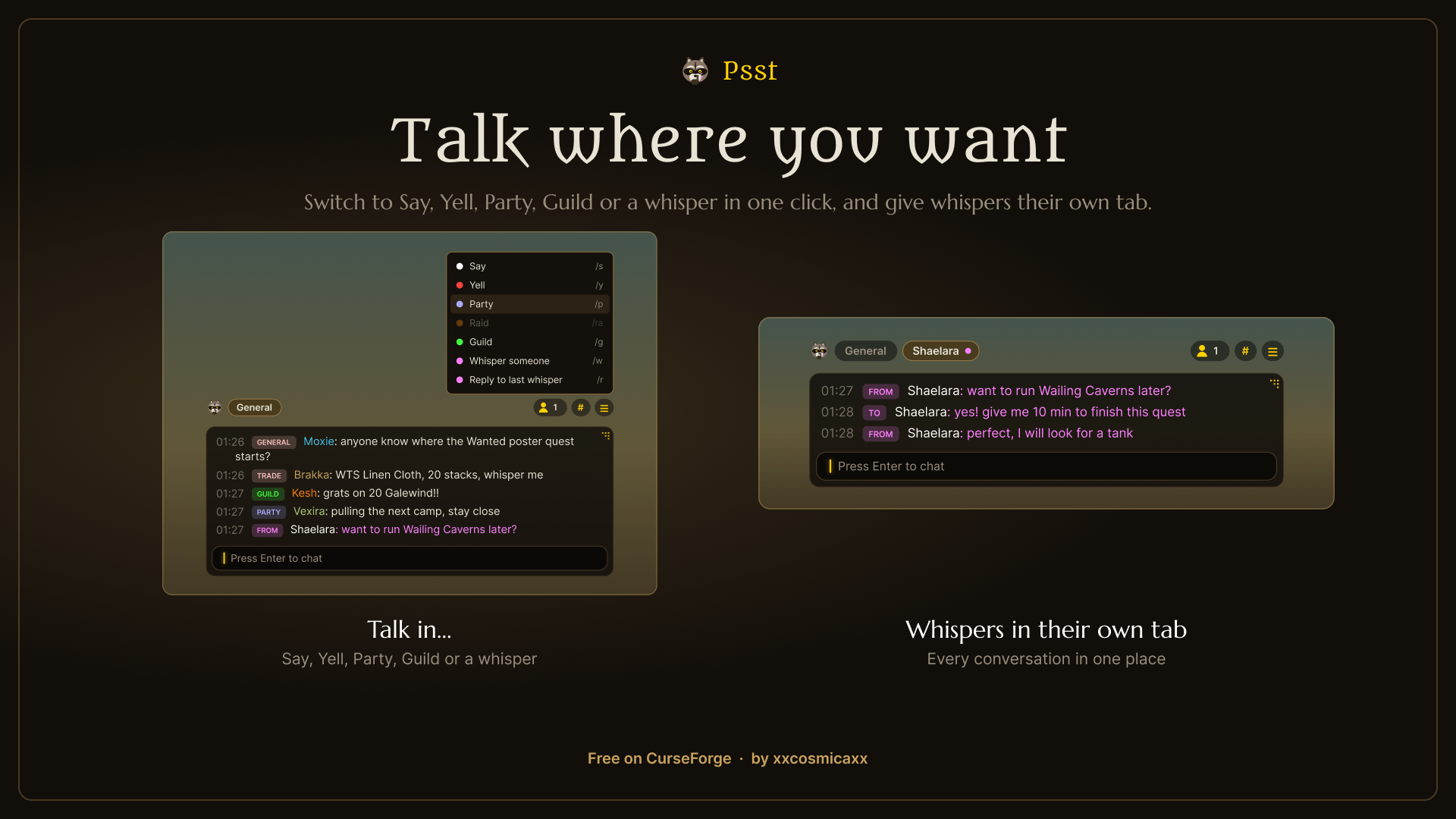
The menu on top of the chat switches to Say, Yell, Party, Guild or a whisper in one click. If you like, every whisper can also get its own tab, so each conversation stays in one place.
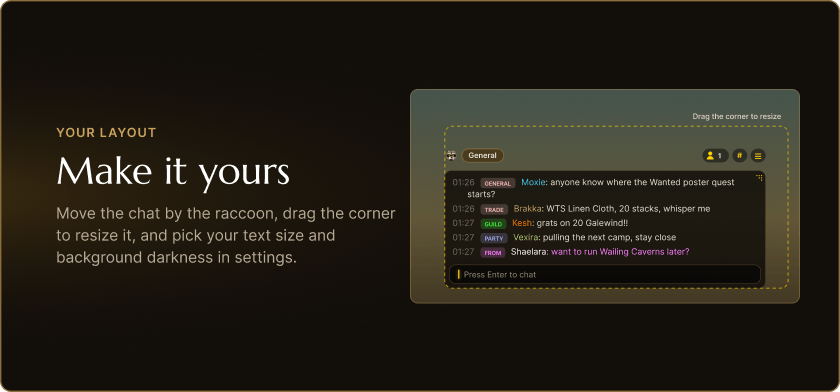
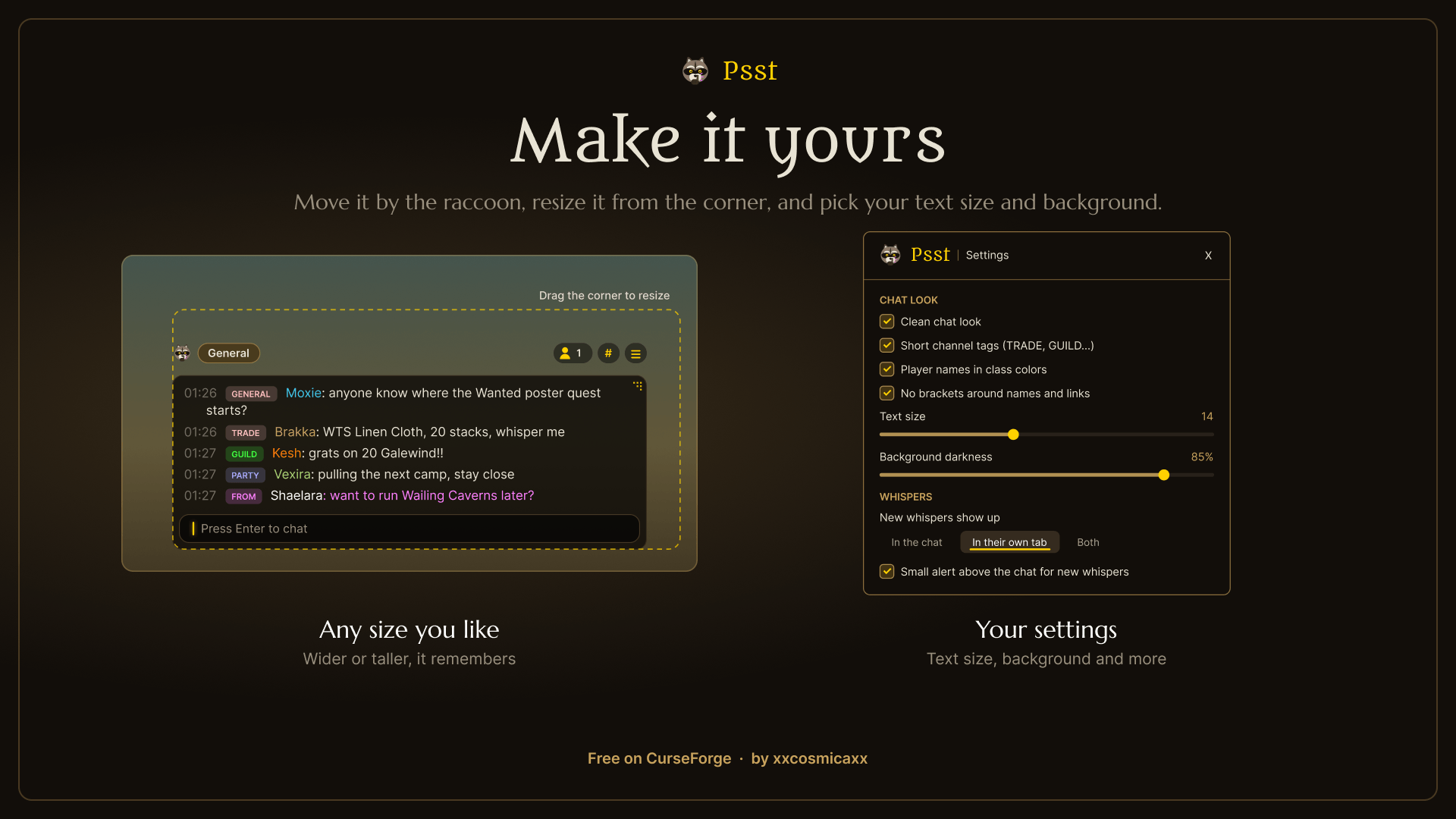
Move the chat by dragging the little raccoon, and drag the corner to make it wider or taller. Psst remembers where you left it. In settings you can pick the text size and how dark the background is, and choose whether the tabs and buttons on top stay visible or fade until you hover.
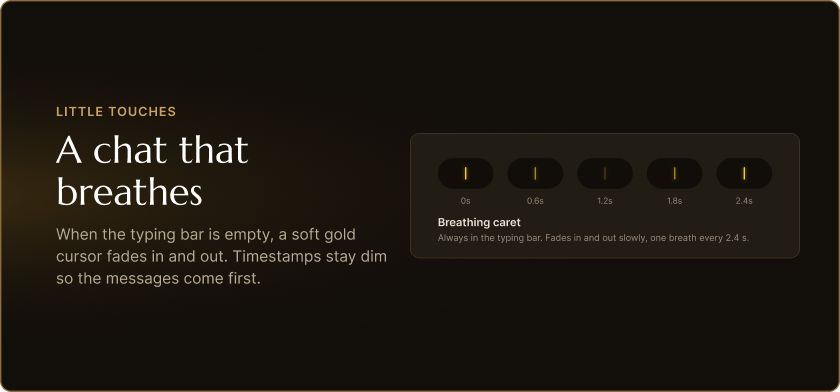
When the typing bar is empty, a soft gold cursor slowly fades in and out, and timestamps stay dim so the messages come first. The Combat Log tab is hidden too, since most players never need it.
A few more things
- Pressing Enter still opens the typing bar, even with the chat hidden
- Uses the clean Inter font (you can switch back to the game's font)
- Fully translated to Spanish
Commands: /psst shows or hides the chat · /psst config opens settings · /psst report copies info for a bug report
Also by xxcosmicaxx: Hunt Analyzer · Hunt Looter
Psst: Clean Chat Team