Project Roth
- By
Project Roth is the revival of an old classic wow UI mod called Roth_UI modeled after Diablo UI. Revival has tried to keep it as close to original with new features and the ability to work with new interfce standards.
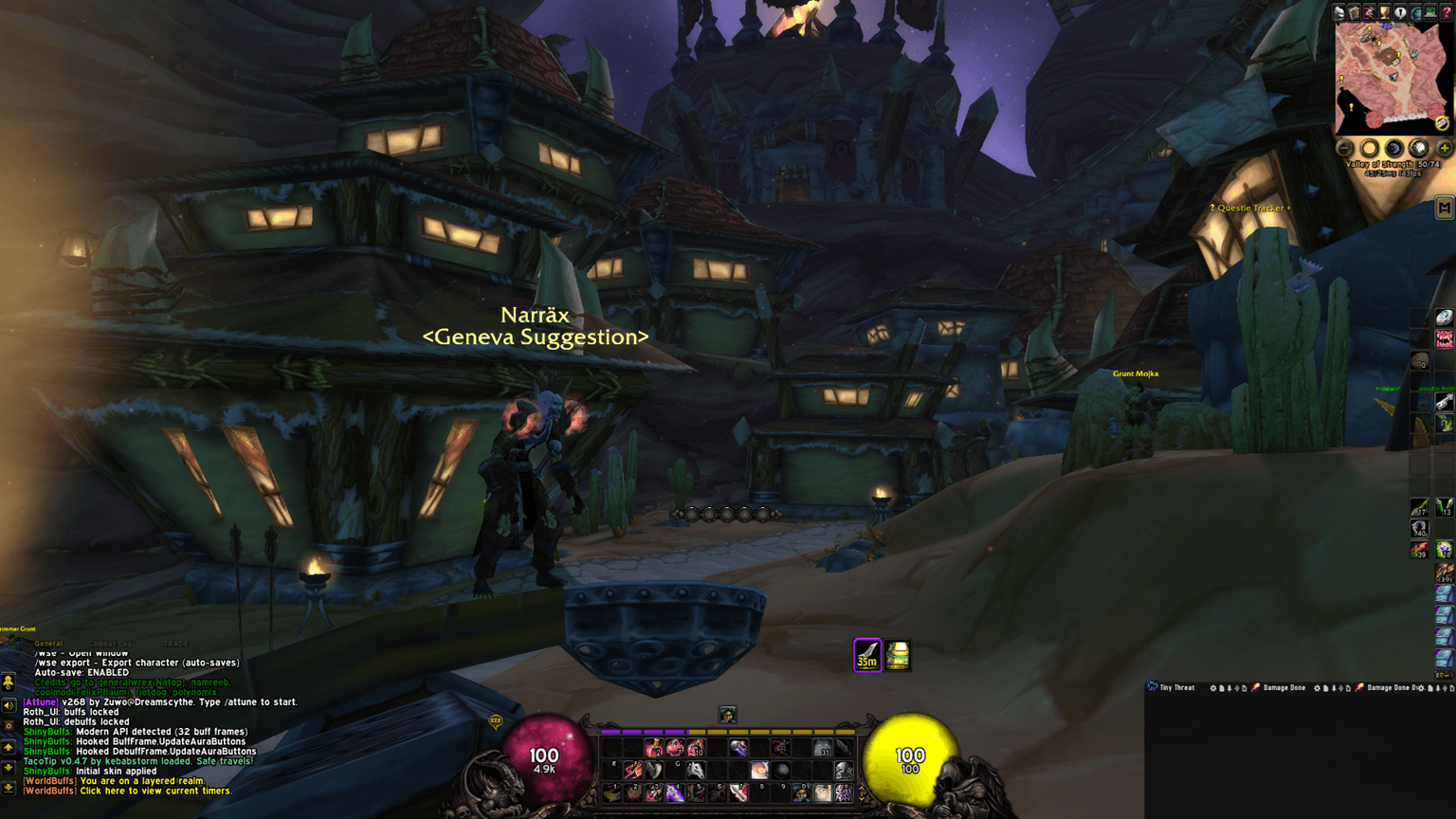
Project Roth Screenshot 1.png
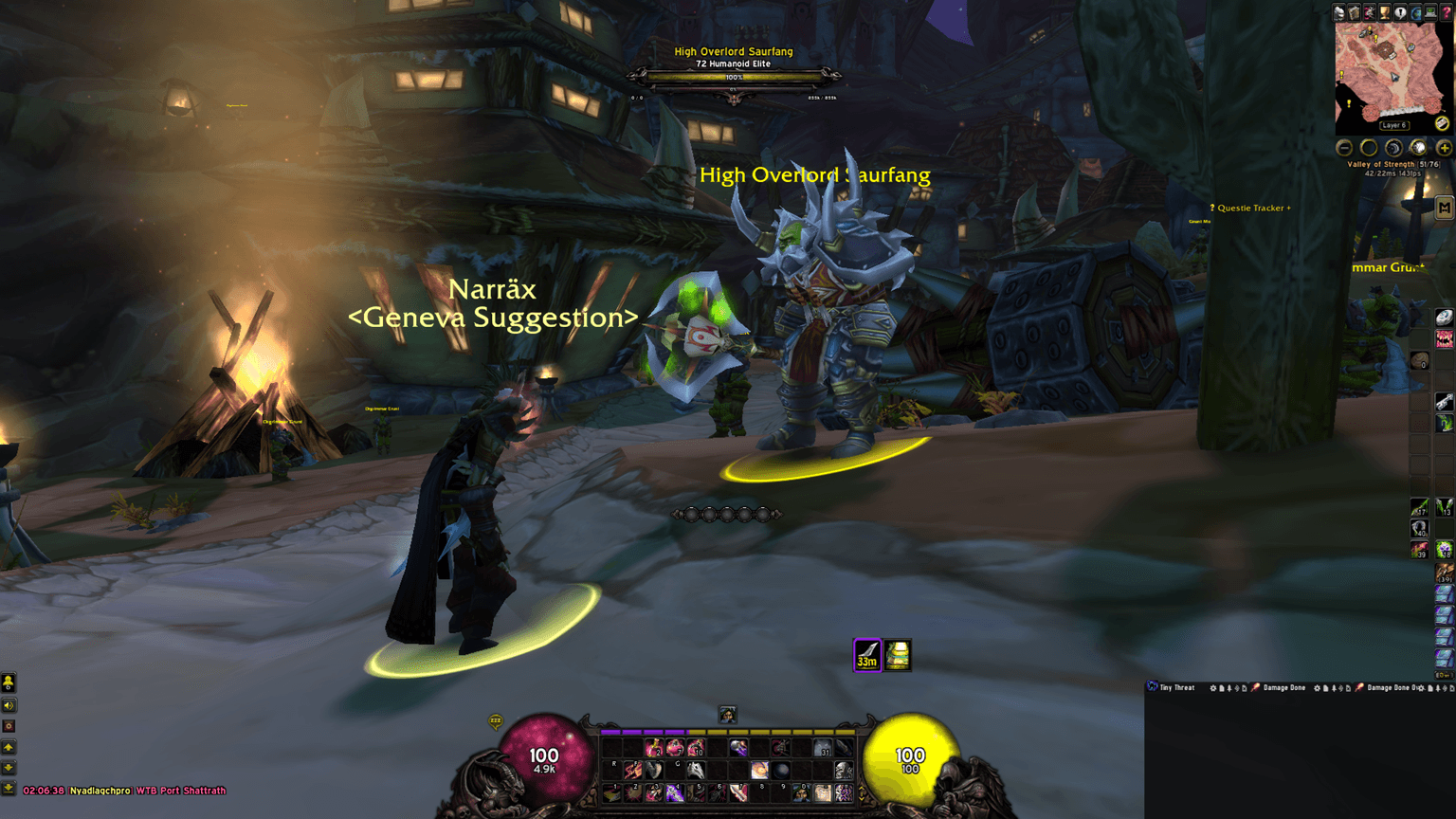
Project Roth Screenshot 2.png
Description
Project Roth is a cleaned-up, modern revival of the iconic Roth UI — the dark, atmospheric Diablo-inspired interface that defined custom UIs for many World of Warcraft players since the Wrath of the Lich King era. Originally created by zork, this version has been completely rebuilt and optimized by EchoZulu69er specifically for The Burning Crusade Anniversary Edition. It preserves the classic Roth aesthetic while being significantly lighter, more compatible, and far more customizable than earlier iterations.
Features
- Signature Roth Diablo-style visuals with elegant health & power orbs
- Beautifully themed custom unit frames (player, target, focus, boss, raid, etc.)
- Elegant class resource displays (combo points, holy power, runes, soul shards, and more)
- Full Compatibility — Does not replace default action bars or party frames. Use Blizzard’s anniversary action bars or any bar addon you like. Party frames remain untouched so you can use default Blizzard, Healbot, VuhDo, or any other party/raid addon without conflicts.
- Lightweight & Optimized — Heavily trimmed code for better performance and a smaller footprint
- Advanced Customization — Resize and freely move core UI elements. Dedicated configuration page under Options → AddOns → Roth_UI for easy in-game tweaking
- Install the official CurseForge desktop app (if you don’t already have it)
- Search for Project Roth inside the app
- Click Install — it will automatically place the addon in the correct folder
Manual Installation:
- Download the latest release from the Files tab
- Extract the Roth_UI folder into your World of Warcraft\_classic_\Interface\AddOns\ directory
- Restart the game or type /reload in-game
Configuration:
Most options are available directly in the in-game AddOns menu (Esc → Options → AddOns → Roth_UI). Additional layout tweaks can be made by editing the files if desired.
Credits & History:
This project stands on the shoulders of its original creators:
• zork (Lars Norberg) – Original creator of Roth UI and oUF_Diablo
• Galaxy119 – Long-time maintainer who carried the project through Legion and BfA
• Galaxy119 – Long-time maintainer who carried the project through Legion and BfA
Full detailed credits, contributor list, and complete project history are included in the addon folder (Roth UI - Credits and History.txt).
Project Roth is a passion project dedicated to keeping this classic UI alive and relevant for today’s TBC Anniversary servers. If you enjoy it, please leave a comment, report any issues, or share suggestions — your feedback helps make the revival even better!
Project Roth Team