


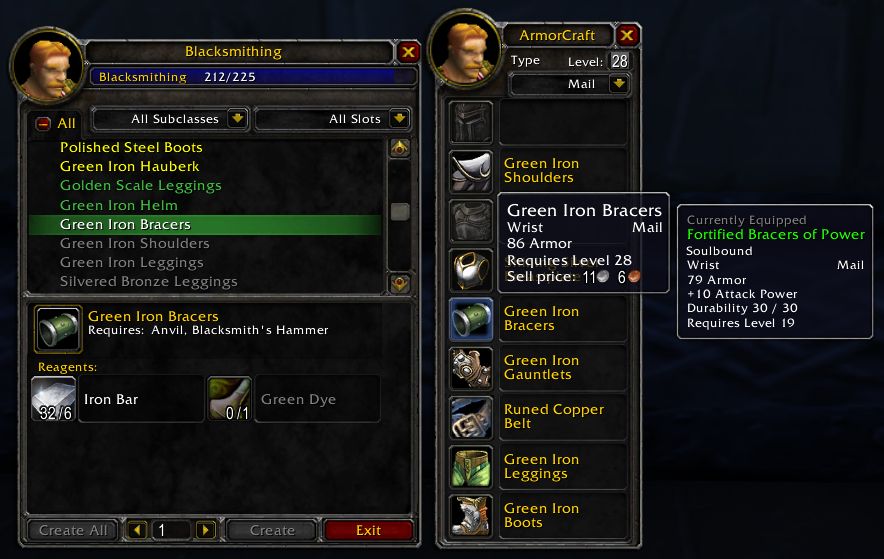
Window
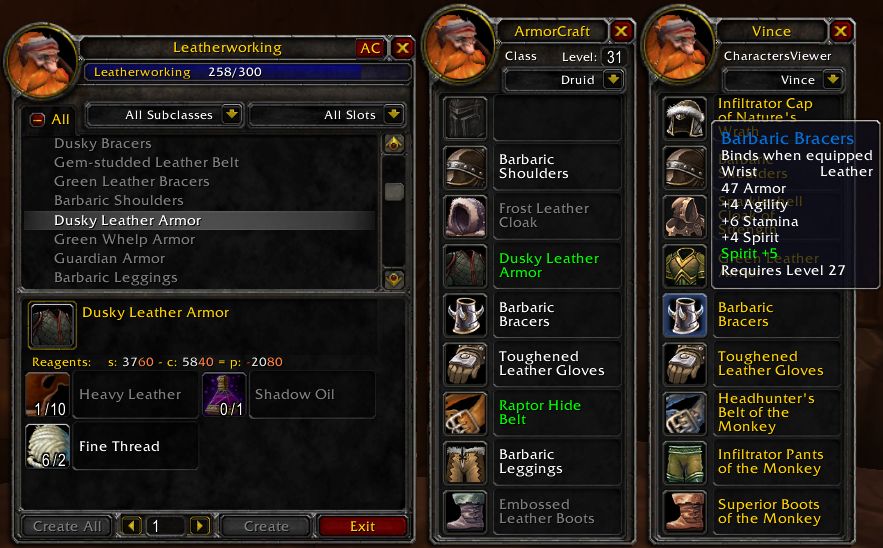
CharactersViewer target
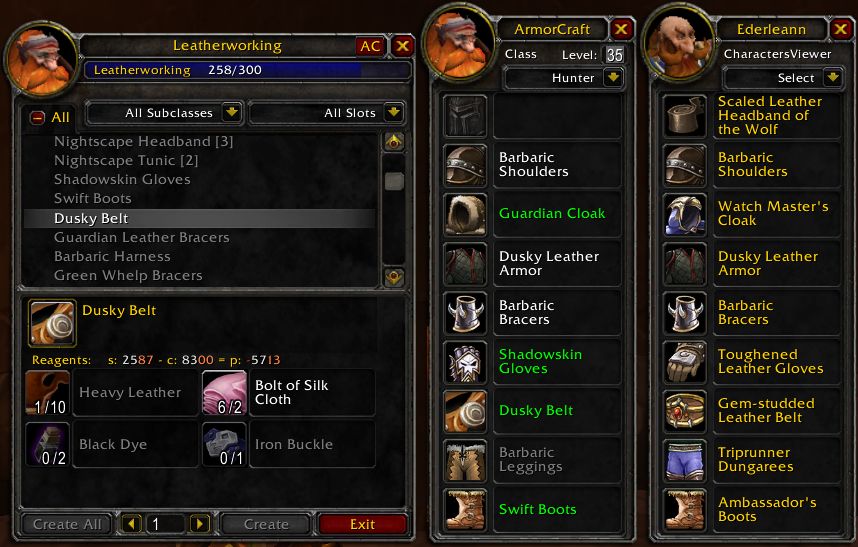
Target Window
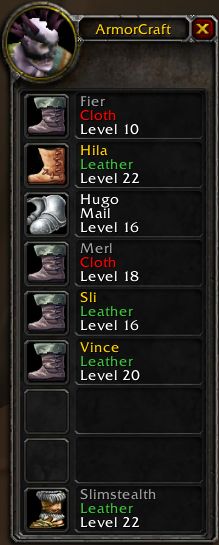
Item window
Description
{{{
- !html
ArmorCraft checks the class and level of the targeted player (defaults to the current player) and then finds the highest usable armor that can be crafted from the currently open trade skill window (Blacksmithing, Leatherworking, Tailoring or Engineering). The armor class and level can be changed to select for players that aren't present.
Shift-LeftClick an armor or weapon in your inventory, bank, loot window or chat window link to open a window to check its usefulness compared to the corresponding equipped item for yourself and a player target. This makes evaluating loot quick and easy. You can also check a selected item in your craft window.
If CharacterProfiler is installed, you can select a CharacterProfiler target and all CP characters will be displayed in the item comparison window. When you are in a party, the party members will be listed in the item comparison window.
See the README file for complete details.
}}}
The ArmorCraft Team
