GnomeParty
GnomeParty
GnomeParty
GnomeParty Config
Description
What it is
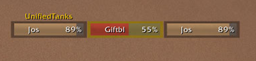
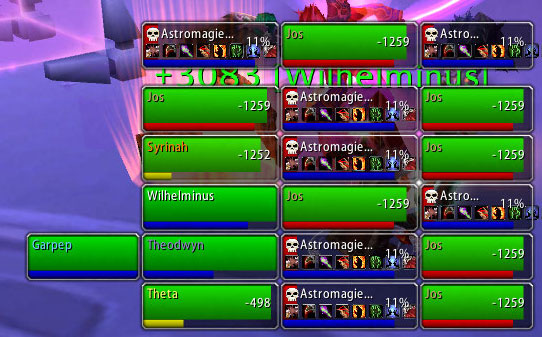
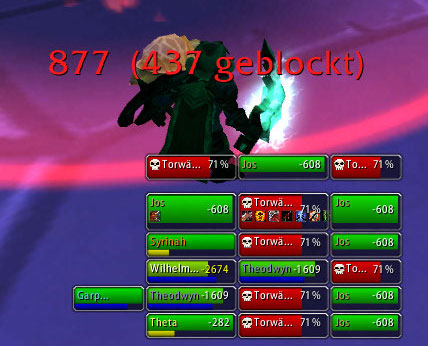
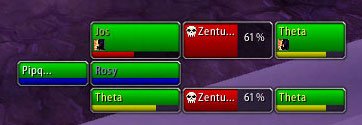
GnomeParty displays compact and moveable unit frames of your character and party members with pet, target and the targtes target. You're able to choose in detail which unit frames should be displayed in case of playing solo, in party or in a raid group.
Installation and Usage
Just copy the GnomeParty folder as usual into your Interface\Addons folder. In the game you'll see your character unit frame in the middle of the screen. Move your mouse to the top of the frame and you'll see an upcoming "Drag To Move" frame, with which you're able to move all GnomeParty frames over the screen.
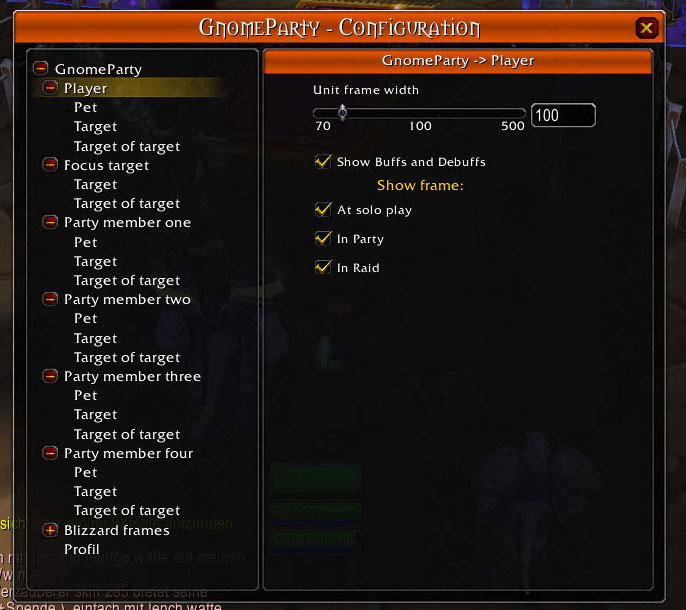
Type /gp or /gnomeparty to bring up a list of available slash commands (in the german version it's /gg and /gnomgruppe). Type /gp config to bring up the graphical configuration dialog.
Feature list
- Displays you, your target, your pet and your targets target
- Displays your focus, focus target and focus targets target
- Displays your party members, party member pets, party member targets and party member targets targets
- Class colored names
- Displays target icons
- Displays up to 10 buffs or debuffs per unit (only castable or curable shown)
- Green -> yellow -> red health bars for friendly players
- White -> yellow -> red deficit text for friendly players
- Displays health deficit for party members and health percentages for non-party members
- Displays big debuff icon and text showing debuff type if curable (curse, magic, poison, ...)
- Colors unit frame borders in corresponding debuff color if debuff type curable by you (curse, magic, poison, ...)
- Dim out unit frame if unit is out of sight
- Dim out unit frame if unit is out of heal range (heal classes only)
- Graphical configuratuion interface and command line interface
- Detailed configuration which unit frames should be displayed in solo play, in party or in a raid group
- Scaling and width settings
- All frames draggable as group
- All frames can be used as normal party frames (ie. you can drag objects on to them to trade or click on them with the big glowy hand when casting, etc.)
- Save settings in profiles (i.e. global or per character, class or realm)
- Optionally hides default Blizzard player, target and party interface
- Should work with Clique (not tested)
What it is not meant to be
GnomeParty is not meant to be a complete party frame replacement. It does not show noncastable or noncurable buffs and debuffs. Due to peoples requests i've implemented the possibility to optional hide the Blizzard party frames, but i don't recommend it.
Where does it come from
I've been using Dagos DagParty (http://wow-en.curse-gaming.com/downloads/details/6041/) for a while and missed the possibilty to configure it (i.e. scaling) to fit better on my needs. Dagos doesn't seem to continue his nice work on DagParty, so i've started to continue it on my own.
By now it has become quite different in kind of configuration and brings in some new features (i.e. target of target), so i've decided to give my version an new name. Due to the fact that i love gnomes and this addon is as handy as gnomes i called it GnomeParty ;-).
GnomeParty Team

Owner