

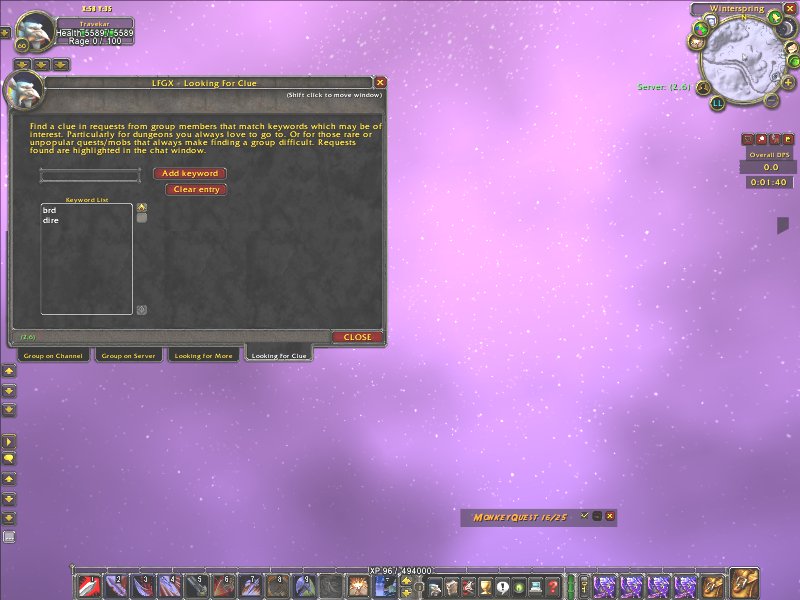
5.Looking for clues, to highlight requests that may be of interest.
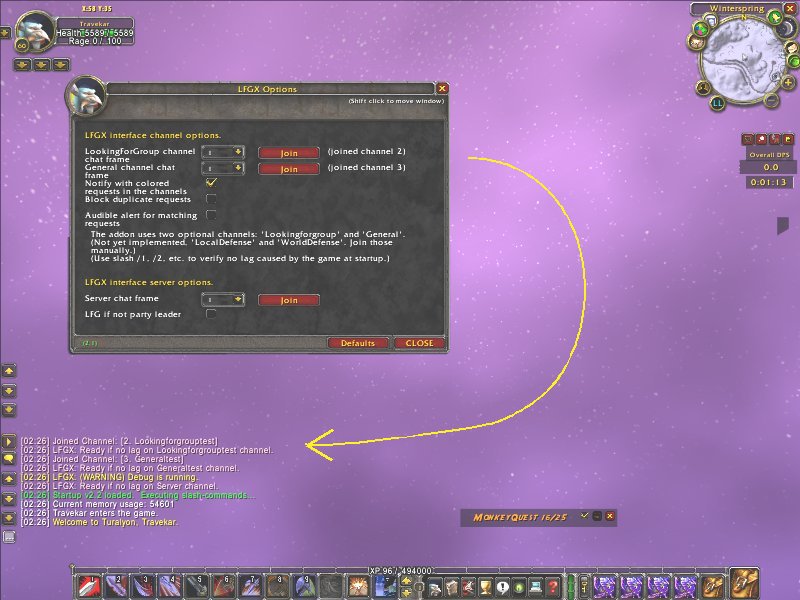
6.Options, with channel status in the chat window.
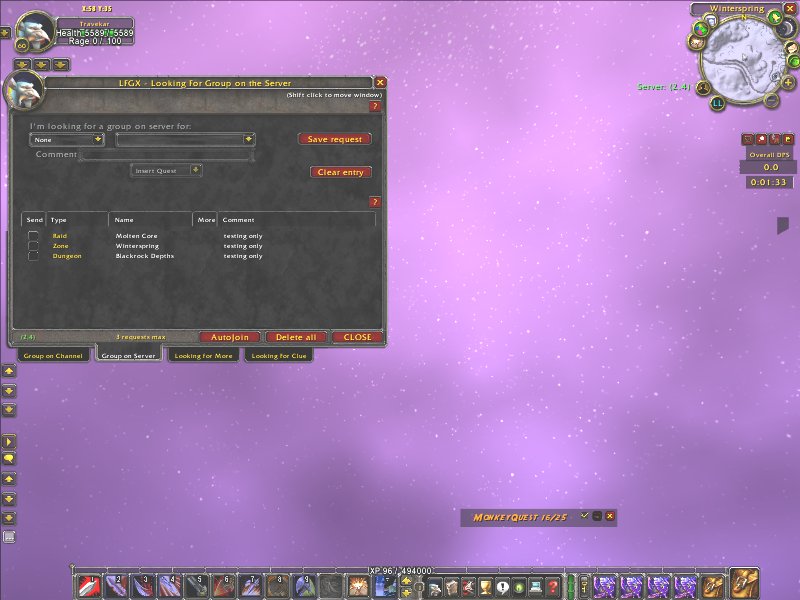
3.Looking for groups sent to the server.
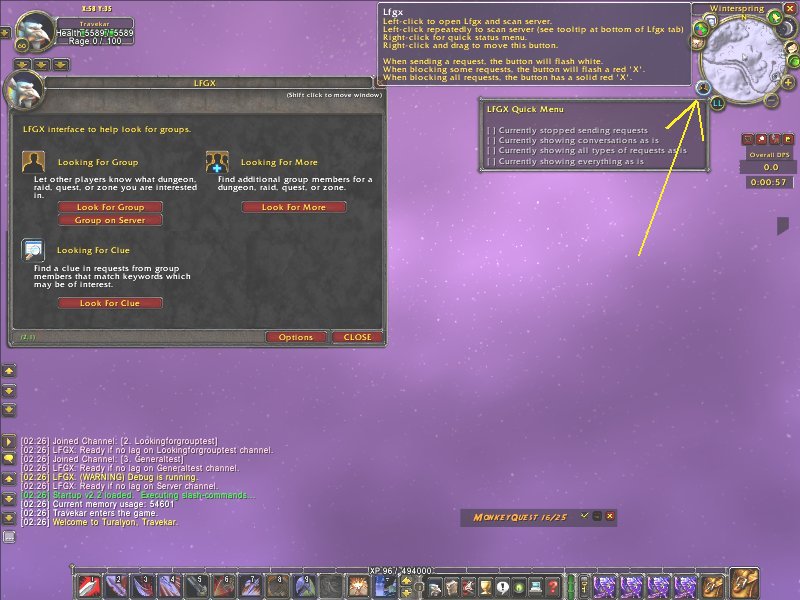
1.Open to see a standard wizard, or select the minimap button.
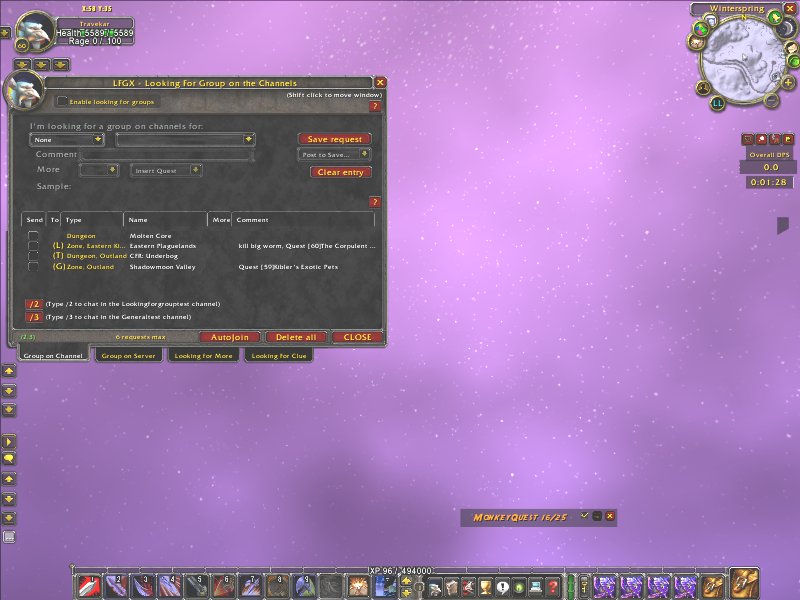
2.Looking for groups sent to a public channel.
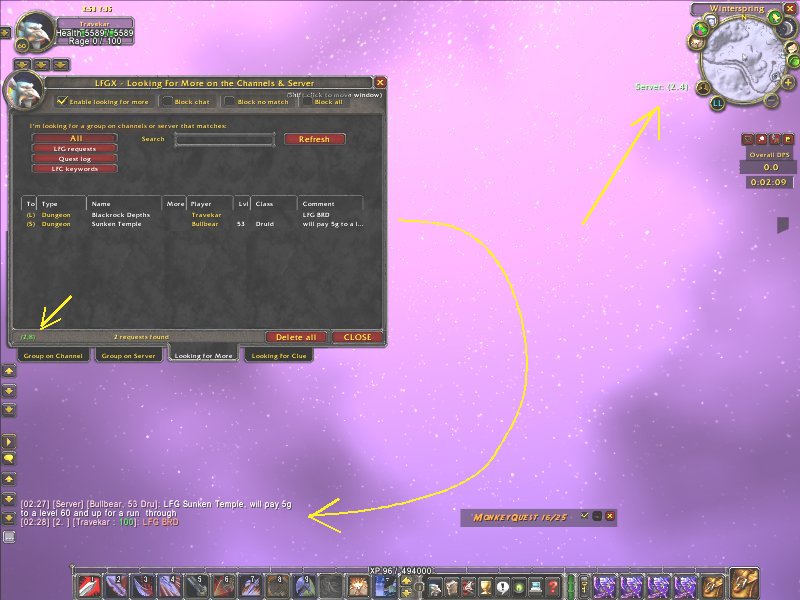
4.Looking for more from channels or server.
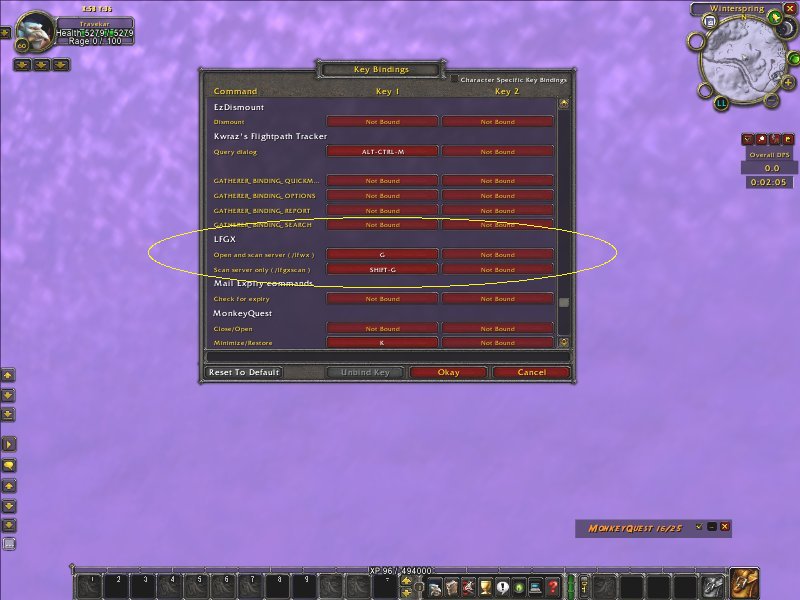
7.Keybinds to open or scan.
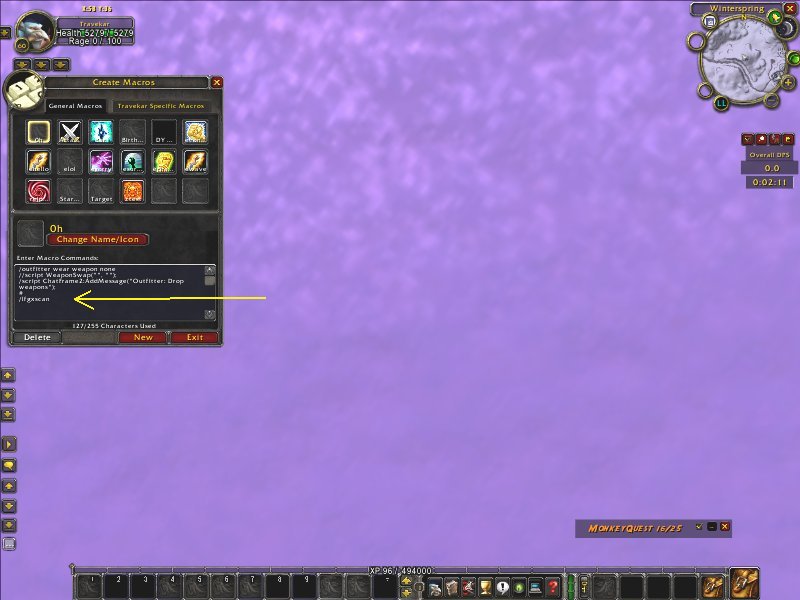
8.Any commonly used macros can help scan by containing slash command, /lfgxscan.

