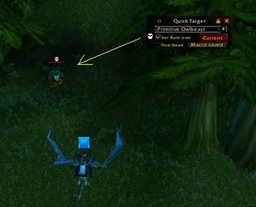
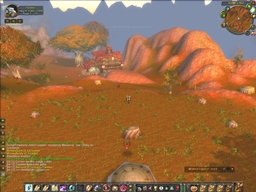
Notify when a spell or ability fails on the target during combat so that you know you might have to use something else and not waste mana/rage/energy. Hitting target is not shown to keep from cluttering window. Also more importantly, duplicate messages are not shown to avoid spamming and cluttering the window. Messages are posted in the combat chat window if an ability or spell fails, like evade, immune, resist, dodged, parried, blocked, missed or anything that says failed. The information shown is similar to how blizzard posts messages by default, in syntax and color yellow.
It is an alternative to replace the default blizzard combat window option, 'Spell Messages: Your Damage Spells'. Unfortunately, that old feature shows all messages, both hit and miss, where hitting is not important and just clutters window. Or that old feature repeats duplicates which is annoying. It is an alternative to hearing the sound effects in the game that indicate something failed.
It is an alternative to the scrolling text, so that a history of what happens is seen and does not disappear. Especially during fierce combat, it is nice to be able to review what is going on. Scrolling text is nonetheless still handy. Moving the combat window away (undocking) from the general chat window gives real time info to see during combat.
Tested ok with a warrior and mage on various elementals and mobs.
Instructions:
- Turn off the option in the combat window, 'Spell Messages: Your Damage Spells'. Right-click on the combat tab name, select 'Spell Messages', then select 'Your Damage Spells' and remove any checkmarks.
- Addon is always running.
- Just leave running and fight mobs as usual.
Command:
- none
Options:
- none
Install:
- Move the files to the game folder, .\World of Warcraft\Interface\AddOns\NotifySpellFailure\*.*
Known bugs:
- Unable to remove checkmark in combat window options automatically for convenience.
- Combat text remains yellow even if the combat window options are changed to show a different color. I do not know the scripts to access that info.
ChangeLog:
Revision 1.2
- Updated TOC file for patch 2.1.0
Revision 1.1
- BC 2.0 compatible. Updated toc file.
- (web site erased all my previous changelog info :()
The NotifySpellFailure Team