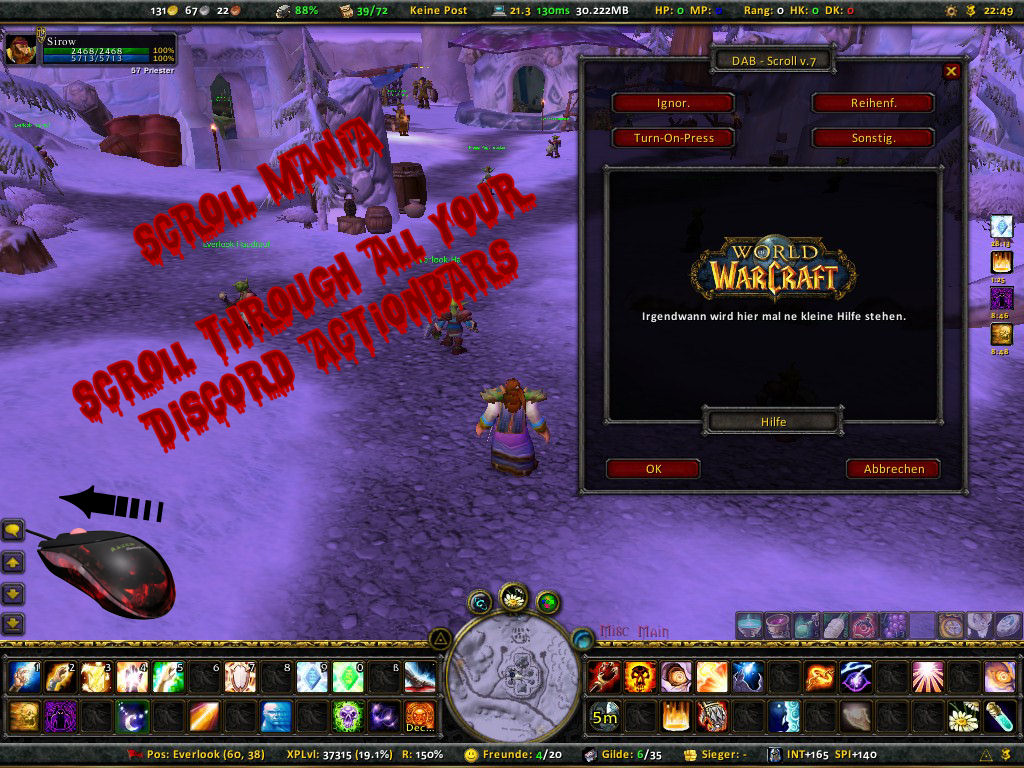
Help dialog
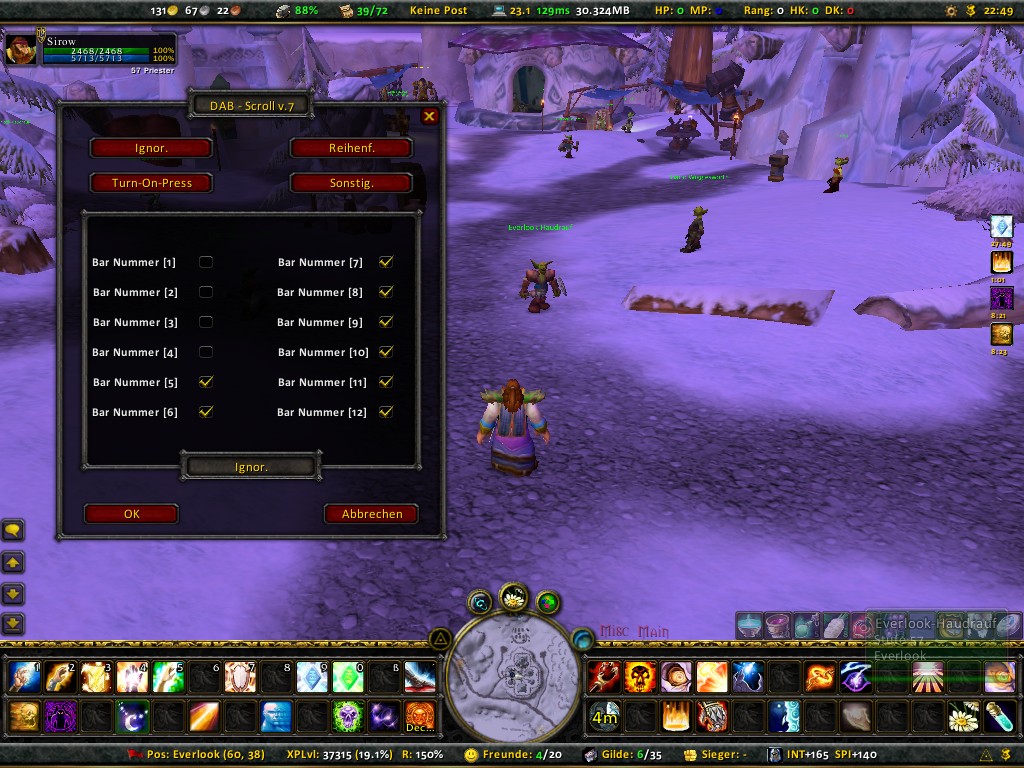
GUI
Description
About:
---------------------------------------------------
Discord Action Bars - Scroll adds some keybindings you can use to scroll through your Discord Action Bars. (You will need to have them installed ;))
It also enables you to exclude curtain bars from beeing scrolled through.
Why? Because before changing to DAB is used CT_BarMod alot and bound my mousewheel to 'next' and 'prev' actionbar so I could scroll through all of them easily (I don't like to many keys to remeber). Sadly this didn't seem to be possible in DAB, so I wrote a small addon solving this.
My mod does not chance any of DABs code it only uses its functions and adds some new ...
---------------------------------------------------
How to Install:
---------------------------------------------------
Unzip the package into the Interface\AddOns directory within your World of Warcraft installation.
Your zip software must preserve directory structures.
If the game is installed in the default location the addon paths should look like:
C:\Program Files\World of Warcraft\Interface\AddOns\DAB_Scroll
If installing worked there should be a label Discord Action Bars - Scroll unter your keybindings tab.
---------------------------------------------------
How to Use:
---------------------------------------------------
Launch World of Warcraft and open up the mainmenu. Go to keybindings and scroll down to Discord Action Bars - Scroll.
Set your favorite key for scrolling up and down (eg. your mousewheel), then go to Dynamic Keybidings and set it to the keys you want to use for casting (eg. 0 to 9).
Note that this version is only compatible with DAB 3.0! You'll have to set your keybindings to a cutain GROUP in DAB and than tell DAB - Scroll which group to use for scrolling. (See Misc -> Scroll Group)
If you want to chance some settings use one of the following chat commands:
- /dabscroll
- /dabs
- /ds
---------------------------------------------------
Disable GUI to save memory?:
---------------------------------------------------
Allright, I wasn't able to test it yet, but I've build file structur this SHOULD be possible.
Just goto ..\World of Warcraft\Interface\AddOns\DAB_Scroll folder and open the file DAB_Scroll.toc in your favorite notepad.
Now replace the last line DAB_ScrollUI.xml with ##DAB_ScrollUI.xml or delete it.
Your are done, all option-frames and localisations are disabled now. Keep in mind you have to restart WoW before either enabling or disabling will take effect at all!
---------------------------------------------------
Websites and Contact:
---------------------------------------------------
DAB_Scroll: http://ui.worldofwar.net/ui.php?id=1451
Discord Action Bars: http://www.discordmods.com/
Mailto: Commander <.> Sirow <@> gmx <.> de
ICQ: 169-111-715
---------------------------------------------------
Upcoming Features:
---------------------------------------------------
- You want a new feature? You have a question? Something is wrong? Just tell me :)
---------------------------------------------------
OFFTOPIC, About my UI:
---------------------------------------------------
I'm using:
- Discord Unit Frames (Unit Frames)
- Discord Action Bars (Actionbars)
- JasonLB (This golden Frame at the bottom)
- CleanMiniMap (Used to move/resize the map)
- Titan 2 (Enable to draw up to 4 (!) bars)
- Some, but not all Cosmos addons
- And many more ...
Links, where to find mods:
- http://www.cosmosui.org/
- http://www.discordmods.com/
- http://ui.worldofwar.net/
- http://ui.worldofwar.net/ui.php?id=1779 (My Compilation)
The Discord Action Bars - Scroll Team