175011.png
175044.png
175104.png
175122.png

Description
EN
ProfitHUB.Queue is a crafting queue and profit simulator built into the profession window.
Features
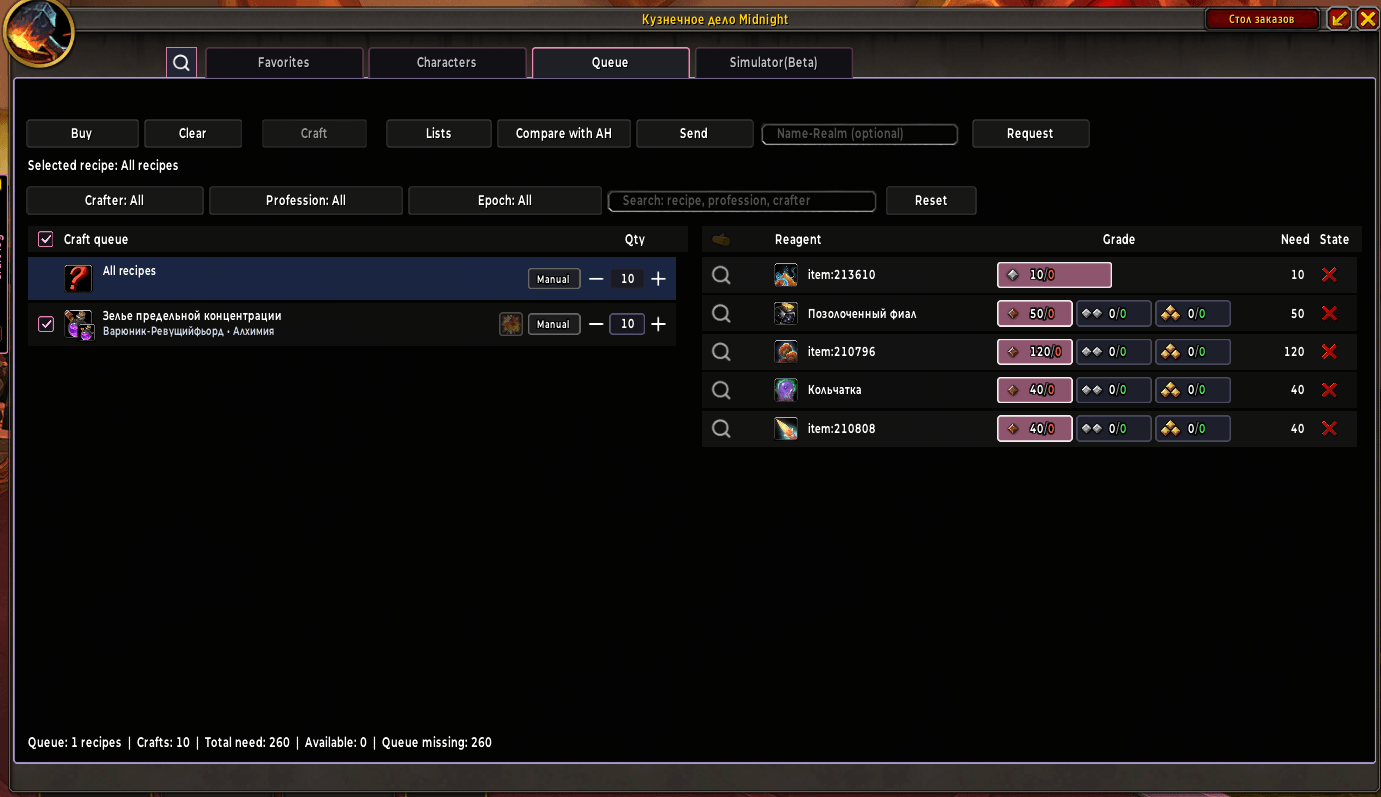
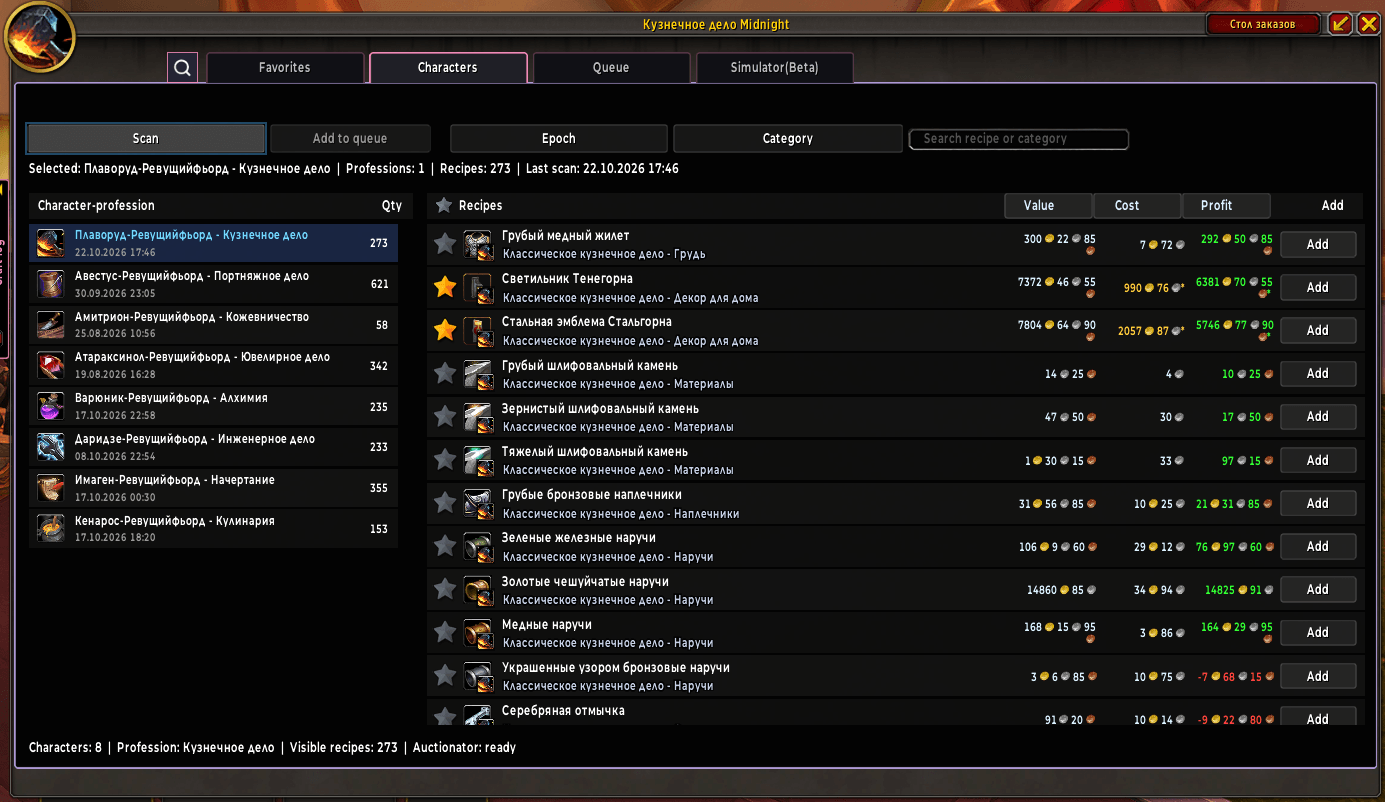
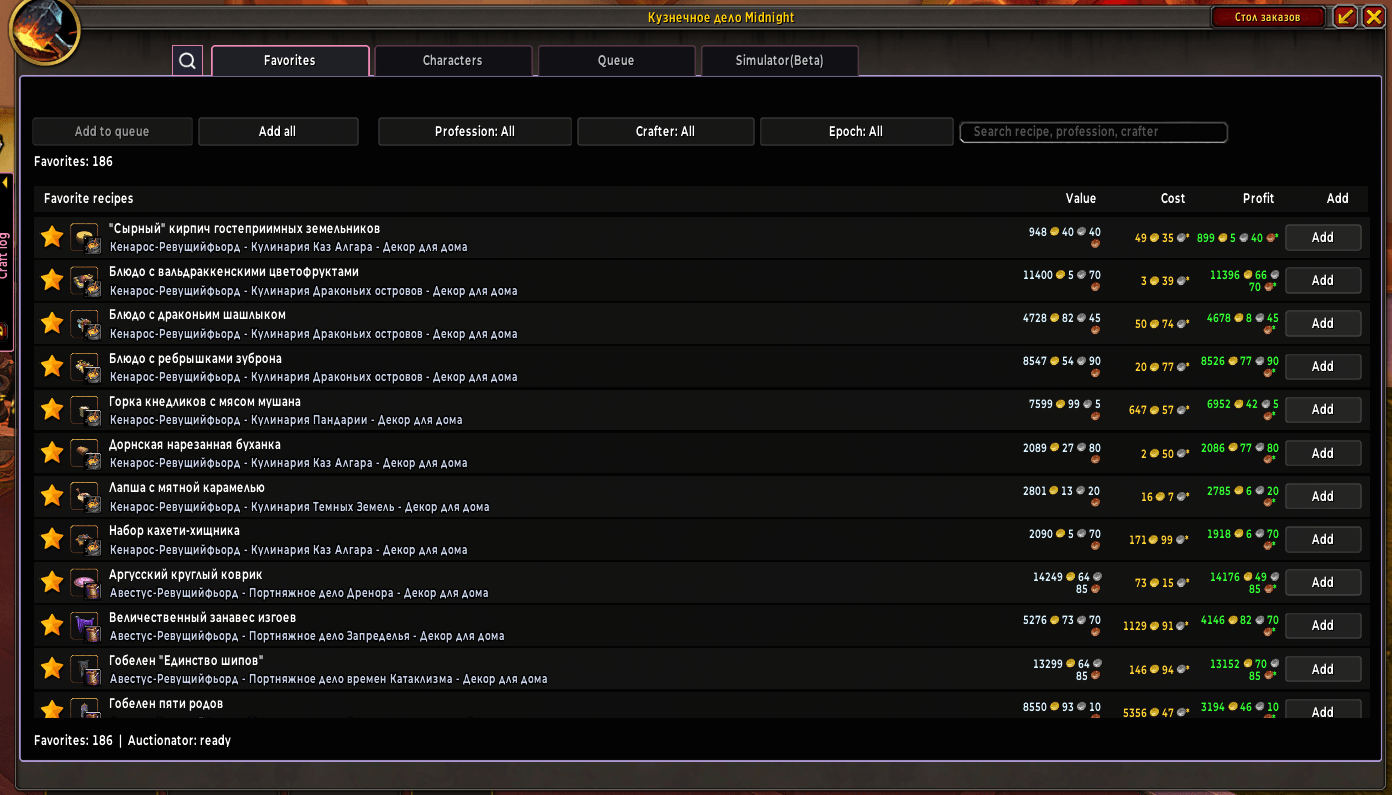
- Crafting queue — collect recipes and amounts from all your characters, see which reagents you have and which are missing, and craft straight from the queue.
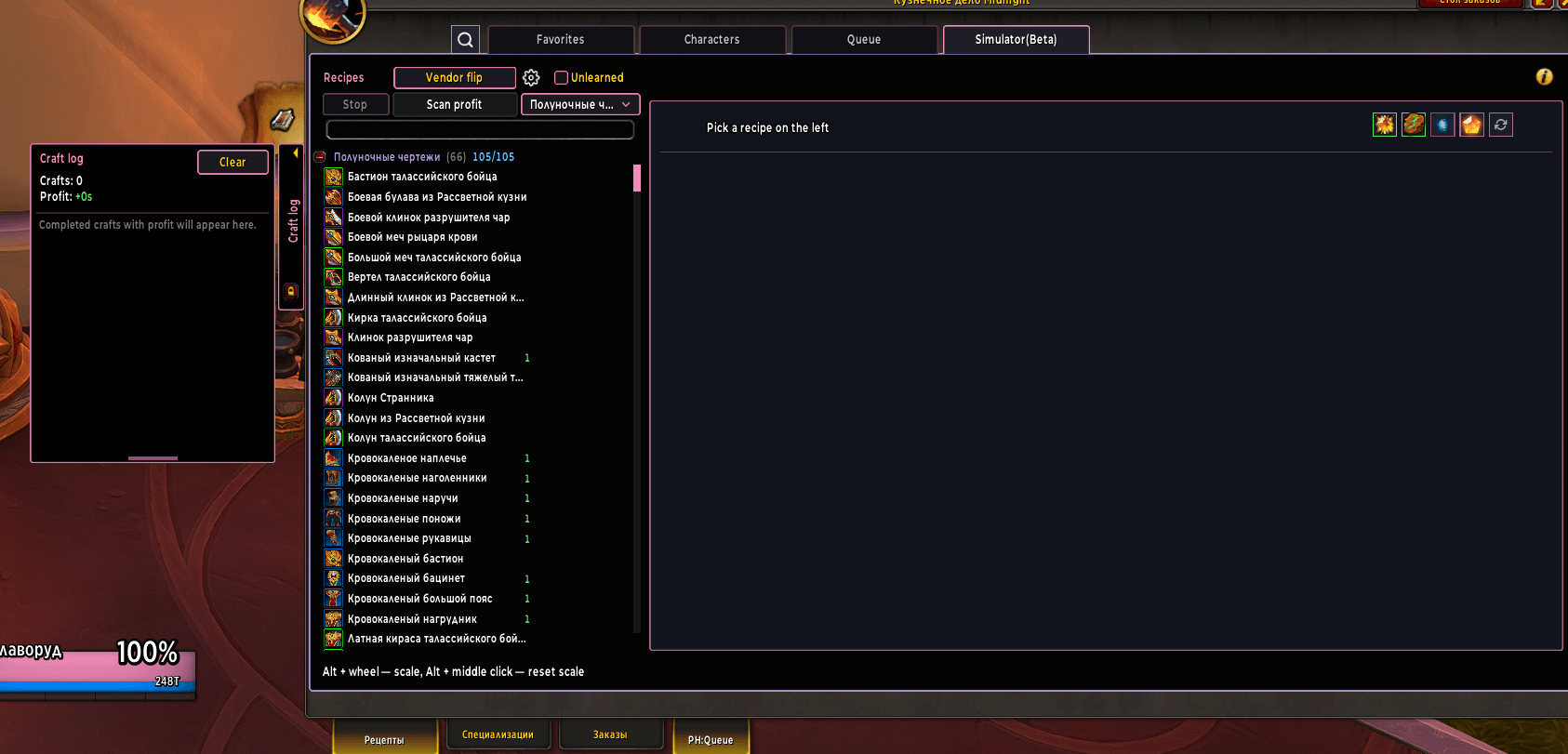
- Simulator — pick a recipe and see the cost of reagents, the value of the result and the profit. Tooltips show the auction and vendor prices and the full math.
- Profit scan — checks every recipe of the open profession and sorts them by profit. A Stop button ends it any time.
- Cost and profit on the recipe page — always shown next to the reagents; hover for the full math and why the numbers can differ from Auctionator.
- Price freshness — every tab shows how old your price base is, and an icon warns when the auction prices are out of date.
- Shopping list — one click sends the missing reagents to ProfitHUB.Shop or Auctionator.
- Unlearned recipes — the simulator also shows recipes you do not know yet and scans them for profit, so you see which recipe is worth buying.
- Buy price limit — for a selected recipe, the highest price to pay for each reagent so the craft stays profitable with your margin.
- Queue sharing — send a queue to another character or player in the party or guild.
- Quick clicks — Shift+click a row to link the item or search it at the auction house, Ctrl+click to open the dressing room or search all grades.
- Open it with the tab in the profession window or with
/phrl.
Retail only
- Quality and concentration — the simulator picks reagent qualities and concentration for the quality you want at the lowest cost.
- Specialization talents — shows which of your talents affect the recipe and what they give.
- Profession tools — suggests and swaps the best tool for the recipe.
- Craft log — every craft of the session with its procs and profit, plus the totals; drag it along its button to place it.
- Salvage — prospecting, milling and similar recipes with their real output; the most profitable input is picked for you.
WoW Forever only
- Built for Forever professions: no qualities, concentration or profession tools, prices down to copper.
- Opens from its own side tab in the profession window.
- Vendor shuffle — a profit scan for selling crafts to a vendor: reagents from a vendor, the auction or your own craft, a table of all professions with profit per hour and crafts per bag trip, and buying the reagents at the vendor in one click.
- Vendor shuffle session — what you bought, sold to vendors, crafted and fished, with the profit per session and per hour; finished sessions are kept in a history (
/phvs). - Reagents sold by vendors (vials, thread, dyes, flux and so on) are priced at vendor cost and left out of auction shopping lists, with a reminder to buy them from a vendor.
One download for Retail and WoW Forever. Settings: /ph → Queue. Step-by-step tutorial: /phdemo.
RU
ProfitHUB.Queue — очередь крафта и симулятор профита прямо в окне профессии.
Возможности
- Очередь крафта — собирайте рецепты и количество со всех персонажей, смотрите, каких реагентов хватает, а каких нет, и крафтите прямо из очереди.
- Симулятор — выберите рецепт и увидите стоимость реагентов, цену результата и профит. В подсказках — цены аукциона и торговца и весь расчёт.
- Скан профита — проверяет все рецепты открытой профессии и сортирует их по профиту. Кнопка «Стоп» прерывает его в любой момент.
- Себестоимость и профит на странице рецепта — всегда рядом с реагентами; наведите, чтобы увидеть весь расчёт и почему цифры могут отличаться от Auctionator.
- Свежесть цен — на каждой вкладке видно, насколько свежая база цен, а значок предупреждает, когда цены аукциона устарели.
- Список покупок — один клик отправляет недостающие реагенты в ProfitHUB.Shop или Auctionator.
- Неизученные рецепты — симулятор показывает и рецепты, которые вы ещё не знаете, и сканирует их на профит: сразу видно, какой рецепт стоит купить.
- Предел цены закупки — для выбранного рецепта: до какой цены покупать каждый реагент, чтобы крафт остался в плюсе с вашей маржой.
- Передача очереди — отправьте очередь другому персонажу или игроку в группе или гильдии.
- Быстрые клики — Shift+клик по строке вставляет ссылку или ищет предмет на аукционе, Ctrl+клик открывает примерочную или ищет все качества.
- Открывается вкладкой в окне профессии или командой
/phrl.
Только в Retail
- Качество и концентрация — симулятор подбирает качество реагентов и концентрацию для нужного качества с наименьшими затратами.
- Таланты специализации — показывает, какие ваши таланты влияют на рецепт и что они дают.
- Инструменты профессии — подсказывает и надевает лучший инструмент для рецепта.
- Журнал крафта — все крафты сессии с процами и профитом, плюс итоги; его можно перетаскивать вдоль кнопки.
- Переработка — просеивание, измельчение и похожие рецепты с реальным выходом; самое выгодное сырьё подбирается само.
Только в WoW Forever
- Сделано под профессии Forever: без качества, концентрации и инструментов, цены до меди.
- Открывается своей боковой вкладкой в окне профессии.
- Вендоршафл — скан профита при продаже крафта торговцу: реагенты у торговца, на аукционе или свой крафт, таблица по всем профессиям с прибылью в час и крафтами за ходку, закупка реагентов у торговца в один клик.
- Сессия вендоршафла — сколько куплено, продано торговцу, скрафчено и поймано, прибыль за сессию и в час; завершённые сессии сохраняются в историю (
/phvs). - Реагенты, которые продают торговцы (флаконы, нитки, краски, флюс и т.п.), считаются по цене торговца и не попадают в списки закупки на аукционе — вместо этого напоминание купить их у торговца.
Один архив и для Retail, и для WoW Forever. Настройки: /ph → Queue. Пошаговое обучение: /phdemo.
ProfitHUB.Queue Team

Owner