


Preydator
- By
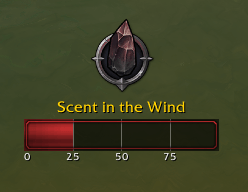
Preydator First Stage in the right zone.png
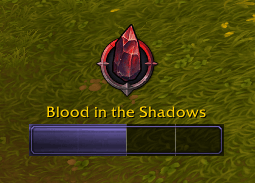
Preydator Second Stage.png
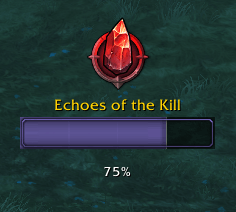
Preydator Third Stage.png
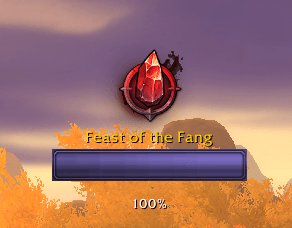
Preydator Final Stage.png
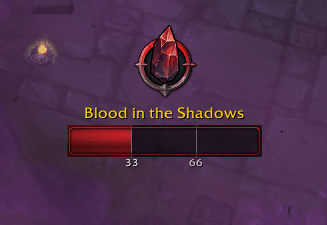
Preydator First Stage Thirds.png
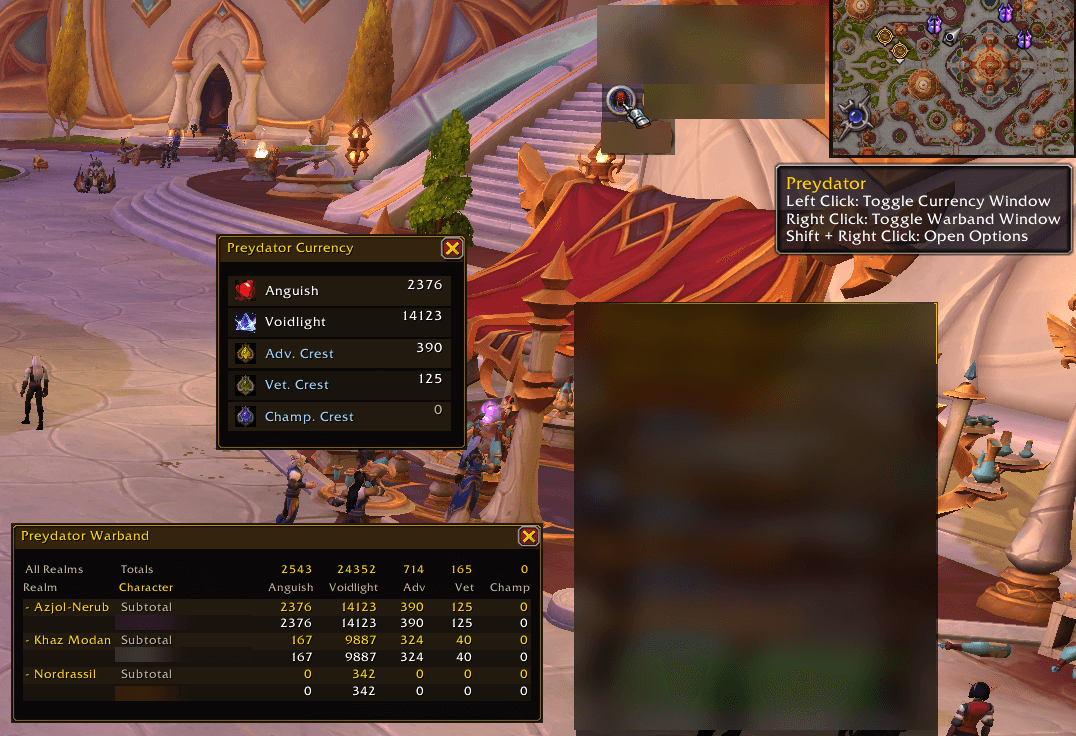
Preydator Currency and Warband Tracking.png
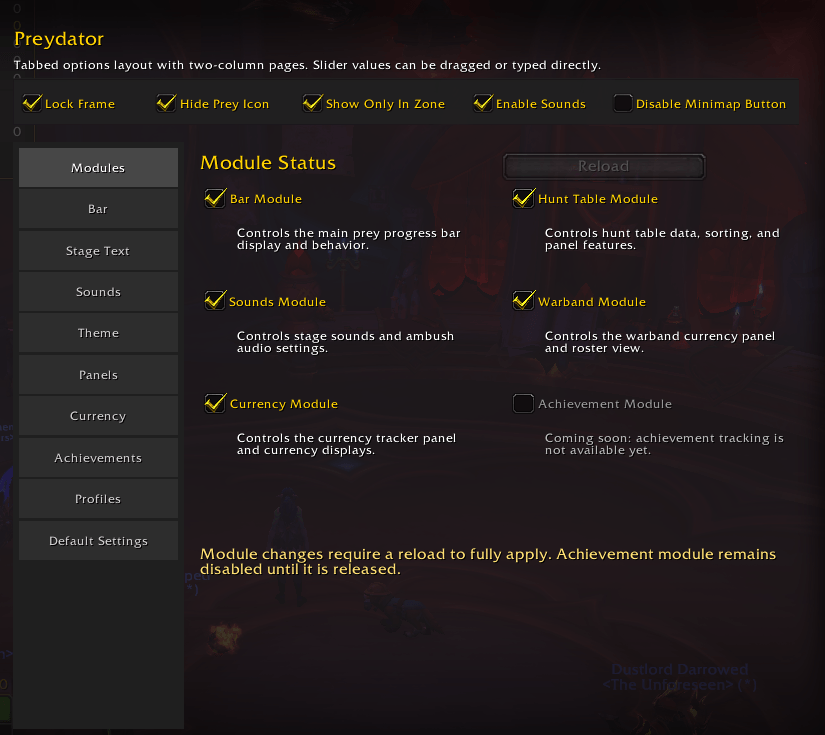
Preydator_Settings_Modules.png
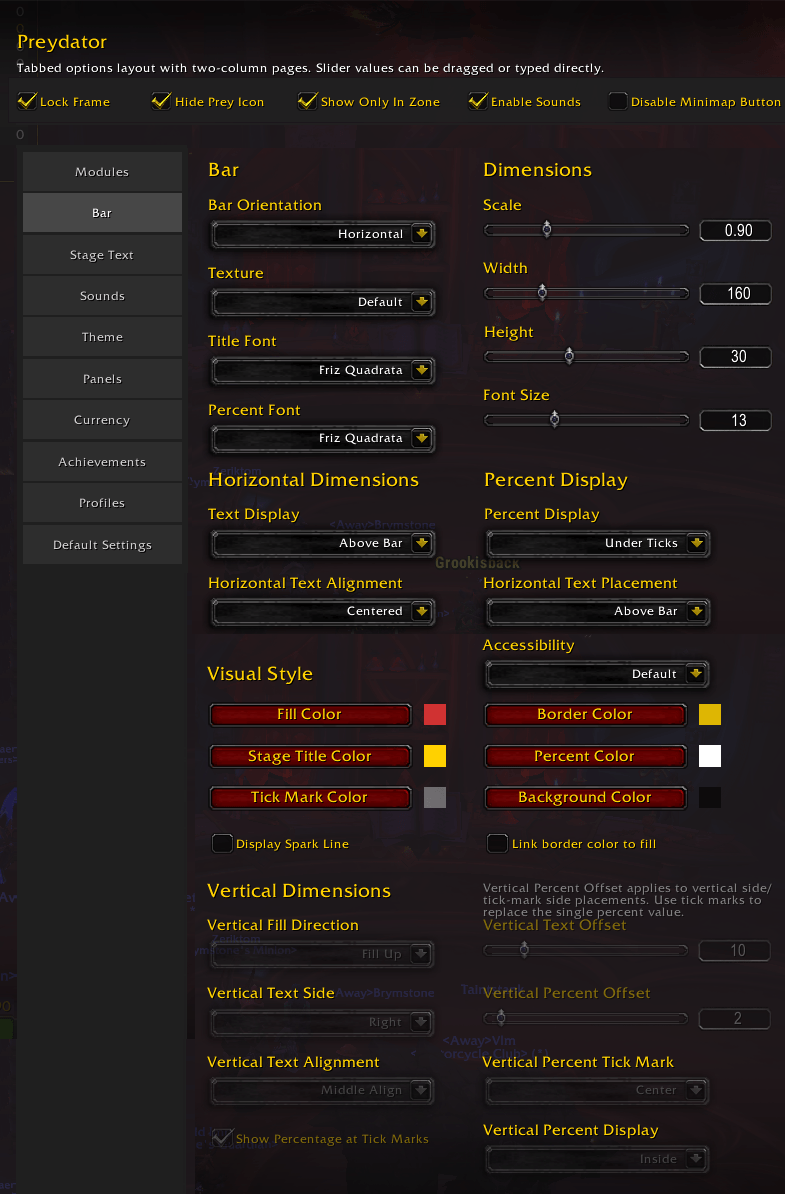
Preydator_Settings_Bar.png
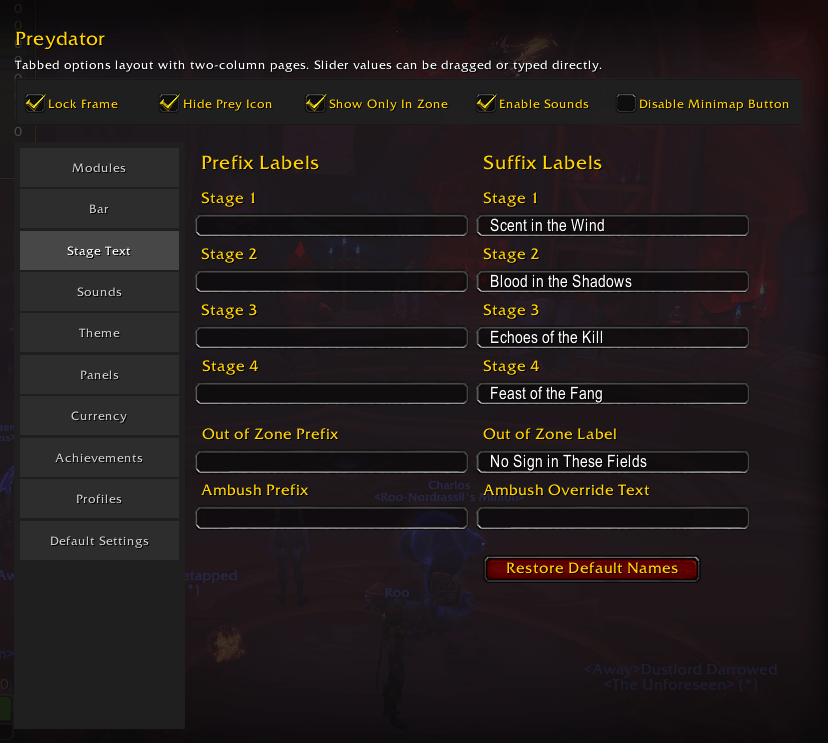
Preydator_Settings_Stage_Text.png
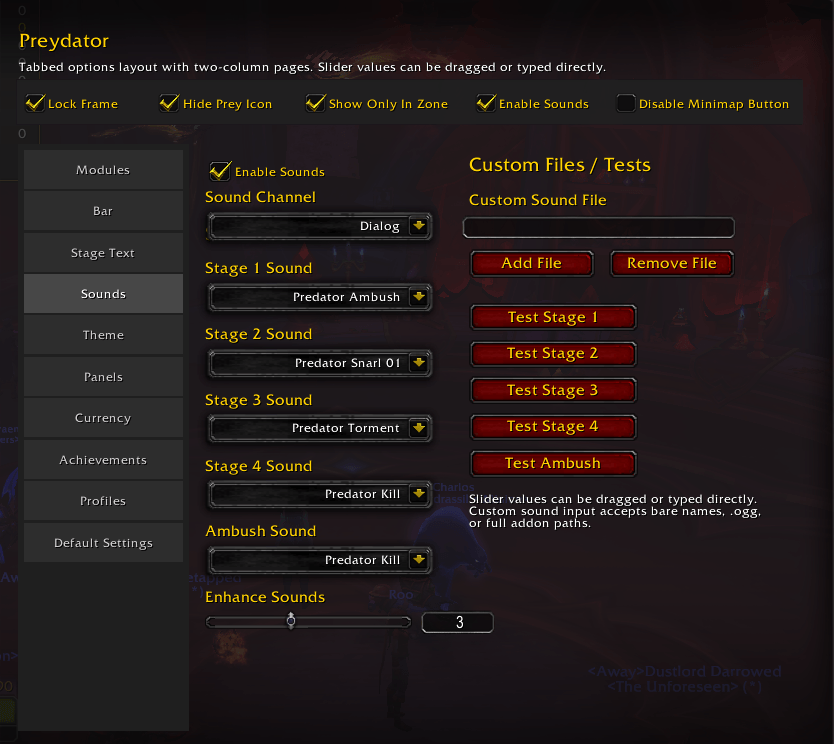
Preydator_Sounds.png
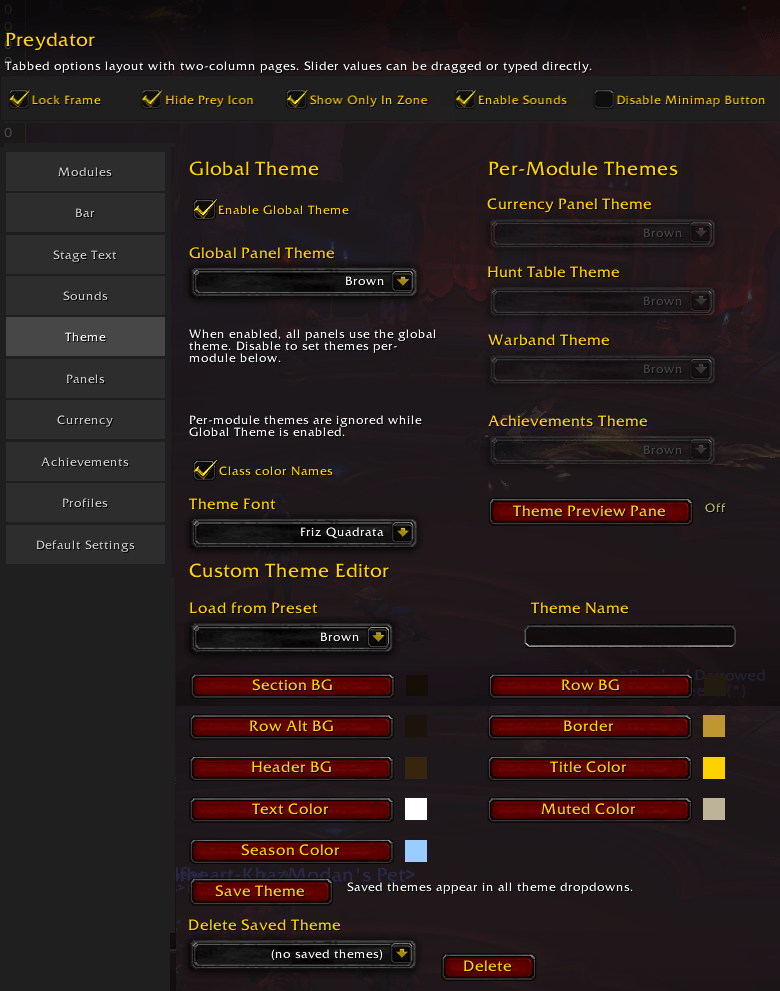
Preydator_Theme.png
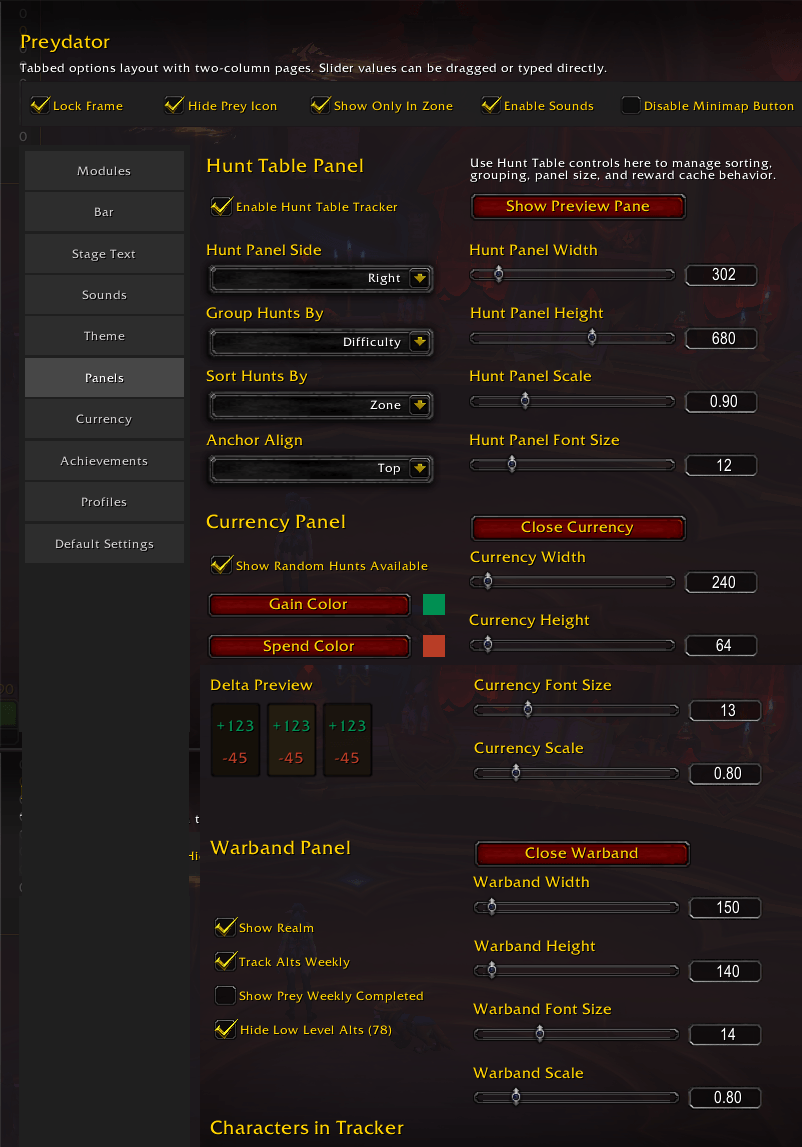
Preydator_Panels.png
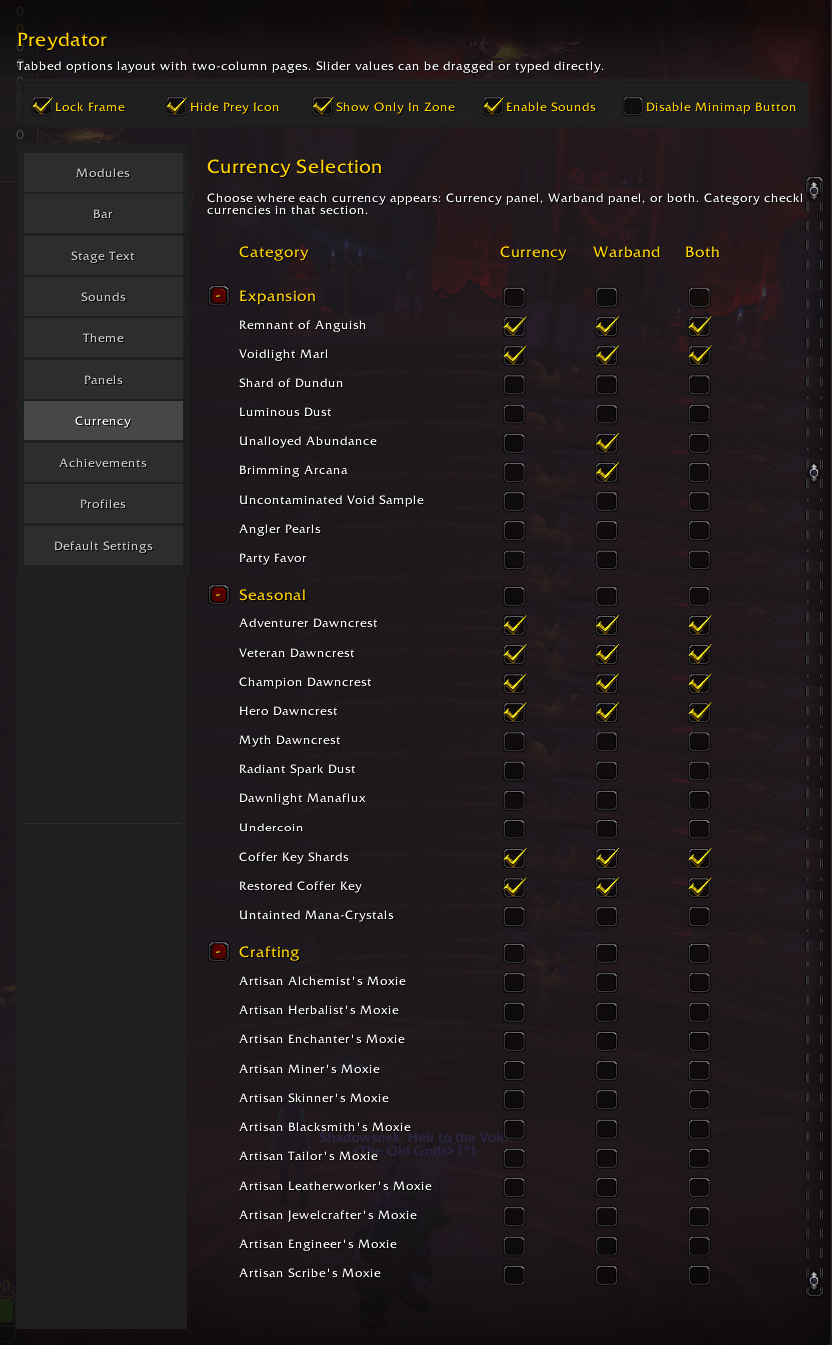
Preydator_Currency.png
Description

Preydator
Your Prey Is Never Alone… and Neither Are You.
Preydator sharpens your senses for Prey Hunts, delivering real-time stage tracking, cinematic Predator-style audio cues, and a clean, customizable progress bar built for modern Edit Mode layouts. Every transition, every ambush warning, every moment of the hunt is delivered with clarity and intention — no clutter, no noise, just the information you need when the prey is near.
Version 4.0.0 is a complete rewrite on a new, more reliable foundation — the same Hunt tracking you know, rebuilt from the ground up.
Why Preydator
Blizzard exposes only stage transitions for Prey Hunts, not a true percent-complete — so Preydator interprets the hunt the way the game actually works: stage-based, event-driven, and zone-aware. Every cue, every transition, every alert is grounded in real API data, not guesswork.
Players choose Preydator because it delivers:
- Reliable stage tracking driven by Blizzard's own quest and widget APIs
- Cinematic Predator-inspired audio cues for every stage, ambush, and Mob Scanner mechanic
- A clean, customizable progress bar — horizontal or vertical, readable in combat
- A Hunt Table companion panel with grouping, sorting, reward icons, achievement badges, and a direct Accept action
- Deep customization for textures, colors, percent display modes, labels, and audio
- Modern Edit Mode integration
- Stable, predictable behavior that avoids taint-prone Blizzard paths and respects your UI
Major Features (v4.0.0)
- Redesigned, draggable/resizable progress bar with a full vertical layout option
- Settings built into Blizzard's own Options window (Escape → Options → AddOns → Preydator, or
/preydator) - Redesigned Hunt Table panel: reward icons (real item/currency art, hover for full name), achievement badges, and on-panel grouping/sorting by difficulty or zone
- Mob Scanner: Pack Ambush and Exploding Corpse Snakes each get their own distinct alert sound, detected reliably instead of guessing from chat text
- Bar text now changes during a real ambush or Pack Ambush, not just the sound
- "Amplify Alert Sounds" option to briefly boost alert volume over music/ambience
- Custom sound file support
- Minimap button / Addon Compartment entry point
- One-time "what's new" popup on first login after an update, with a Hunt Table icon legend and known limitations
/pddiagnostic commands for troubleshooting (inspect,qinspect,hinspect,sinspect, and more)
Known Limitations
- Blizzard's own default prey icon can briefly reappear mid-hunt if that happens while you're in combat — addons can't hide UI elements during combat. It corrects itself once combat ends.
- A small number of unusual zone shapes may cause a brief bar flicker right at the very start of a hunt.
- If Sound Channel is set to "Dialog," alerts firing close together can cut each other off — that's how WoW's Dialog channel works for every addon. Use "Master" or "SFX" to avoid this.
- Korean/Simplified Chinese difficulty-text detection is incomplete for hunts not yet in the addon's internal data. Fluent in either? We'd love your help — see Support & Feedback below.
Slash Commands
- Entry point:
/pd - Settings:
/preydator(or Escape → Options → AddOns → Preydator) - Diagnostics:
/pd inspect [bs],/pd qinspect [questID] [bs],/pd hinspect [bs],/pd pinspect [bs],/pd sinspect [bs],/pd ninspect [bs],/pd iinspect [bs],/pd zinspect [bs]— add a trailingbsto also send the report to BugSack /pd segments— toggle the bar's progress-segment mode (quarters/thirds), macro-friendly
Support & Feedback
All issues, feature requests, and feedback — including offers to help translate Preydator into Korean or Simplified Chinese — should be filed at: https://github.com/RagingAltoholic/Preydator/issues
Preydator Team

