Postmortem
I got tired of arguing in discord about why a key bricked. "The healer was oom", "the tank pulled the extra pack", "somebody didn't kick the fear"… nobody actually knows, everyone just remembers the part where they were right. So I built a thing that reads the combat log and tells you.
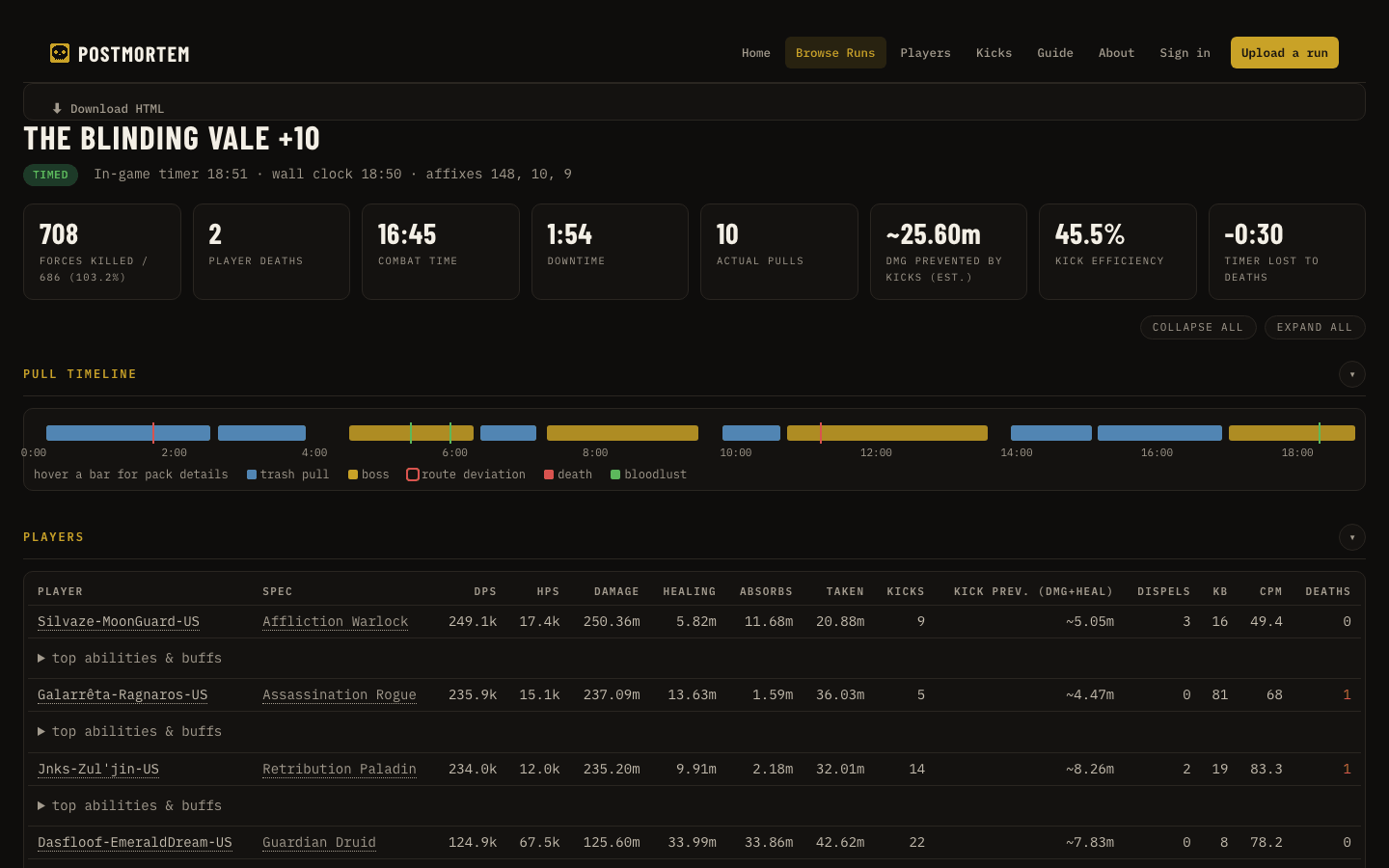
Postmortem is an addon plus a little desktop app. The addon handles the in-game side. The app watches your Logs folder and, every time a key ends, spits out a full breakdown you can send to the group as a link. Timeline of every pull, where you went off the MDT route, who died to what, which casts got through that should've been kicked, dispels, downtime, how much timer the deaths cost. That kind of thing.
The addon part
Honestly the main reason I wrote the addon was that I kept forgetting /combatlog. So: it turns combat logging on (advanced logging too) the second the key starts and turns it off when it ends. That alone was worth it for me.
Beyond that, while you're in a key it shows a small overlay you can drag wherever. Forces %, the timer, a +2/+3 countdown so you know how much slack you've got, boss splits, deaths with how much time they cost you, and the group's interrupt count. It only shows up during a key, the rest of the time it's gone.
If you've got MDT installed and a route picked for the dungeon it'll also show "Pull 7 / 23" and complain if a pull looks a lot bigger or smaller than the route said. Fair warning, that's counting enemies, not identifying packs. MDT keeps its NPC data private so I can't tell which pack you pulled from inside the game. The desktop app can, from the log.
Other bits:
- Deaths in the recap get tagged with what actually killed you.
- Tanks get a short "here's what hit you and what you had up" after dying, and an incoming panel.
- There's a keybind called "Mark a snapshot" (Key Bindings > AddOns > Postmortem, or
/pm snapshot). Hit it when something goes wrong and the app writes a report of the 2 minutes before and 1 minute after, focused on your role. Healer gets healing/mana/cooldowns, tank gets intake and mitigation uptime. Adjustable. /pm resultsfor the run's numbers,/pm historyfor your last few keys, optional "timed for +2" message to the party when you finish.- It grabs Blizzard's own avoidable-damage classification at the end of every key. That's what the app's avoidable damage section is built on, so every key you run makes that list a bit better for everyone.
- Options are under Escape > Options > AddOns > Postmortem (or
/pm options). Every overlay row can be turned off. - Minimap button. Left click shows what the addon does vs what needs the app, right click copies the download link.
The app part
It's optional, but it's the biggest QOL.
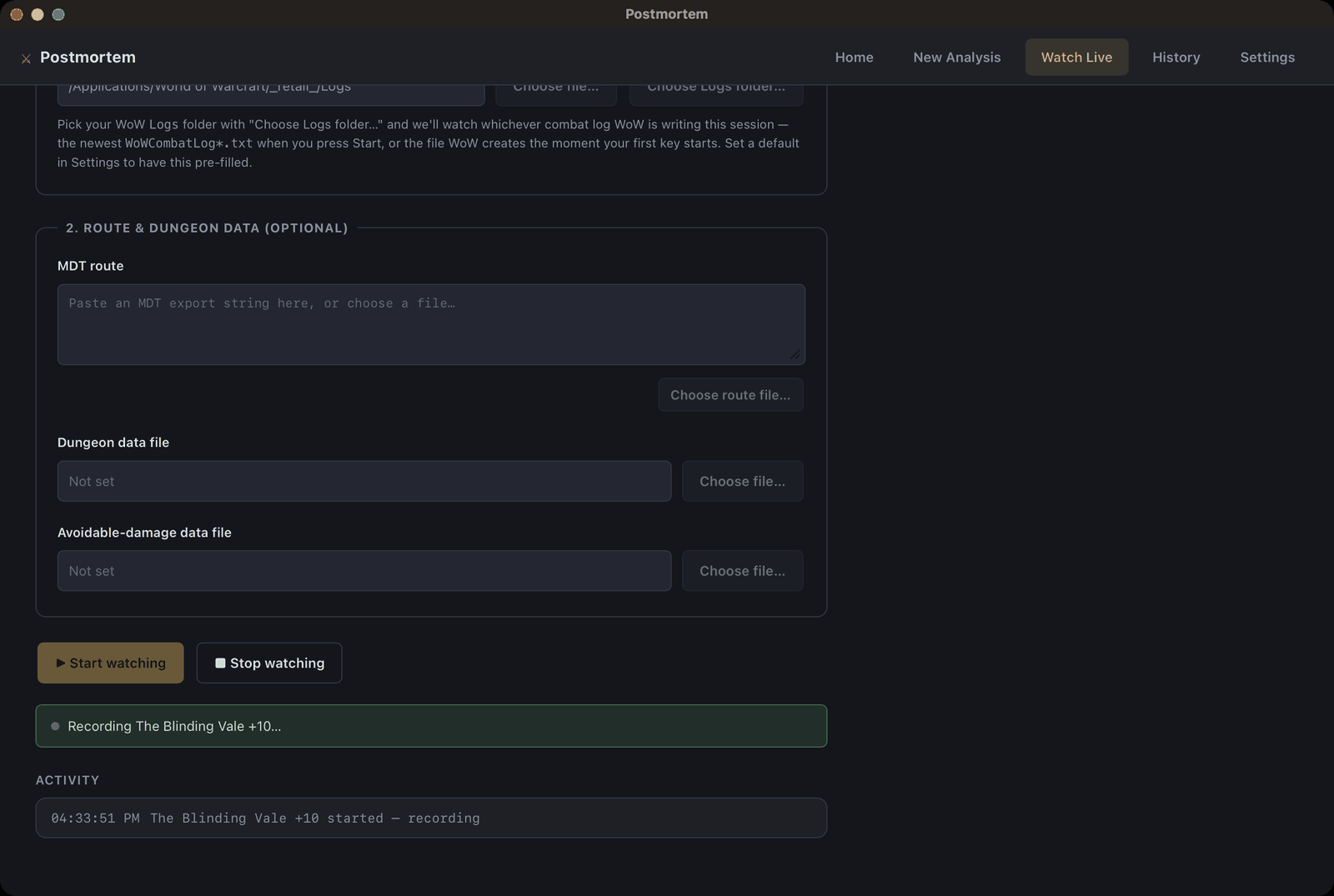
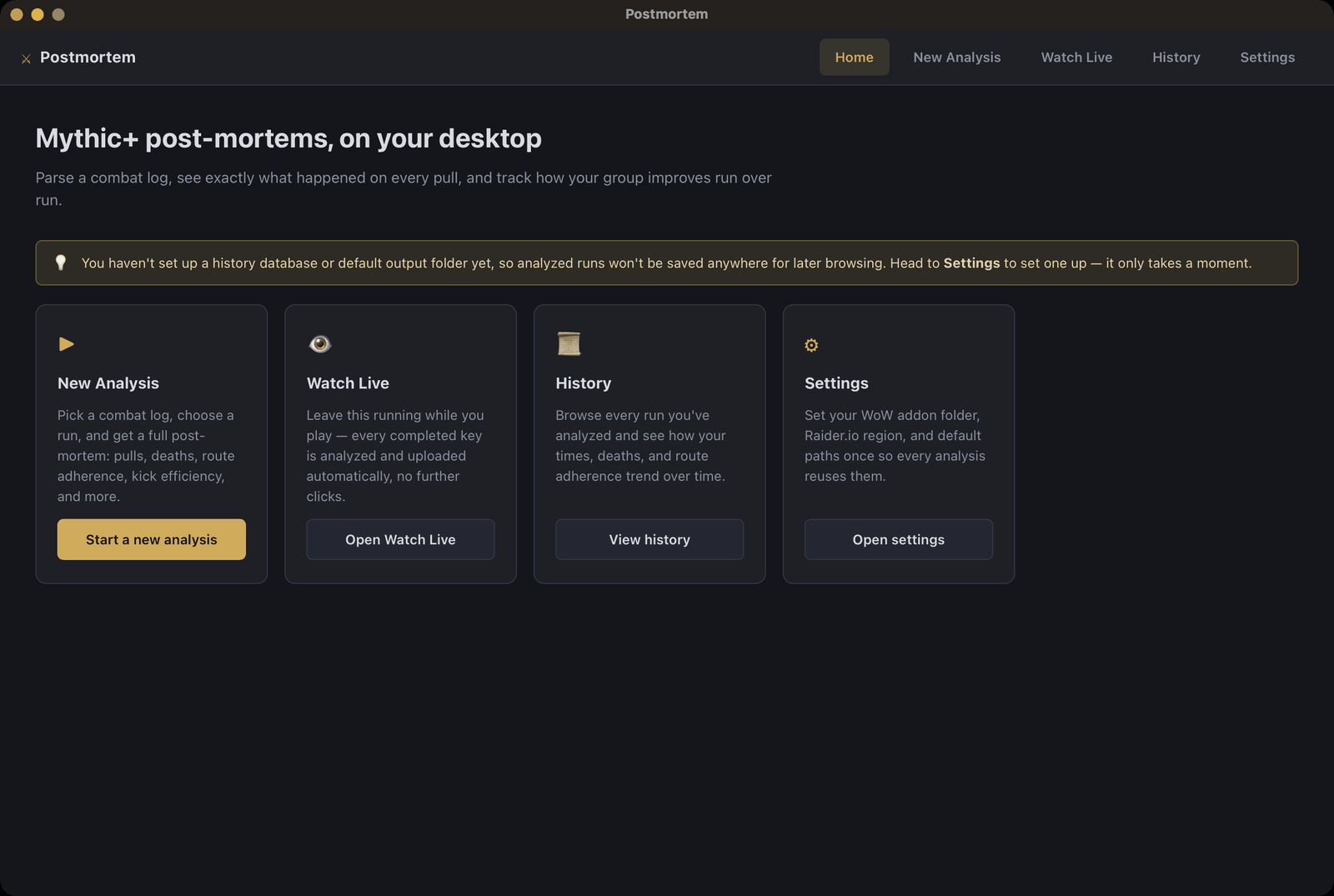
You install it (Windows or Mac, both signed, open source so you can audit it), point it at your WoW Logs folder once, and leave it running with Watch Live on. When a key finishes it analyzes the log and puts the report up on the site. You don't touch it. If you'd rather not run it you can also just upload a log by hand on the website.
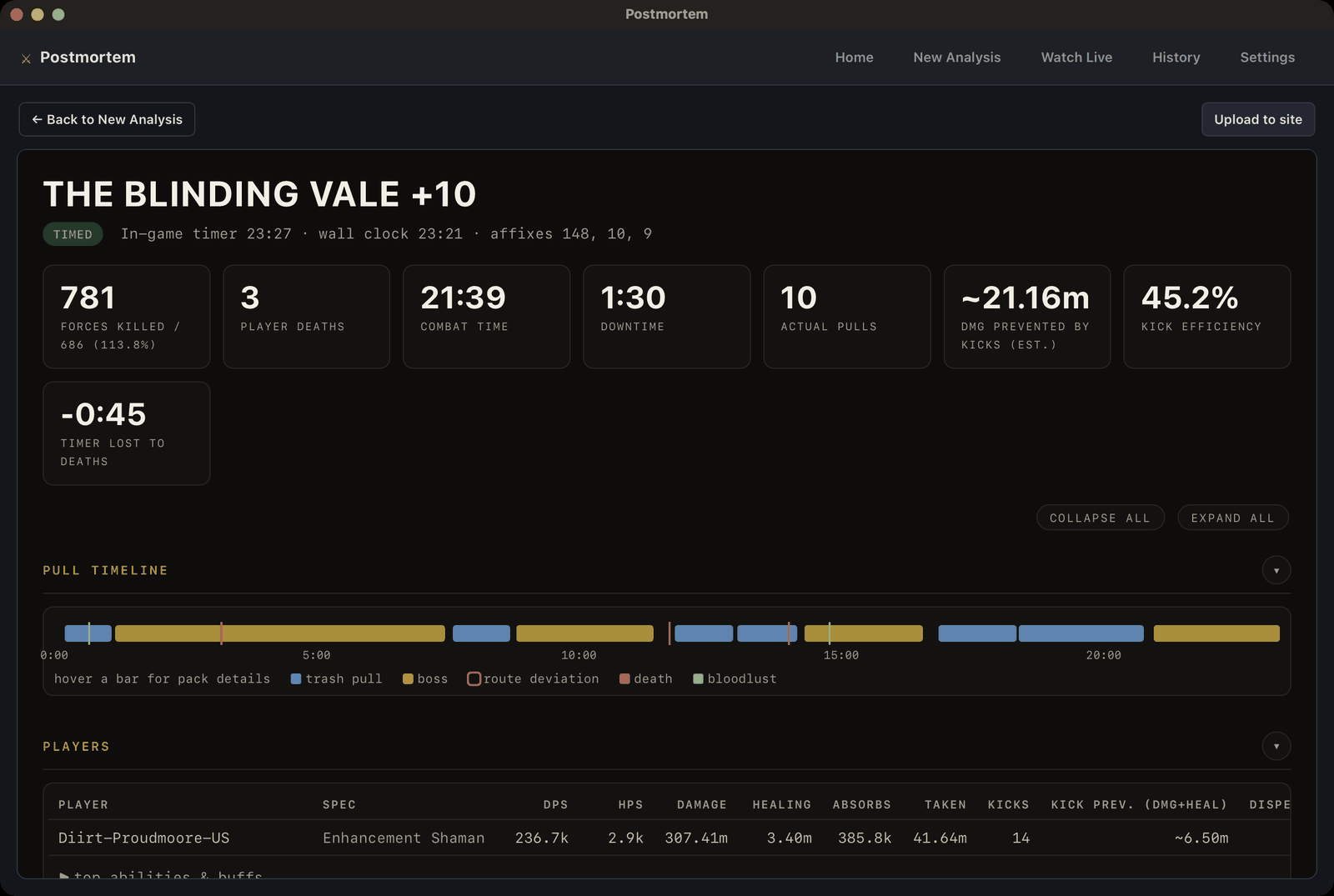
What's in a report:
- pull timeline, deviations from the route outlined, deaths and lust marked
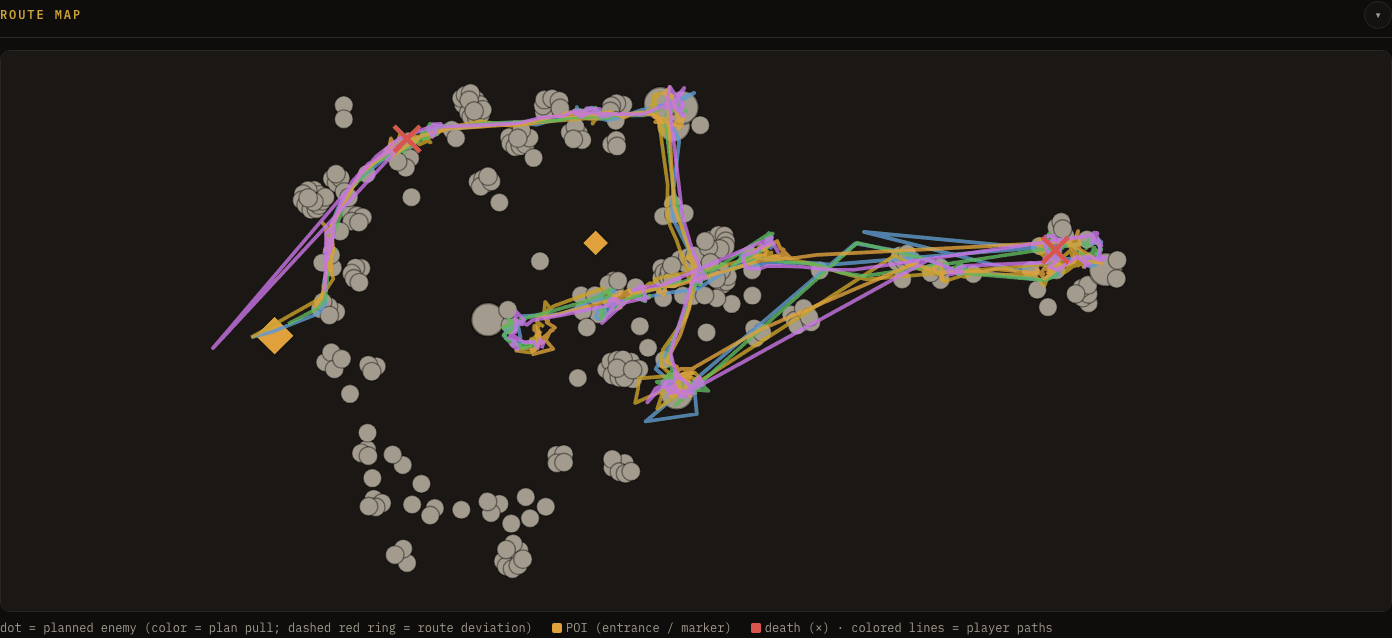
- a route map with the MDT plan drawn over where people actually walked
- per player dps/hps/damage taken/kicks, and an estimate of damage prevented by kicks
- every enemy cast that was kickable, whether it got kicked, and what it cost when it didn't
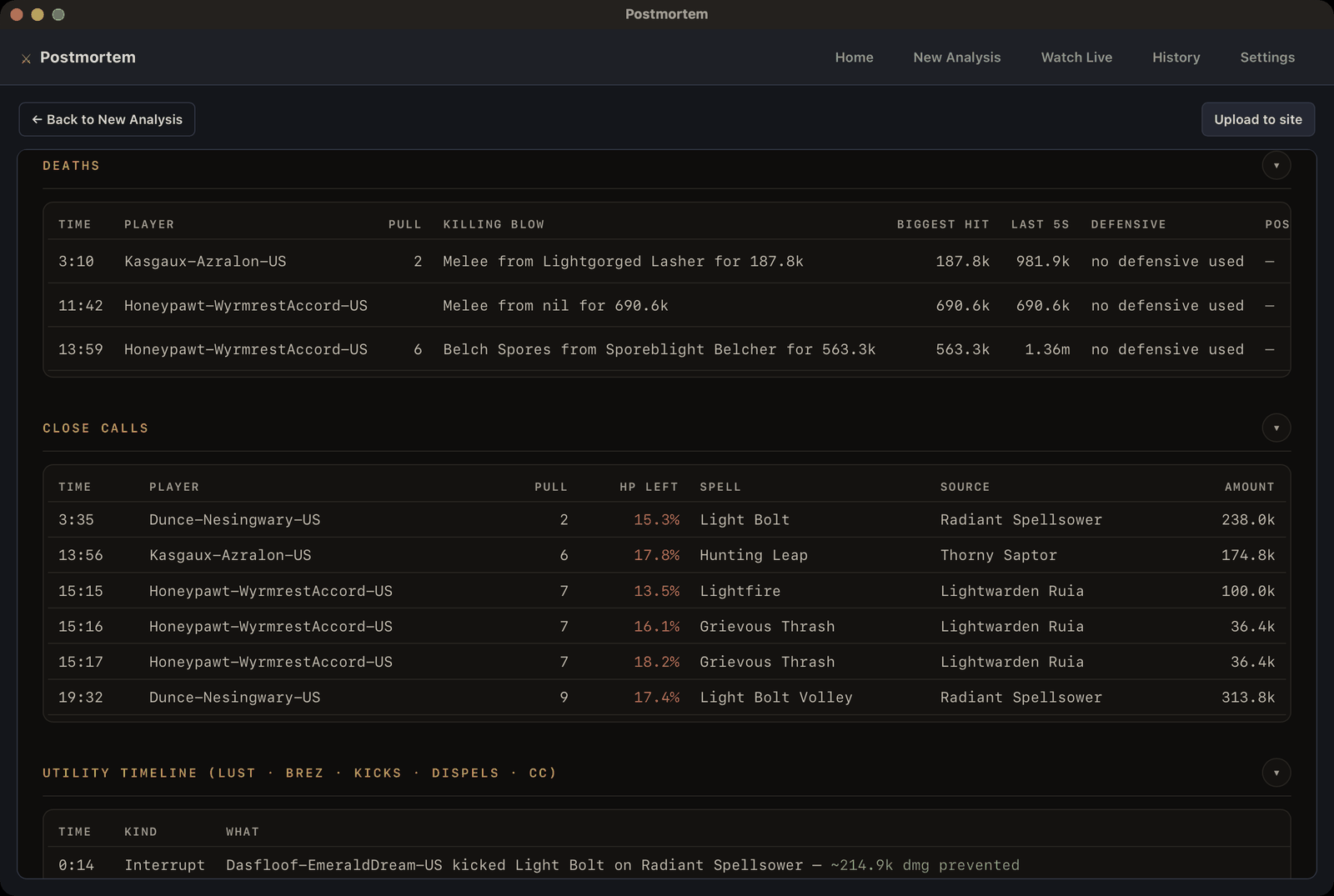
- deaths and close calls with the last few hits before each
- avoidable damage taken, dispel efficiency, utility usage, longest downtime
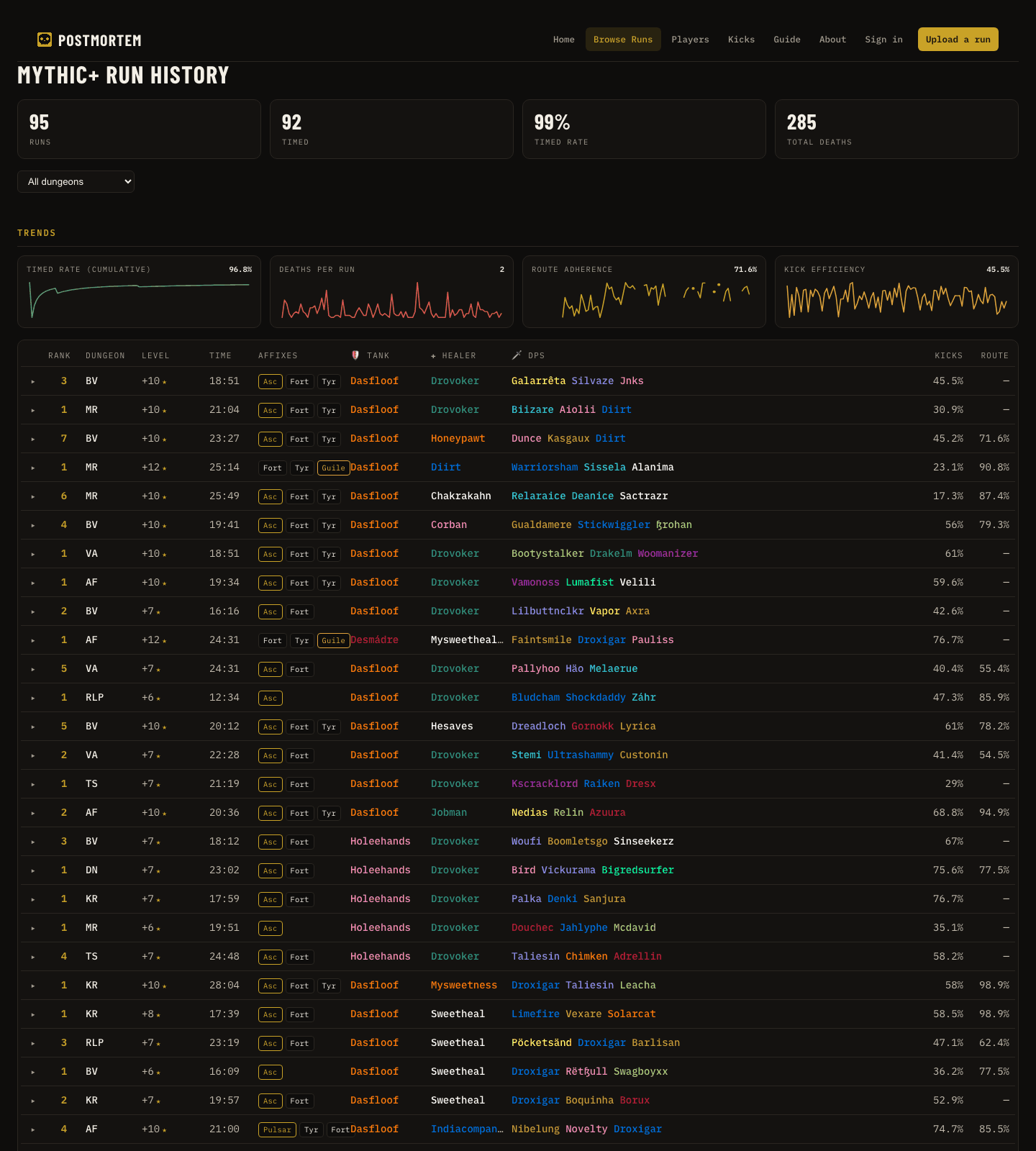
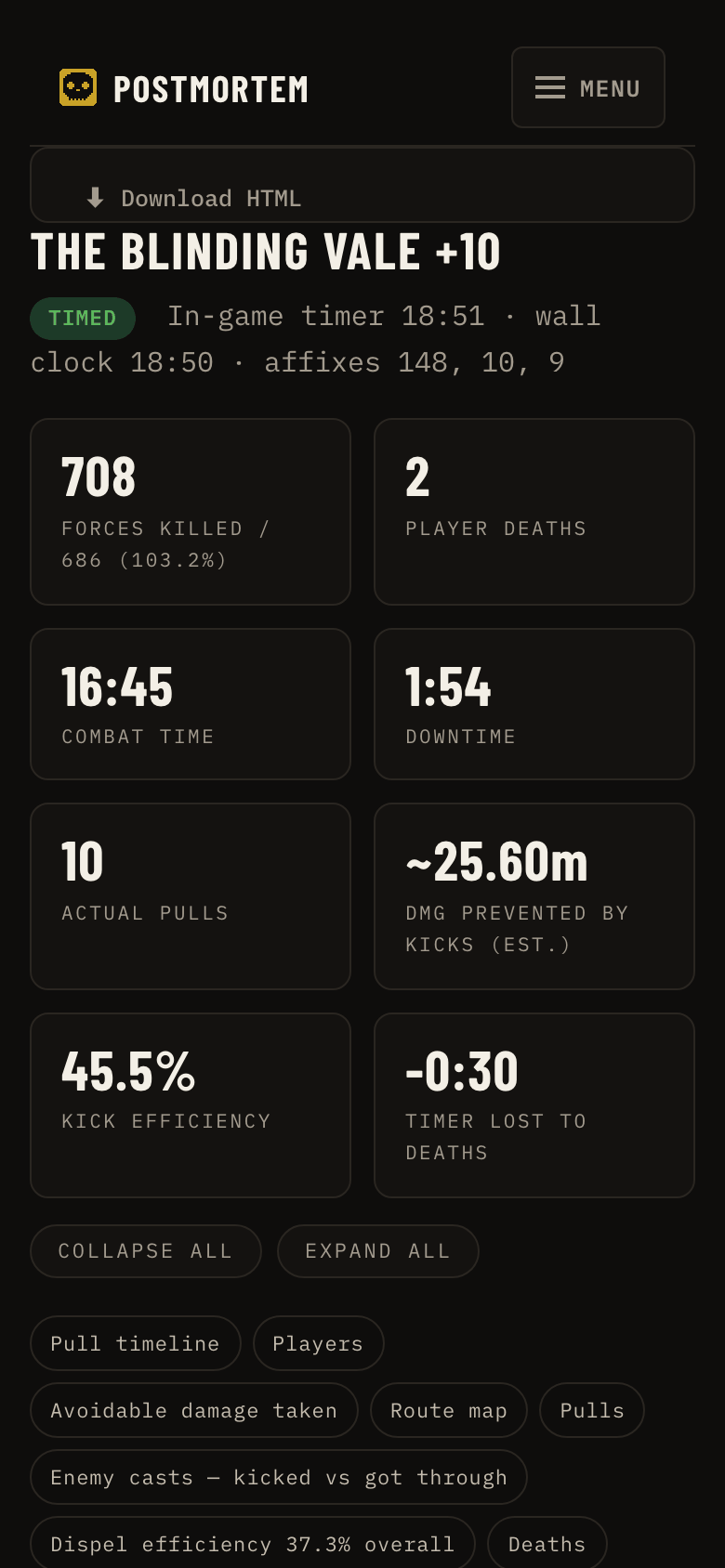
The site keeps everything you upload. There's a Browse page for comparing keys, a Players page, and a Kicks page that's basically a list of which casts get let through the most across all uploaded runs, which is a fun read. Works fine on a phone too, so you can read the post-mortem on bio breaks.
You can sign in with Battle.net if you want your runs on your character page. You don't have to. Reports are public links regardless, no account needed to read one.
Getting set up
- Install the addon from here like normal.
- Grab the app from the releases page.
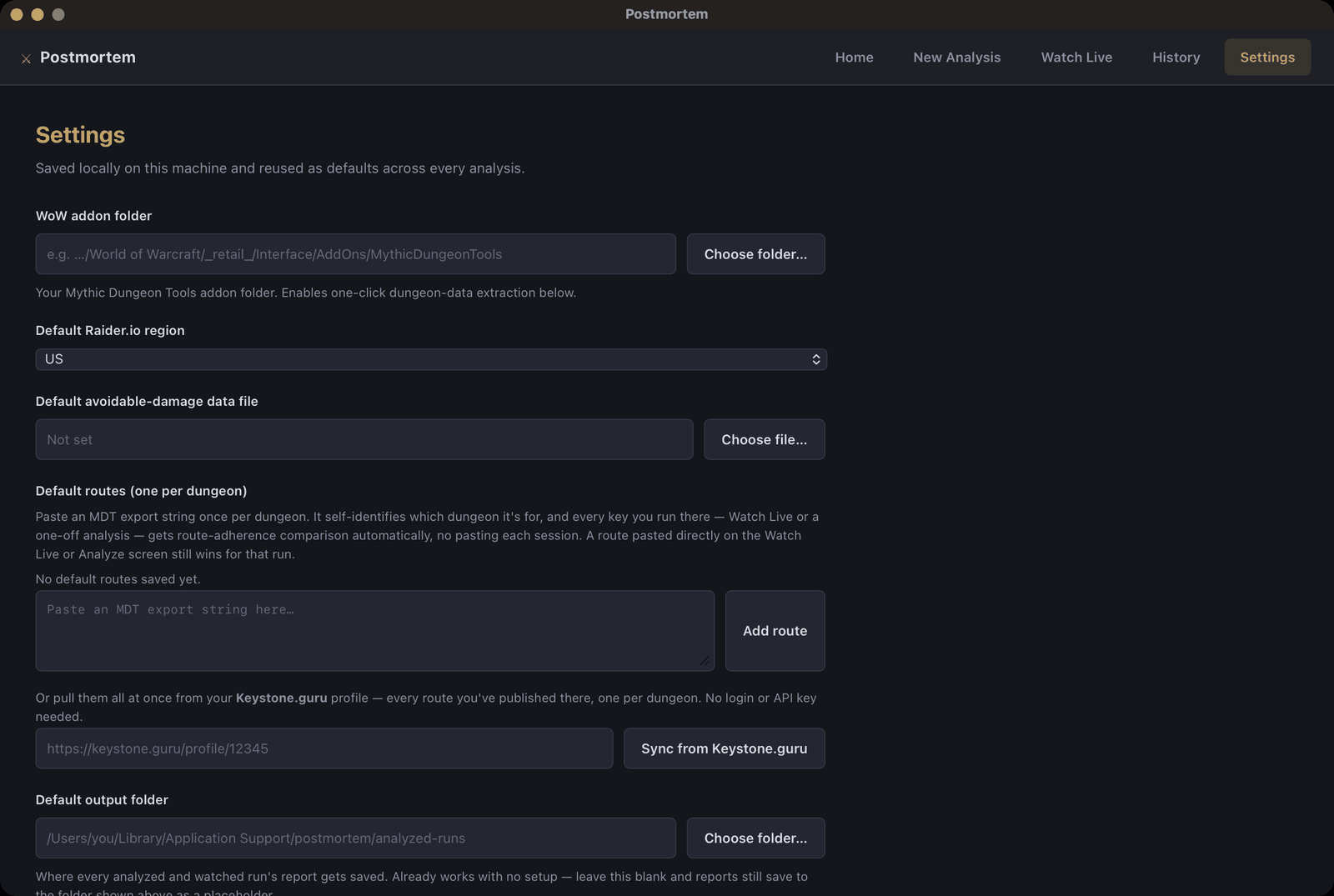
- Open it, pick your Logs folder in Settings, turn on Watch Live. There's a guide with pictures if you get stuck.
Links
- The site: postmortem-mplus.fly.dev
- App downloads: GitHub releases
- Code, bugs, roadmap: github.com/Sharpened-Banana/postmortem
It's all open source and free. The addon itself never talks to the internet. Uploading is something the app does, only for runs you chose to watch, and you can turn it off.
Bug reports welcome, it's early and I'm mostly testing this with my own group. If a report looks wrong, send me the log and I'll figure out why.
postmortem Team