Polestar Tracker Dock
- By
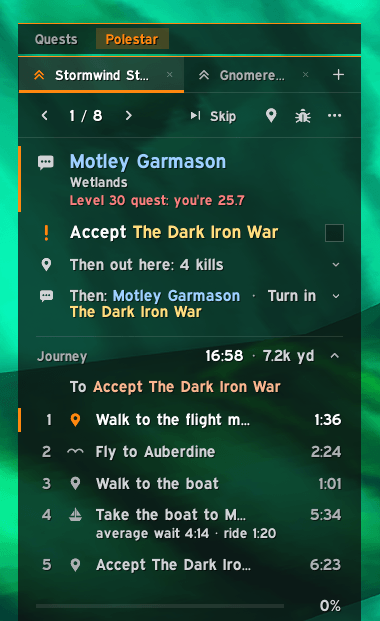
Adds a Polestar guide tab to the WoW Forever quest tracker, with optional EllesmereUI styling.
pole1.png
pole2.png
pole3.png
Description
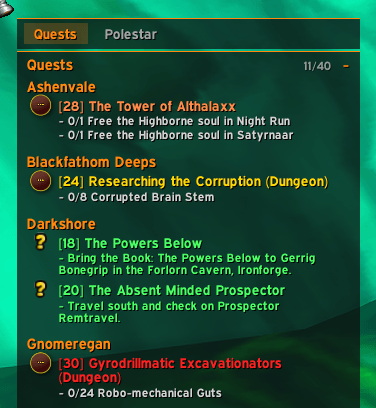
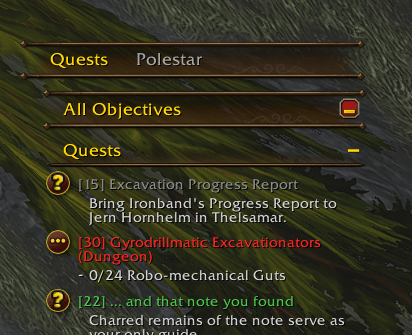
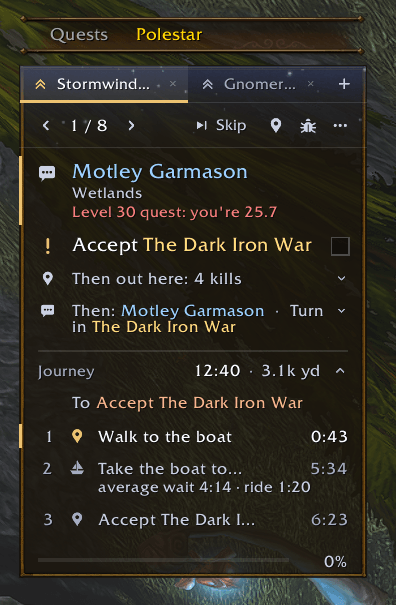
Polestar Tracker Dock adds a Polestar guide tab to the quest tracker in World of Warcraft Forever. Switch between your tracked quests and your active Polestar guides in the same window.
- Works with the default quest tracker and EllesmereUI. The tab row matches the active tracker style.
- Fits the docked guide within the tracker height set in Edit Mode and scrolls when more space is needed.
- Shares one tab row with FTA Ellesmere Skin when both docks are enabled.
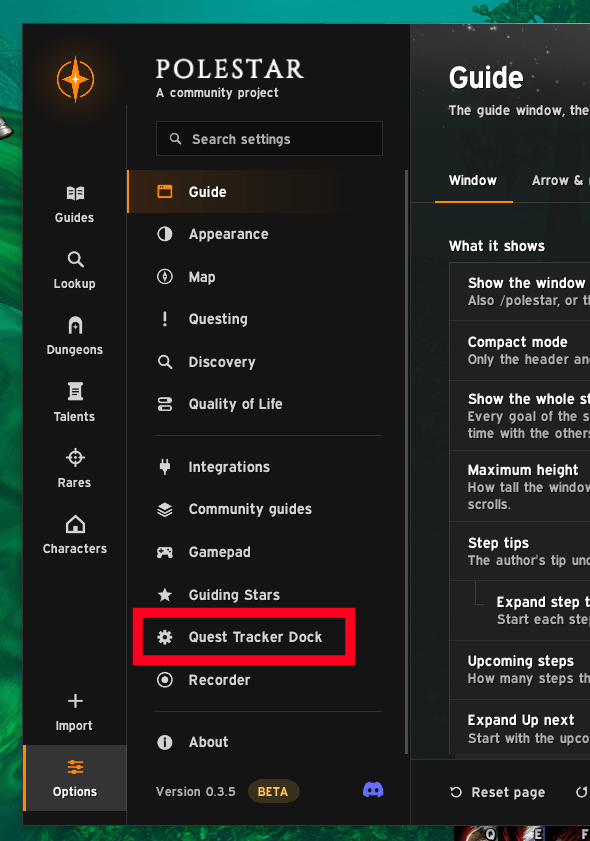
How to enable — Docking is on by default. To turn it back off, open Polestar Options → Quest Tracker Dock → uncheck Dock Polestar into the quest tracker, and select Yes when prompted to reload.
Requirements
Install and enable Polestar. EllesmereUI is optional.
Polestar Tracker Dock Team