
plimplomGamba
- By

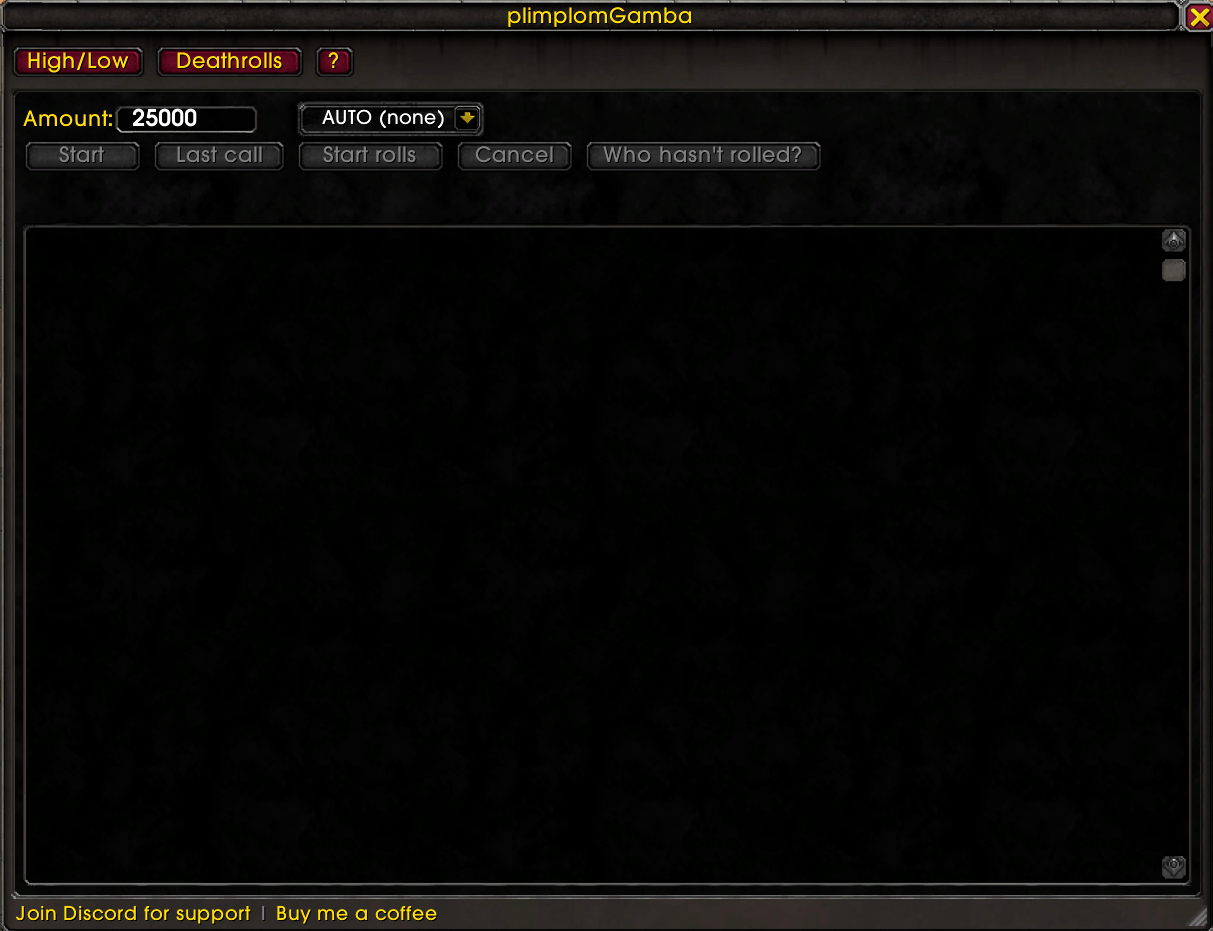
The High/Low tab before a round starts — set your buy-in amount, pick the announcement channel, and use the interaction buttons to start a new game.
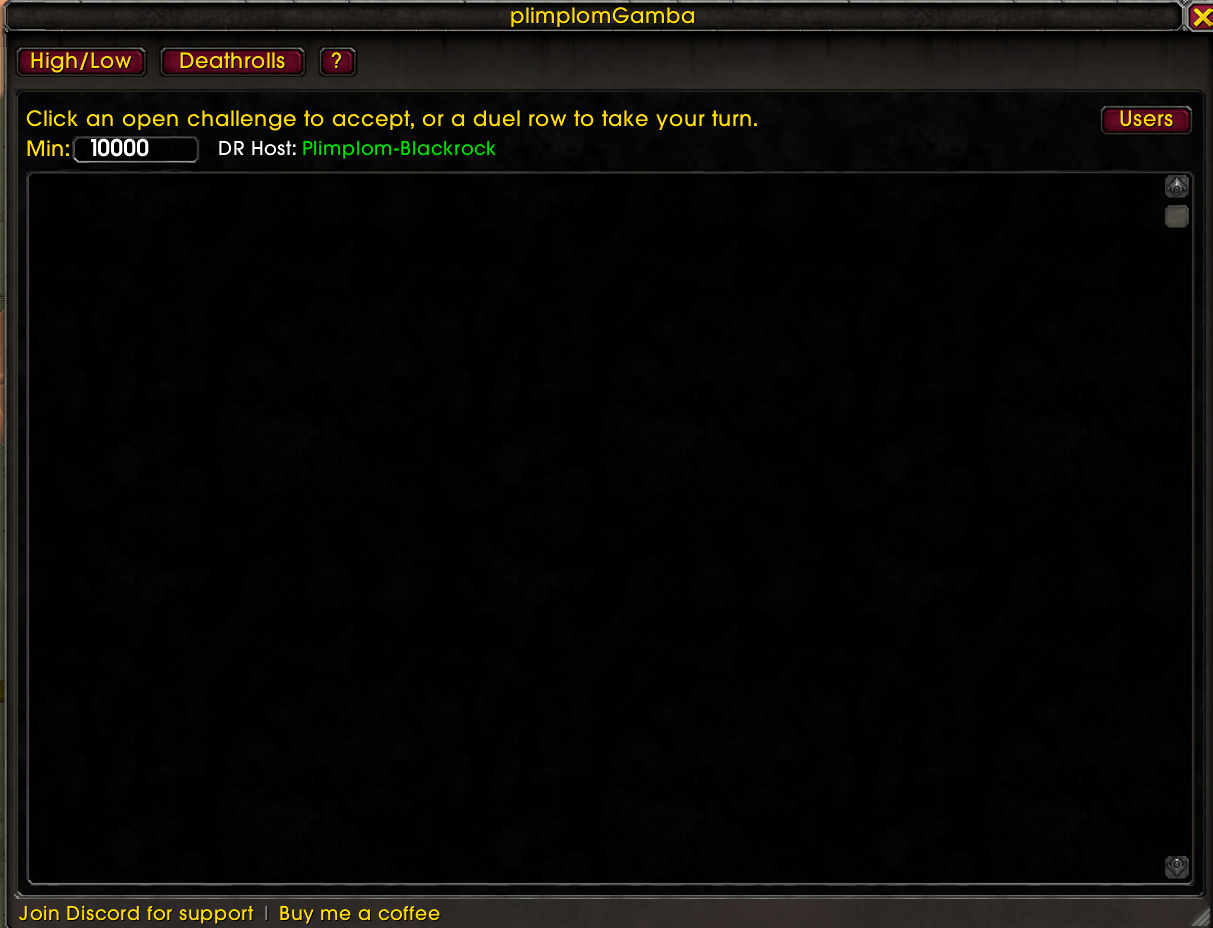
The Deathroll tab at rest — configure the minimum tracking amount and see who the current host is.
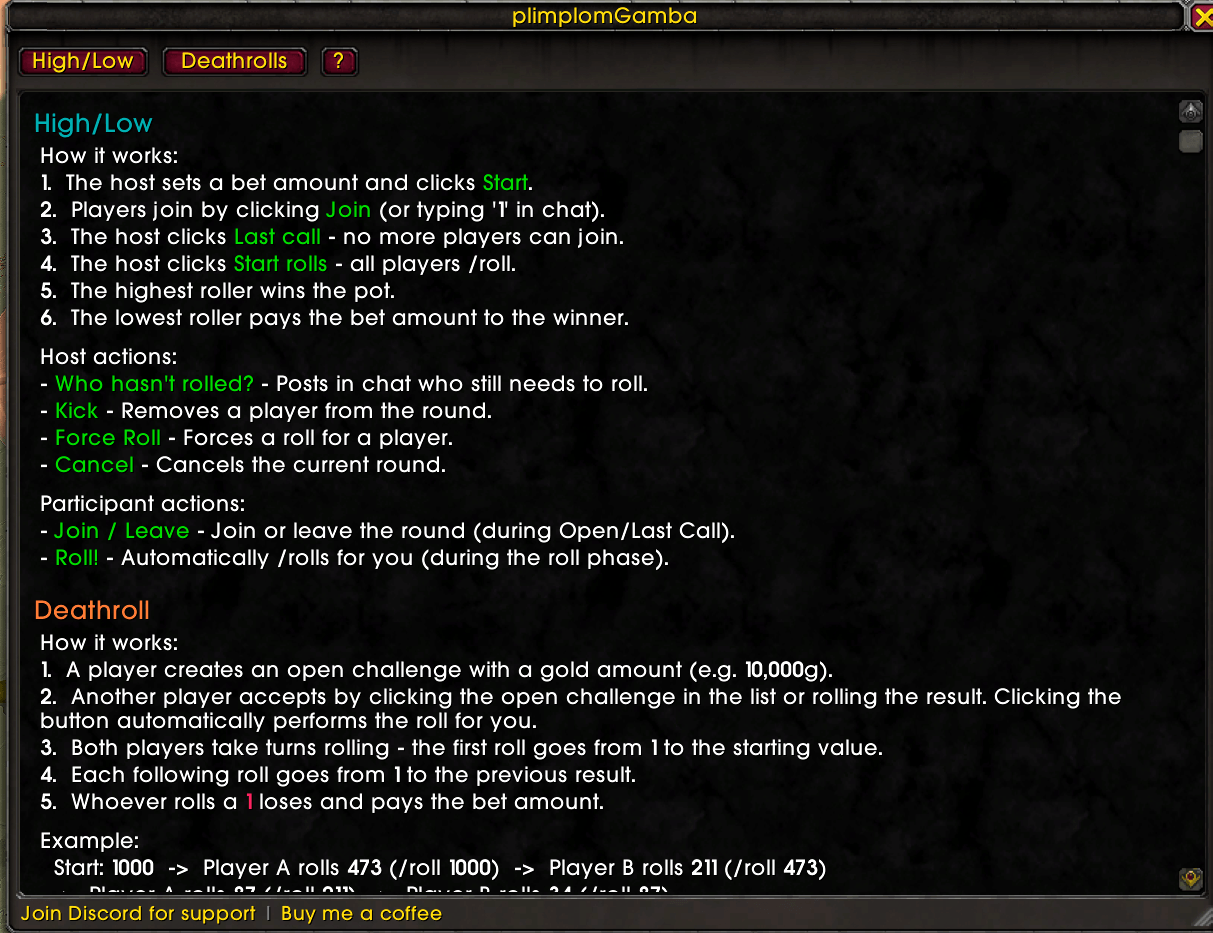
The built-in help tab, walking you through how the addon works and the rules for both High-Low and Deathroll game modes.
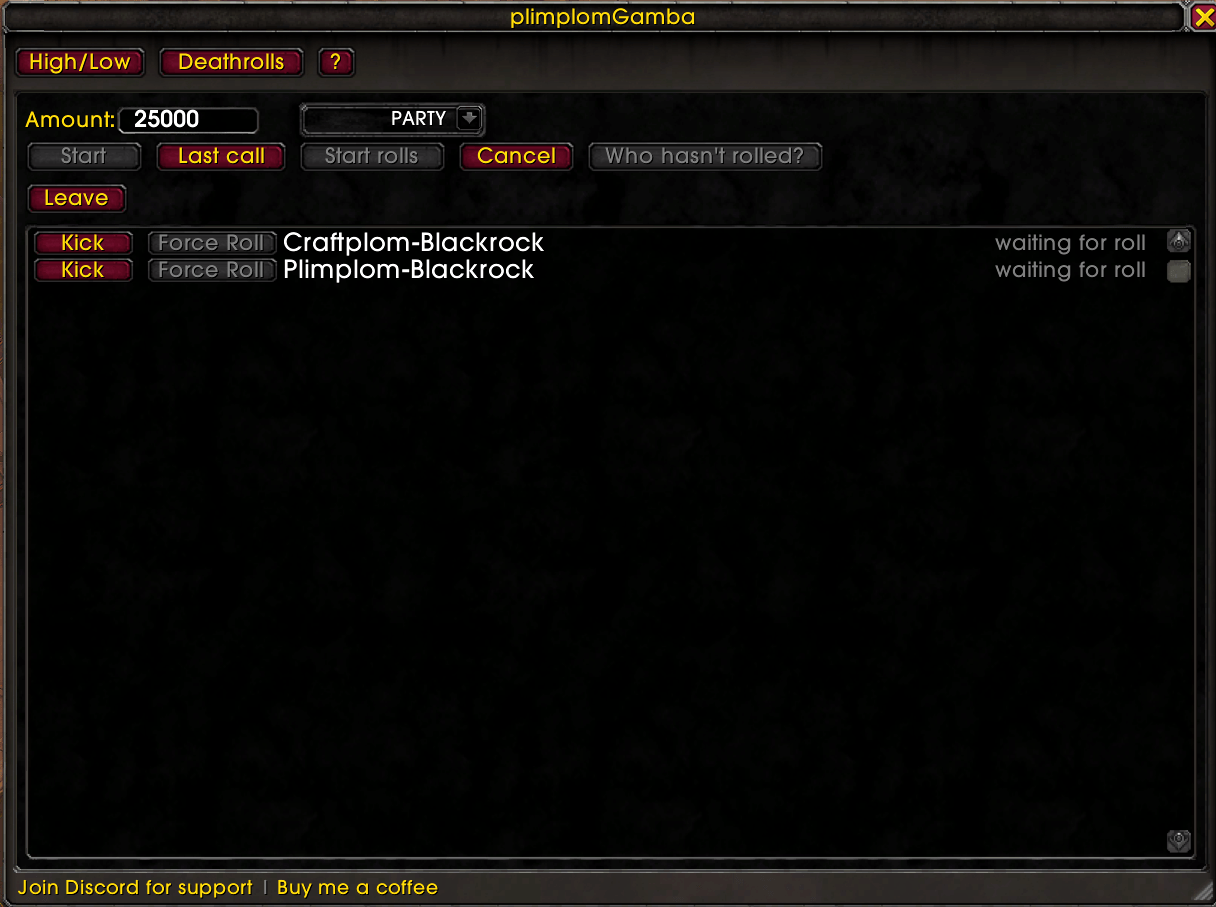
The High/Low tab with an open game — players are still joining, buy-in and channel are set, waiting for the host to call last call.
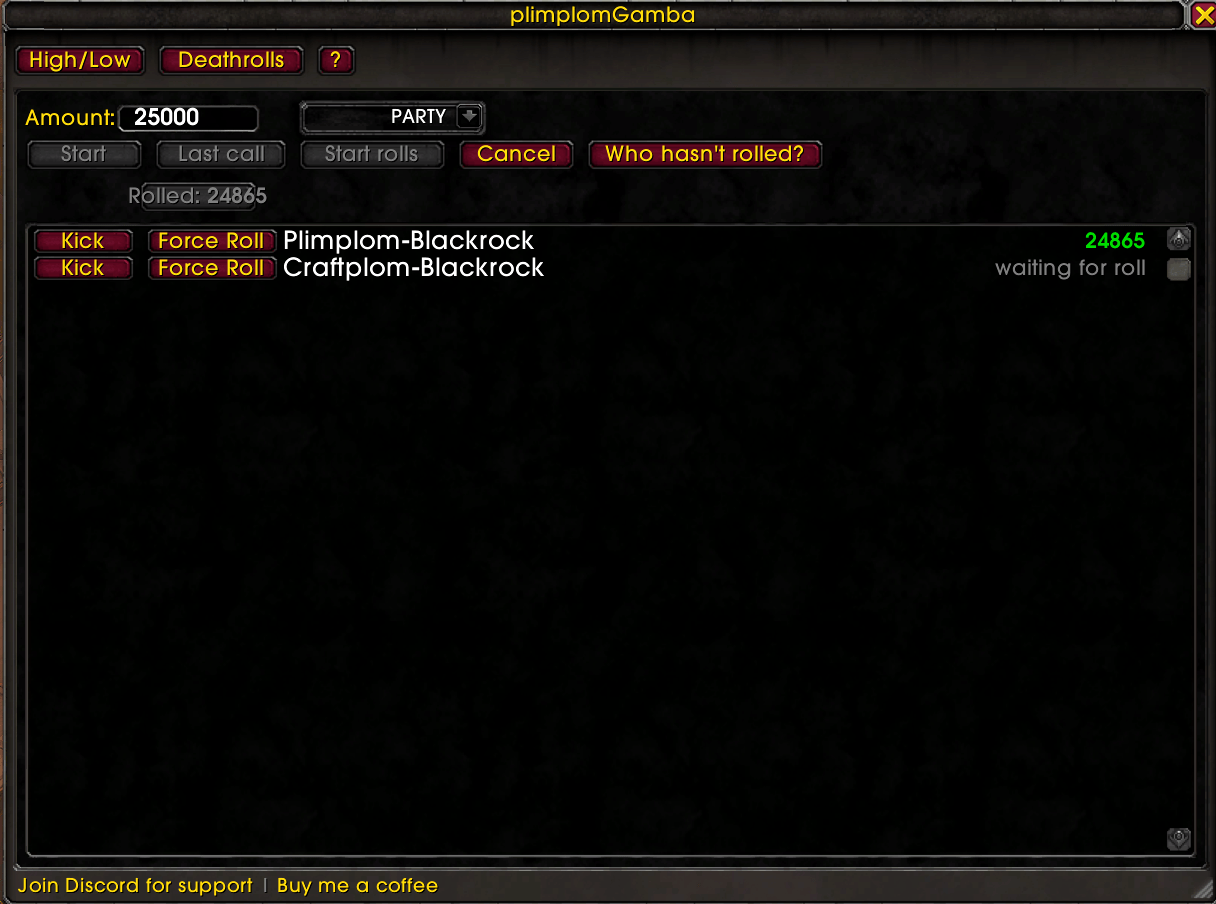
The High/Low tab once rolling has started — one roll is already in, with joined players' roll values listed in order as they come in.
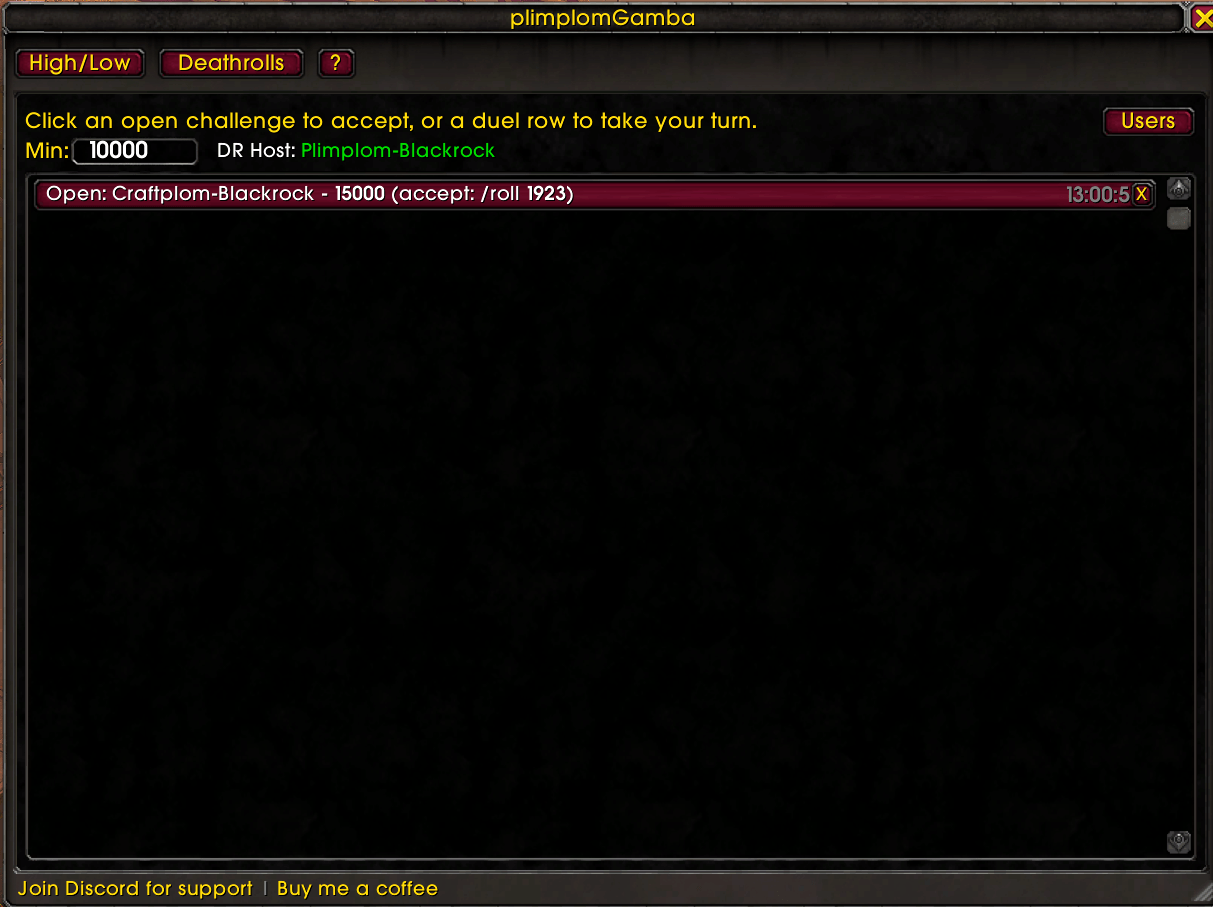
The Deathroll tab showing an open challenge — click to accept and join the roll-off.
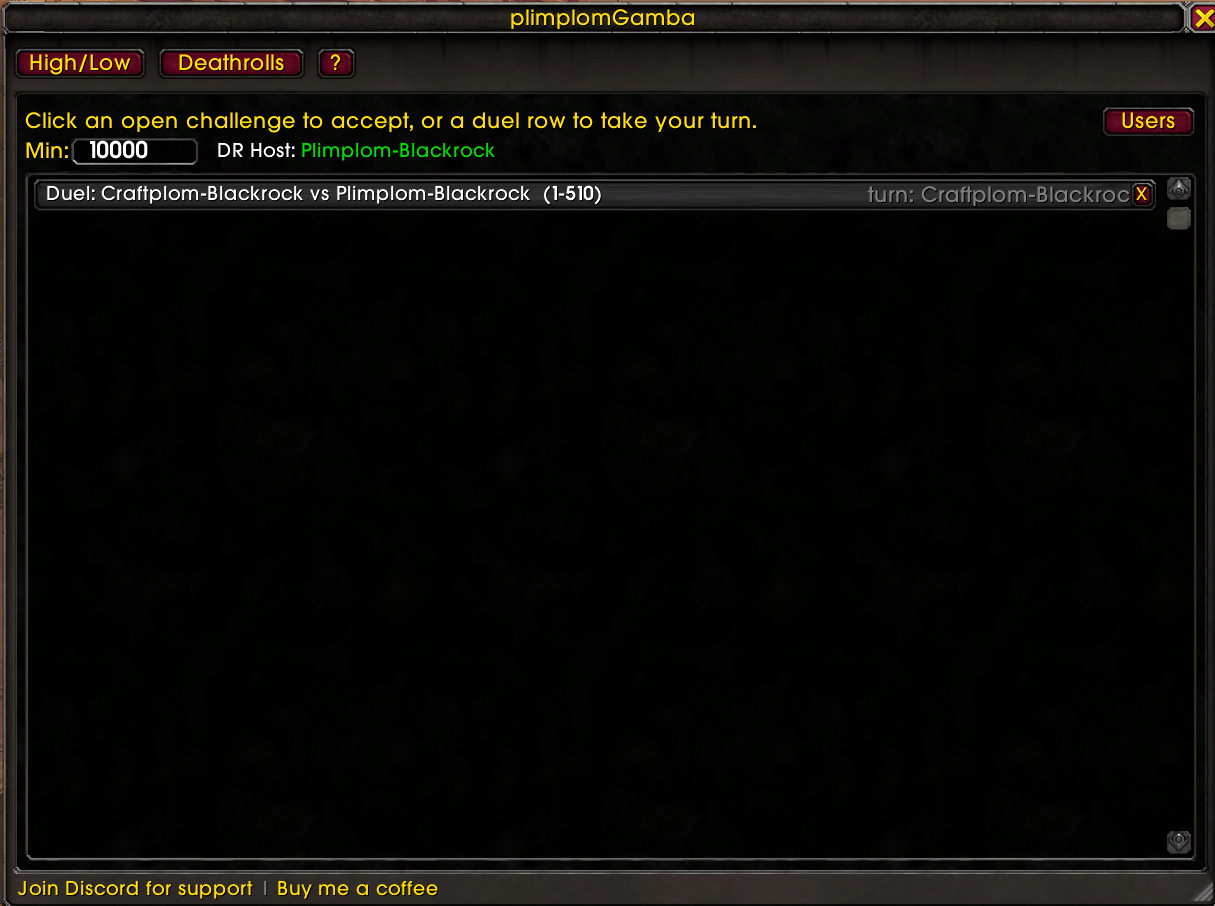
An active Deathroll game where it's the opponent's turn — the roll button is disabled until it's your turn again.
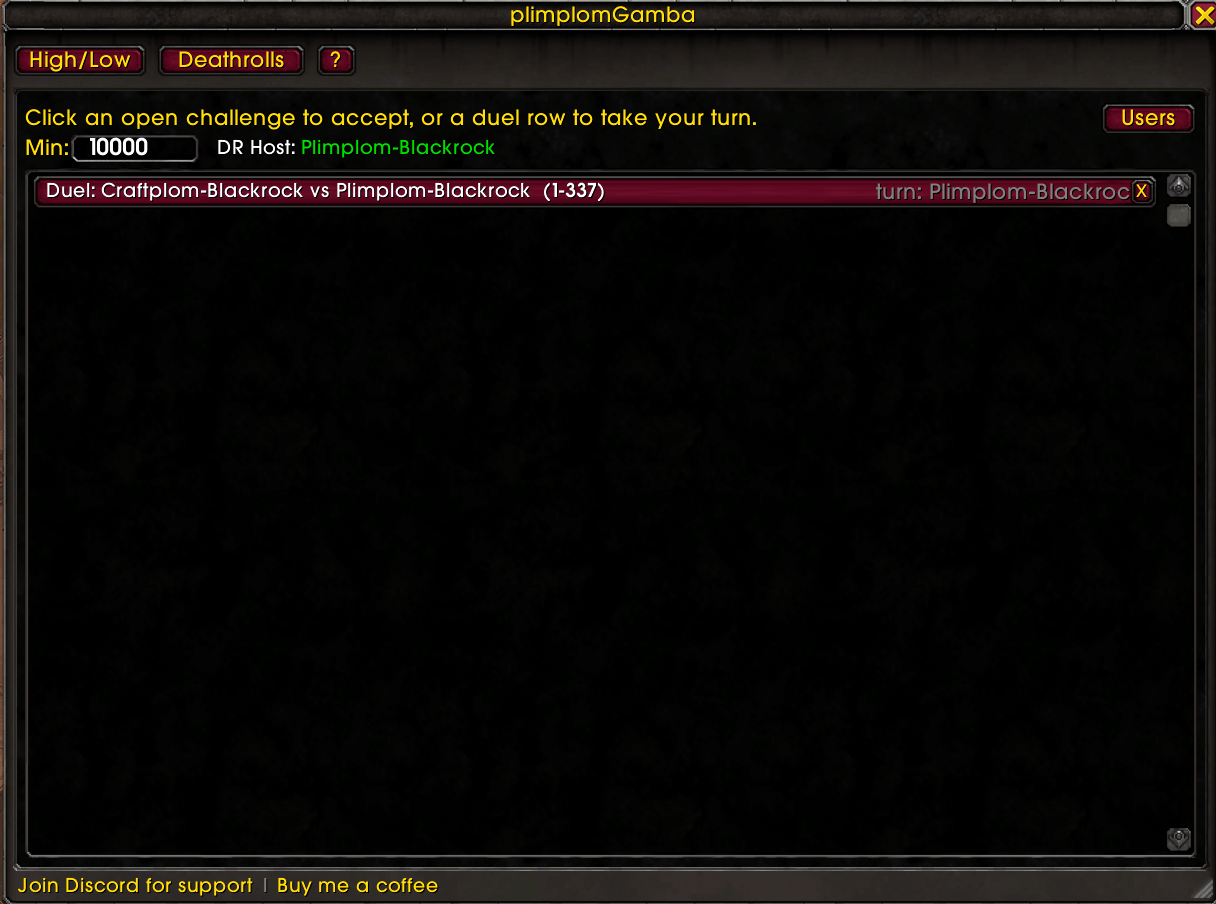
An active Deathroll game where it's your turn — click the button to automatically roll.
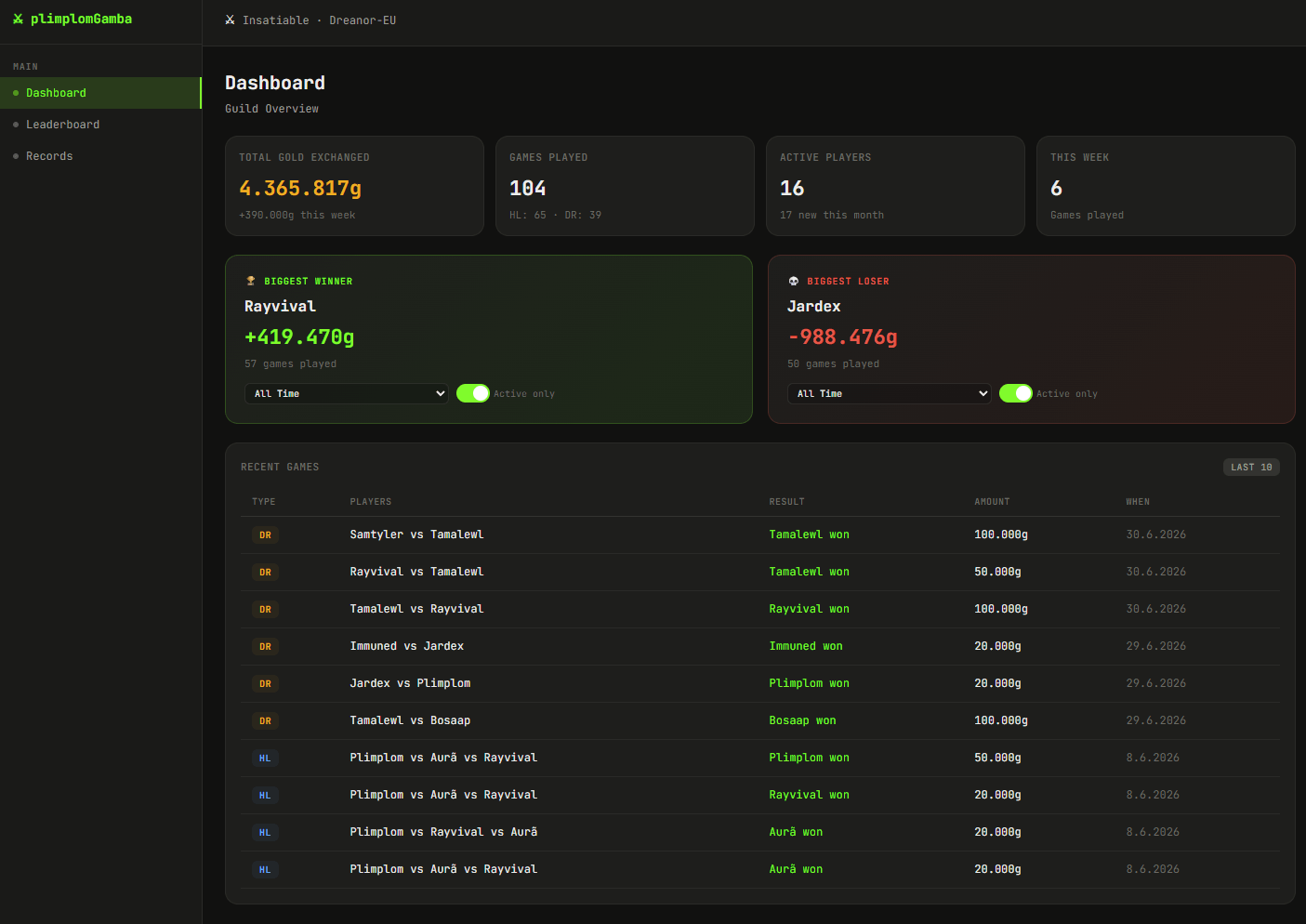
A summary of guild-wide stats plus the 10 most recent games at a glance.
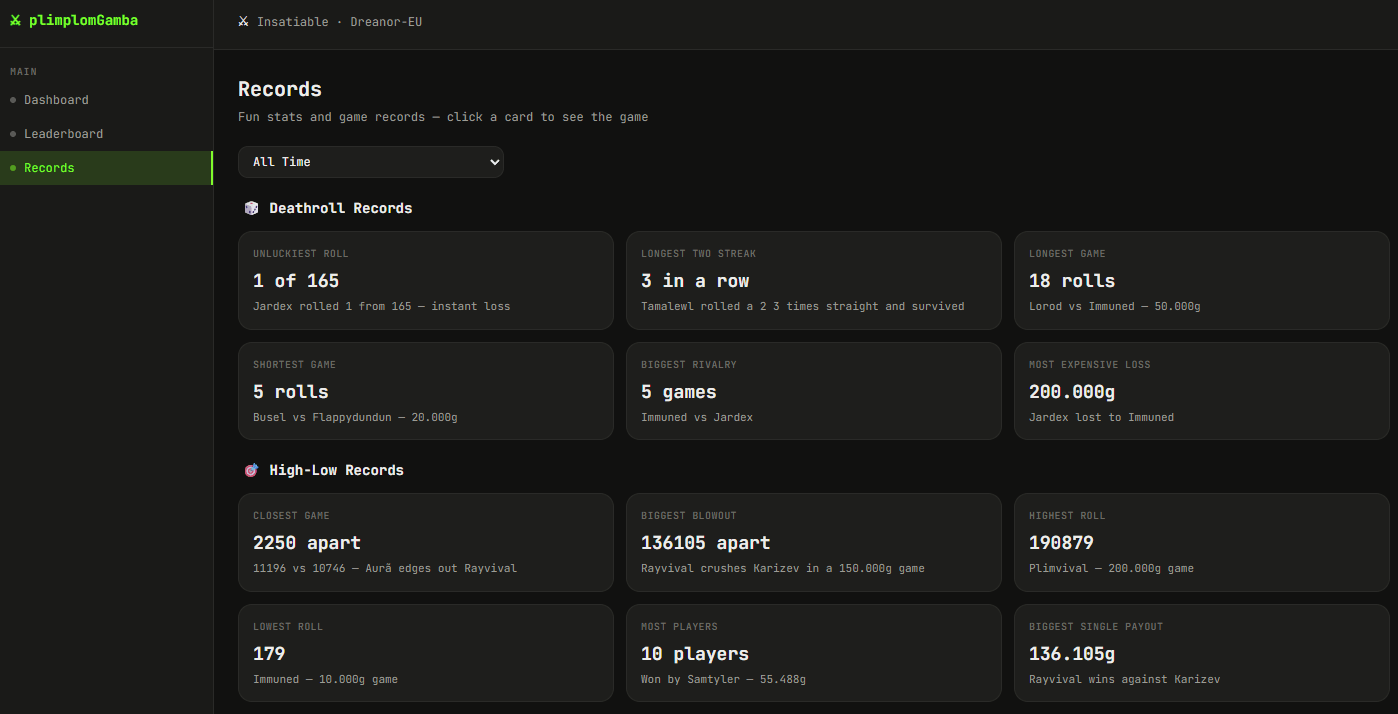
Additional breakdowns and figures for both High-Low and Deathroll games.
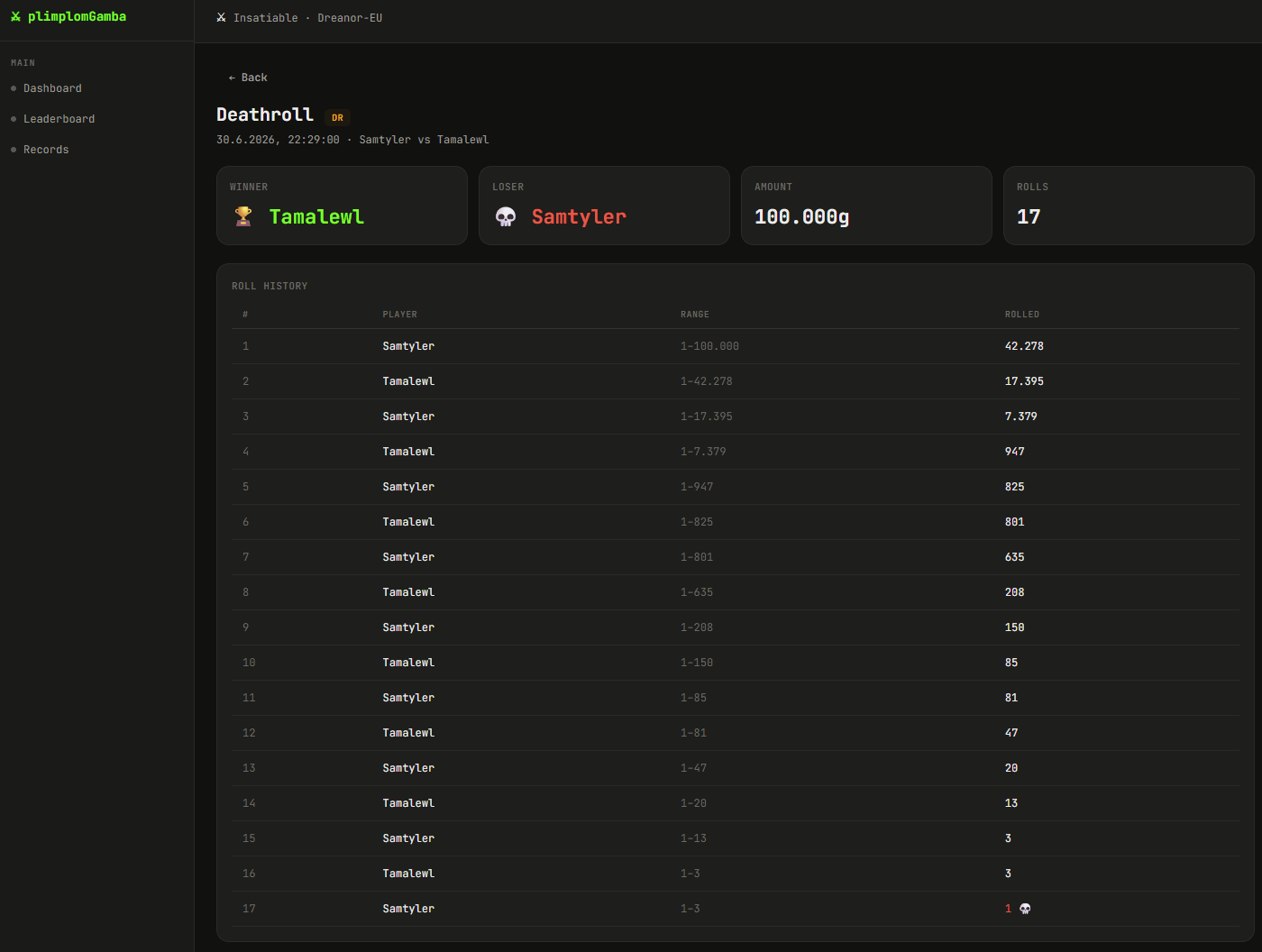
Full roll history for both players, the winner, and the amount won.
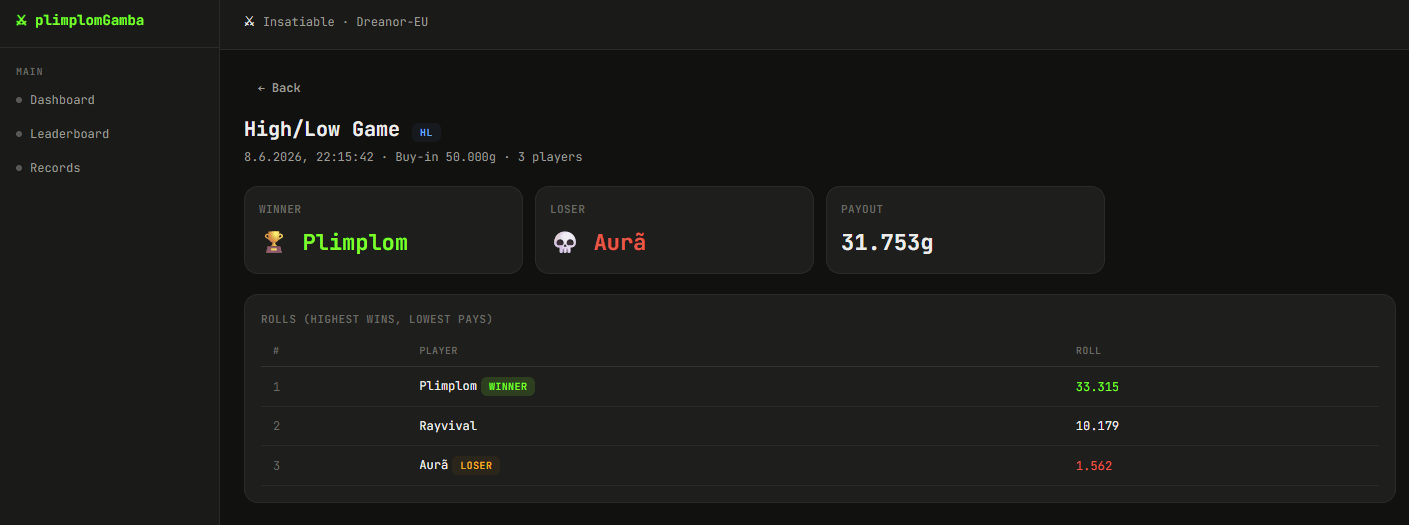
Buy-in, winner and loser, each player's roll, and the amount won.
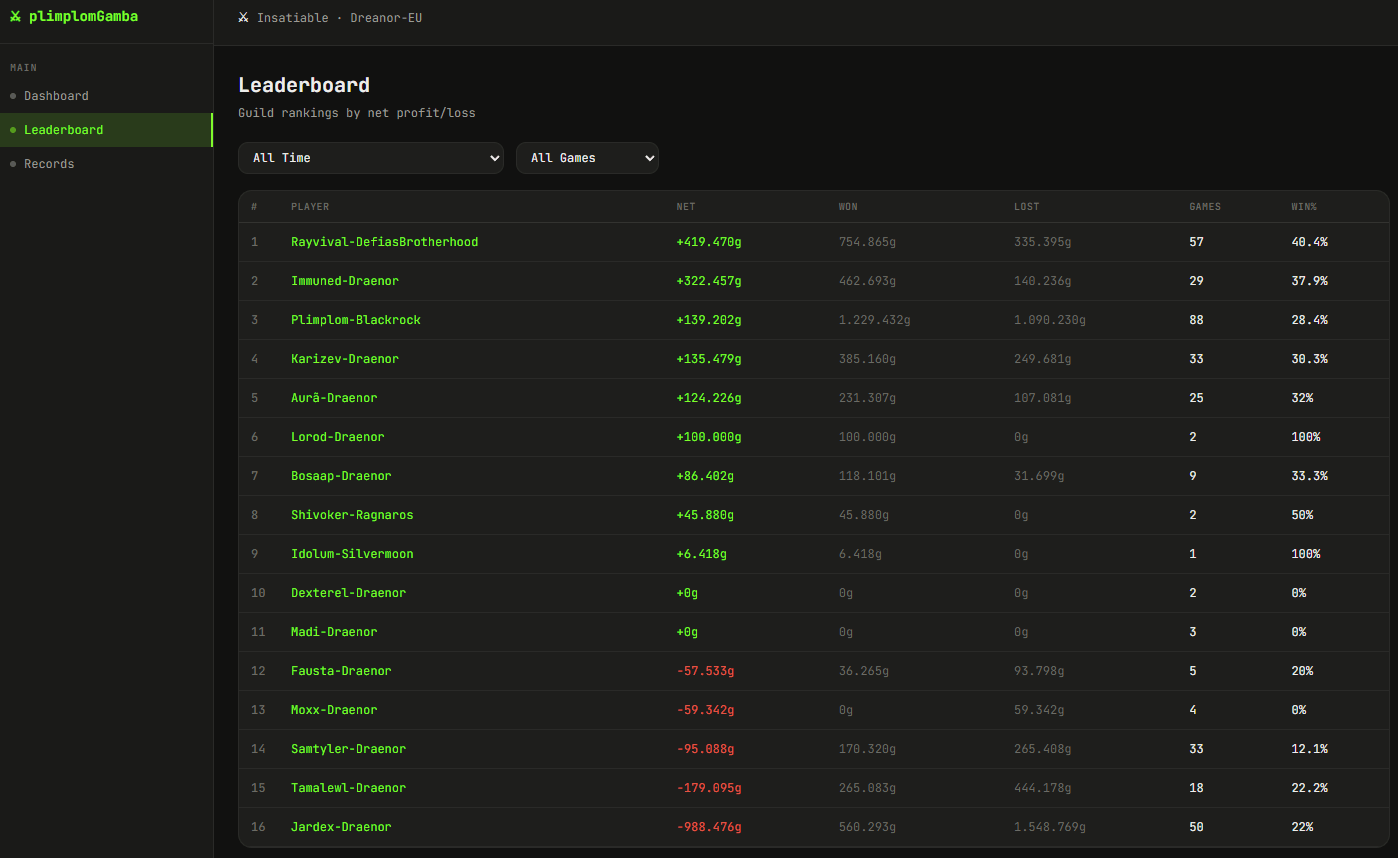
Guild-wide rankings by total won/lost, win rate, and games played.