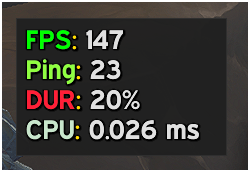
horizontal.png

Vertical.png
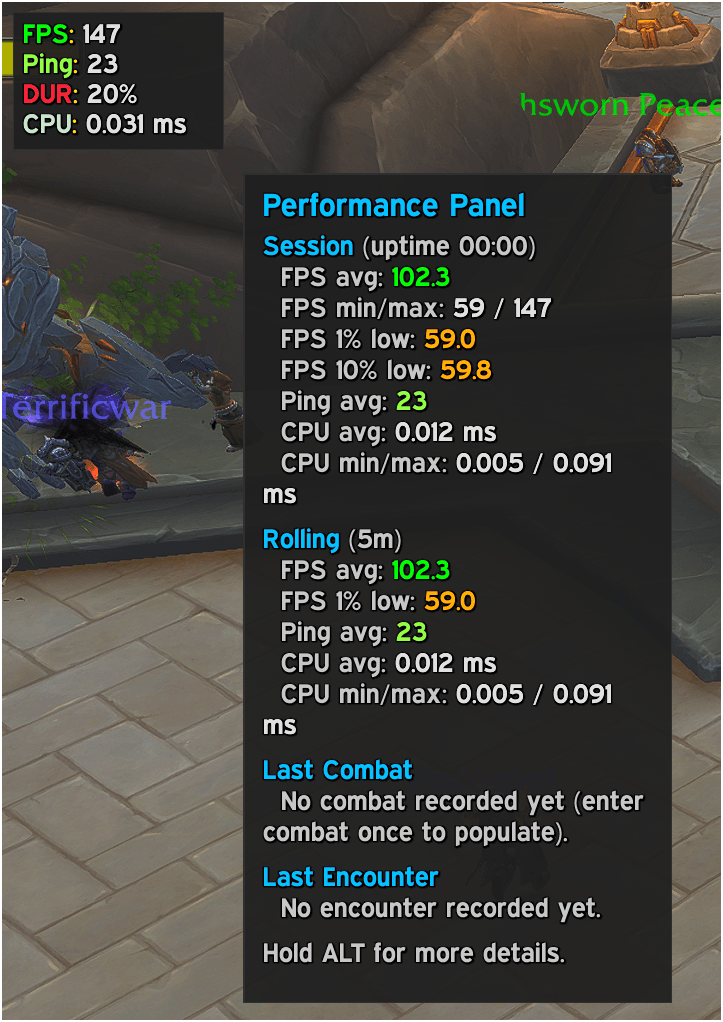
mouseover.png
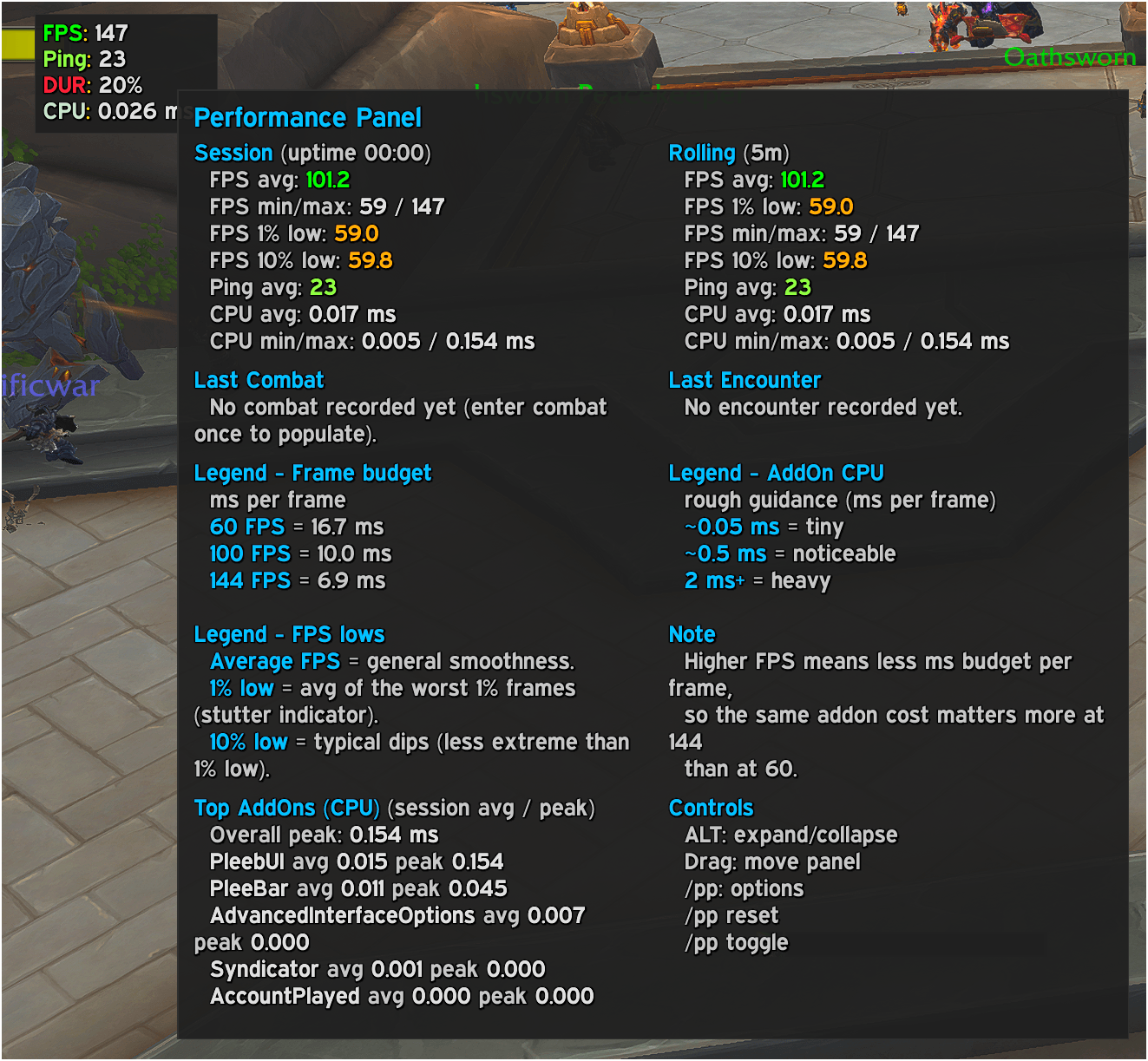
extended mouseover.png

Pleebar integration.png
Description
Pleeb Performance Panel adds a small, draggable performance readout to your UI that shows live FPS, ping, gear durability and addon CPU cost.
Mouse over the panel to get a detailed tooltip with session stats: uptime, averages, 1% / 10% lows over the last few minutes, plus separate summaries for your last combat and last boss pull.
With Blizzard’s AddOnProfiler, the tooltip also highlights which addons are eating the most time per frame, with a simple legend so you can tell what’s “tiny”, “noticeable” and “heavy” at a glance.
The panel can be vertical or horizontal, has light/dark themes, configurable fonts and thresholds, and you can hold Alt while hovering to expand the tooltip with even more detail. Use /pp or /ppp to open the options, toggle the panel or reset the session.
The panel will seamlessly intergrate with Pleeb Databar (link comming).
Pleeb Performance Panel Team