


PlayerSpeech - Error Voice Lines with Dracthyr Fix
- By
Races.png
Options.png
Event Toggles.png
Description
PlayerSpeech is an addon to change a character's error speech lines to any of the other playable races. It uses only already existing game files. It only plays for events such as "Out of range" and has no impact on what other sounds your character makes.
Motivation
Dracthyr have been impacted for a long time to be "muted" while in their dragon form. The initial version of this addon only covered to fix this and play their audio again. This new version makes it more versatile for everyone to choose their preferred voice, e.g. Demon Hunter sounds over you regular elf voice.
Features
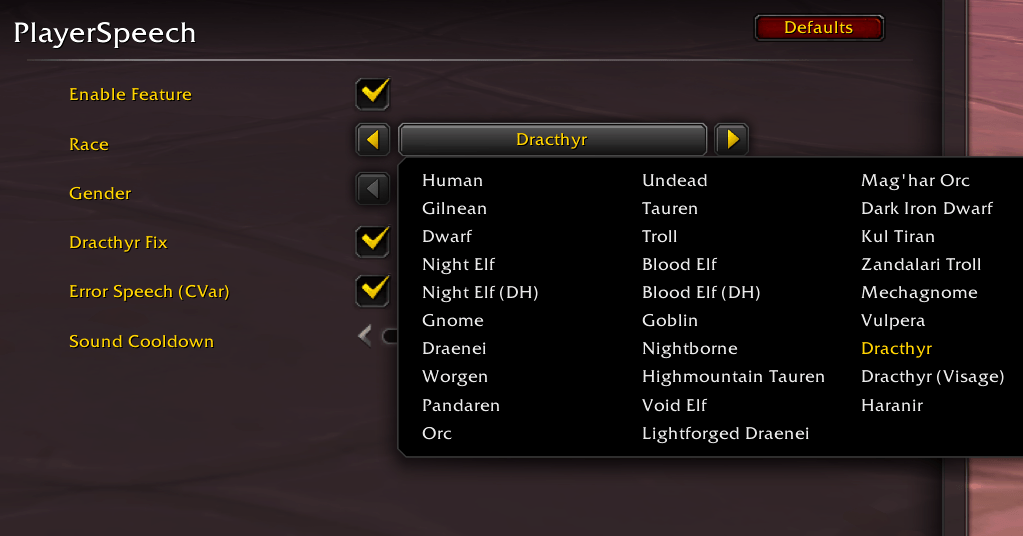
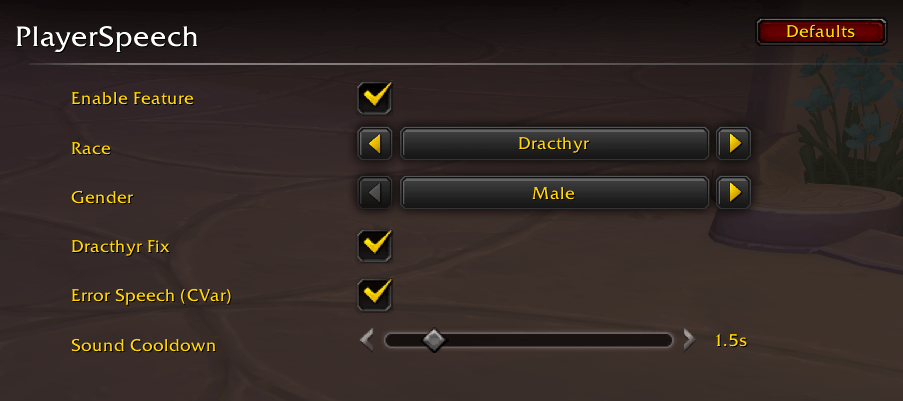
- Includes all playable races including the different voices of Demon Hunters, Dracthyr, Visage, and Gilnean (Worgen Human form). You can freely switch between male and female as well.
- You can adjust the cooldown/wait time between a sound is played.
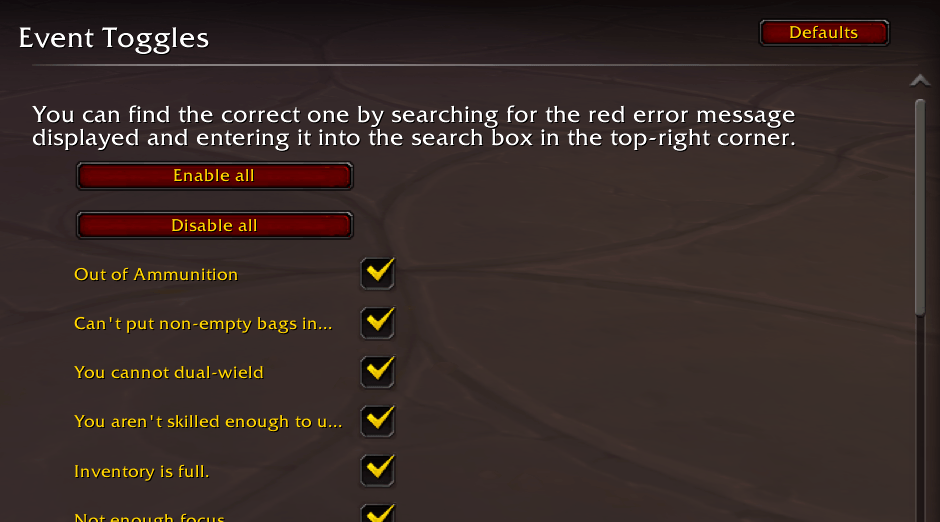
- You can enable/disable specific voice lines from a comprehensive toggle list.
Custom Voices
You can add your own voice lines with the PlayerSpeech_Custom companion addon. It is a separate addon so your sound files are never lost when PlayerSpeech updates.
- Download
PlayerSpeech_Custom.zipfrom the latest release and extract it into yourInterface\AddOnsfolder next to PlayerSpeech. - Put your
.oggor.mp3files intoPlayerSpeech_Custom\sounds. - Open
Voice.luaand uncomment the errors you have sounds for, adjusting the file names if needed. - Restart the game completely. WoW only finds new sound files after a restart,
/reloadis not enough. - Select "Custom" in the PlayerSpeech race dropdown.
For several custom voices, copy the folder under a new name (e.g. PlayerSpeech_Pirate), rename the .toc file to match the folder, and change VOICE_NAME in Voice.lua.
PlayerSpeech - Error Voice Lines with Dracthyr Fix Team
