Piggle - Multiplayer Leaderboards Minigame
- By
Bounce, blast and boar your way to the top! Piggle puts a full peg-bouncing minigame inside WoW: 12 hand-designed boards, four elemental powers, fever finishes and a shared leaderboard where every score is replay-checked. One more shot...
Piggle3.jpg

Piggle main ball.png
Description
🐗 PIGGLE - a peg-bouncing minigame inside World of Warcraft
Aim the launcher, send your boar ball bouncing through the board and clear every orange peg. Easy to start, hard to put down. Part of the Nether addon family, and works entirely on its own.
━━━━━━━━━━━━━━━━━━━━━━━━━━━━━━━━━━━━━━━━
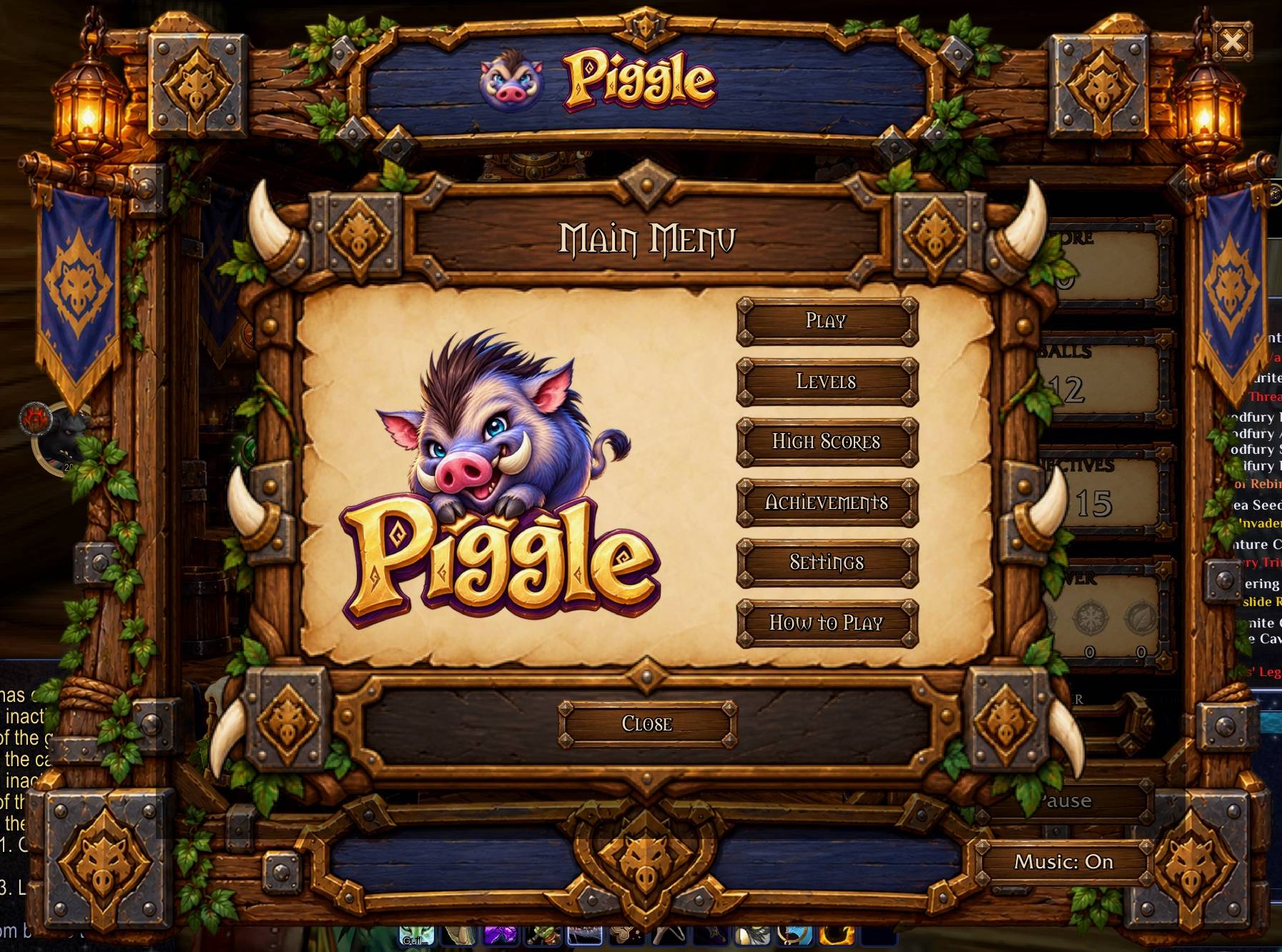
🎯 HOW IT PLAYS
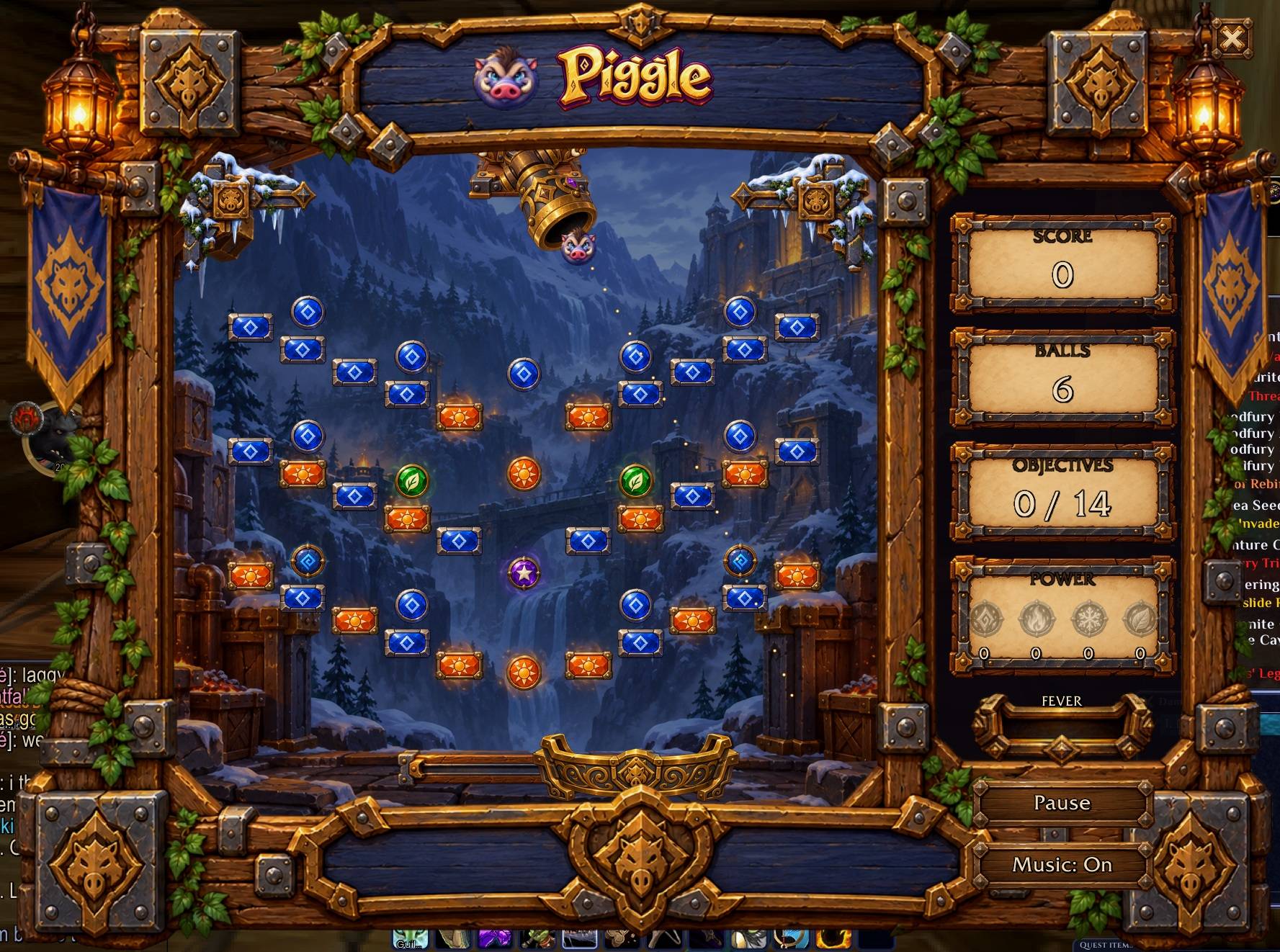
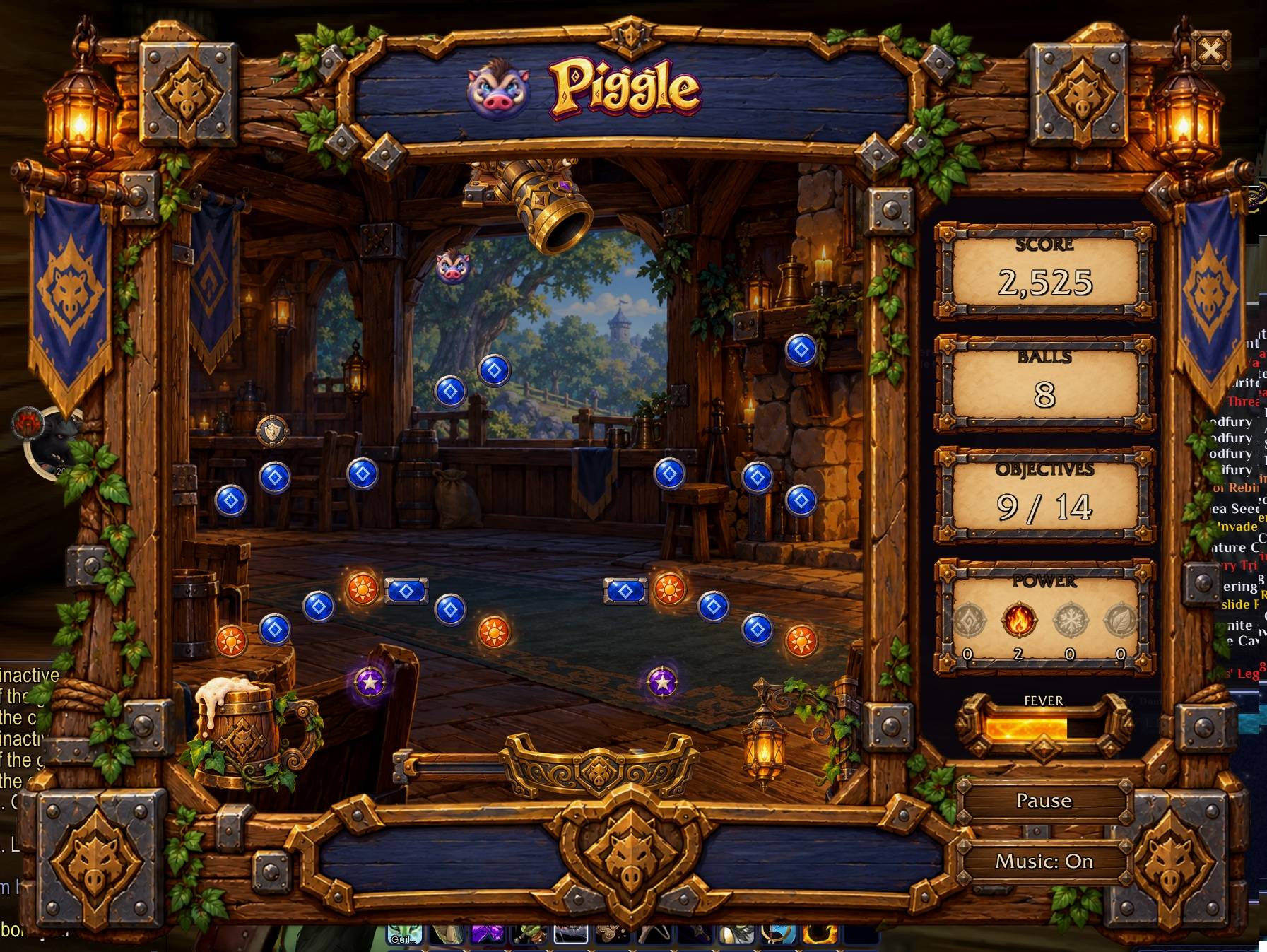
Aim with the mouse, click to launch. Clear all the orange pegs to win the board. Land your ball in the moving bucket for a free ball, chain pegs in one shot for combos up to x4, and every ball you have left at the end is worth 1,000 points.
━━━━━━━━━━━━━━━━━━━━━━━━━━━━━━━━━━━━━━━━
🗺️ 12 HAND-DESIGNED BOARDS
Three in each of four regions: Elwynn Forest, Ashenvale, Dun Morogh and The Barrens. Every board is a crafted pattern (arches, spirals, rings, pillars, zigzags) and they get harder as you go. Each win unlocks the next.
━━━━━━━━━━━━━━━━━━━━━━━━━━━━━━━━━━━━━━━━
⚡ FOUR POWERS
Green pegs earn charges. Pick one before your shot:
- Arcane: shows the exact path of your next shot, every bounce included
- Fire: the first three pegs you touch explode and take their neighbours with them
- Frost: your ball floats and keeps bouncing among the pegs
- Nature: your ball splits into three
━━━━━━━━━━━━━━━━━━━━━━━━━━━━━━━━━━━━━━━━
🔥 FEVER
When one orange peg is left it lights up, and the action slows down as your ball closes in.
━━━━━━━━━━━━━━━━━━━━━━━━━━━━━━━━━━━━━━━━
🏆 SCORES, ACHIEVEMENTS AND BRAGGING RIGHTS
Your top ten on every board, ten achievements to earn, and a Send button to share a score to the chat of your choice.
━━━━━━━━━━━━━━━━━━━━━━━━━━━━━━━━━━━━━━━━
🌐 SHARED LEADERBOARD
Best scores travel between Piggle players on your realm and in your guild. Every score is a replay that your own game re-plays before it counts, so faked scores never make the board. Can be switched off in Settings.
━━━━━━━━━━━━━━━━━━━━━━━━━━━━━━━━━━━━━━━━
🧩 EXPANSION ZONES
Other addons can add whole zones of new boards, with their own art, music and achievements. Board makers: see Docs/API.md and the example zone included.
━━━━━━━━━━━━━━━━━━━━━━━━━━━━━━━━━━━━━━━━
⚙️ SETTINGS
Window size for 720p, 1080p, 1440p or 4K, music, sound effects, reduced effects, slow motion and the minimap button: all tick boxes, in the game's Settings screen, in Esc > Options > AddOns, and in NetherSuite's hub on its Minigames tab.
━━━━━━━━━━━━━━━━━━━━━━━━━━━━━━━━━━━━━━━━
🛡️ The game pauses and steps aside the moment combat starts.
Commands: /piggle to play, /piggle diag for diagnostics.
All art, music, sounds, boards and code are original. All Rights Reserved.
Piggle - Multiplayer Leaderboards Minigame Team