PhotoMode
- By
A real photo mode for World of Warcraft: frame your shot, tweak the light, hide the interface and take clean high-resolution screenshots, then get your settings back exactly as they were.
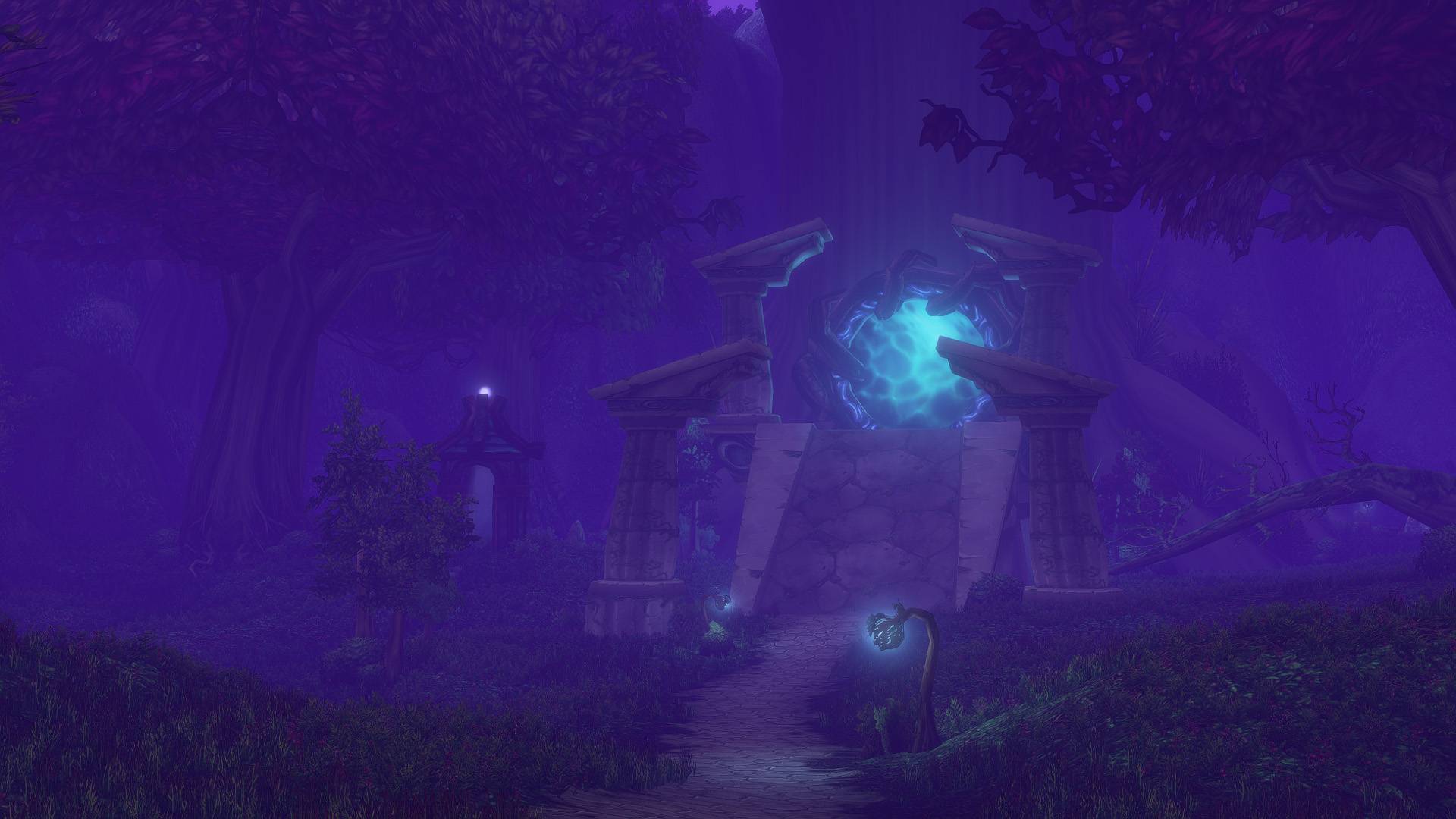
WoWScrnShot_112226_132822.jpg
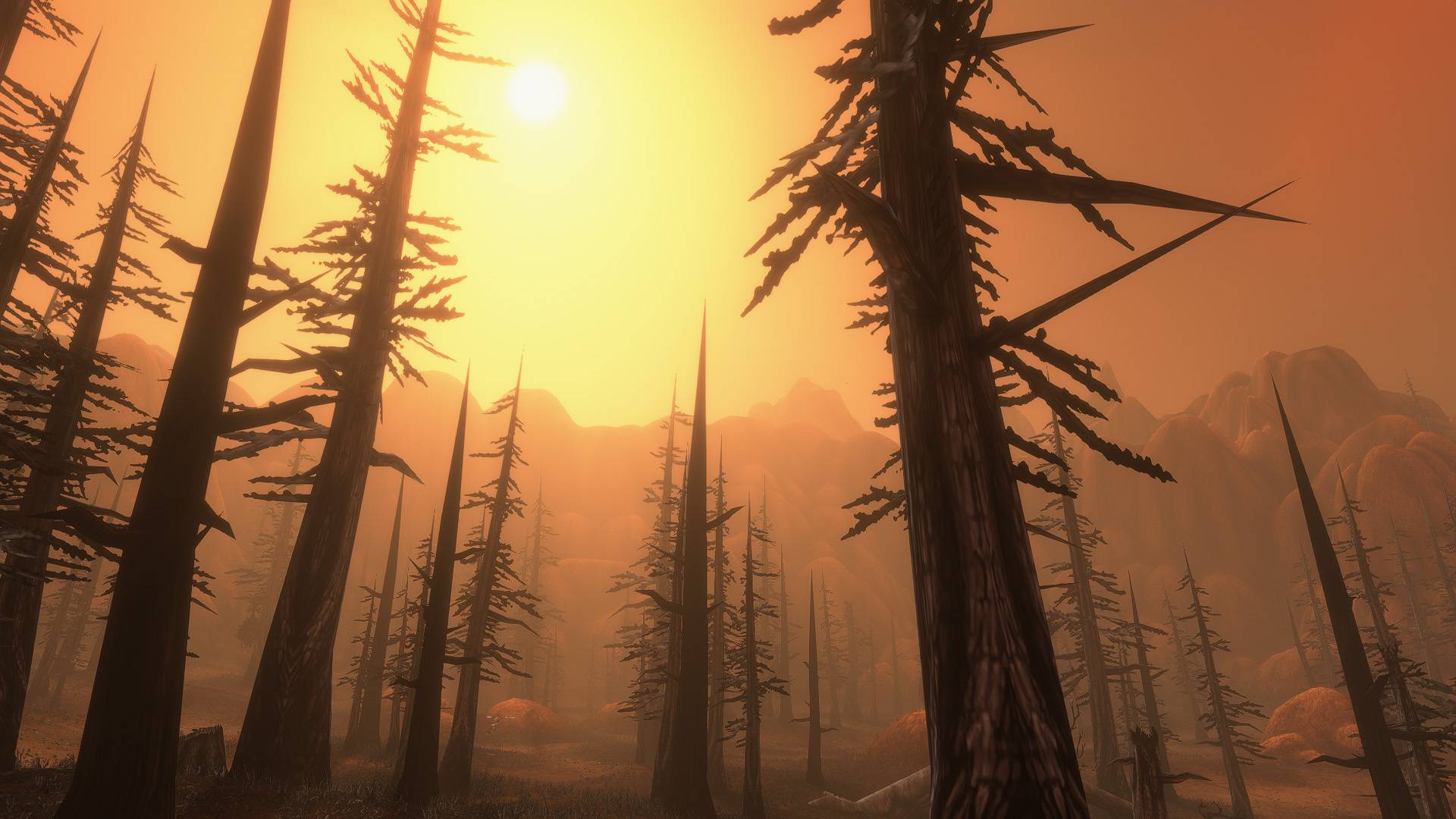
WoWScrnShot_112226_145726.jpg
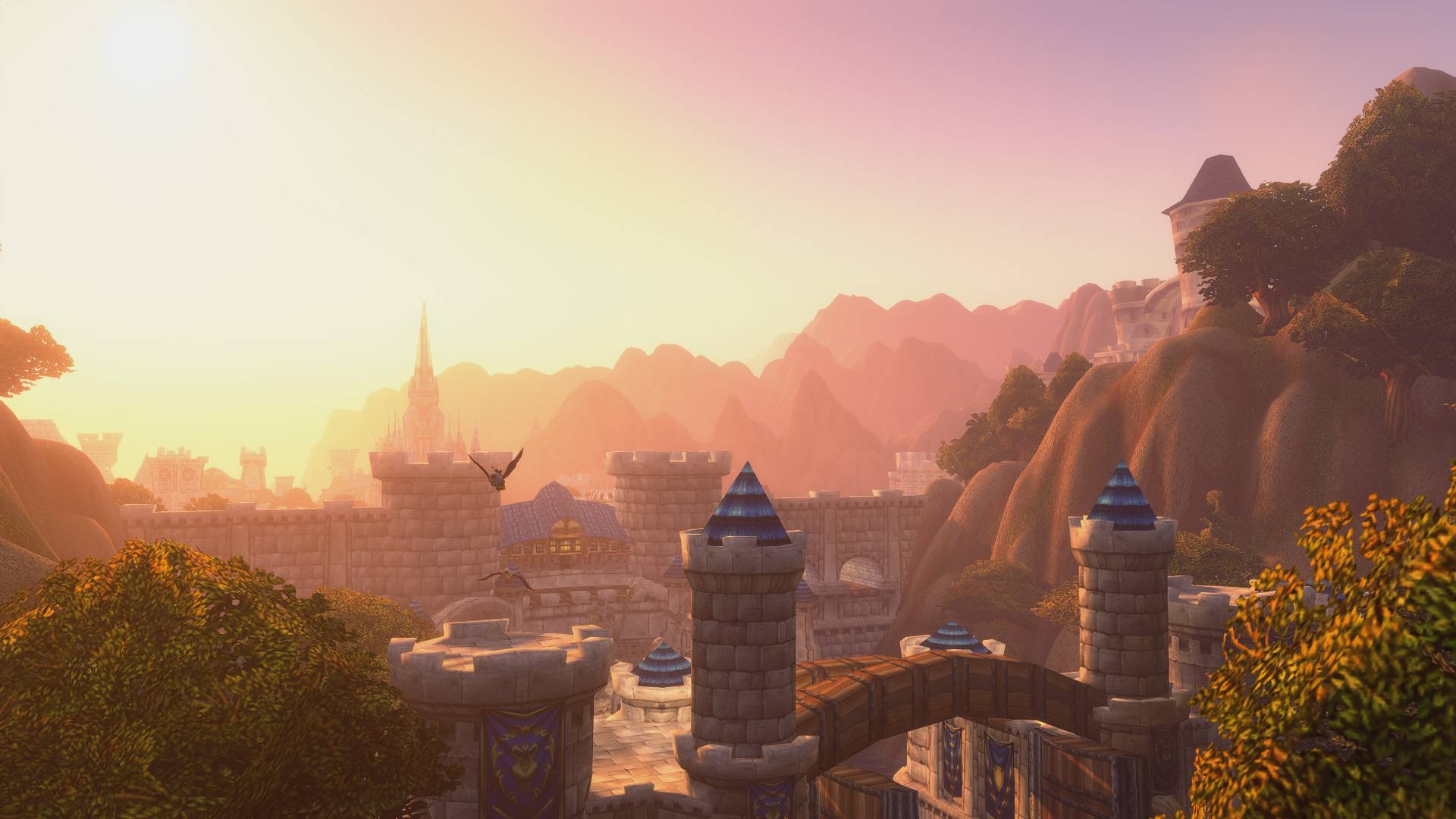
WoWScrnShot_112226_174130.jpg
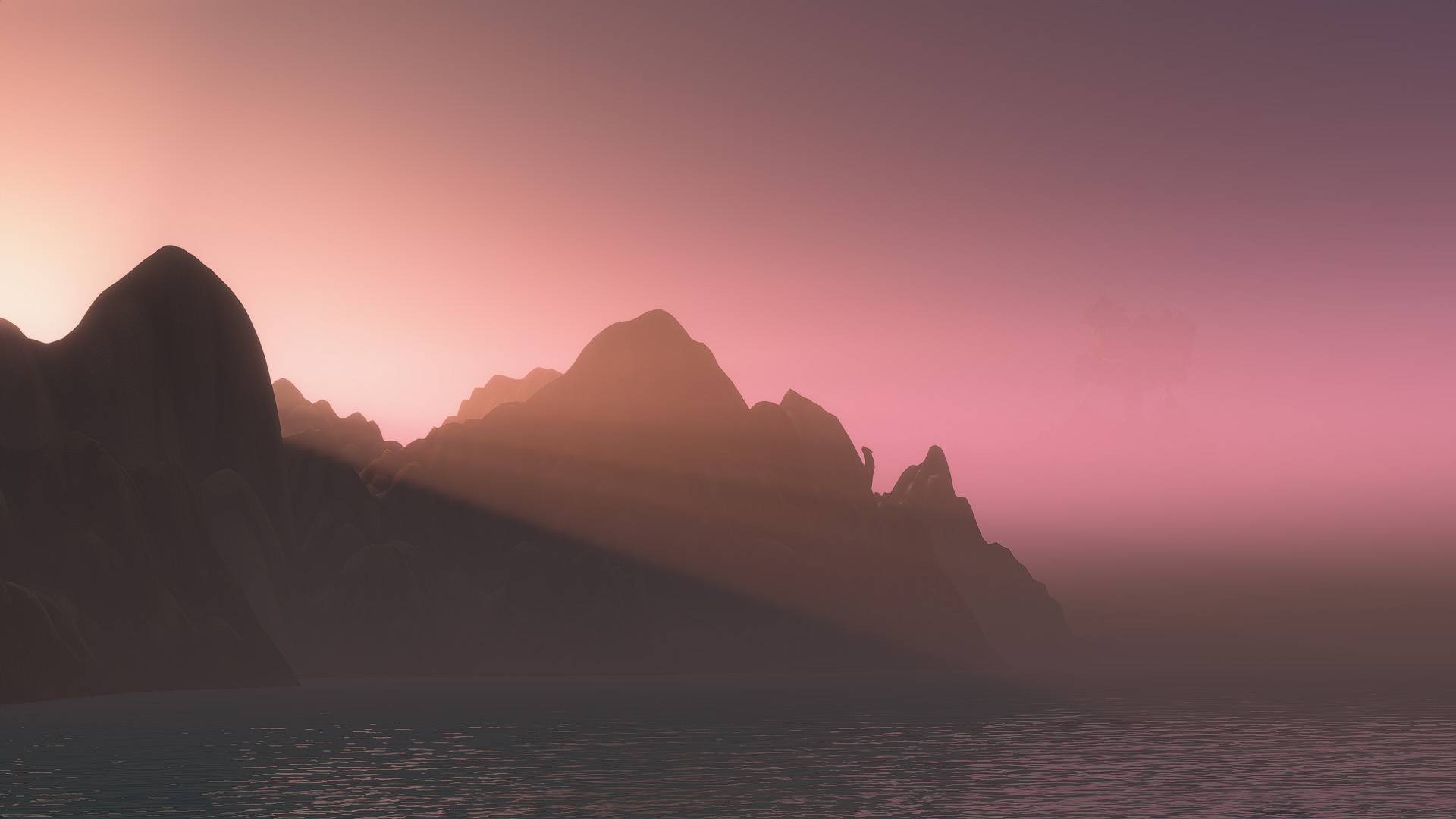
WoWScrnShot_112226_184722.jpg
Description
PhotoMode
A real photo mode for World of Warcraft. Frame your shot, adjust the light, hide everything and take clean, high-resolution screenshots, then get your game back exactly as it was.
Works on Retail and WoW Forever. Available in English, French and Spanish.
Why PhotoMode?
Taking a nice screenshot in WoW usually means digging through the graphics options, hiding the interface, turning off names, moving the camera by hand… and putting everything back afterwards. PhotoMode does all of it in one click, and undoes all of it when you leave.
Features
Take the shot
- High-resolution screenshots: from your window size up to x4 (for example 7680 × 4320 from a 1080p screen)
- JPEG, PNG or TGA, with adjustable JPEG quality
- Clean pictures: the game interface, the menus, the grid and the timer never appear on the photo
- Names, chat bubbles and floating combat text are hidden (optional)
- Self-timer (3 or 10 seconds), a subtle flash after each shot, and a key binding for the shutter
Frame it
- Field of view (with a default you choose, 50° out of the box for a more natural, "longer lens" look)
- Angle: turn the camera around your character
- Horizontal offset and height to place your character anywhere in the frame
- Distance with instant zoom, and an option to start in first person
- Free camera: the camera stops swinging back behind your character when you walk
- Camera stabilization: no head bobbing or target focus between two shots
- Rule-of-thirds grid
Light it
- Contrast, brightness, gamma, sharpness and bloom, for the photo session only
Two menus
- Minimal: a few light, white controls at the bottom of the screen, laid out like a phone camera. Knobs for the light, sliders for the framing, a big shutter in the middle. It fades away when you are not using it.
- Full: a classic Blizzard-style panel with every setting.
Switch between them at any time.
Your settings are safe
PhotoMode saves every game setting it touches before changing anything. When you leave photo mode, everything goes back to how it was: graphics, camera, names, field of view, camera distance and angle. Even after a crash or a /reload in the middle of a session, your settings are restored at the next login.
How to use it
- Left-click the minimap button, type /photo, use the addon compartment, or press F1 (when the key is free on your character)
- Esc leaves photo mode
- Settings: Options > AddOns > PhotoMode
- Key bindings: Options > Keybindings > AddOns > PhotoMode
Commands: /photo · /photo shoot · /photo menu · /photo f1 · /photo config
About the dark marks on large screenshots
There is a bug in the game itself: on screenshots larger than your game window, global illumination is read from one corner of the screen and stretched over the whole picture, which leaves large dark shapes.
PhotoMode warns you when you pick a size above your window, and by default it turns global illumination off for those large photos only (the picture is a little darker, but clean). At native size (x1, the default), nothing is changed.
Please report this bug to Blizzard (in game: Help > Report a bug, or on the official Bug Report forum) so it can be fixed for everyone.
Limits
- WoW does not allow addons to detach the camera from your character.
- Showing the interface again (Esc or Alt+Z) leaves photo mode.
- Very large sizes (x3, x4) freeze the game for a split second during the capture.
Feedback, bugs and ideas are welcome in the comments.
PhotoMode Team