Perl-Forever
- By
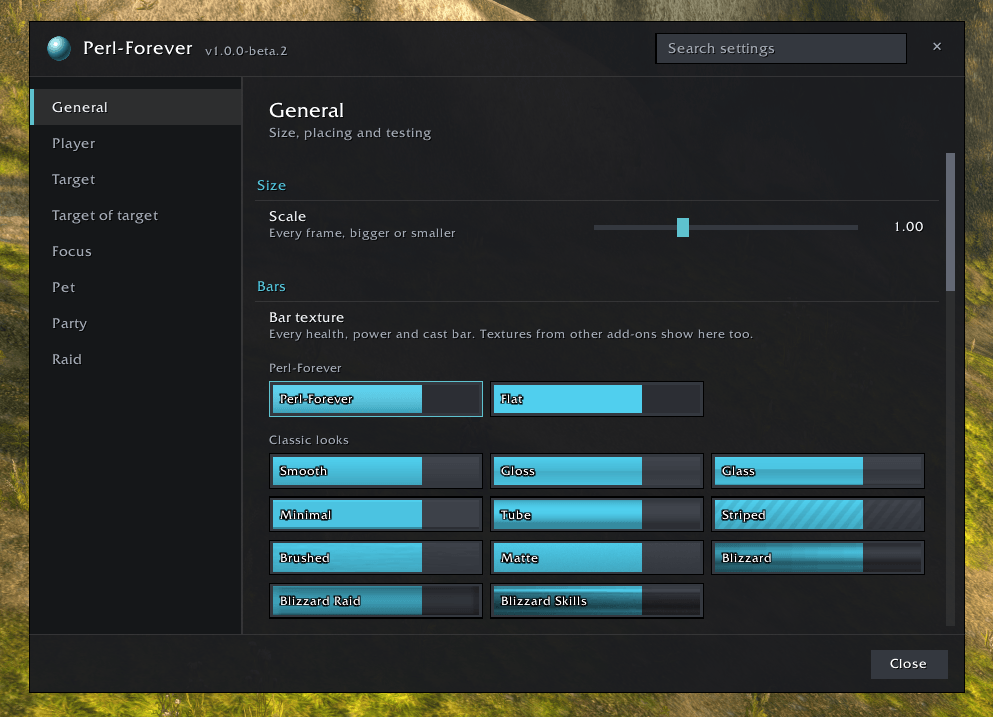
Settings Menu
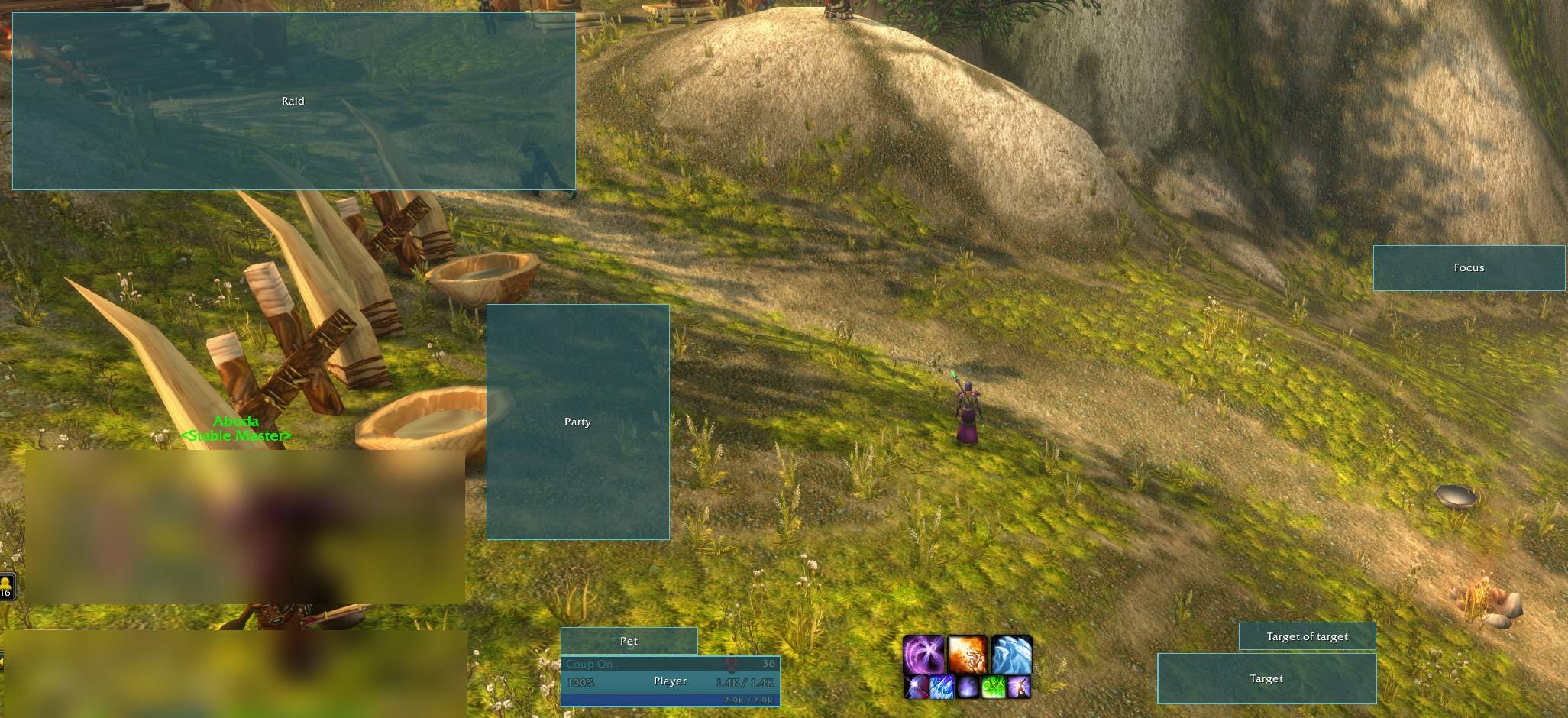
Moving Frames
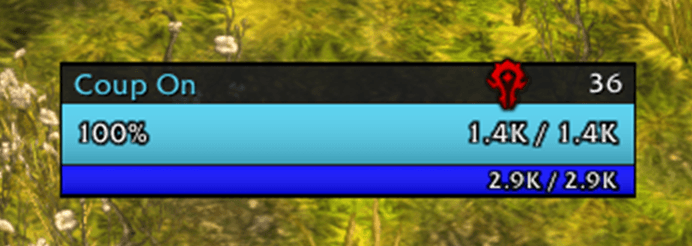
Player Frame
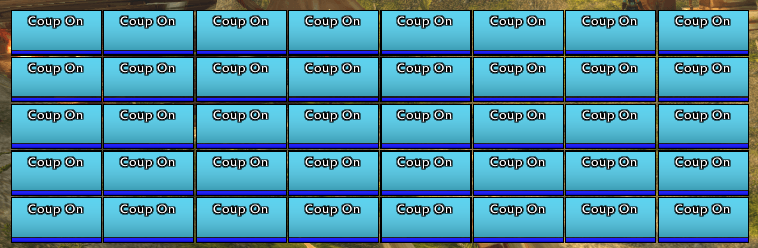
raid.png
Description
Perl-Forever
Unit frames for World of Warcraft: Forever, in the classic Perl style.
Portraits, a name strip, and health and power bars with the numbers on them: the look a lot of us grew up with, rebuilt from scratch for Forever on top of oUF.
This is a beta. Everything listed here works, but expect rough edges. Bug reports and suggestions are very welcome, here in the comments or on Discord.
Why a rewrite
I've used X-Perl since 2006. When Midnight arrived, a lot of it broke and Blizzard changed what add-ons are allowed to do, so it never got updated. I started a fork to get it working on retail, and later on Forever, but the same problems kept coming back: the code base is very old, and much of it is bloat.
So I rebuilt it from the ground up for WoW Forever. Perl-Forever contains no X-Perl code, but it keeps the X-Perl ideas that mattered most to me: the portrait and name strip, the numbers on the bars, each party member's target and pet beside them, and frames that light up when there's something to dispel. It's simpler than X-Perl was, but the key features are here.
Frames
- Player, target, target of target, focus and pet
- Party, with each member's target and pet beside them
- Raid, one column per group, showing debuffs you can dispel
- Test mode: see a full party or raid without being in one (
/pf test party,/pf test raid)
Features
- Debuff highlight: a frame lights up in the colour of a debuff you can dispel. Magic is blue, curse purple, disease yellow and poison green.
- Purge glow: target and focus light up when an enemy has a buff you can purge, spellsteal or soothe.
- Buffs and debuffs: on target and focus in separate rows, showing everyone's or only yours. Party buffs and debuffs go beside or below each member. Timers darken as an aura runs out.
- Bar textures:
- the original Perl-Forever look, classic styles and nine new designs;
- anything other add-ons share through LibSharedMedia;
- an optional shine that sweeps across health bars.
- Range fading: frames fade when someone is more than 40 yards away.
- PvP flag: your faction badge on the player frame while you're flagged.
- Settings window (
/pf), a minimap button and an add-on compartment entry. Unlock and drag any frame, and right-click one to put it back.
Commands
| Command | What it does |
|---|---|
/pf | open settings |
/pf unlock / /pf lock | move the frames |
/pf scale 0.9 | make every frame bigger or smaller (0.5 to 2) |
/pf reset | put every frame back where it started |
/pf test party / /pf test raid | show a full group to look at |
/pf debug | a report to paste into a bug report |
Using it with other frame add-ons
Turn off other unit frame add-ons such as X-Perl or MPerl, or you'll get two sets of frames.
Discord
Questions, bug reports, ideas, or just showing off your UI: join the Perl-Forever Discord.
Credits
Built on oUF (MIT). Perl-Forever is MIT licensed.
Perl-Forever Team