PeaversUnitFrames
- By
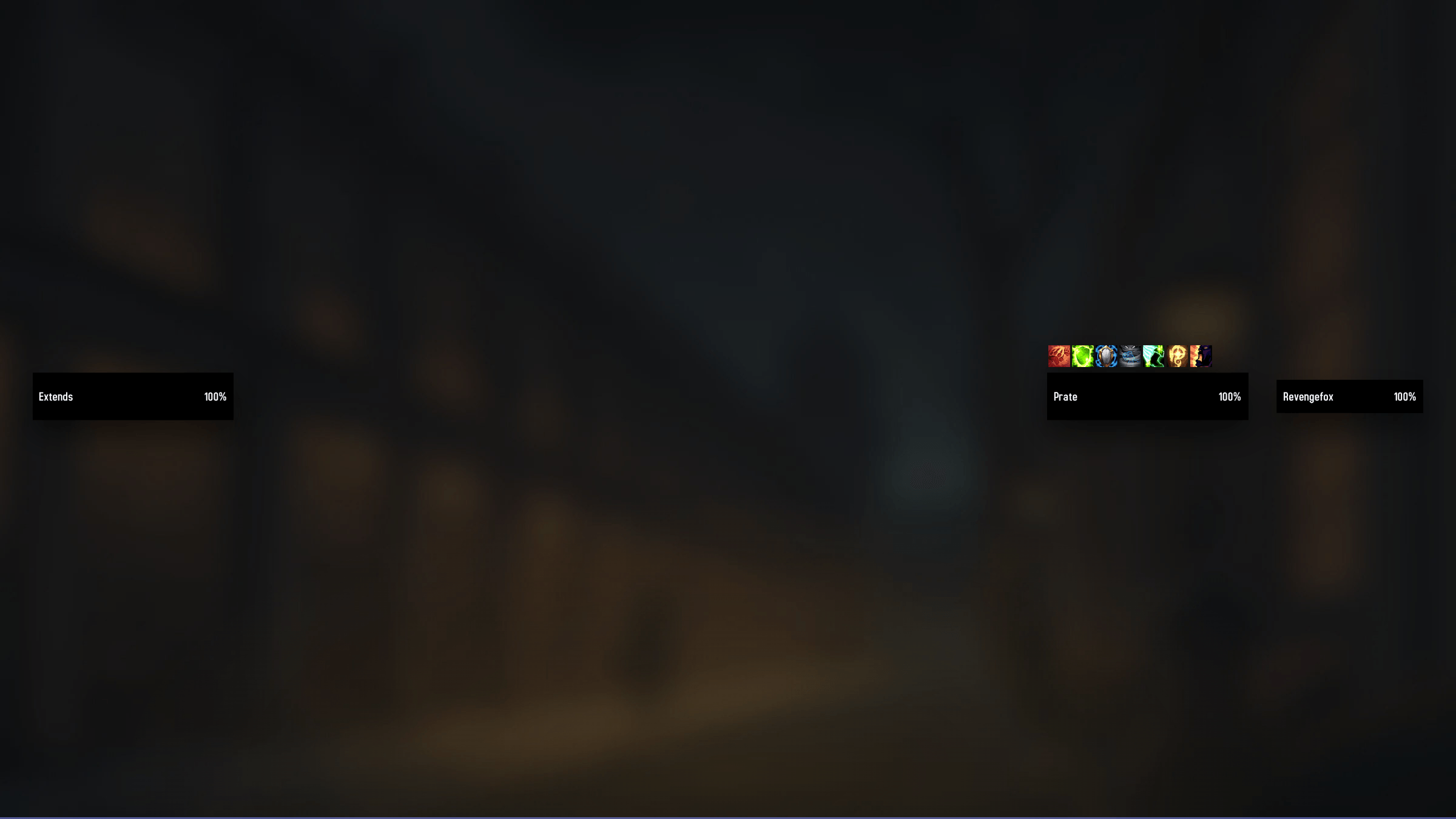
A World of Warcraft addon providing clean player, target, target of target and focus frames with cast bars, buffs and debuffs.
PeaversUnitFrames (1).png
Description
PeaversUnitFrames


A World of Warcraft addon providing clean player, target, target of target and focus frames with cast bars, buffs and debuffs.
Part of the Peavers Ultra Performance family: addons that hold themselves to a published budget, measured on every push.
Measured performance
Health, power and auras are event driven, so the cast bars are the only thing
here that runs every frame — and they are what the table below measures. It is
regenerated on every push by the
Ultra Performance harness,
which loads this addon's real source into a Lua VM and drives it. If any number
goes outside perf/budget.json, the build fails.
Measured on every push by the Ultra Performance harness. The build fails if any number here exceeds the budget in
perf/budget.json.
| Check | Measured | Budget | |
|---|---|---|---|
| Packaged size | 119.1 KB | 150 KB | pass |
| Bundled libraries | 0 | 0 | pass |
| Widget calls per frame | 1.17 | 1.25 | pass |
| Widget calls per second while idle | 0 | 0 | pass |
Scenarios driven against the real addon source, outside the game:
| Scenario | Calls/frame | Notes |
|---|---|---|
| cast bar, 2.5s at 144fps | 1.07 | 358 frames driven, one bar |
| cast bar, 2.5s at 60fps | 1.17 | 148 frames driven, one bar |
| channel, 3s at 144fps | 1.07 | 430 frames driven, one bar |
| idle, nothing casting | 0.00 | frame hidden, never ticked |
<sub>3,354 lines of Lua · 119.1 KB packaged · no bundled libraries</sub>
The per-frame figure is per cast bar, which is the number that scales with
how many frames you have enabled. A bar costs one SetValue per frame while a
cast is running, plus a countdown that only rebuilds its string when the decimal
it shows actually changes — ten times a second rather than once per frame. That
is why the figure sits just above 1.0 rather than at 2.0, and why it is higher
at 60fps than at 144.
The rest of the time a bar costs nothing whatsoever: the frames are genuinely hidden, and WoW does not tick a hidden frame. That is measured above rather than asserted.
Features
- Four frames and nothing else: player, target, target of target, and focus
- Flat modern bars — class or reaction coloured health, a thin power strip, name and health text
- A cast bar per frame with the spell icon, name, and remaining time
- Buff and debuff rows above and below each frame, with stacks, timers, and dispel-type borders
- Per-frame aura filtering by caster (everyone's / only mine / only others) and by category — cancelable buffs, major defensives, debuffs you can dispel, crowd control
- Every setting is per frame — size, texture, colours, font, tooltip, cast bar and aura rows are configured independently for each of the four frames, with a Copy to All Frames button when you want them to match
- Mouseover tooltips can be shown always, hidden in combat, or turned off entirely, per frame
- Drag handles for positioning, with positions saved per character as screen-centre offsets
- Hides the default Blizzard unit frames and cast bar
- Built for Midnight: bars are driven by the display APIs that keep working when the client hands addons protected values
Usage
Open the settings with /puf, then use Unlock Frames to drag each frame into place.
Slash Commands
/puf- Open settings/puf unlock- Show the drag handles/puf lock- Hide the drag handles/puf reset- Reset every frame position
Notes on Midnight
Since 12.0 the client returns secret values for restricted unit data — health, names, auras and casts inside encounters, Mythic+, and rated PvP. Addons may hand those values to widgets but may not do arithmetic on them, so this addon:
- draws health and power from
UnitHealthPercent/UnitPowerPercent, which return plain display percentages - displays auras through the
AuraContainerobject, letting the client fill in icons and timers it will not expose to Lua - drives cast bars from a
DurationObjectwhen the cast times themselves are protected - falls back to a percentage whenever an exact health number cannot be read
Installation
Recommended: PeaversUpdater
Download and install PeaversUpdater, the desktop updater for the whole Peavers collection. It installs PeaversUnitFrames together with its required dependencies and delivers updates before they reach CurseForge.
Alternative: CurseForge
- Download from CurseForge
- Ensure PeaversCommons is also installed
- Ensure PeaversConfig is also installed
- Enable the addon on the character selection screen
Part of the Peavers addon collection · Report an issue · Support development on Patreon
PeaversUnitFrames Team


Owner