PeaversCVars
- By
A World of Warcraft addon that lets you save, manage, and automatically apply console variables (CVars) across sessions.
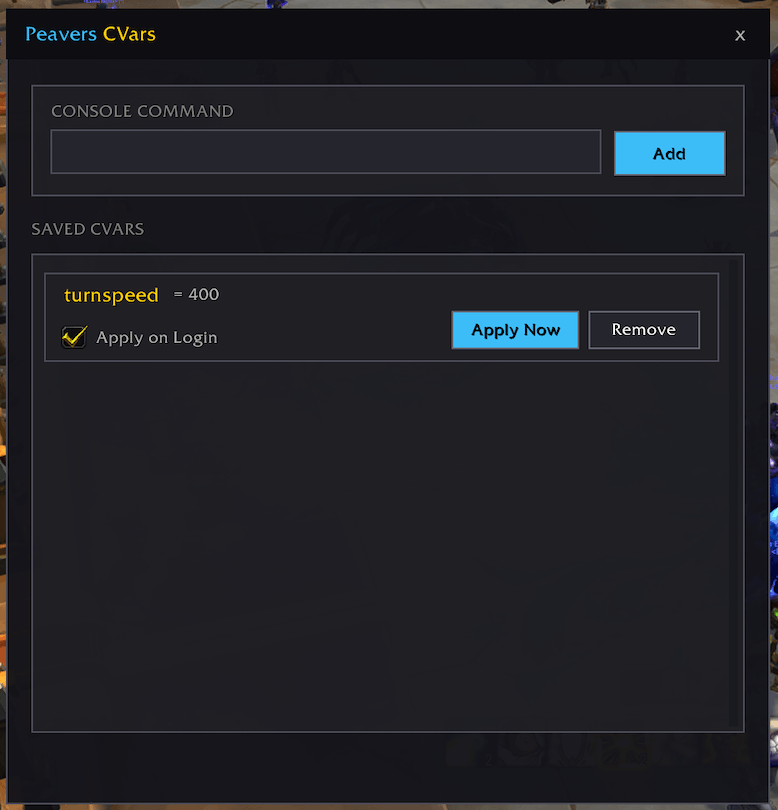
image 2.png
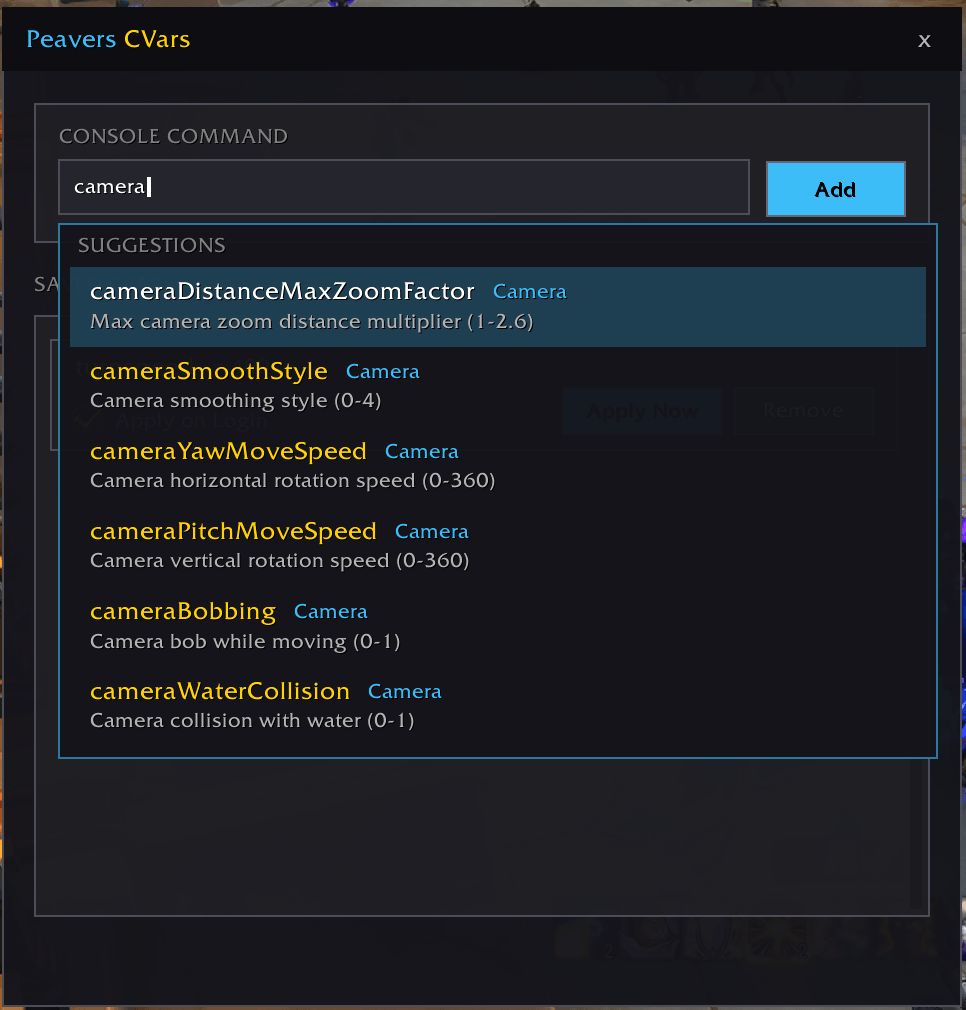
image.png
Description
Peavers CVars

A World of Warcraft addon that lets you manage and persistently apply console variables (CVars) across logins.
Features
- Save console variables with a clean, modern interface
- Dynamic discovery of all available CVars using the WoW API
- Autocomplete suggestions with curated descriptions for 400+ common CVars
- Apply CVars automatically on login per-character
- Search CVars by name or description
- Per-character storage for different setups
Usage
The addon provides a searchable interface for managing CVars that persist across game sessions.
- Open the CVar manager with
/pcv - Start typing a console command to see suggestions
- Select a CVar from autocomplete or enter manually
- Click "Add" to save the CVar
- Enable "Apply on Login" to auto-apply when you log in
Slash Commands
/pcv- Open the CVar manager/peaverscvars- Open the CVar manager
Configuration
Access the CVar manager through /pcv:
- Console Command Input: Enter CVars manually or use autocomplete
- Apply on Login: Toggle automatic application per CVar
- Apply Now: Instantly apply a saved CVar
- Remove: Delete a saved CVar
Installation
Recommended: PeaversUpdater
Download and install PeaversUpdater, the desktop updater for the whole Peavers collection. It installs Peavers CVars together with its required dependencies and delivers updates before they reach CurseForge.
Alternative: CurseForge
- Download from CurseForge
- Ensure PeaversCommons is also installed
- Ensure PeaversConfig is also installed
- Enable the addon on the character selection screen
Part of the Peavers addon collection · Report an issue · Support development on Patreon
PeaversCVars Team

Owner