PathMaker
- By
PathMaker – Generate or create your own farming routes with or without a clean minimap UI.
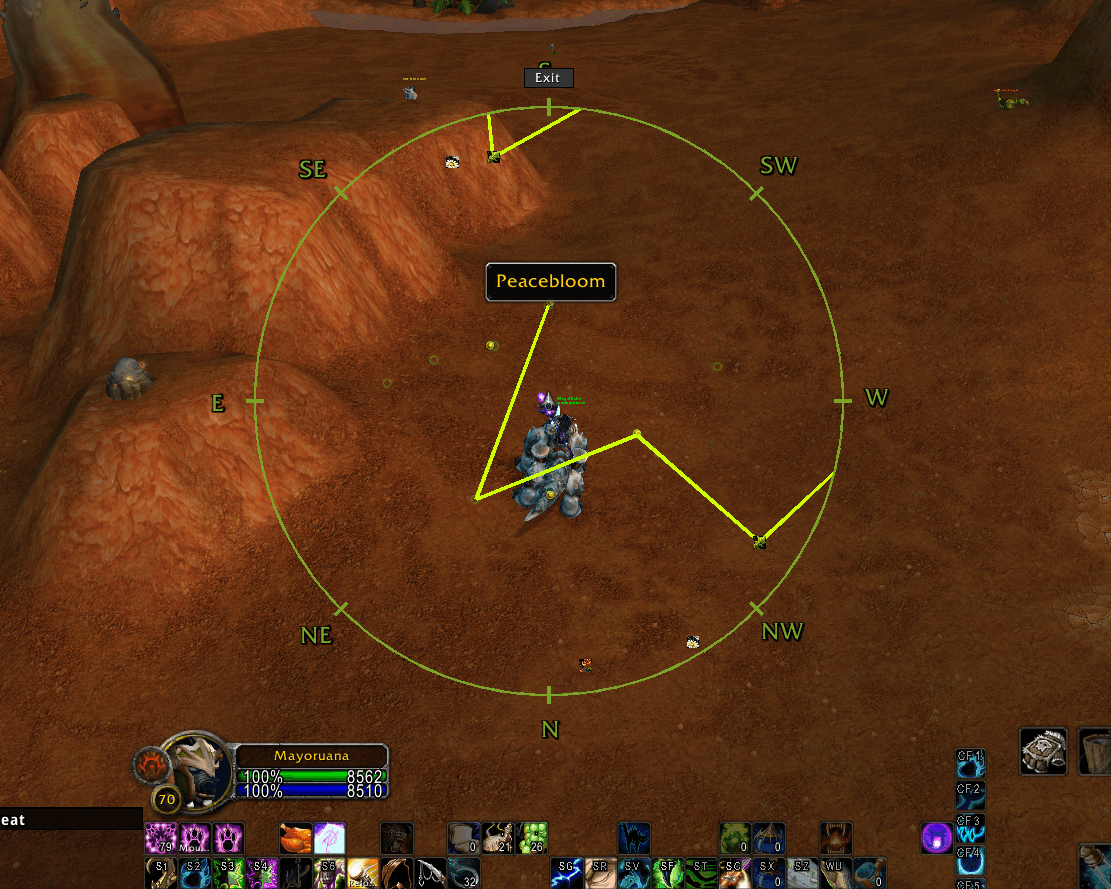
Farm Mode + An Active Route + MouseTooltip
Arrow
Description
PathMaker
Create farming routes from images and convert them with online tools made specifically for PathMaker -
🌐 PathMaker Tools: https://pathmaker.pages.dev/
🌿🪨 For being able to import nodes for Herbalism and Mining download this addon - https://www.curseforge.com/wow/addons/pathmaker-nodes
⁉️PathMaker Quest Addon - https://www.curseforge.com/wow/addons/pathmaker-quests
• PathMaker: Addon Gives you a Clean MiniMap, with or without extra features.

• Route Generator: Automaticly generates either a Full Route or multiple smaller routes, for the specific node by choice to then follow and make farming easier ( Options -> AddOns -> PathMaker)

• Farm Mode: For having an easier time farming.
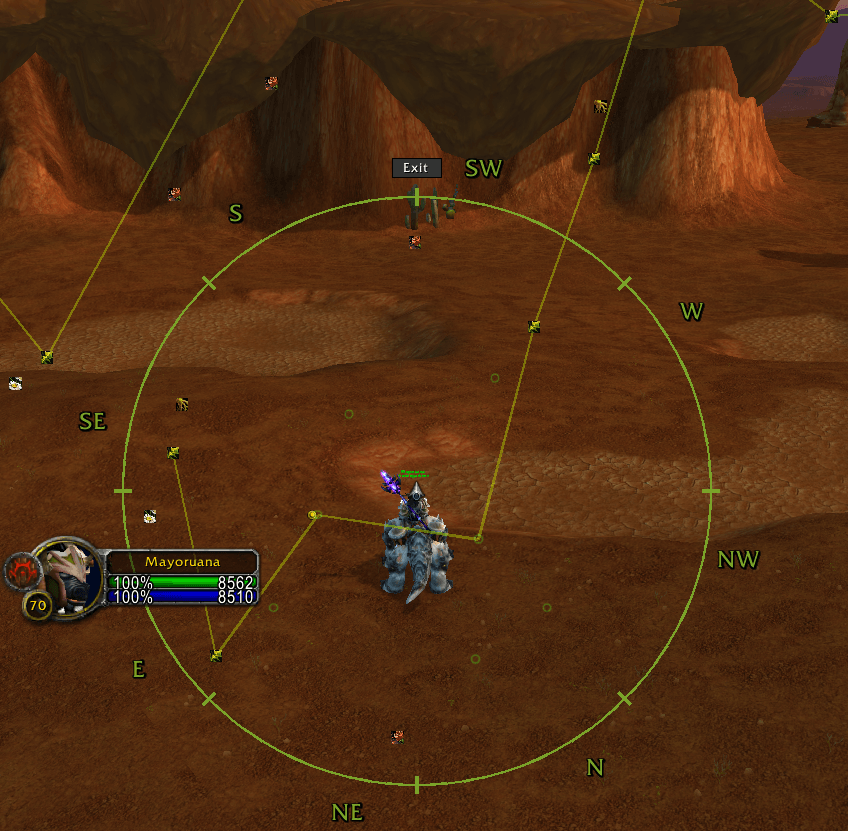
• Draw Mode: Empowers you to freehand draw directly onto your World Map.

• Sharing: Export and import routes via an in-game link for easy sharing with friends and guildies.


• Ghost View: Toggle "Ghost Mode" to see all saved routes in the current zone faintly for reference,
Shows with a "%".
⚠️ Accuracy Note: Tracking may be off in Cities or near instance entrances (such as Zul'Gurub)
Thanks for stopping by! If you run into any bugs while using the addon, please drop a comment below. I appreciate the support.
🌐 PathMaker Tools: https://pathmaker.pages.dev/
⚙️ Commands
/pm or /pathmaker - Toggle Addon On/Off
/pm help or /pmhelp - Show this help list
/pm filter or /pmfilter - Toggle the Node Filter
/pm farm or /pmfarm - Toggle Farm Mode
/pm settings or /pmsettings - Open Settings
/pmminimapon or /pmminimapoff - Turn the custom minimap on/off
/pmtoolimport - Open Route Import
/pmtoolexport - Export the selected Route
PathMaker Team