
PartyLine
- By
PartyLine coordinates your characters with shared settings, UI profiles, quests, flights, invites, and whisper forwarding.
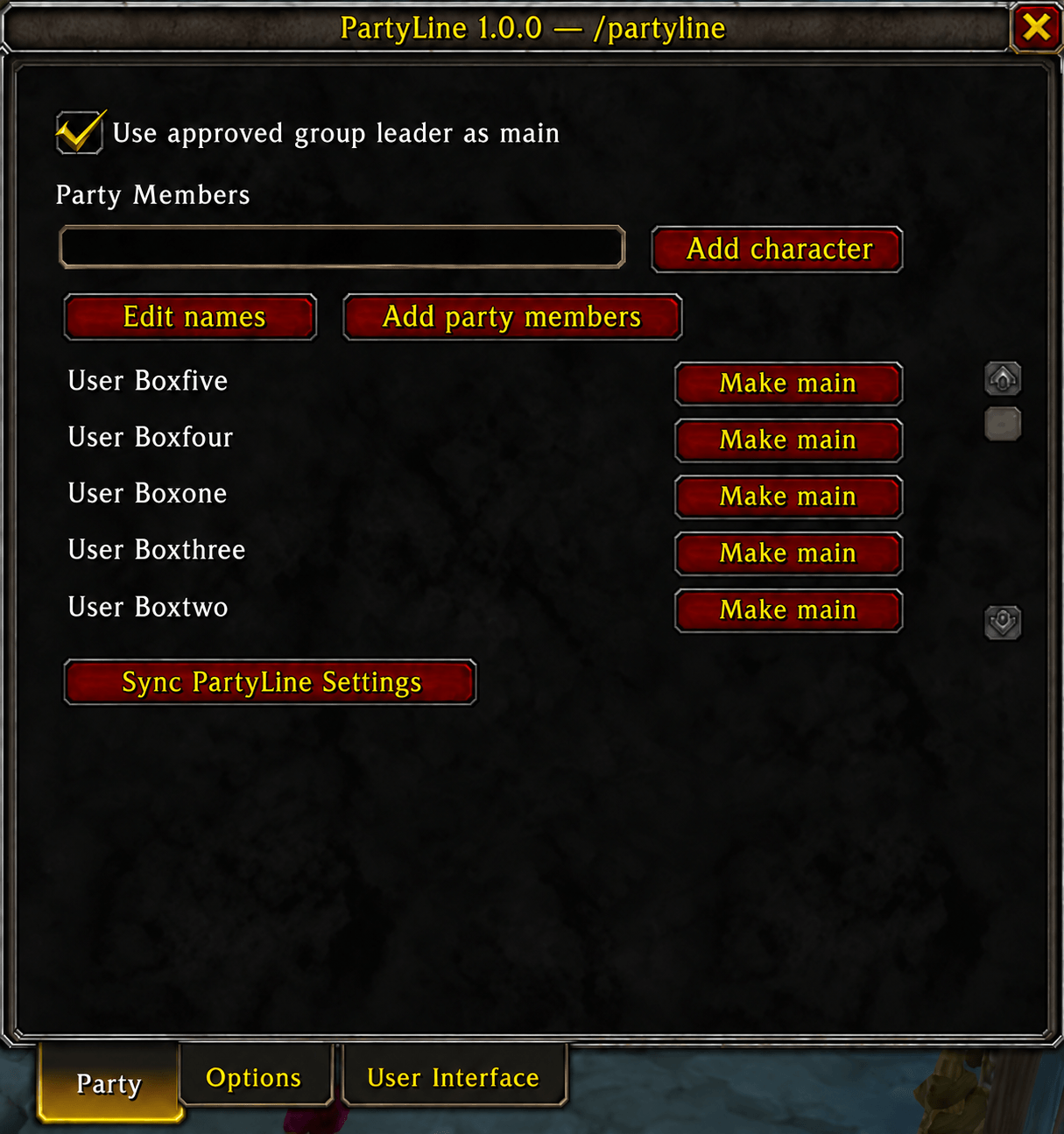
1party-character-list-1.0.0.png
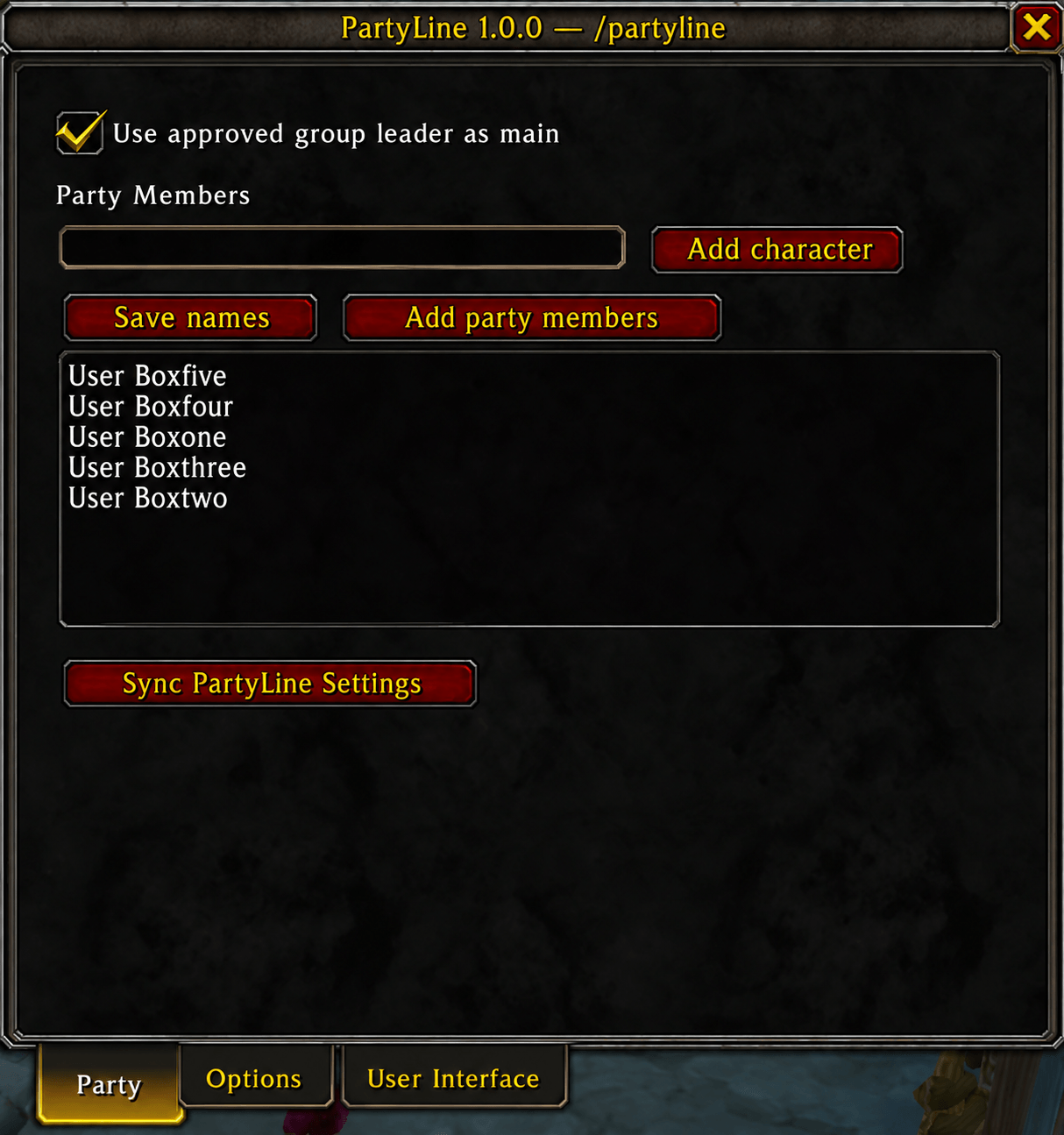
2party-name-editor-1.0.0.png
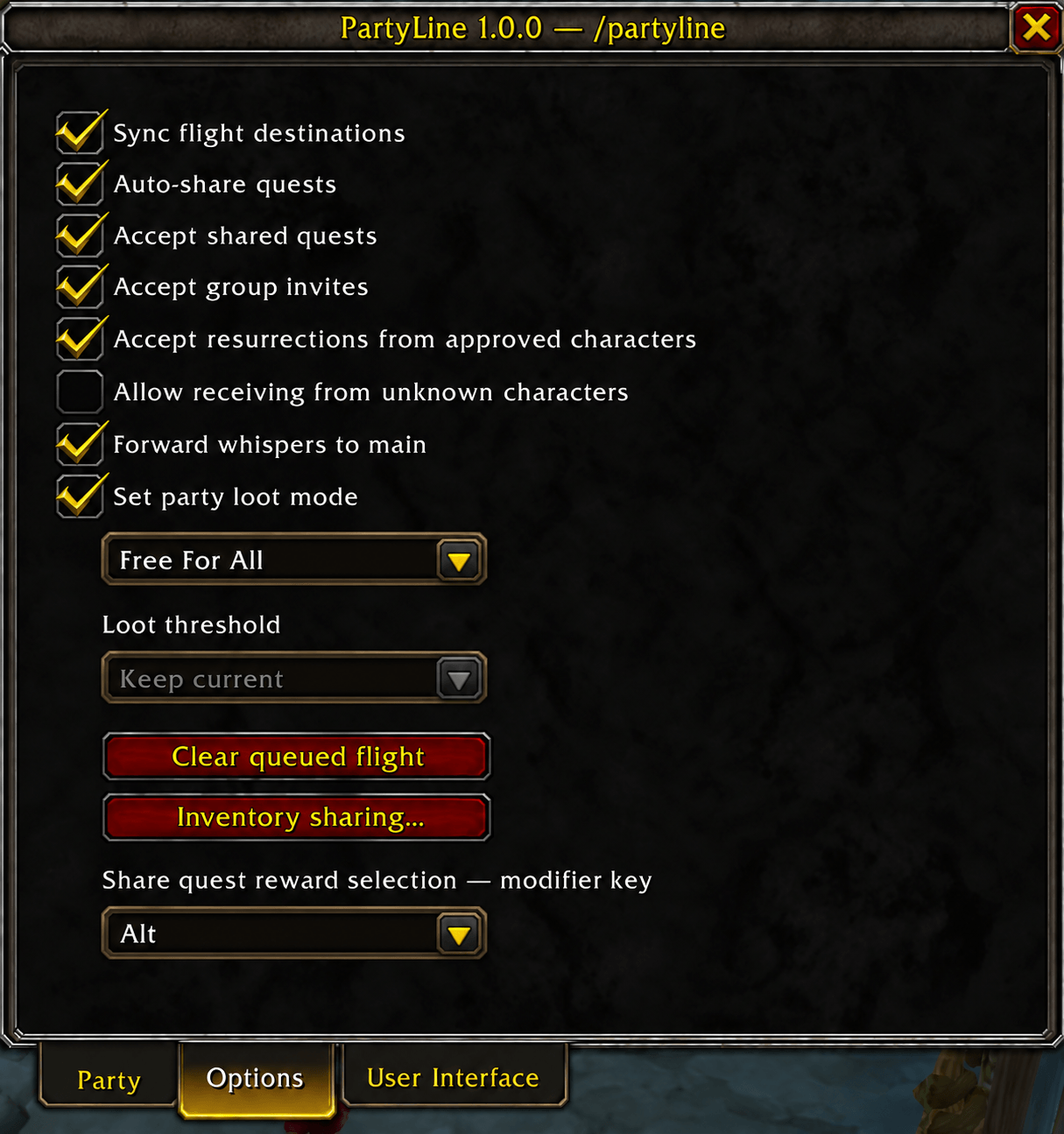
3options-1.0.0.png
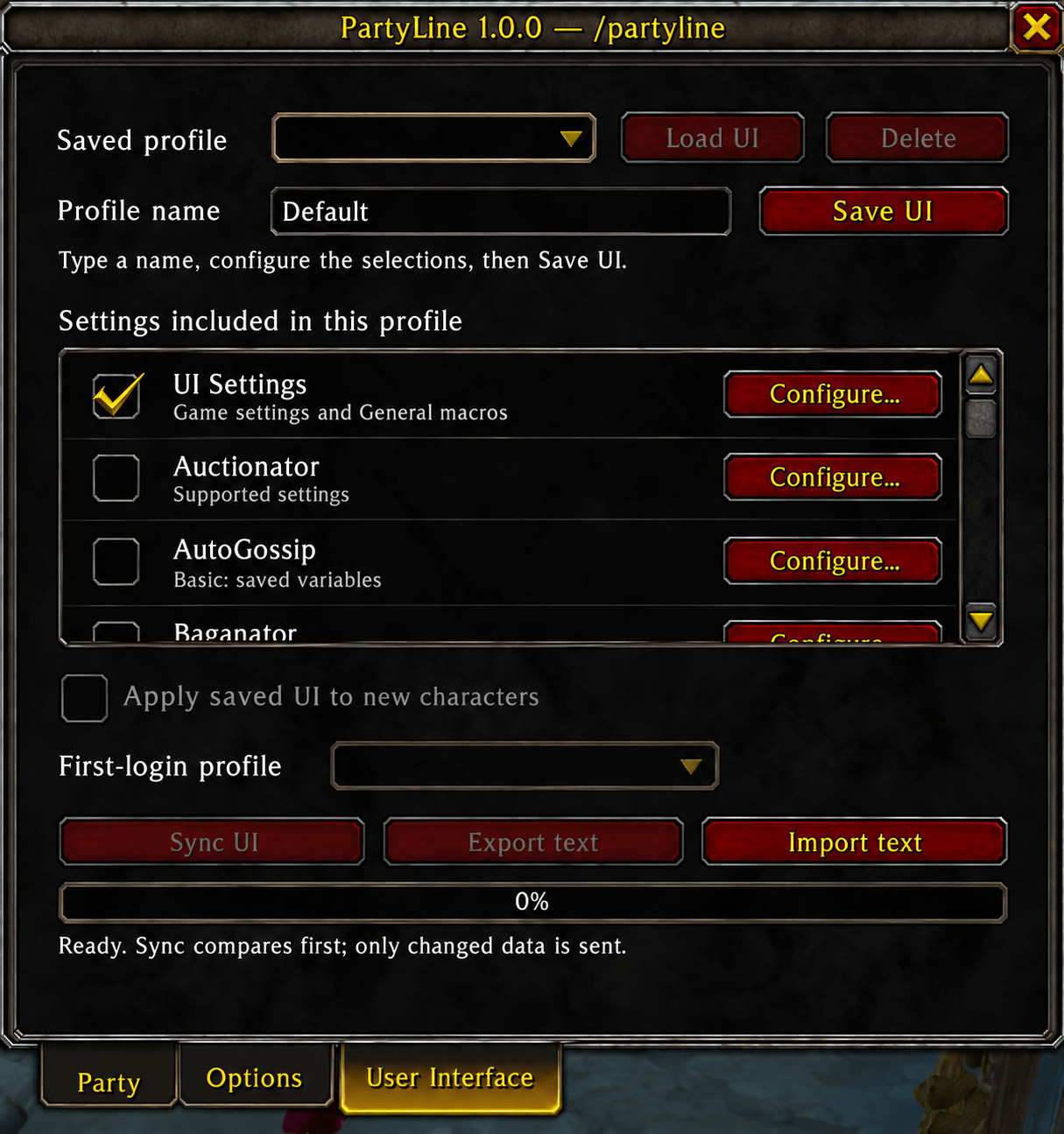
4user-interface-1.0.0.png
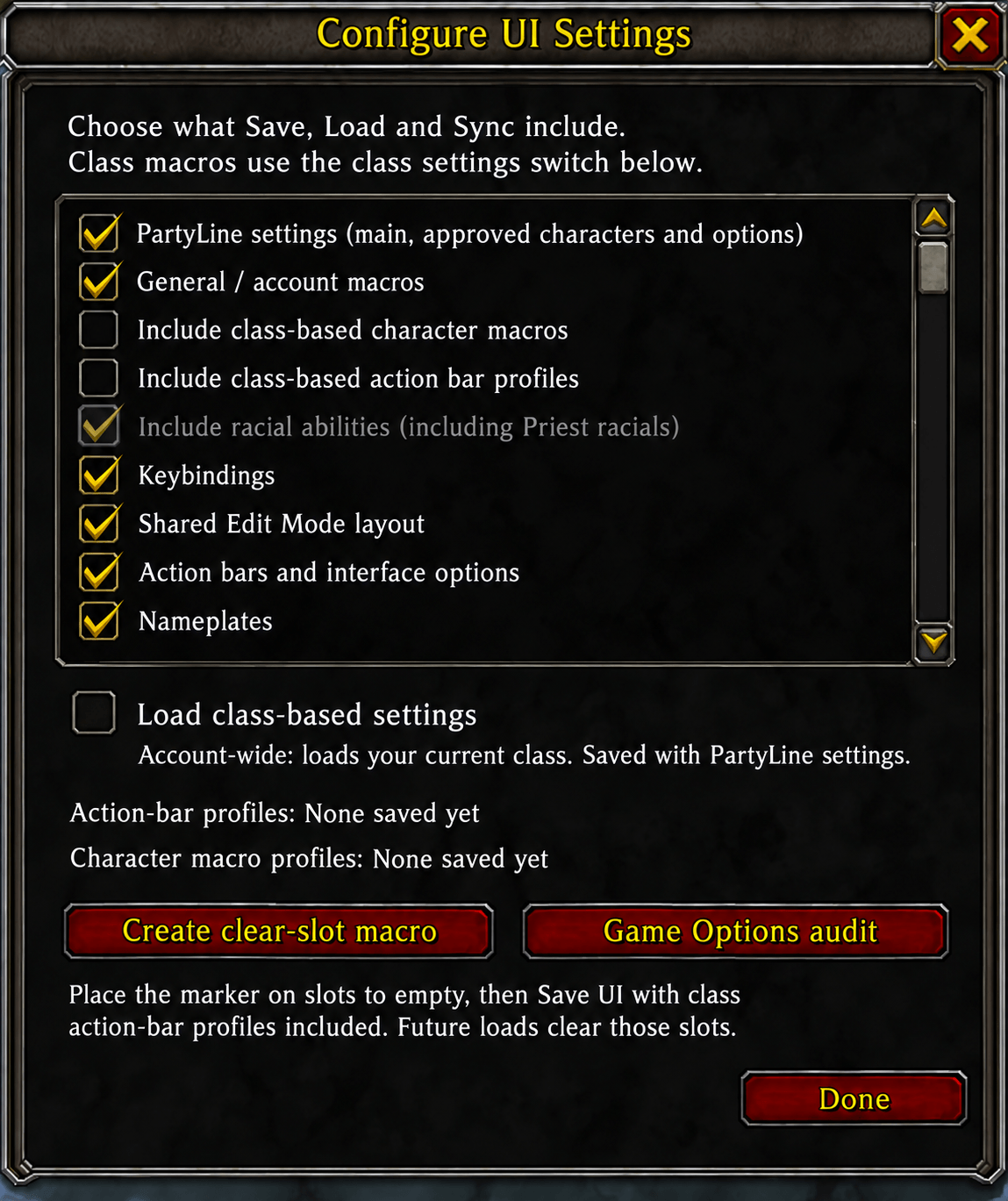
5ui-settings-config-1.0.0.png
Description
PartyLine helps you spend less time setting up characters and repeating routine tasks, so you can get on with playing.
Set up your interface once, save it as a profile, and reuse it on other characters. Choose what to copy—from keybindings and window positions to class-specific action bars, macros, and supported addon settings. You can keep different profiles for different setups and share them through copy-and-paste exports.
When playing with friends or moving between characters, PartyLine also handles everyday conveniences:
- Automatically accept group invitations and resurrection offers from characters you approve.
- Share eligible quests and flight destinations with your group.
- Forward whispers to your chosen main character.
- Optionally see item counts shared by your approved characters.
Each feature is optional. Choose which characters you trust, turn on the tools you want, and keep control over what gets shared.
/plor/partyline— Open PartyLine./pl sync— Share PartyLine settings with approved characters./pl invite— Invite all approved characters./pl follow— Follow your main character./pl assist— Target your main character’s target./pl clear— Cancel your queued flight./pl export— Export the selected UI profile./pl import— Import a UI profile from text./pl inventory— Open inventory-sharing settings./pl status— Show your current main and receiving status.
PartyLine Team

