


Parchmint
- By
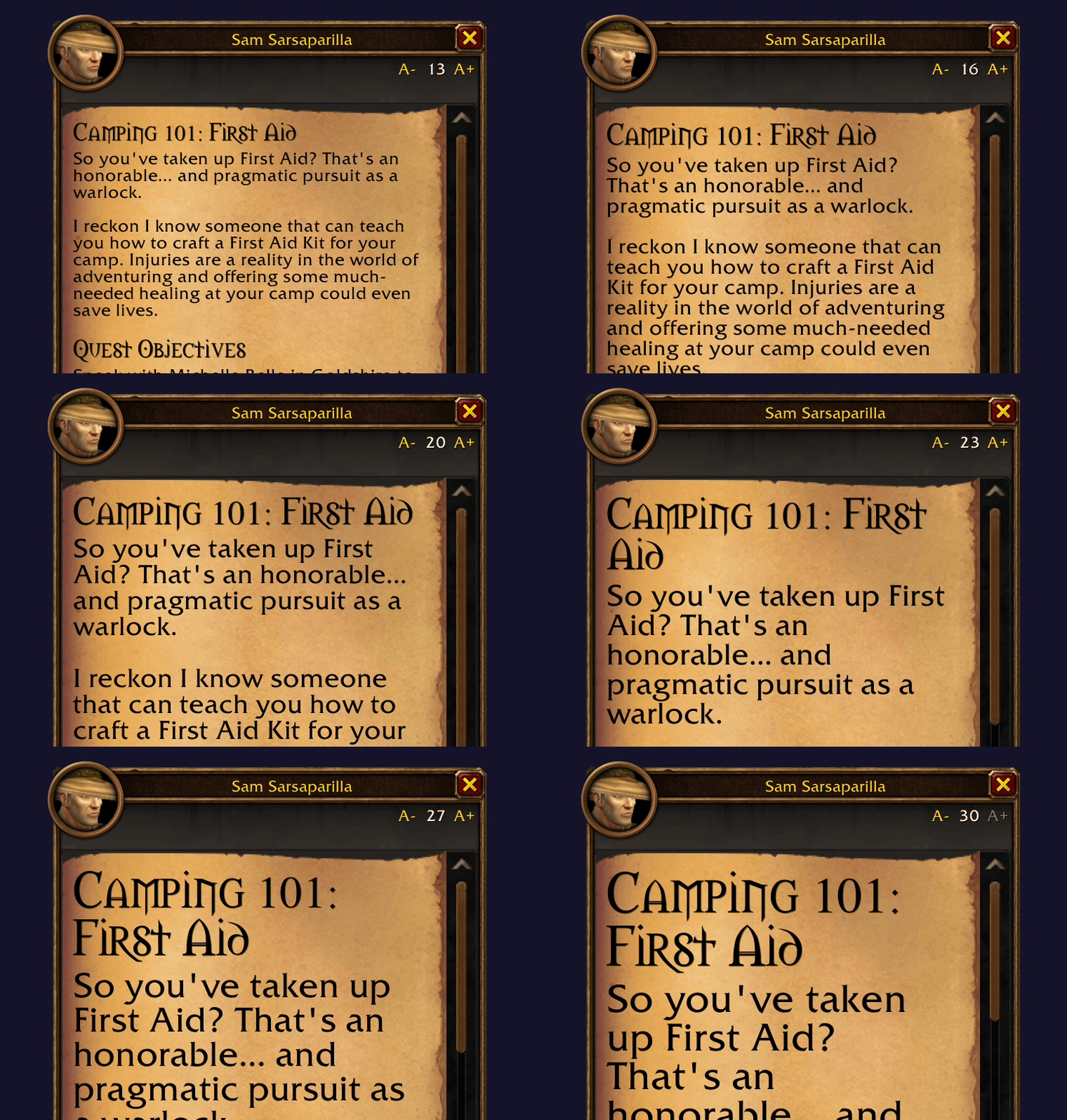
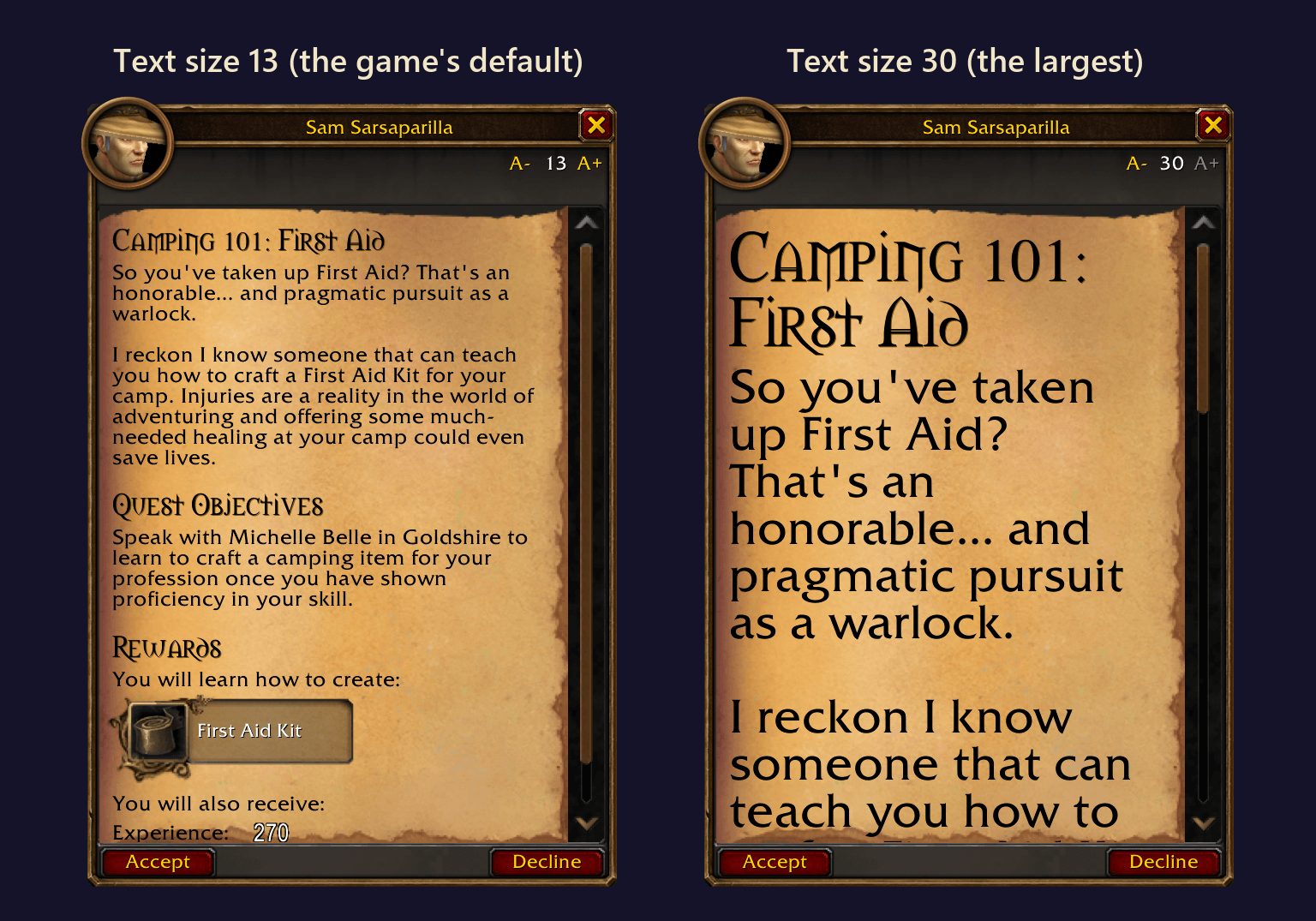
Bigger, easier-to-read quest text and NPC dialogue. Change the font size in quest and NPC windows.
resize.gif
before-after.png
npc-window.png
Description
Parchmint is a lightweight addon that lets you make quest text and NPC dialogue bigger.
Quest text in WoW can be small, and on 4k resolutions, it's almost impossible to read comfortably. The game's Text Scale setting doesn't reach quest text, and turning up UI Scale makes your whole interface bigger. Parchmint only resizes quest text and NPC dialogue, so your UI Scale can stay where you set it.
How to use
- Ctrl + mouse wheel over quest text or an NPC's dialogue. Each notch makes it one point bigger or smaller.
- A- / A+ show up in the top right corner when you hover a quest or NPC window. The number between them is your size.
- /parchmint 18 sets any size from 10 to 30. /parchmint reset puts it back to the game's normal size.
Your size is saved for your whole account, so every character uses it.
Where it works
- Quest givers: the quest list, the quest details, the progress check when you come back, and the reward screen.
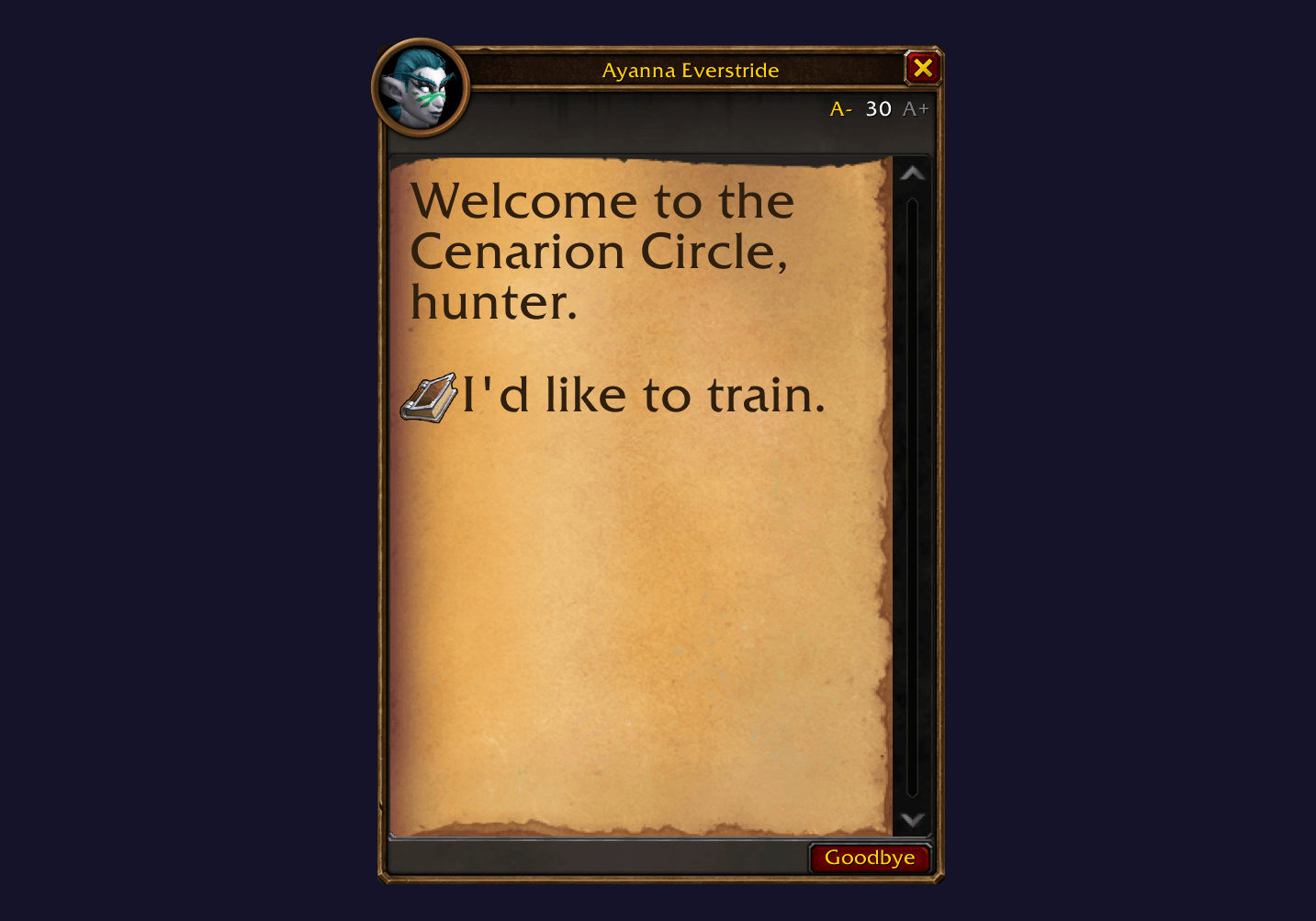
- NPC dialogue: the greeting and every option, spaced so no two lines overlap, even at 30.
- The world map's quest details and the pop-out quest window.
Titles, story text, objectives and headings all change size together.
Made by WarpCoder.
Parchmint Team
