
Parchment Reader – Notepad, Notes & RP Library
- By
Description
Parchment Reader
Your personal library in World of Warcraft.
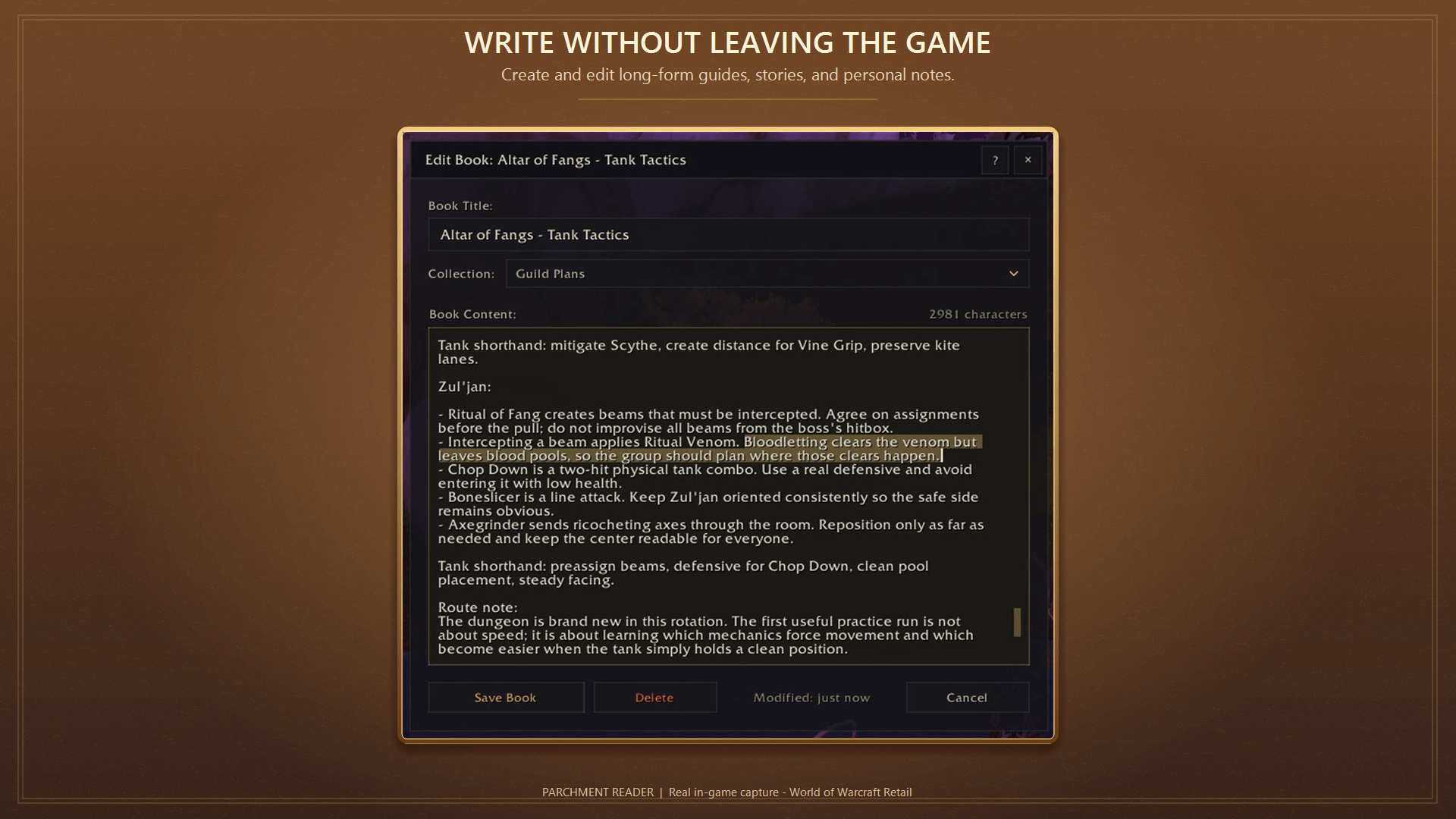
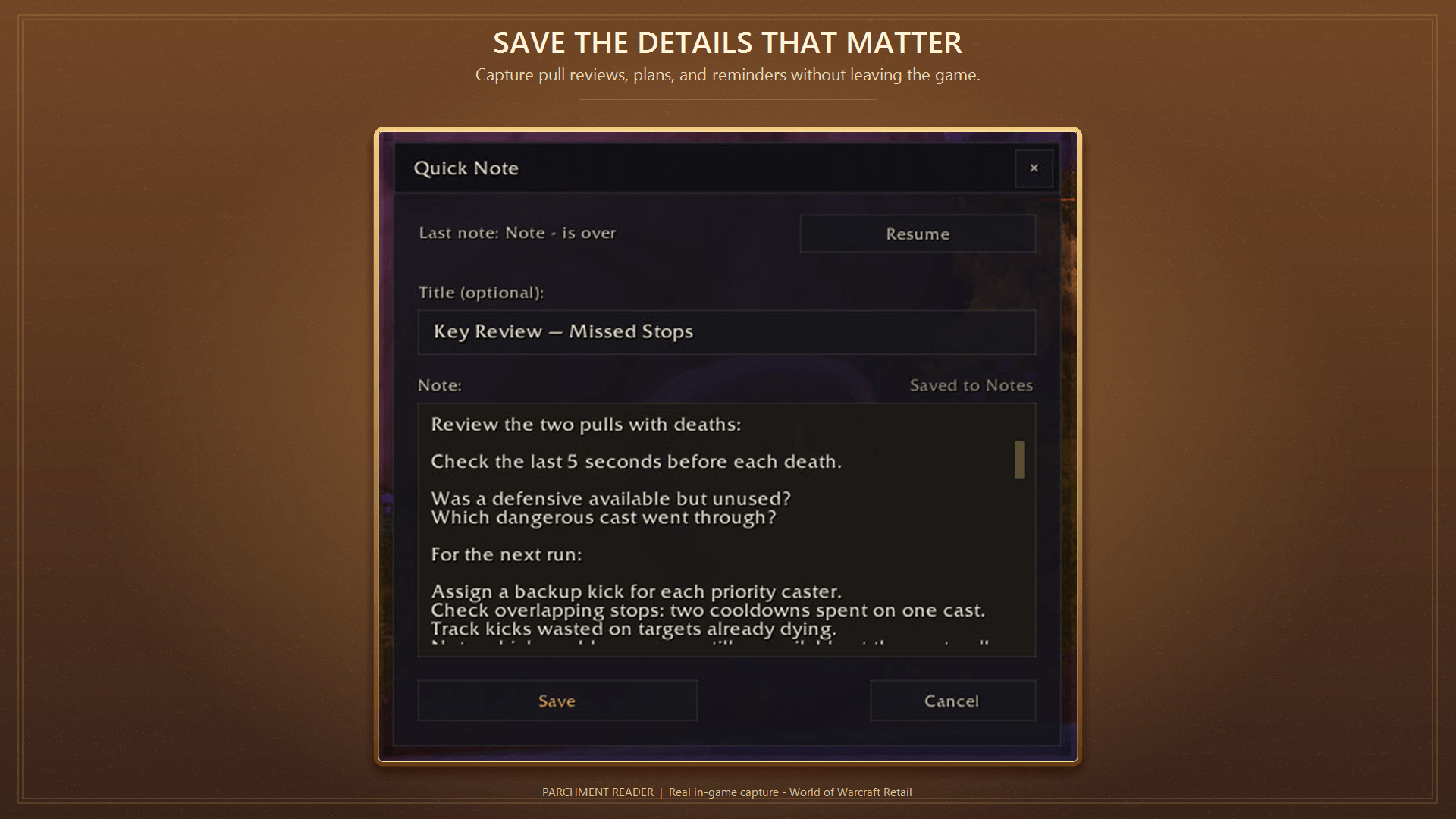
Keep stories, character journals, dungeon tactics, and guild plans close at hand. Write a quick note or settle into a book—all without leaving the game.
Make it yours
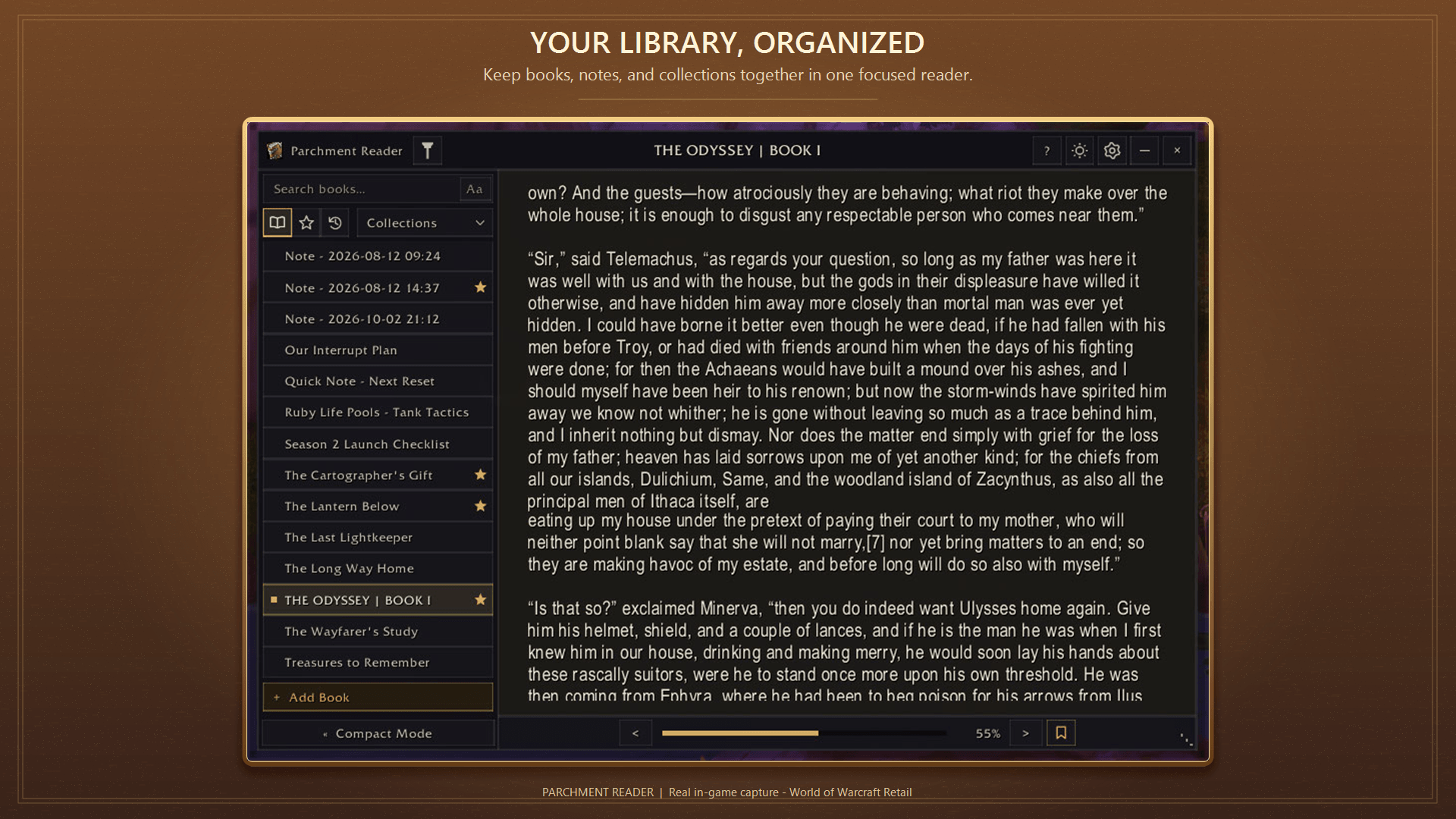
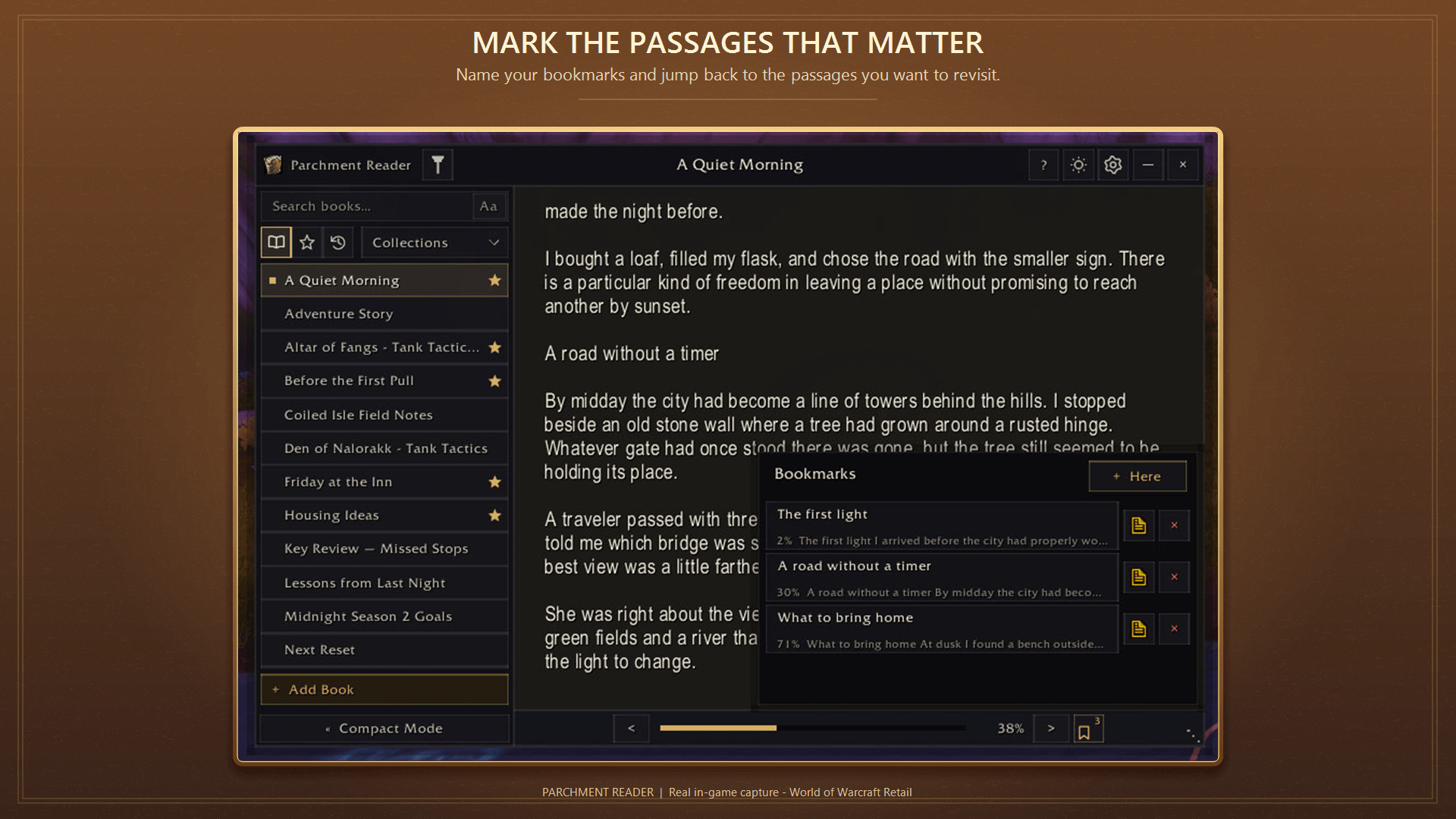
Create books and organize them into collections. Save favorites, bookmark passages, and pick up where you left off.
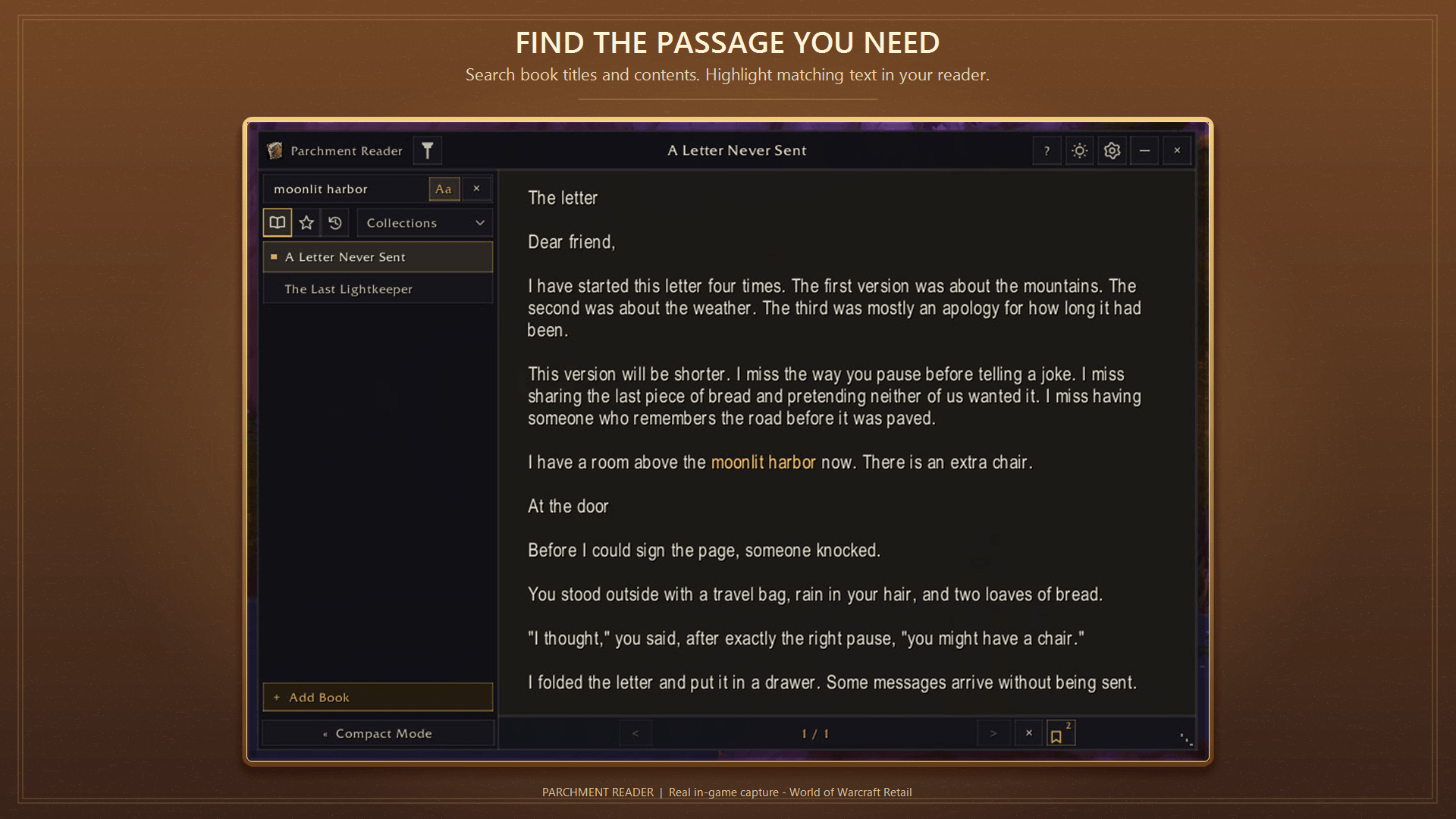
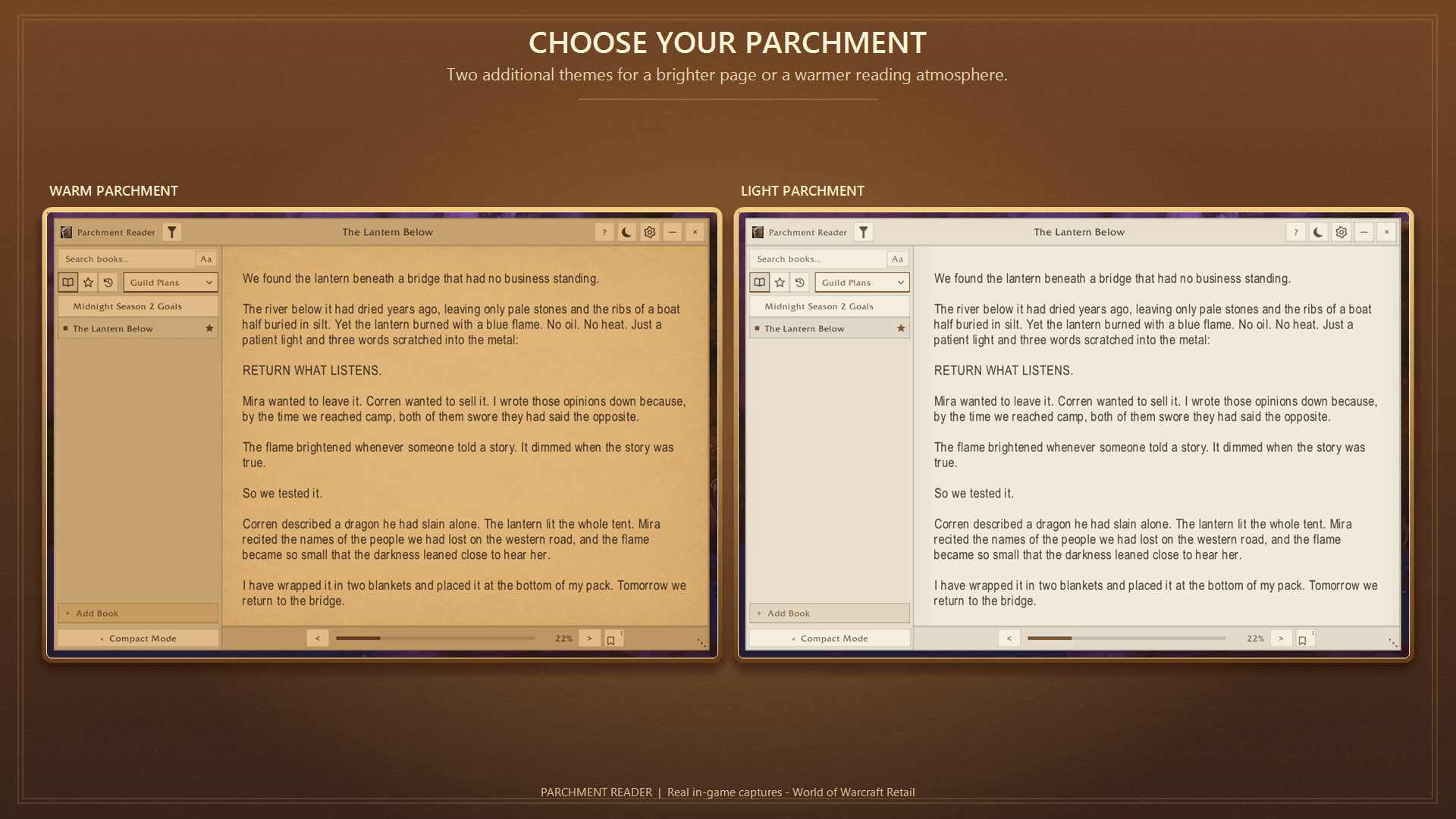
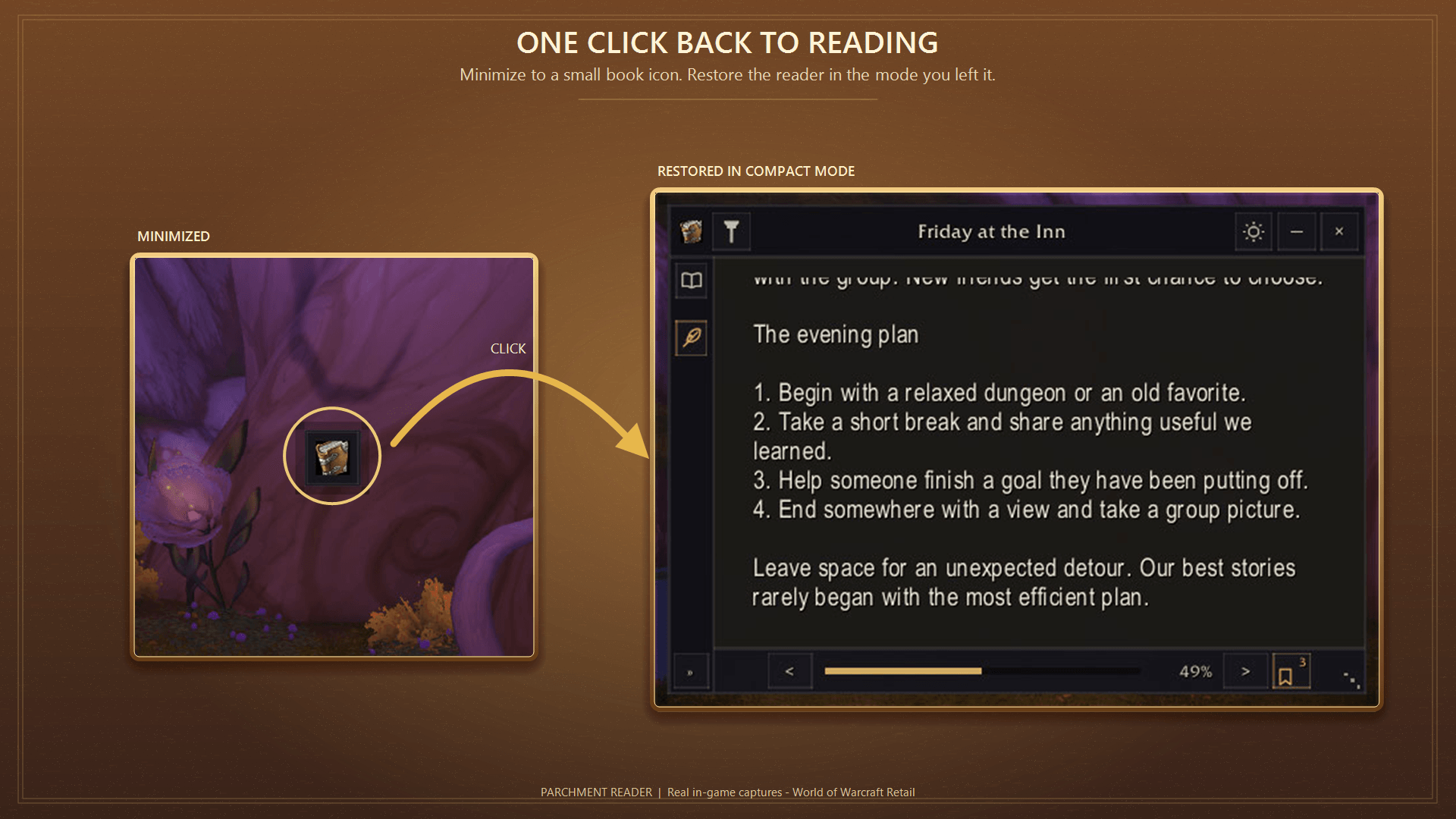
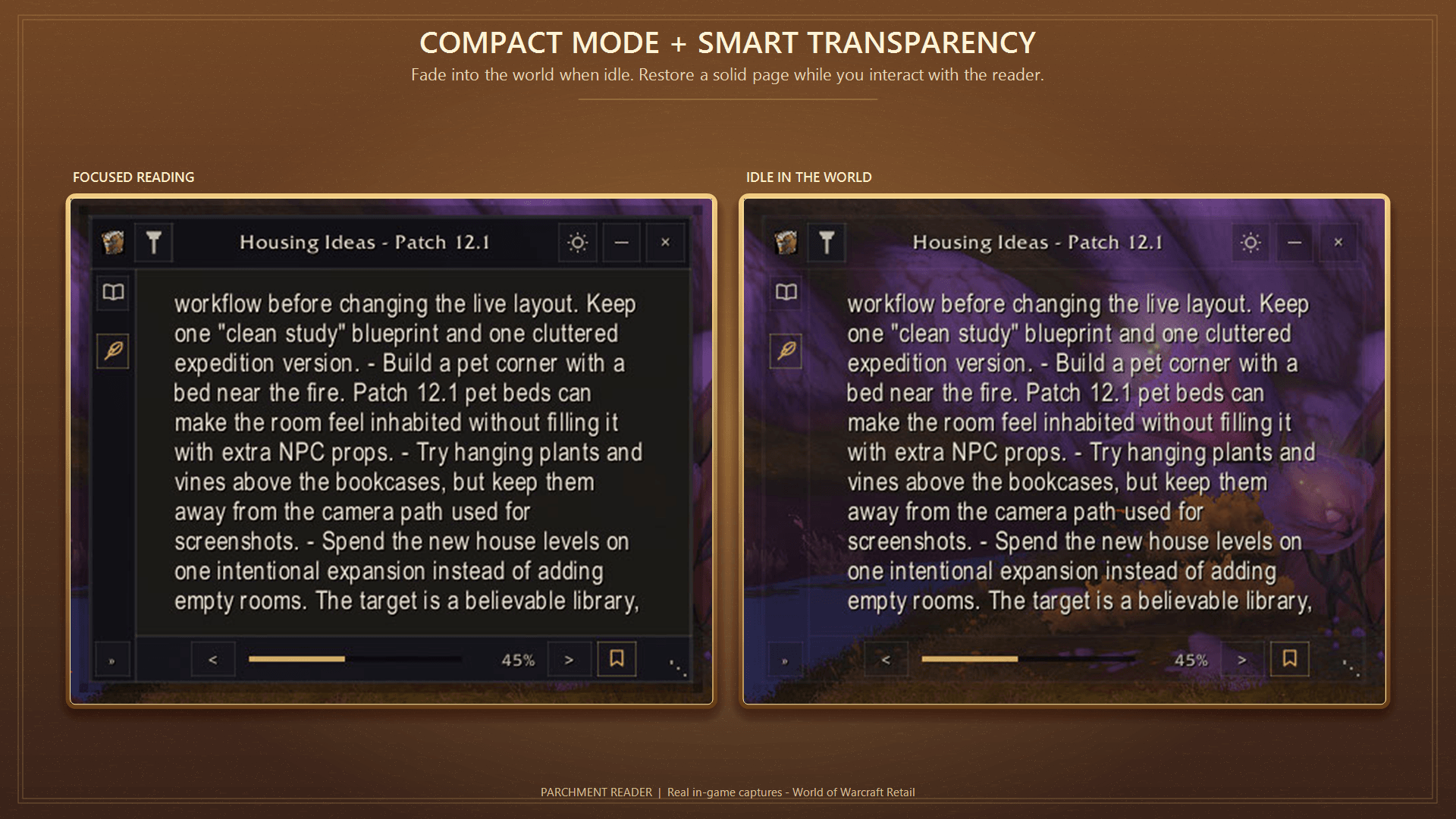
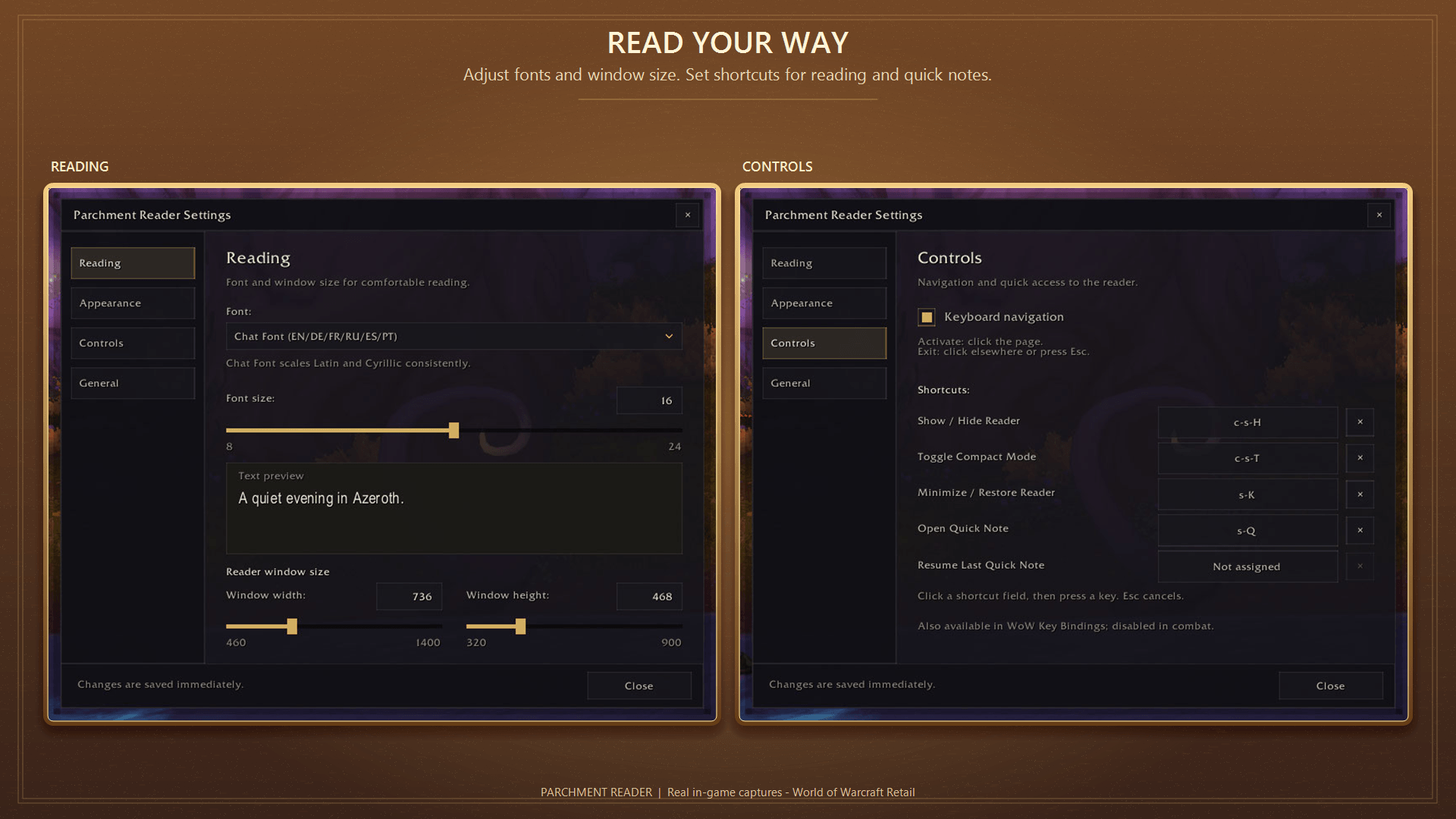
Find what you need with search—including text inside your books. Adjust the reader’s size, fonts, themes, transparency, and appearance to suit your UI, or minimize it to a small movable book icon.
Open and read
Click the minimap button, type /reader or /pr,
or assign a key binding.
Right-click the minimap button for settings. Ctrl-click for a Quick Note.
Your books, bookmarks, reading positions, and settings are saved automatically.
Compatibility
Supports Retail, WoW Forever, Mists of Pandaria Classic, Burning Crusade Classic Anniversary, and Classic Era. No dependencies required.
Available in English, German, French, Russian, Spanish, and Brazilian Portuguese.
Your library stays with you
Books and settings are saved locally. Back up your WTF folder when reinstalling WoW or moving to another computer.
Feedback
Found a bug or have an idea? Please open an issue on GitHub:
Parchment Reader – Notepad, Notes & RP Library Team
