Paper Bacons Follow the Leader
- By
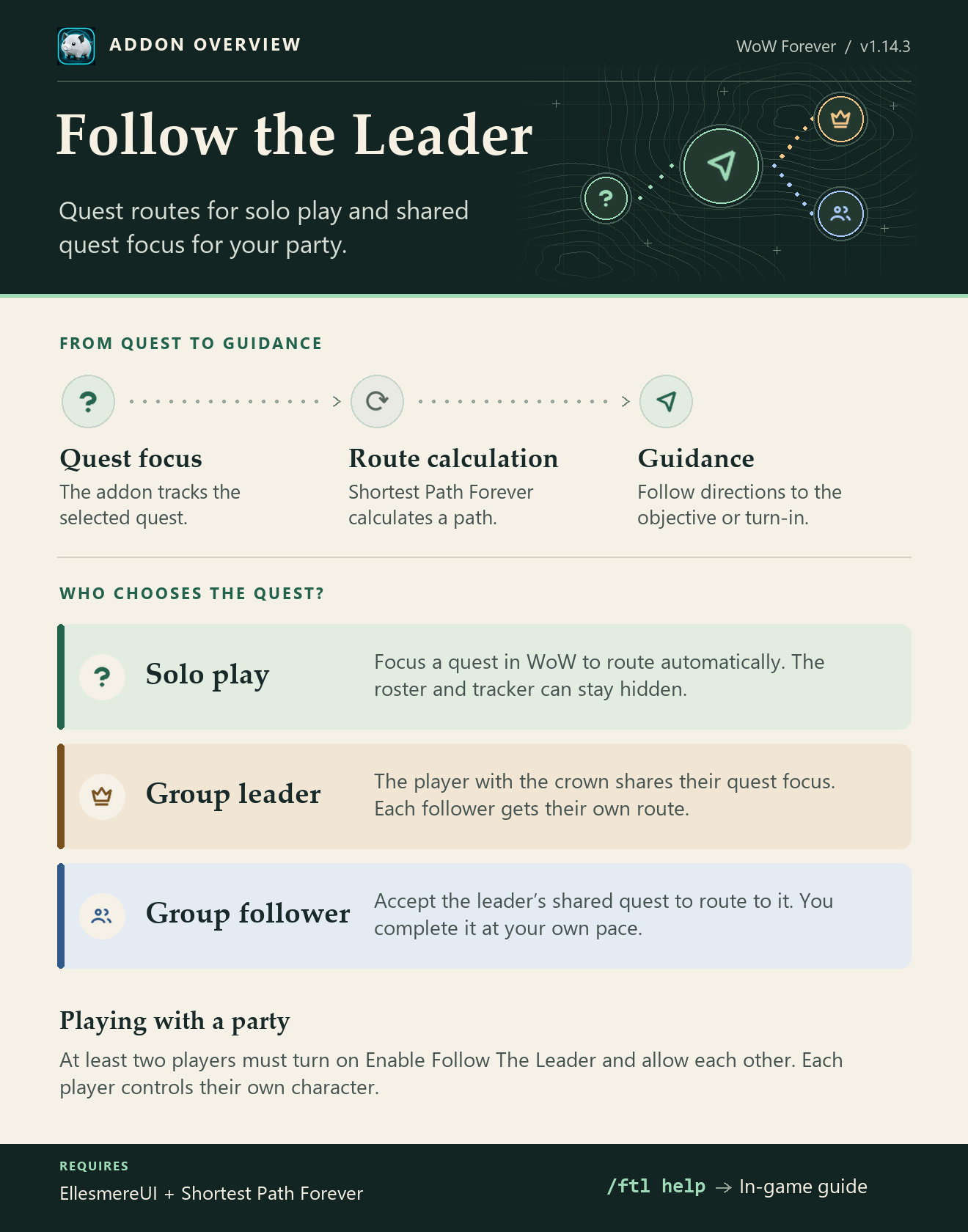
Follow the Leader guides you, and optionally your party members, to your focused quest using Shortest Path Forever.
1.jpg
2.jpg
Description
Have a friend who forgets what quest you are doing, or gets distracted while traveling to a quest? Follow the Leader might be for you!
Disclosure: AI was used in the creation of this addon.
Solo questing
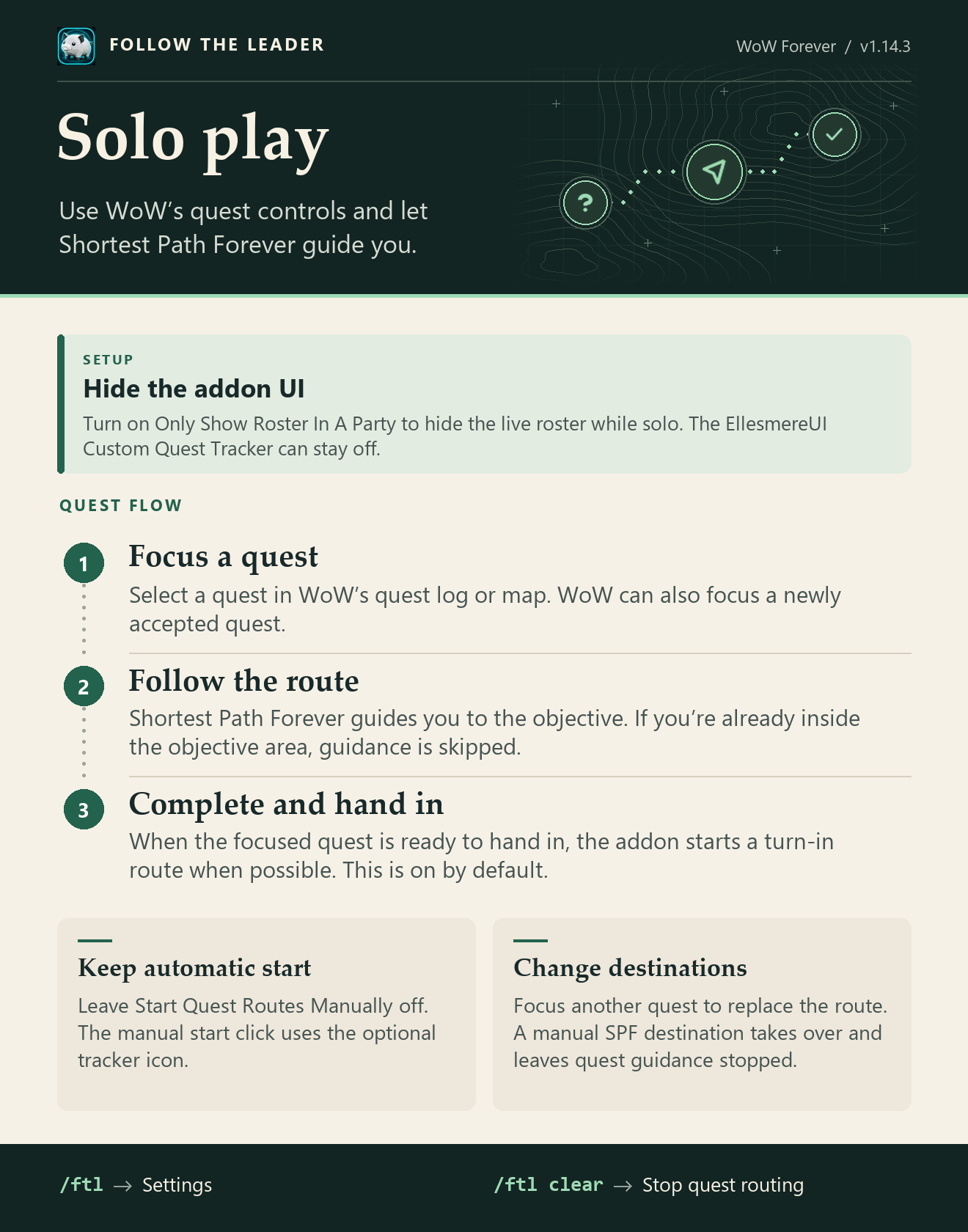
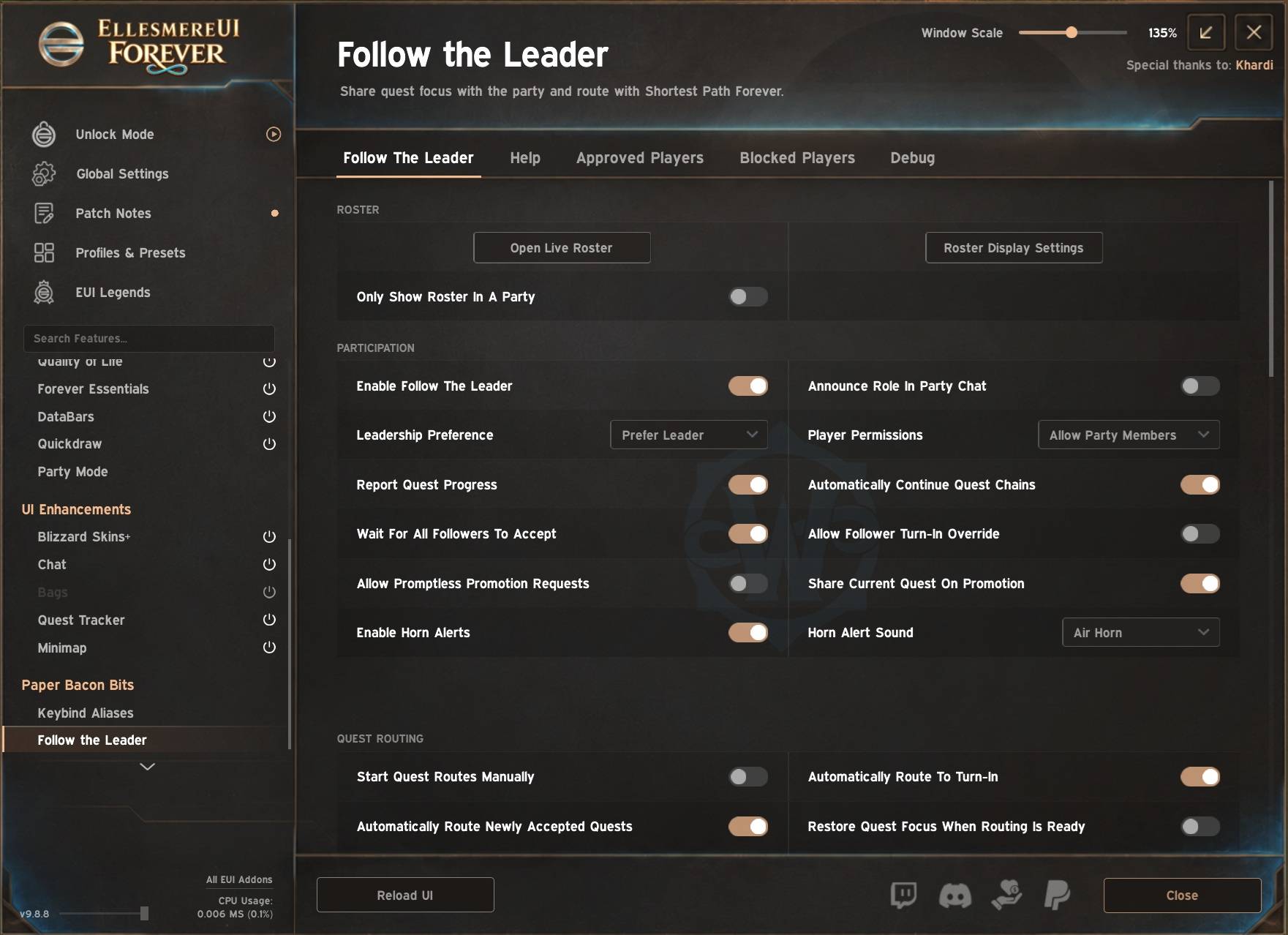
Focus a quest to get directions to its objective and, once it’s complete, to its turn-in. Turn on Start Quest Routes Manually if you prefer to start routes with a click. Change your focused quest at any time to change route guidance.
Party quest sharing
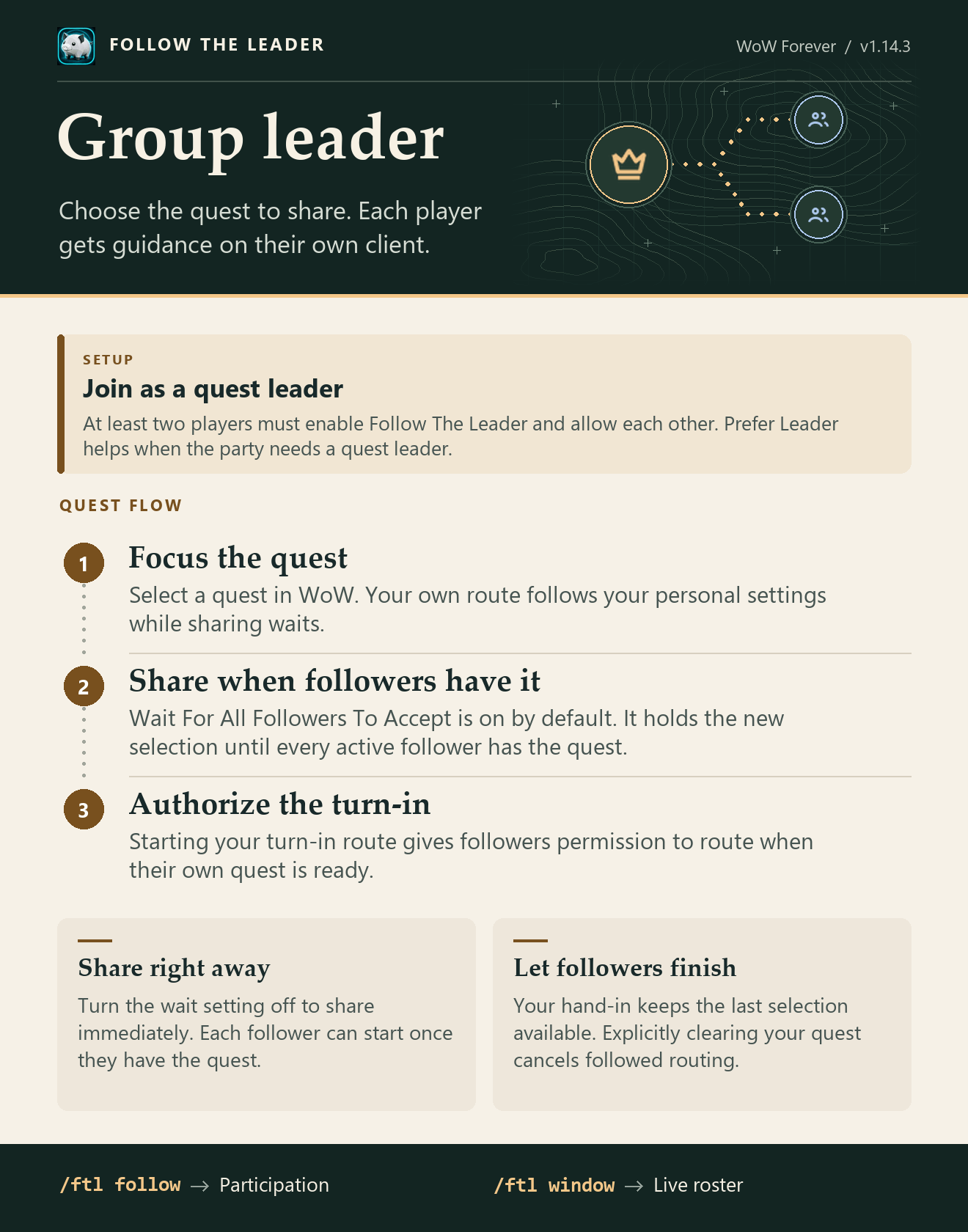
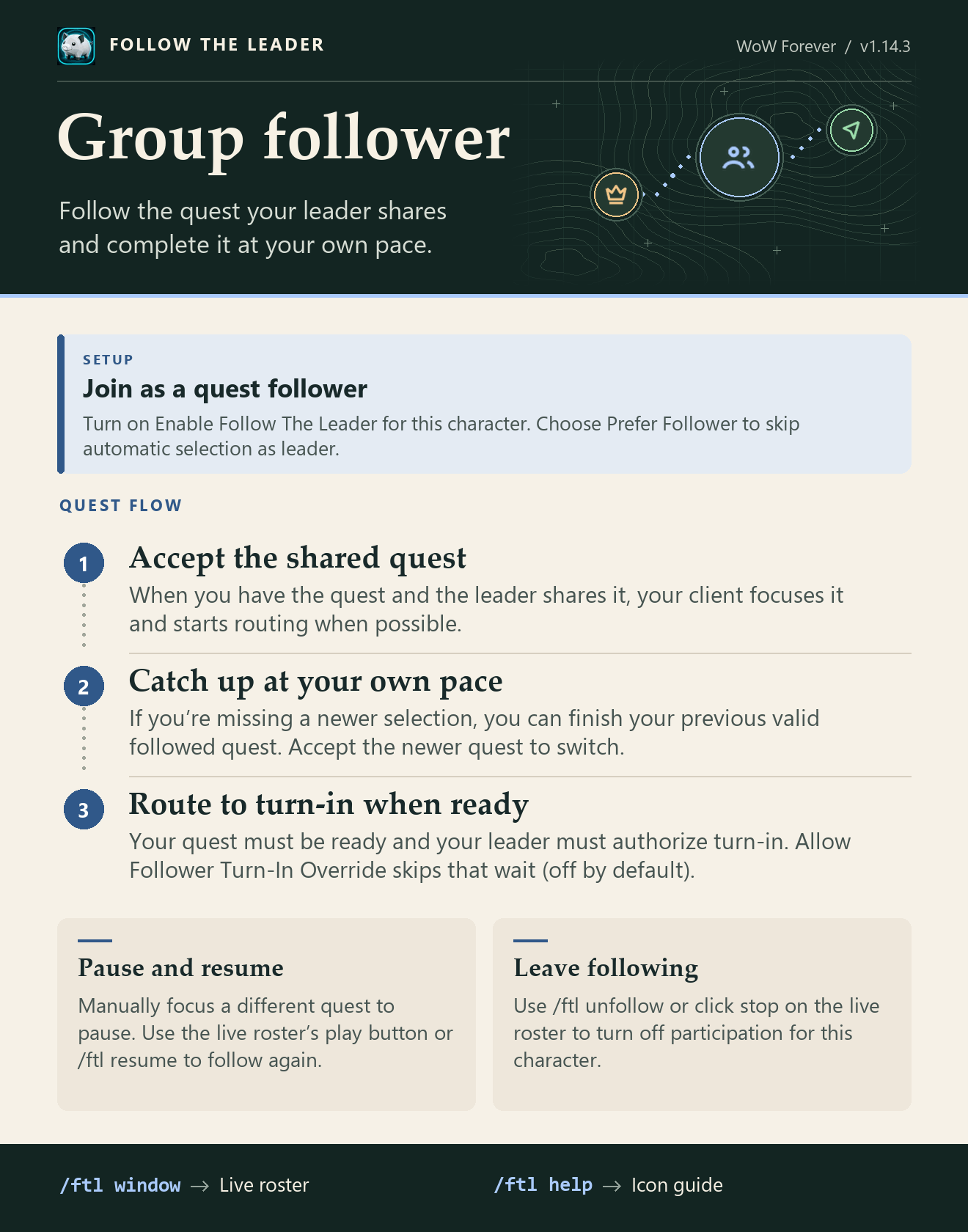
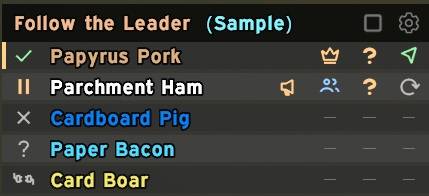
Party members who install the addon and enable Follow The Leader elect a quest leader. When the leader focuses a quest, followers can automatically focus and route to it. By default, the leader waits for all active followers to accept the quest before sharing it. Use the live roster to see who’s following, which quest they’re focused on, and whether their route is active.
Features
- Get directions to quest objectives and turn-ins through Shortest Path Forever, with optional manual starts.
- Automatically elect a quest leader based on participating party member leadership preferences (prefer to lead, prefer to follow, no preference) and allow quest followers to receive navigation guidance from the quest leader.
- Wait for all active followers to accept a new quest before sharing it, or let each follower start as soon as they accept.
- Pause following by focusing a different quest and resume from the roster.
- See party roles, focused quests, and route status in an always-visible, customizable roster.
- Offer or request quest leadership directly from the roster.
- Send optional horn alerts using each recipient’s chosen sound.
- Manage who can participate with approved and blocked player lists.
- See route status and use route controls directly in EllesmereUI Quest Tracker, when installed.
Requirements and setup
Follow the Leader requires EllesmereUI and Shortest Path Forever on WoW Forever. EllesmereUI Quest Tracker is optional and adds route icons and click controls.
Use /ftl for routing settings or /ftl follow to enable party sharing. The roster opens automatically.
Paper Bacons Follow the Leader Team