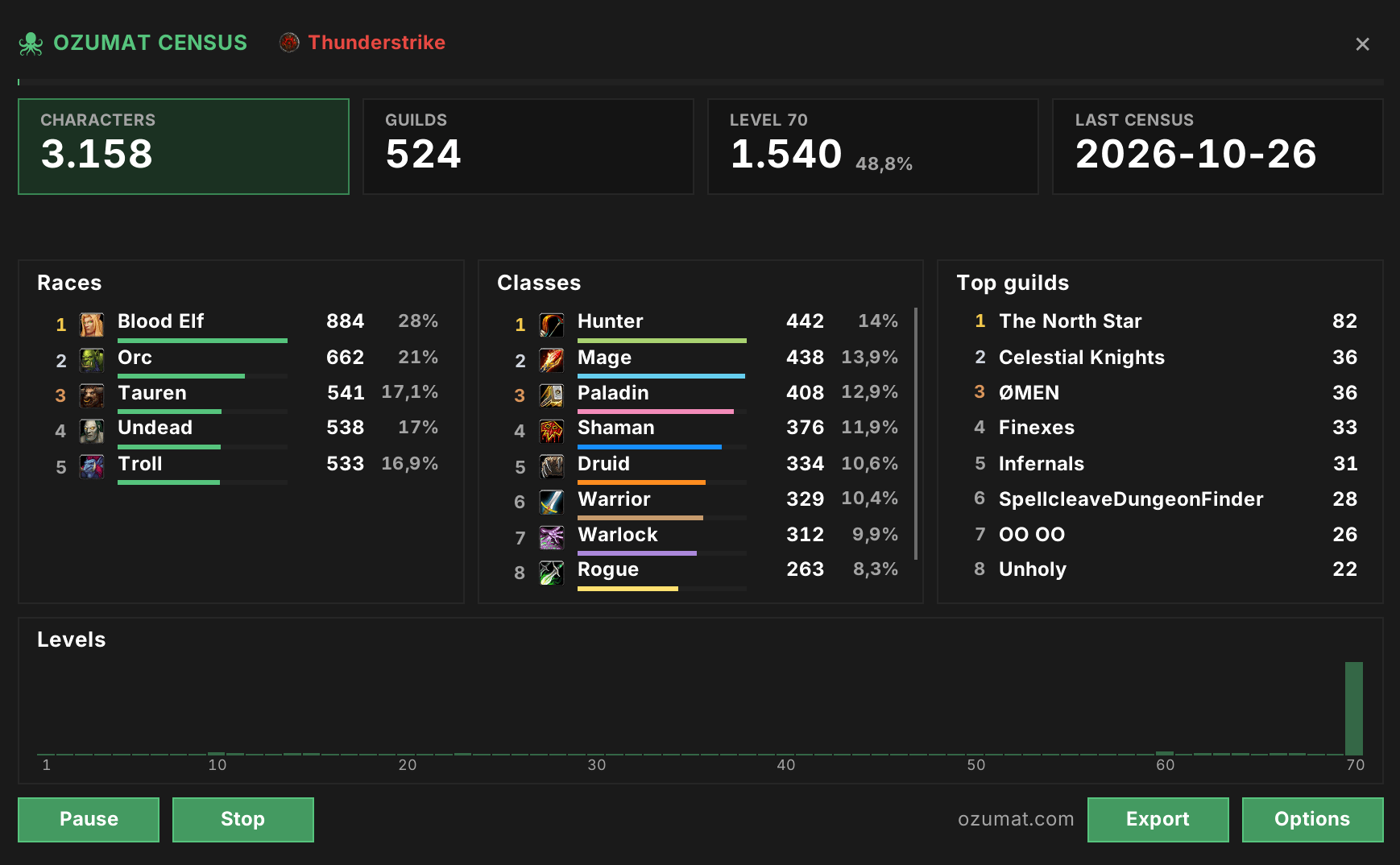
Shows what the addon looks like in Anniversary TBC
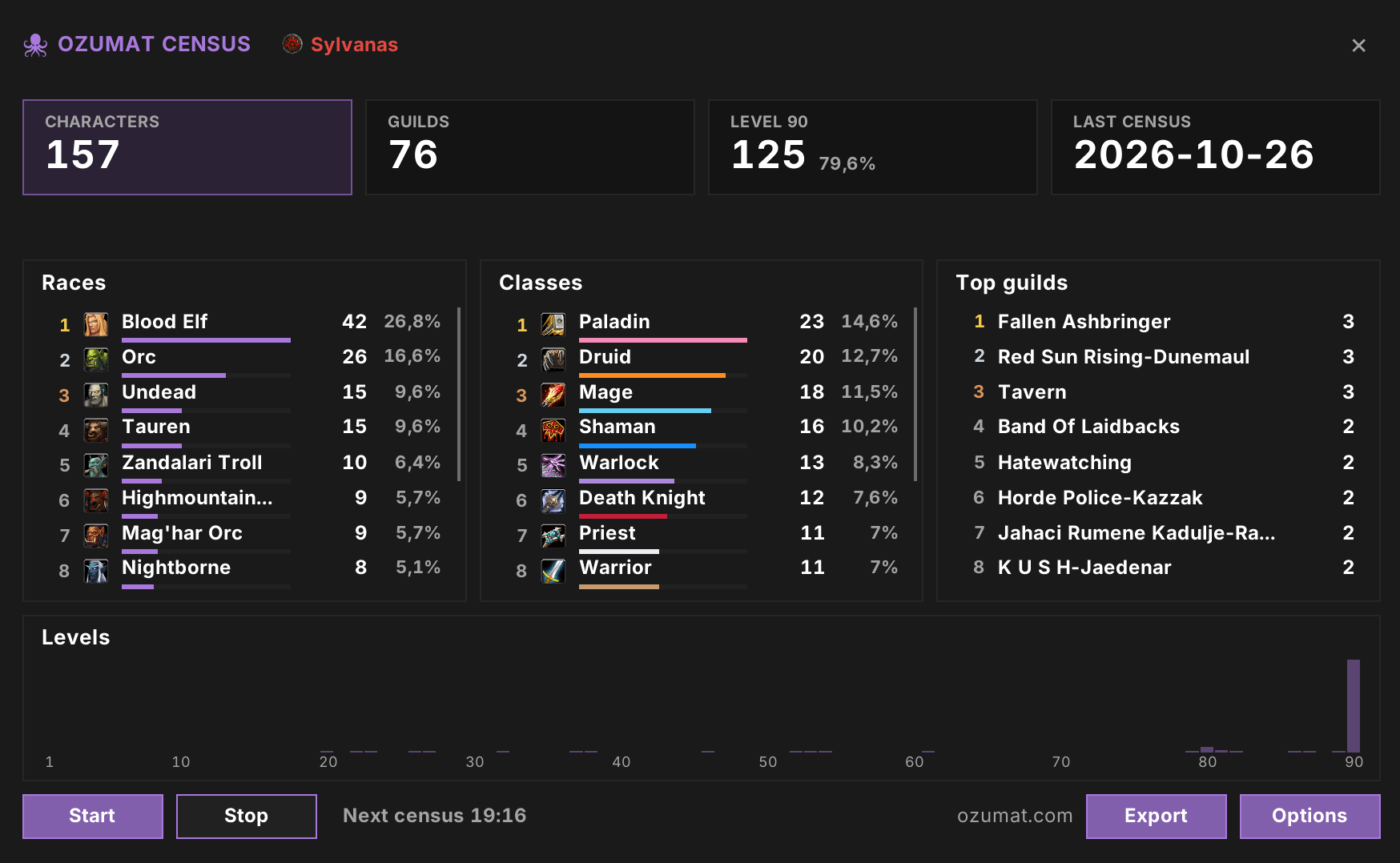
Shows what the addon looks like in Retail
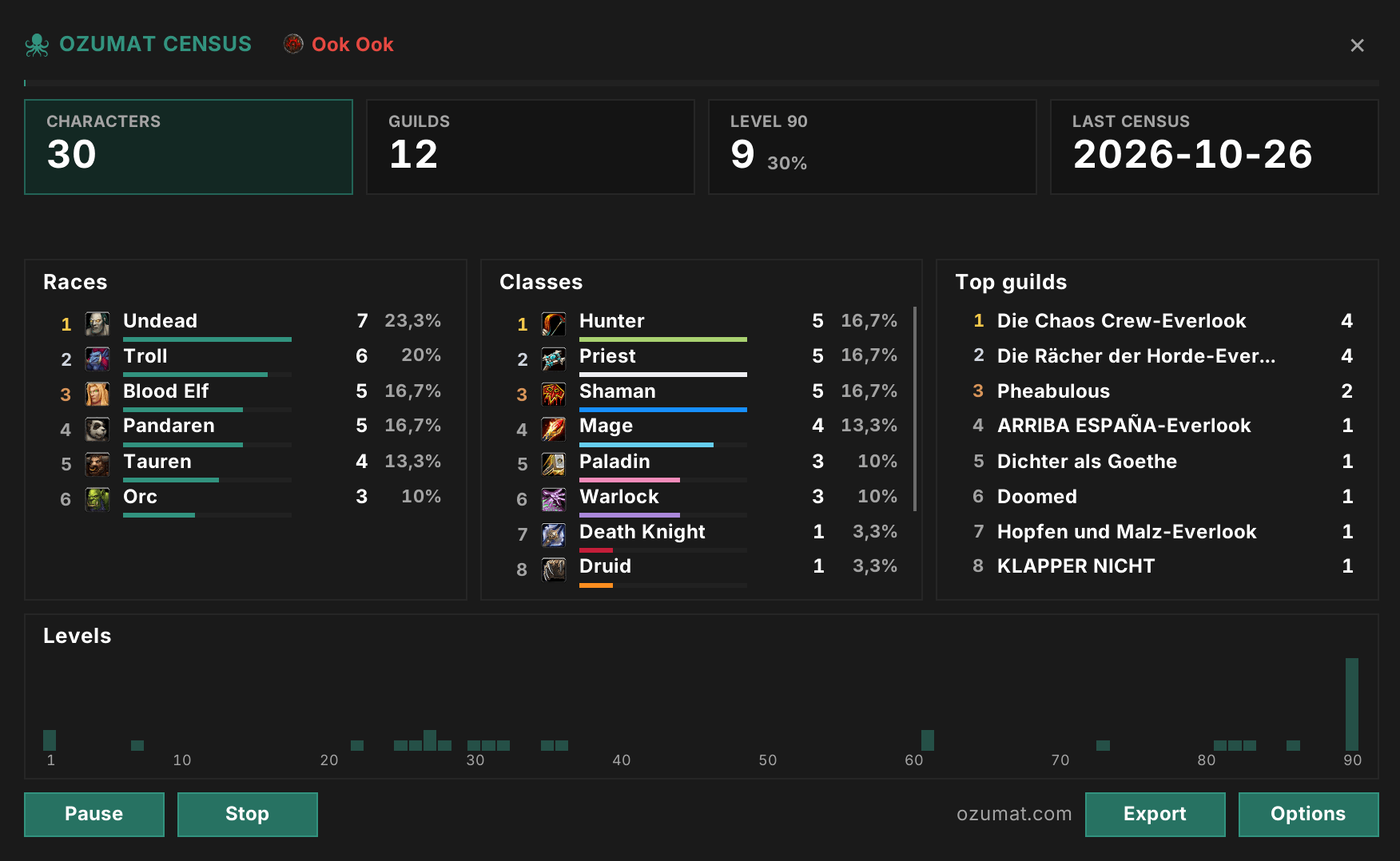
Shows what the addon looks like in Classic MoP
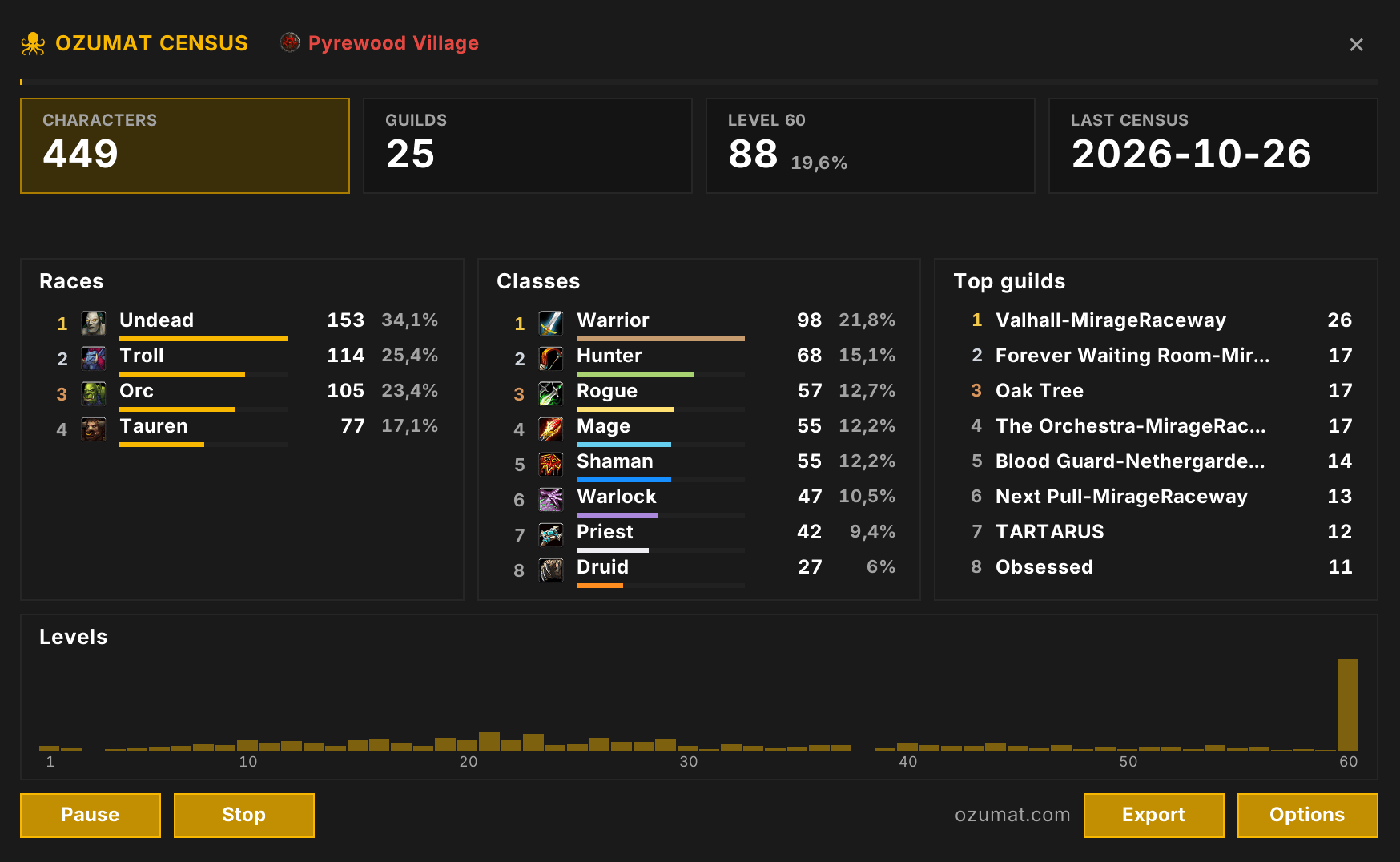
Shows what the addon looks like in Classic ERA
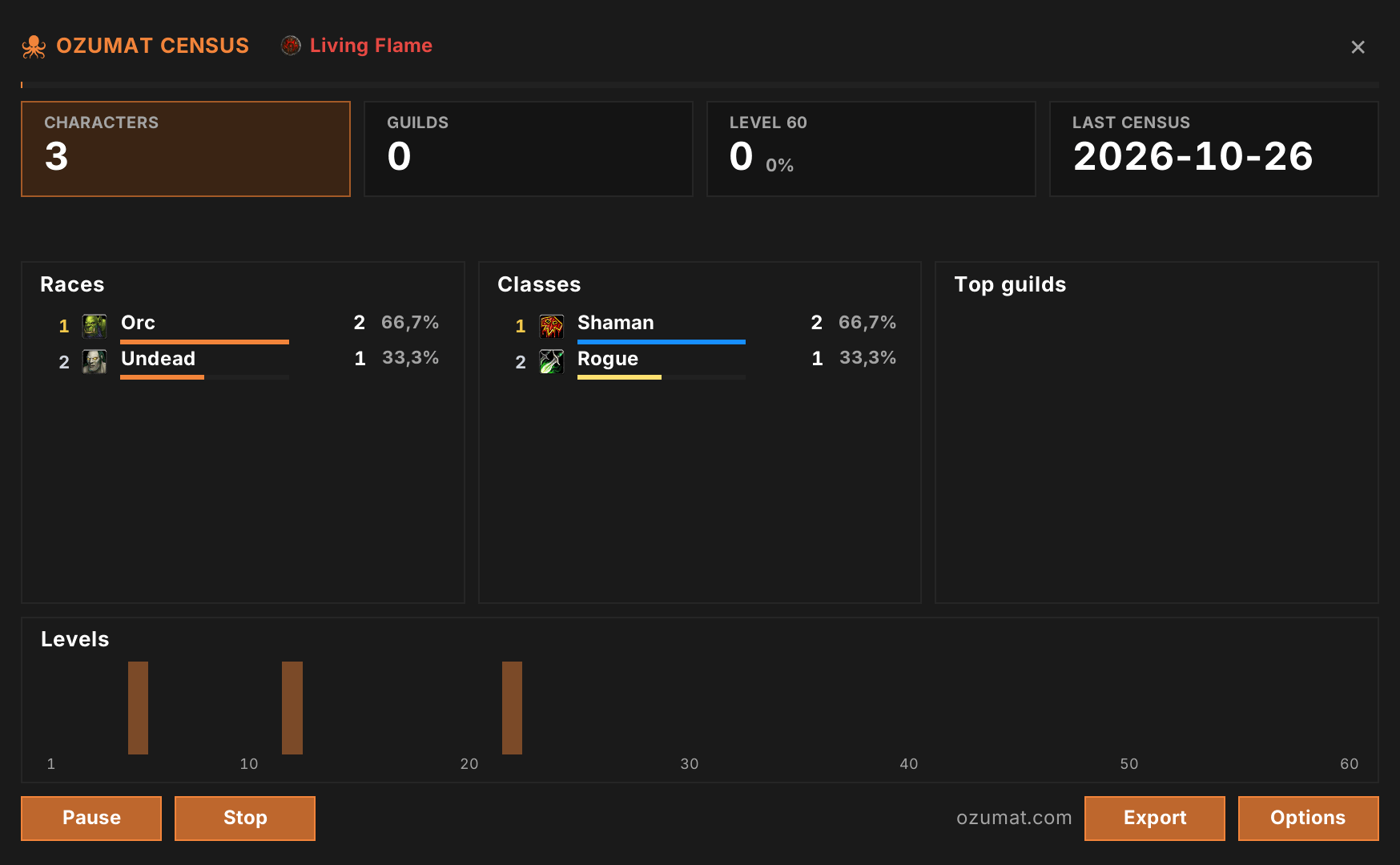
Shows what the addon looks like in Classic SoD
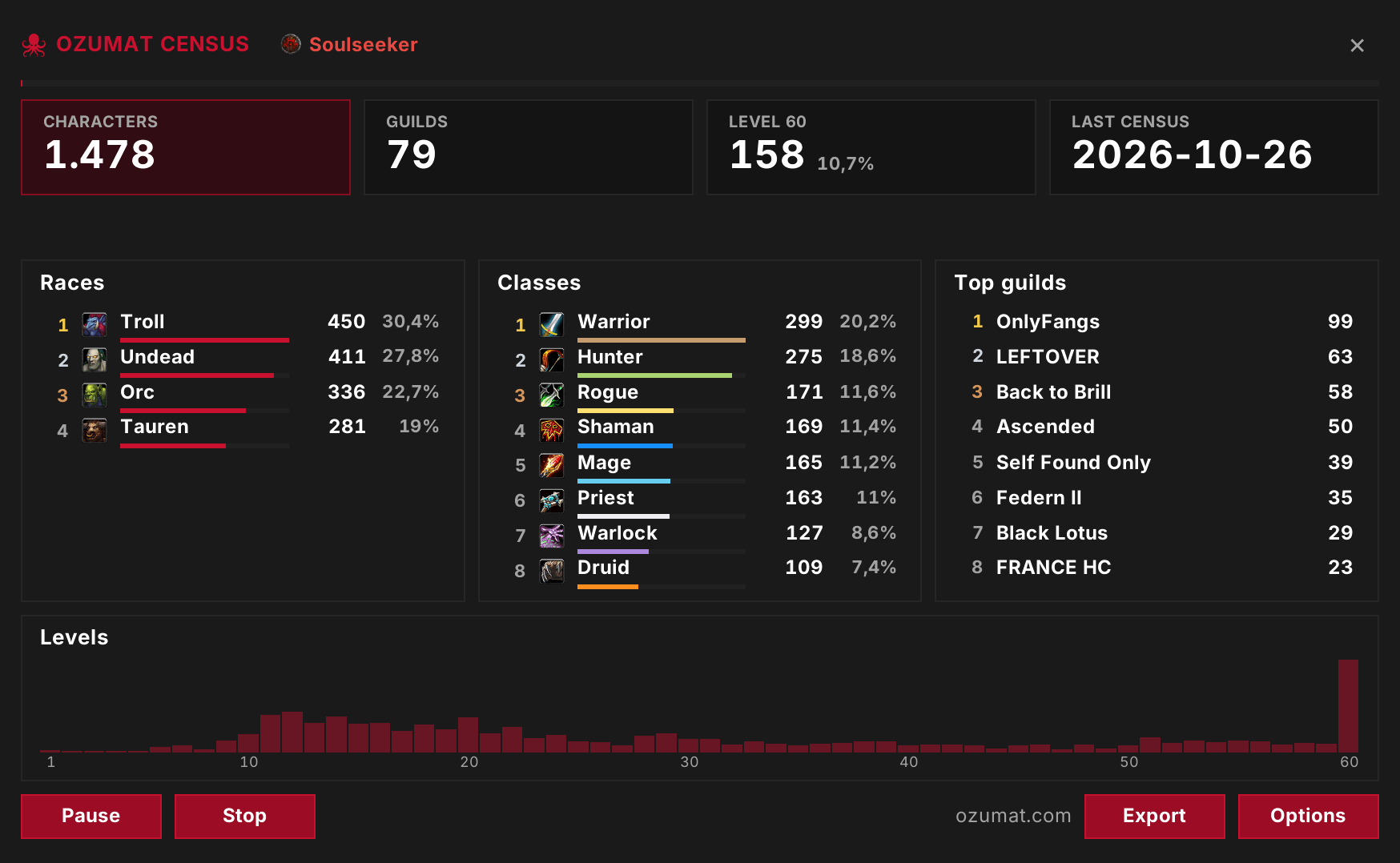
Shows what the addon looks like in Classic HC
Description
Ozumat Census
Ozumat Census runs /who for you and counts every character it finds on your realm and faction. You can look through the results in game, or export them and upload them to ozumat.com, where they're added to the census.
Works on any version of the game.
In game
It runs automatically whenever you make an input.
Automation can be disabled if you prefer to run it manually.
You can browse the collected data and combine filters.
Use Prune to clear out old entries.
Website
Click Export in the addon, copy the text, then paste it on ozumat.com.
The site has census data for every region: races, classes, specs, levels, realms and guilds. You can filter by any of them, look up a character or guild, and see a character's gear, talents and stats.
Commands
/ozumatopens or closes the window/ozumat takestarts a census/ozumat stopstops it/ozumat optionsshows your settings
Ozumat Census Team