Oxed Hub - All In One Alerts System
- By
Oxed Hub is a unified interface designed to bring your World of Warcraft experience to life through custom triggers and reactions.
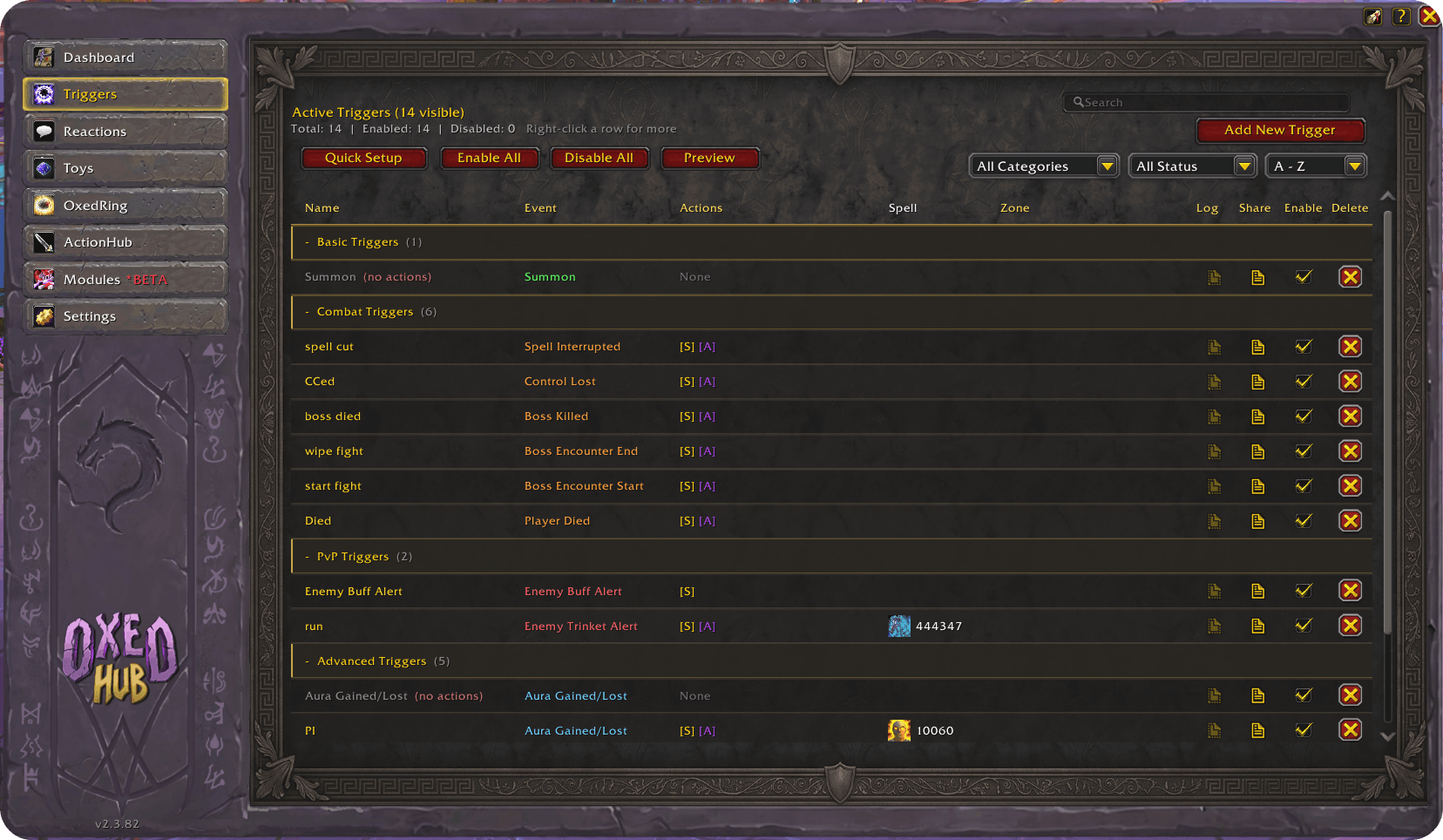
image 1 (4).png
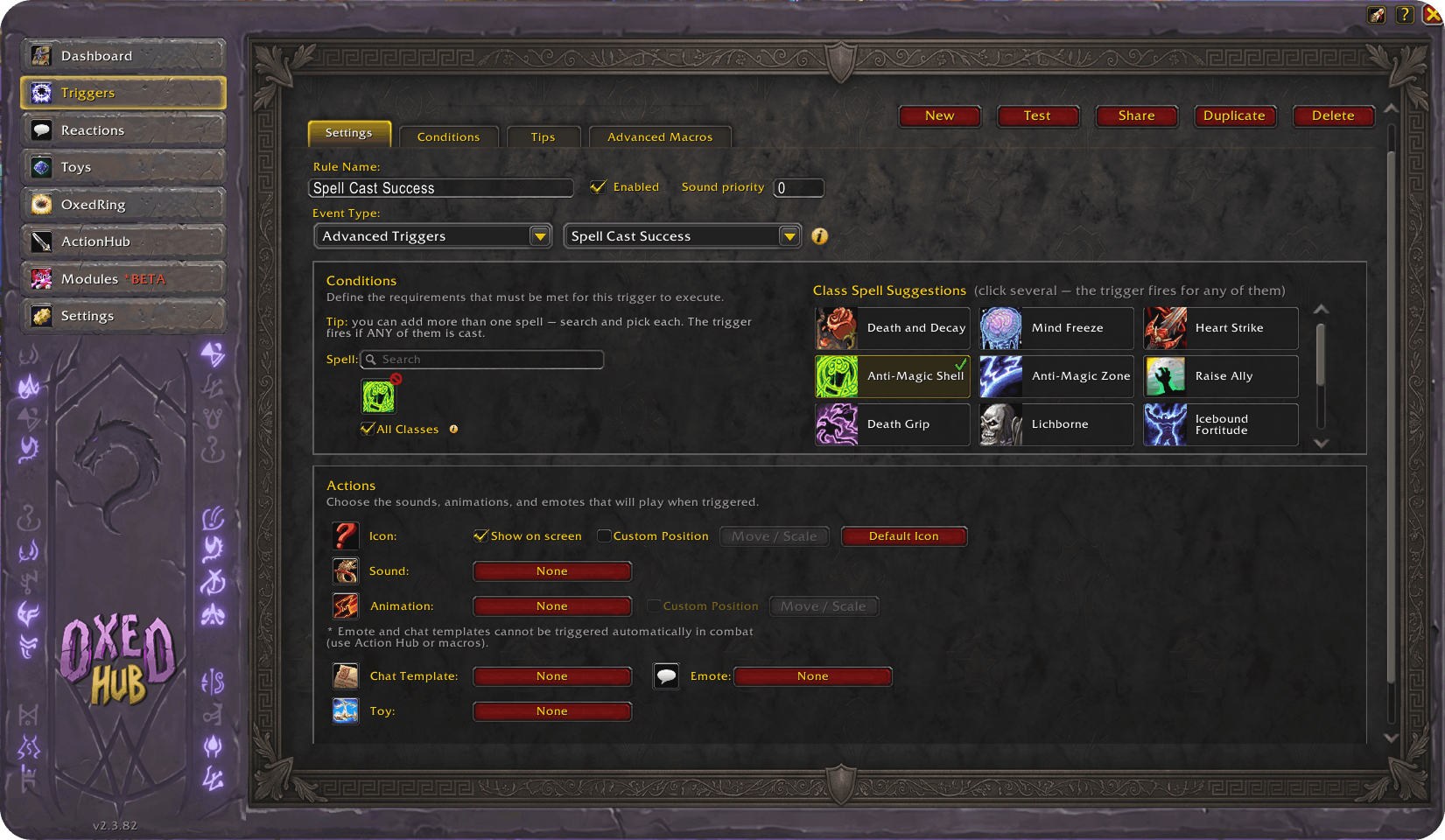
image 2 (2).png
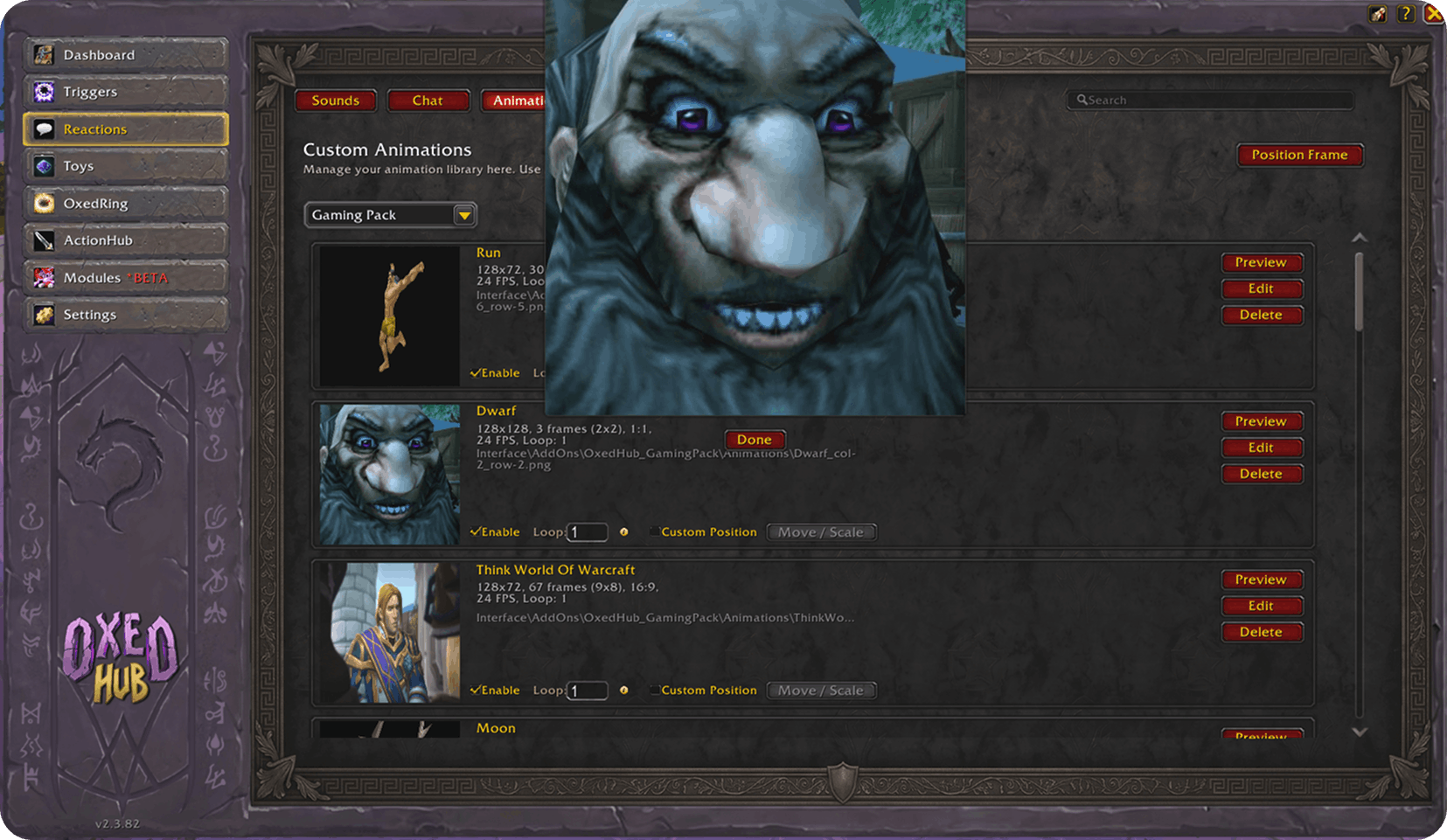
image 3 (5).png
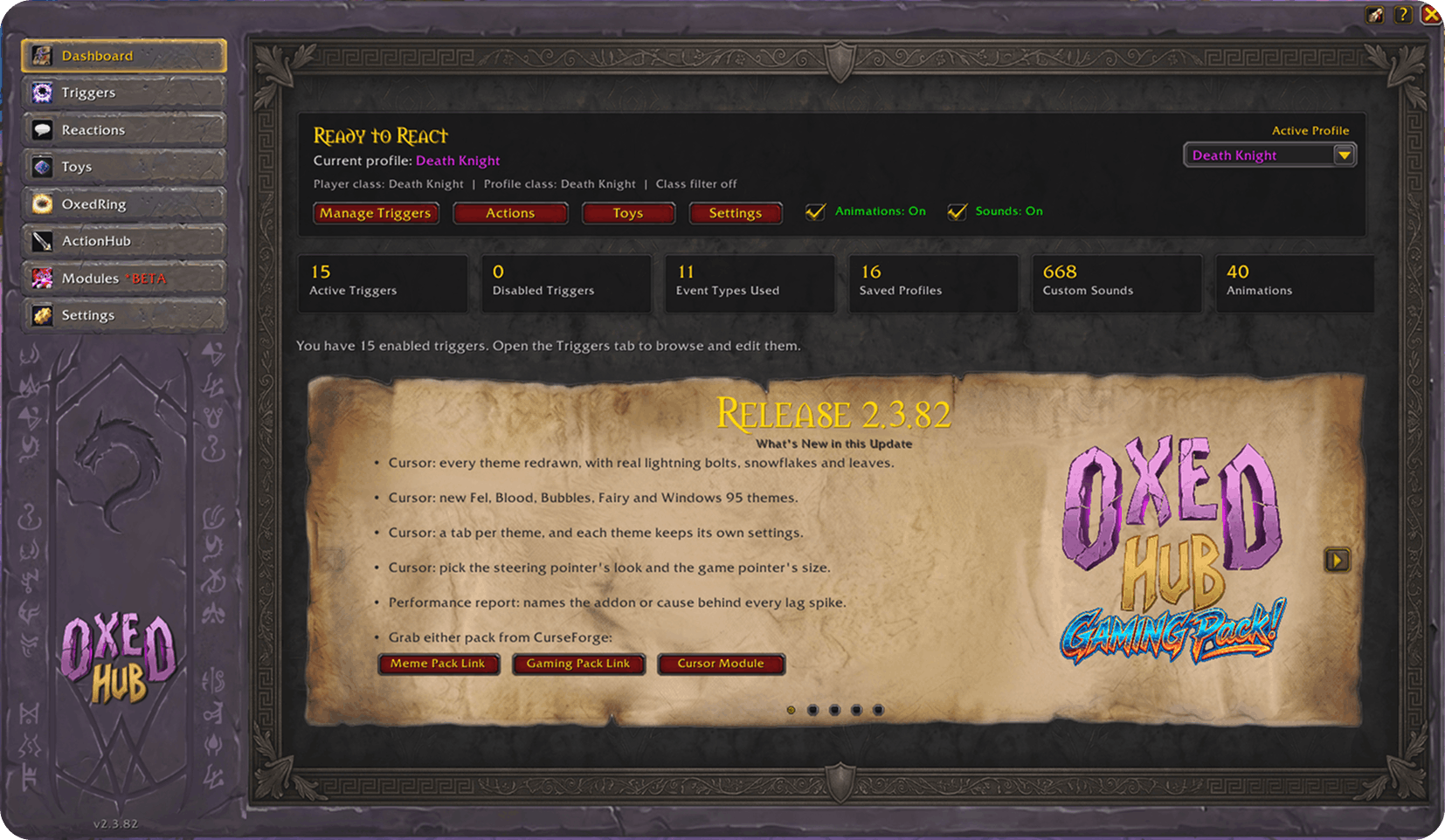
image 15.png
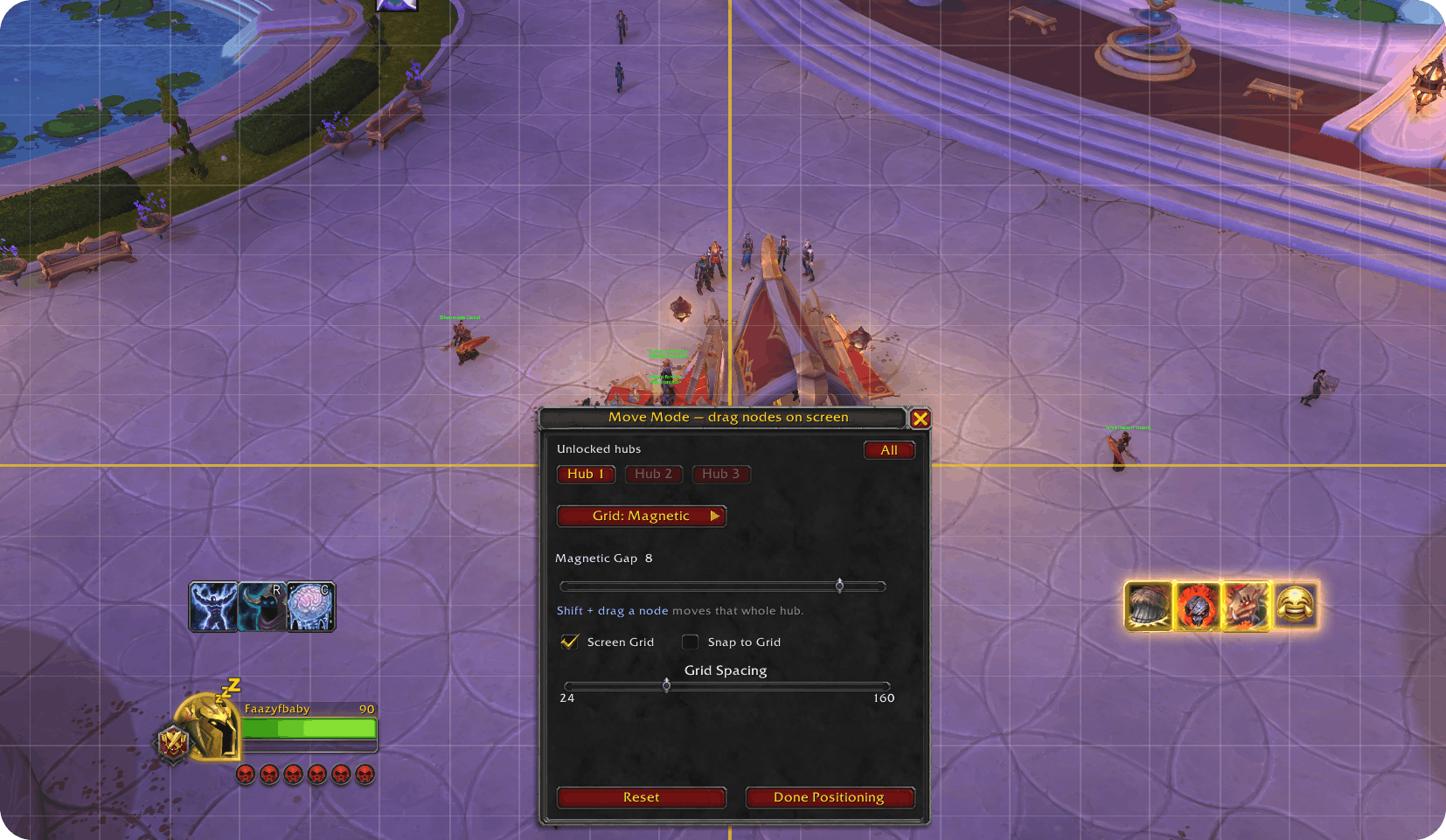
image 5 (3).png
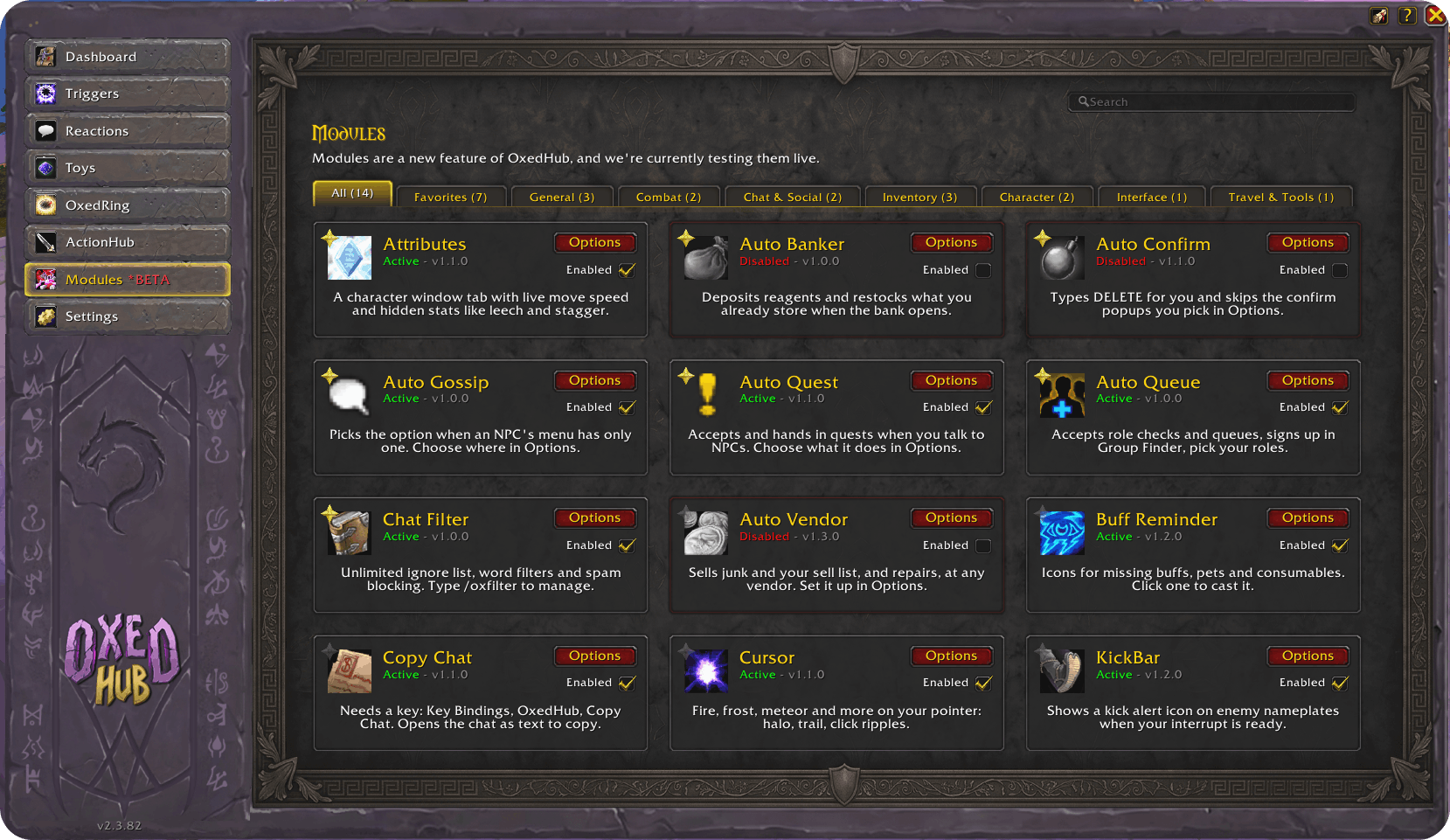
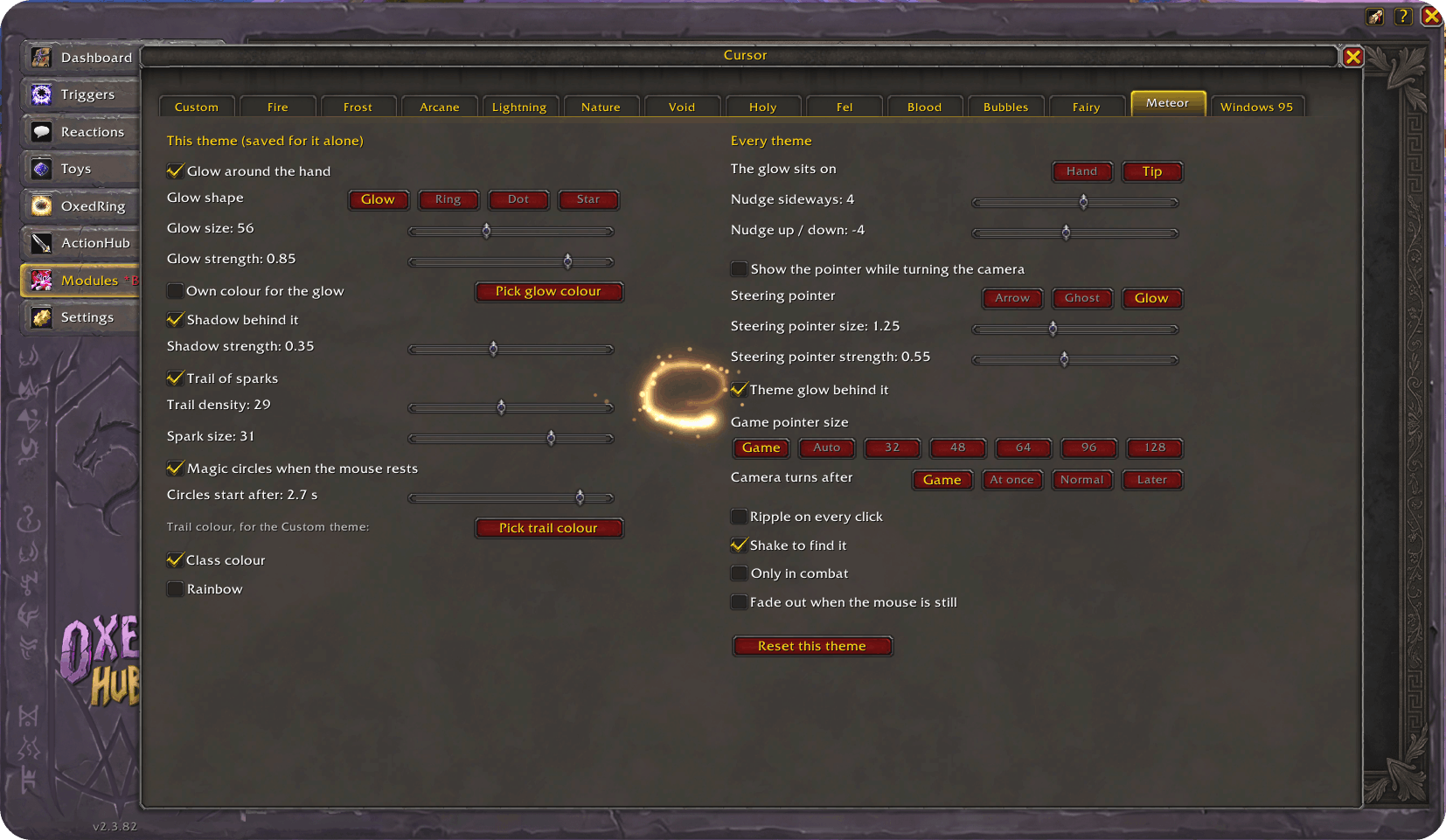
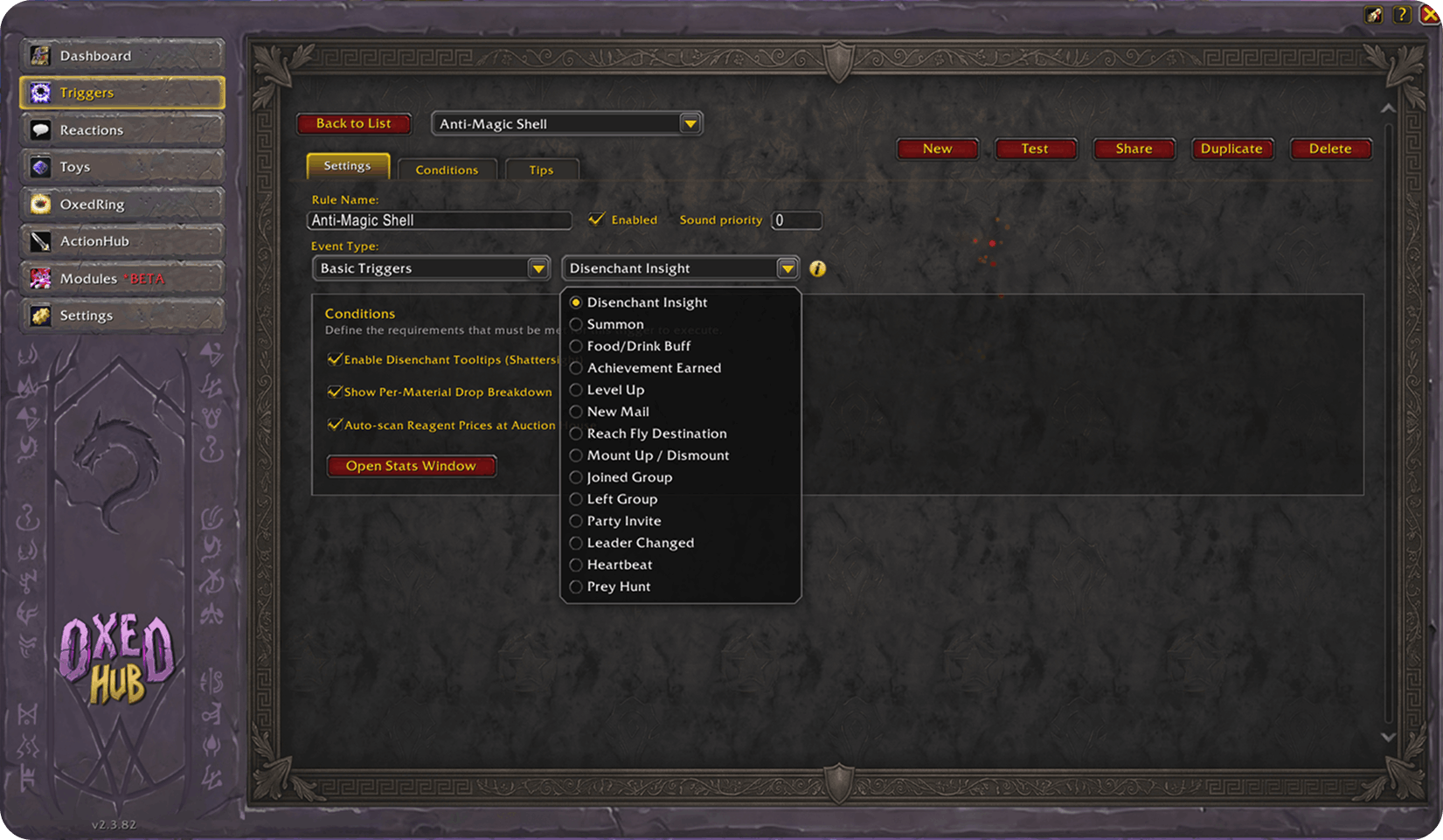
image 10 (1).png
Description
Welcome to Oxed Hub!
Oxed Hub is a unified interface designed to bring your World of Warcraft experience to life through custom sounds, triggers and reactions.
Bring your UI to life with custom animations, sound effects, triggers, and reactive elements using Oxed Hub, a high-performance addon built to make your World of Warcraft interface feel dynamic and immersive.
Features:
- Custom Sounds: Play local sound files in response to events.
- Custom Animations: Play TGA sprite sheet animations anywhere on your screen.
- Emotes: Perform in-game character emotes automatically.
- Chat Messages: Send automated chat messages to any channel.
- Toys & Macros: Create complex macro sequences including toys and equipment.
- Action Hub: A powerful, multi-node radial interface for high-intensity gameplay.
- OxedRing: A quick-access action wheel for on-the-fly reactions.
- Modules: Fourteen built-in tools, each switched on and off on its own card.
Modules (Beta):
Every module ships switched off and does nothing until you turn it on. No reload needed, and each one has its own Options.
How to use:
- Reactions Tab: Start here. Add your custom sounds, animation sprite sheets, and chat templates.
- Triggers Tab: Create rules. Choose an in-game Event (like spell cast or aura applied), and assign what Actions (Sound/Animation/Emote/Chat) should fire when that event happens.
- Toys Tab: Build custom toy macros and assign them to the ActionHub or OxedRing for easy access.
- Action Hub: Configure your node limit and quadrant. Assign any toy macro or reaction to your hubs for the ultimate toolkit.
- Dashboard: View all of your active triggers at a glance, learn how to use an addon.
Performance:
Type /oxprofile to record what the addon does. The report names every lag spike's cause: OxedHub, another addon by name, a memory cleanup, a busy scene or the game itself, and lists what ran in the frame.
Built to stay out of the way: nothing is measured while the recorder is off.
Settings & Profiles:
- Profiles: Create multiple setups for different characters or playstyles.
- Import/Export: Use the 'Export' button to get a string you can share with others, or 'Import' to add a friend's profile to your addon.
Tips:
You can search across your sounds, chat messages, and animations using the search bar.
When adding custom sounds, you MUST restart the game client for World of Warcraft to recognize the new files. All new files should be inside user created folder in Addon location - OxedHub_CustomMedia
Use the Settings tab to adjust the master sound channel and manage your profile data.
The window dresses up for the holiday running in the game, with the dates at the foot. Switch it off in Settings.
Slash Command
/ohub /oxedhub
Oxed Hub - All In One Alerts System Team