
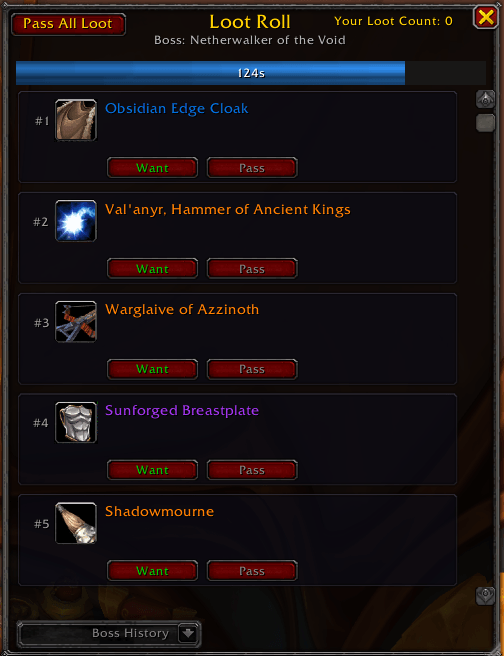
Medium Roll Frame - Default roll frame size
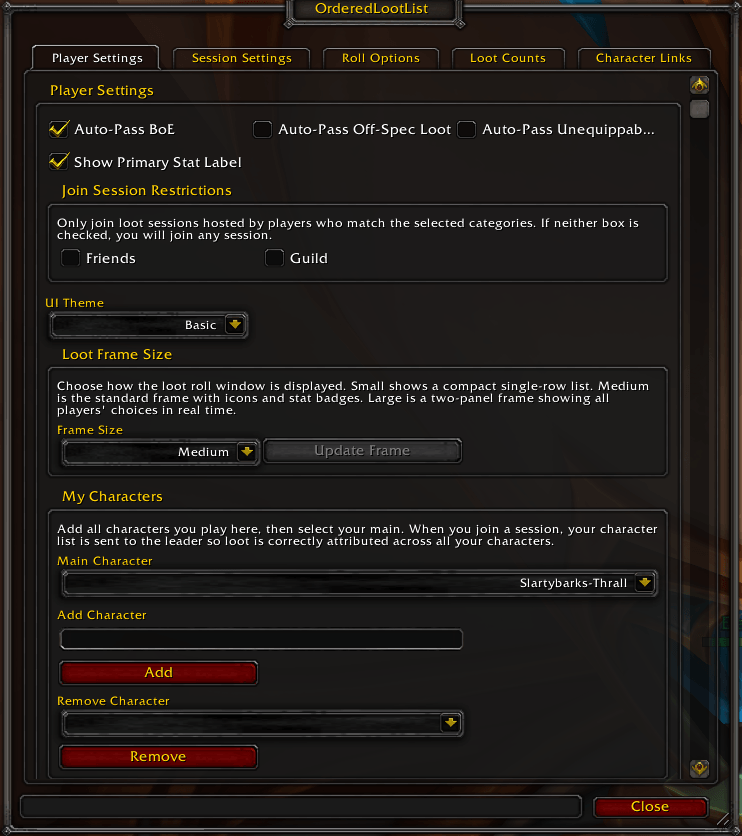
Player Settings Tab - Adjust your personal settings
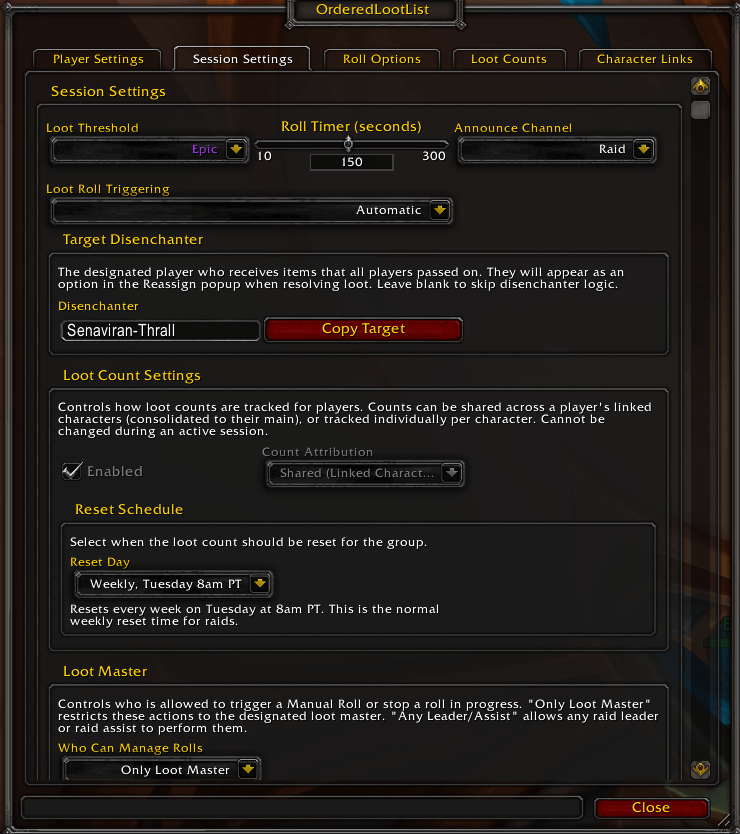
Session Settings Tab - Adjust the settings for sessions you start
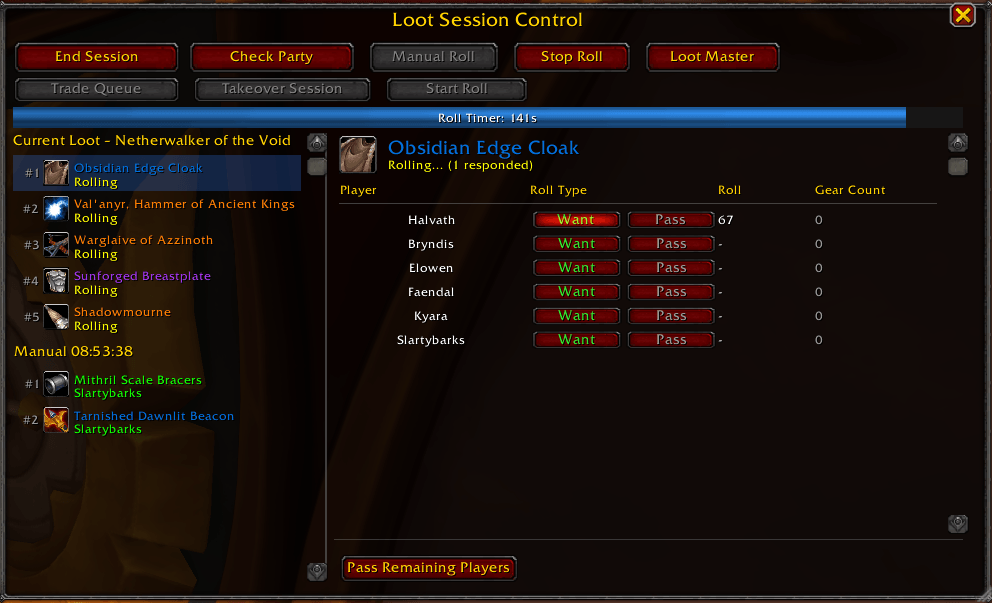
Leader Frame - The frame seen by the Session Leader, Loot Master, and Raid Assists to facilitate loot
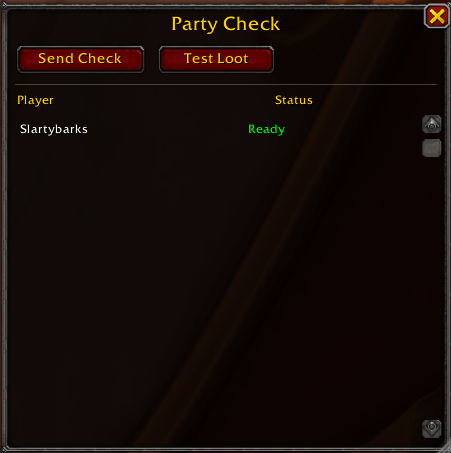
Version Checker - Utility to check that the party has the OLL and that it's on the same version as the Session Leader
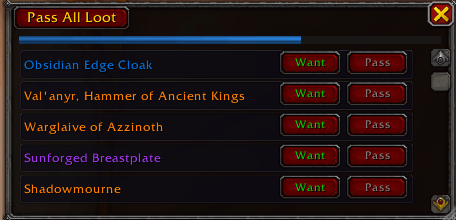
Small Loot Frame - Ultra-compact loot frame to minimize data bloat
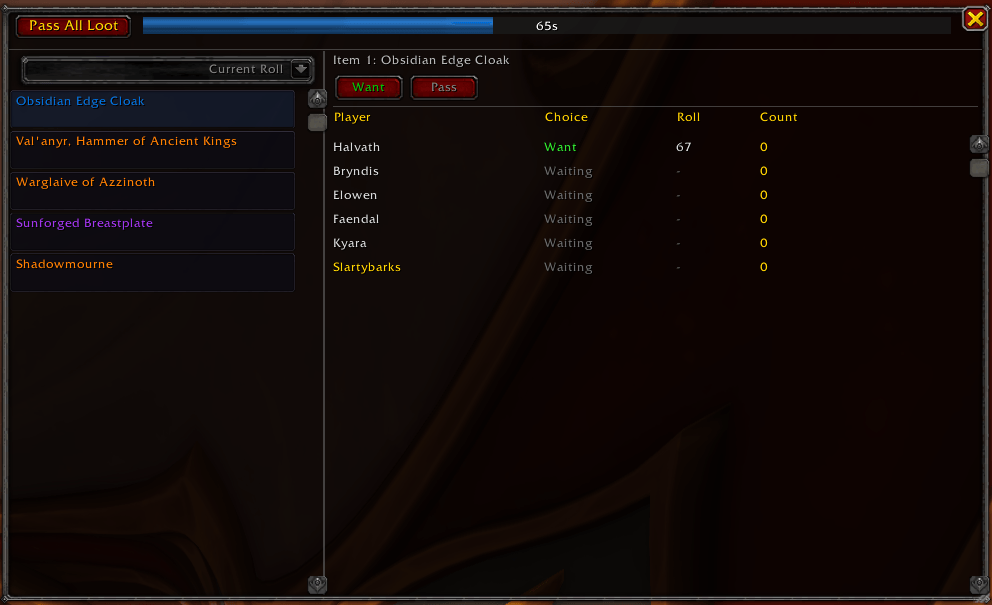
Large Loot Frame - Larger frame to see all the data possible including real-time party choices
Description
OrderedLootList
What is OrderedLootList?
OrderedLootList (OLL) is a loot management tool to help guilds manage raid loot in a cleaner and more fair way. OLL is using a "loot count" system for loot. The basic rules for this loot style are:
- Each week, every player's loot count resets to 0
- Each time a player wins a piece of loot, their count increases by 1
- Loot is resolved (assigned winner) based on the order the loot appears in the list. Items lower on the list wait until higher items resolve, allowing players to focus their rolls on what they want
- When rolling on items, the player with the highest roll and lowest loot count wins
- Ex: 3 players roll. Player 1 has a count of 2, Player 2 and Player 3 have a count of 0. Player 1 rolls a 90, Player 2 rolls a 65, Player 3 rolls a 72. Player 1 loses because their loot count is higher than Player 2 and 3. Player 3 wins because both players have the same loot count as each other, and Player 3 rolled higher.
Some other features included:
- Multi-Manager Loot: In raid, the raid leader as well as the raid assists all have access to manage the loot system (can be toggled to just Loot Master in settings).
- Loot Frame Size Options: Select the size of loot roll frame you want to see. With options like the ultra-compact "Small", the information and standard size "Medium", or the in-depth and party-wide details in "Large".
- Loot Session Resume: When starting a new session, any previous session you're able to resume (session leader or loot master) will show in a list. Resume-able sessions reset weekly with raid lockouts.
- Loot Master Control: The raid leader/assist in charge of the session is assigned the Loot Master role. They are the one who receives all the loot from a boss kill and are responsible for distributing the loot. This defaults to the session leader, but can be changed to another leader/assist at any time by the session leader or current Loot Master.
- Manual Loot Triggering: Loot leaders can create a manual roll for any tradeable items. Can be used to facilitate a loot roll that failed for any reason, or even for something fun like a raffle! This setting can be set to "Only Loot Master" or "Any Leader/Assist".
- Character Linking: All characters that load the addon are automatically "linked" together and share the same loot count total (adjustable in session settings). Players can select their main from settings so all loot counts are associated with that "loot main".
- Main Character Tooltip: All character names in the addon will display a "Main: NAME" small tooltip when hovering over their name if that character is not that player's main character in the addon.
- Designated Disenchanter: Leader can assign a designated disenchanter in settings to receive all loot that is passed on by all party members. This doesn't count as "loot" for the disenchanter on their loot count.
- Trade Queue: Each won item is placed in the trade queue, providing an easy button to both start a trade and automatically place the won item(s) in the trade window.
- Usable Loot Filtering: Toggleable option to only roll on items your loot spec can use. Other items are auto-passed. Also have toggleable option to show/hide a "main stat label" on items in the Loot Frame.
- Auto-Pass "Hold 'W' Mode": Option to just "Hold W" and run the content. This will auto-pass all loot dropped, useful when clearing lower tier content you're sure you don't need loot from. You are asked if you want the mode on when joining a new session to ensure you don't auto-pass loot by mistake.
- Adjustable Loot Count Reset Schedule: Options for automatically resetting the loot count weekly or monthly. Or turn this setting to "Manual" and reset loot counts whenever you want.
- CSV Exporting: Anybody can export the loot count list or the loot history list into a CSV for external use.
OrderedLootList Team
