OpenMap Tweaks
- By
Extras for OpenMap: satellite view, zone maps at every zoom, a normal-size full-screen map, a performance mode and lockable drawings.
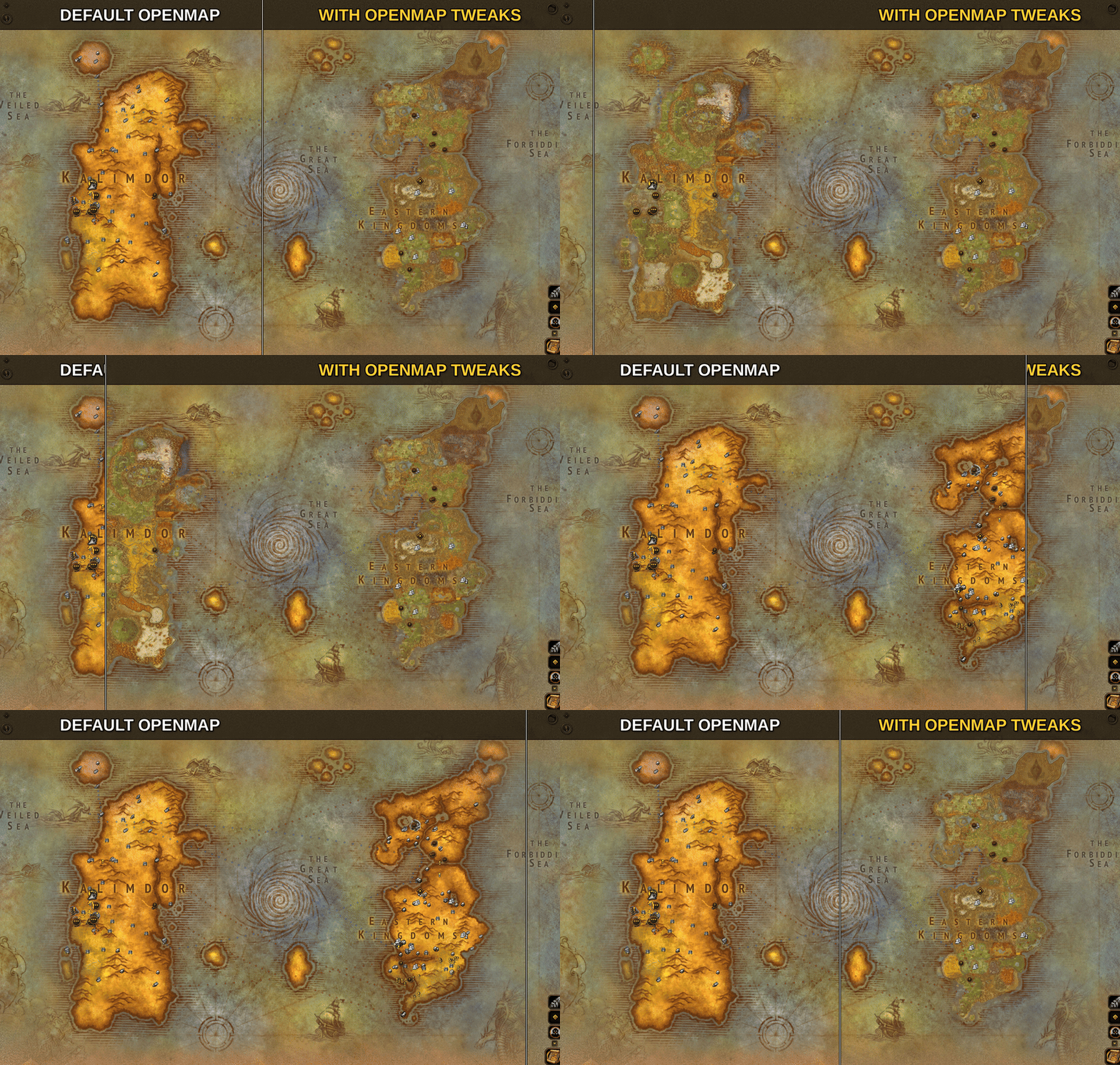
Description
OpenMap Tweaks adds extras to OpenMap. It never touches OpenMap's own files, so OpenMap updates won't undo it.
Features
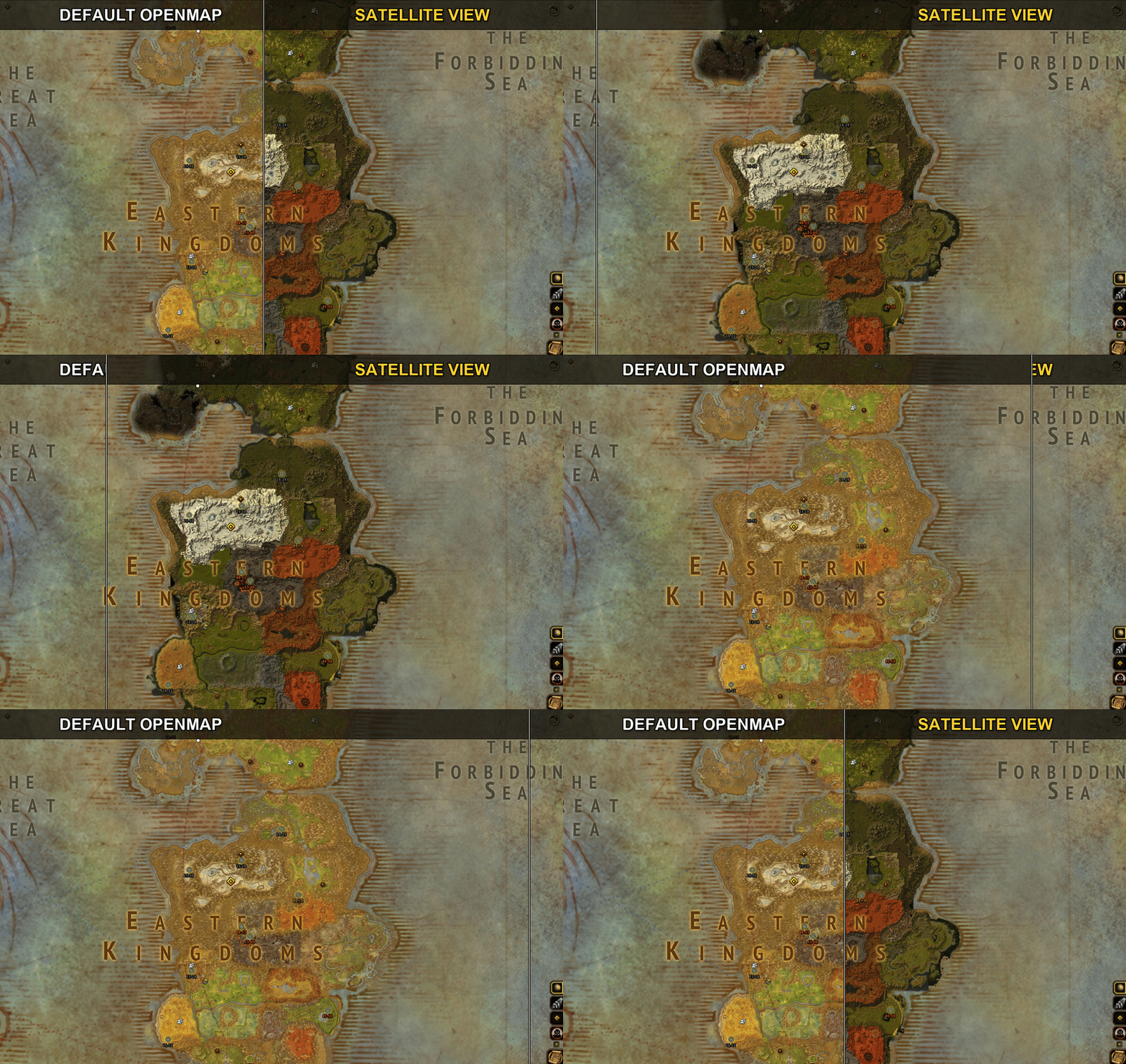
- Satellite view. A globe button on OpenMap's button stack shows the game's real top-down terrain in true colour at every zoom. Quel'Thalas and Hyjal keep the painted map.
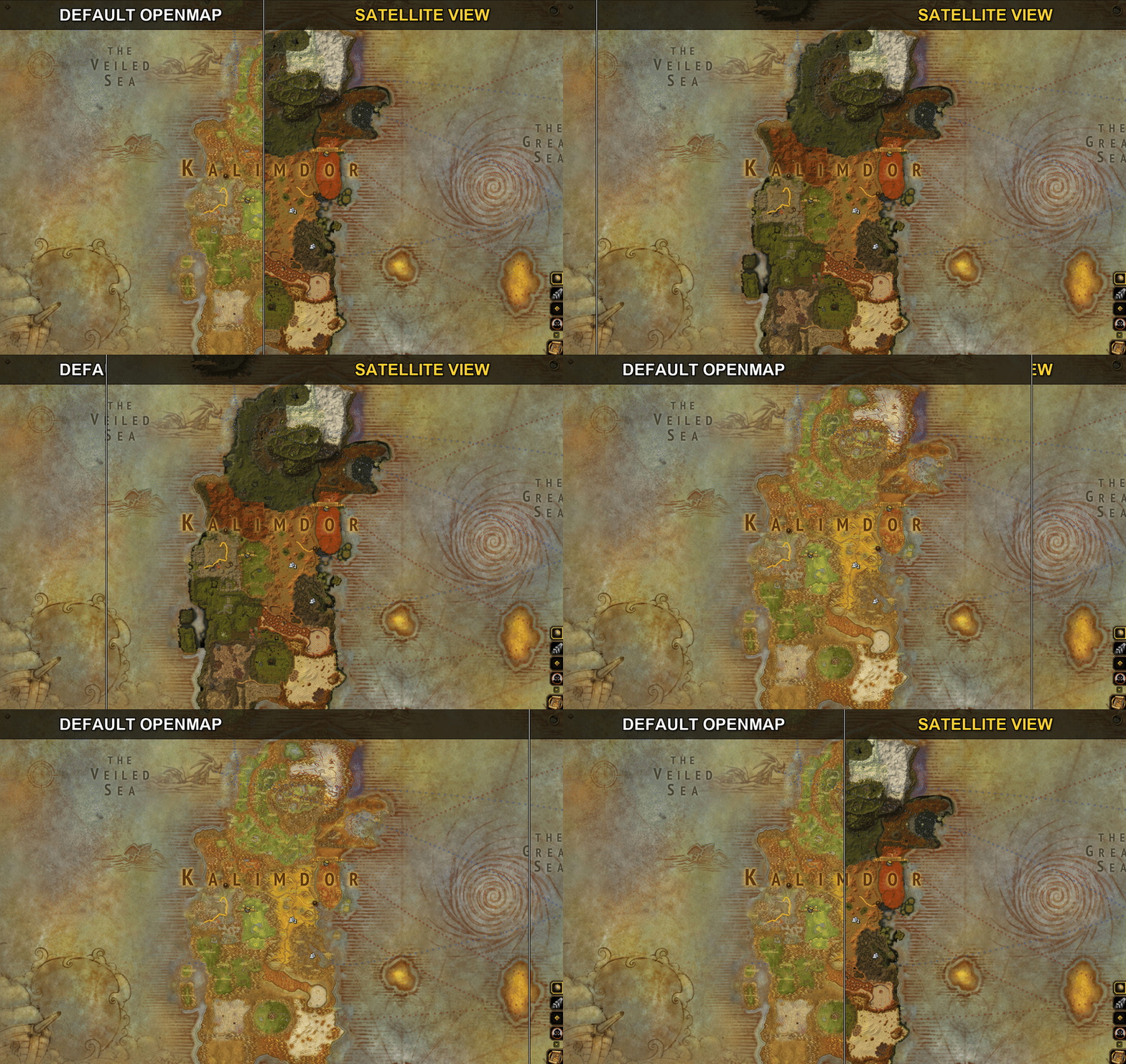
- Hide undiscovered areas. A button that hides unexplored land, in satellite view too.
- Gathering nodes. A map button and the minimap show herb and ore spawn points for the zone, by default only for professions you've trained. Each spawn point shows one icon, for the highest-level node it could be. Nodes you gather are learned, and nodes above your skill are dimmed.
- Zone maps at every zoom. No switch to the continent map as you zoom out.
- Normal-size full-screen map. Keeps Blizzard's size on wide and ultrawide screens.
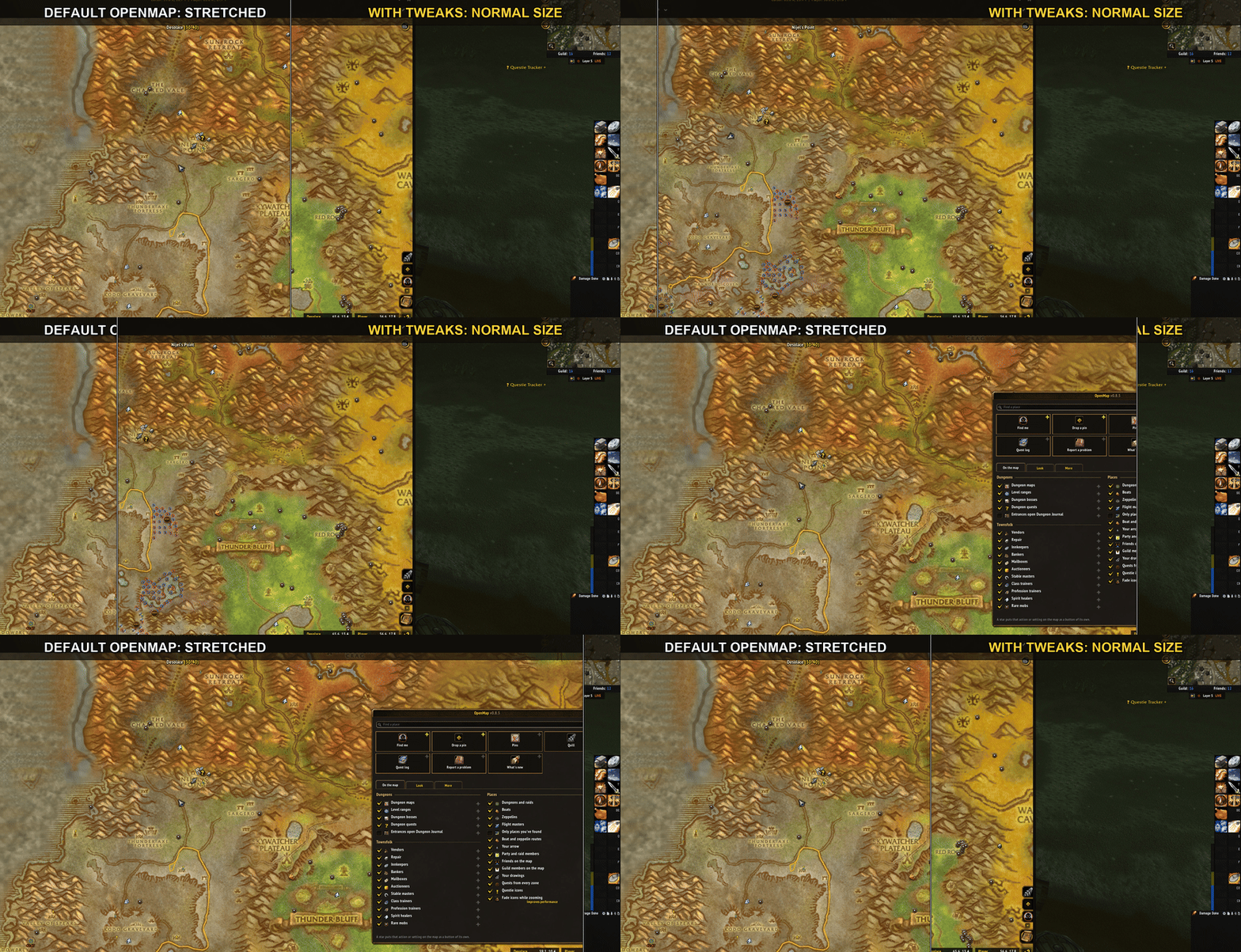
- Map on top. The world map draws above other UI, and the quest log stays in front of it.
- Quest markers. Every zone's quest markers stay on the map. /omt quests shows a report.
- Performance mode (on by default). Lighter map art and hidden addon icons when zoomed far out.
- Fast map opening. Map icons and flight routes fill in nearest-first instead of all at once, and ElvUI's map setup isn't redone on every open.
- Hide vendor icons (on by default). Turns off OpenMap's vendor icons in towns.
- Cleaner ore spots. Ore nodes sharing a spot merge into one strip of icons with a tooltip.
- Enemy spirit healers show in red, with the faction in the tooltip.
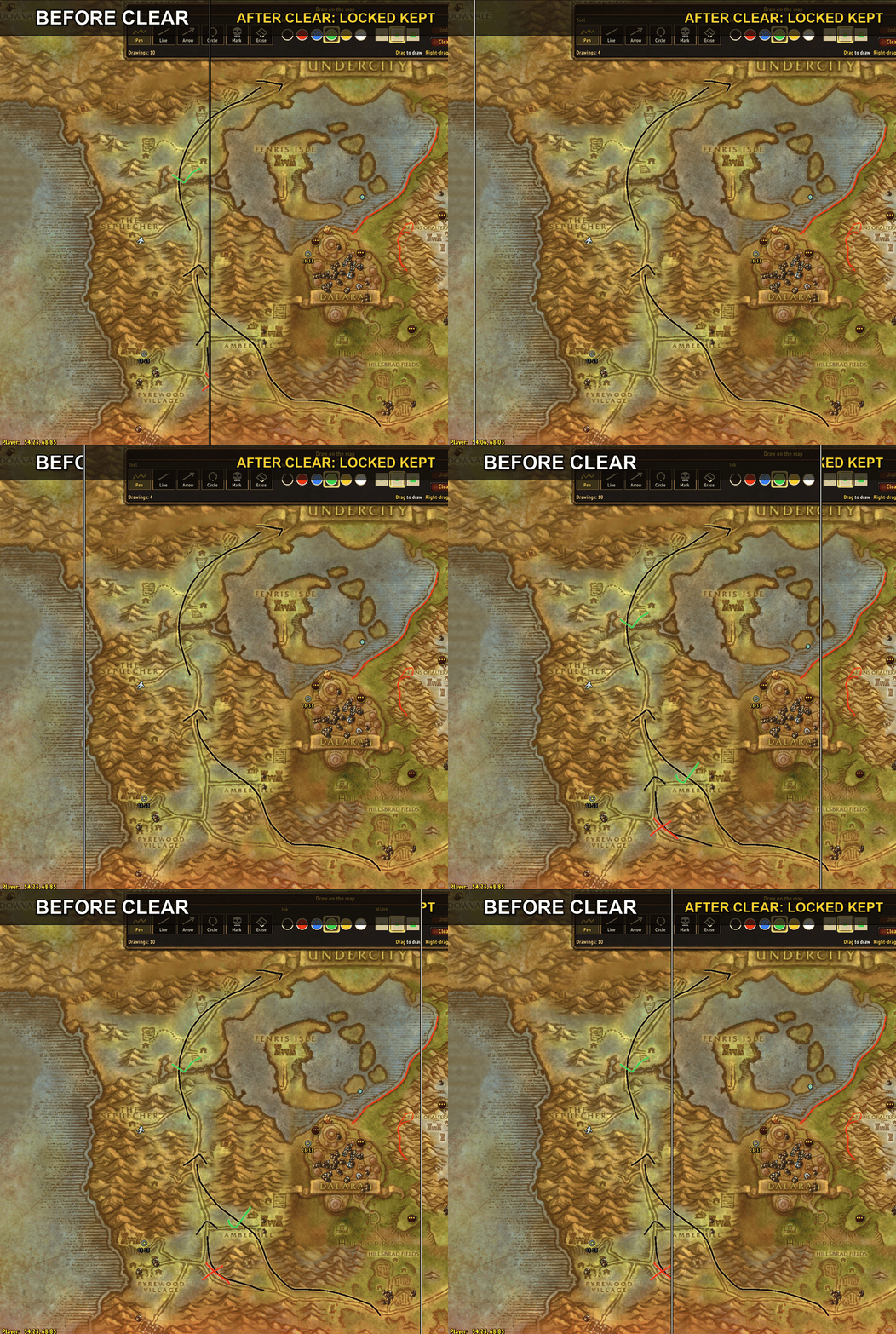
- Lock your drawings. With OpenMap's quill out, Ctrl-click a drawing to lock it. Clear, Undo and the eraser skip locked drawings. Ctrl-click again to unlock.
Commands
- /omt shows all settings
- /omt sat, /omt explore, /omt size, /omt zoom, /omt top, /omt performance, /omt quests, /omt vendors, /omt pins <zoom>
Requires OpenMap. Works with Questie.
OpenMap Tweaks Team